eSIM Free Trial Travel: Compare Cost, Setup and Coverage
An eSIM free trial can be a useful way to test mobile data before committing to a travel plan. A meaningful test drive gives you enough data to check Google Maps, send messages, load websites, and run a few speed tests after you land. By contrast, a 50MB to 100MB promotion may run out before you can learn much, making it feel more like a signup incentive than a practical trial.
The word “free” also says little about the plan’s real value. You’ll want to check what you’ll pay after the allowance ends, how long activation takes, and whether the connection works reliably where you’re staying. Comparing your likely usage with a travel data usage calculator can help you judge whether the trial has enough data to be useful.
The goal is to find a dependable travel connection, not simply the offer with the word free. We’ll compare each trial by its post-trial price per GB, setup effort, and coverage quality so you can see which options are worth testing.
eSIM Free Trials: How to Compare Price per GB, Setup Time, and Coverage
A fair eSIM free trial travel comparison should measure more than the amount shown as free. Score each offer on data value, activation friction, and network performance before you install it.
Start with the terms that affect value
The trial allowance is the amount of data included at no cost, such as 500MB or 1GB. Post-trial pricing tells you what you’ll pay after that allowance expires, usually through the first top-up or a recurring plan.
Setup time includes installation, activation, and any eKYC identity check, which may require a passport or ID upload. The host network is the local carrier that provides the actual signal. A speed cap limits how fast data can run, while a coverage tier indicates whether the trial uses a primary carrier network or a lower-priority partner.
Use this table for every provider you consider:
| Provider | Trial data | Expiration | Payment details required | Setup time | Supported networks | Hotspot rules | First top-up price |
|---|---|---|---|---|---|---|---|
| Provider A | 500MB | 7 days | No card | 3 minutes | Local carrier | Allowed | $5 |
| Provider B | 1GB | 3 days | Card required | 15 minutes | Partner networks | Restricted | $8 |
The sample values only show how to compare offers. Trial conditions change, so confirm the current terms in the provider app or checkout page before relying on an eSIM free trial.
Compare the True Cost Before Choosing a Free eSIM Trial
A free eSIM trial can show you whether a provider works at your destination, but the offer may come with conditions. Review the paid plan before activation, because a trial tied to a subscription may create costs before you realize it.
The hidden costs that can change the value of a travel eSIM
Some providers require a credit card even when the initial data costs nothing. That payment method may activate an auto-renewing plan when the trial ends. The Federal Trade Commission recommends checking how free trials convert into paid subscriptions and how to cancel them before signing up through its guide to free trials and auto-renewals.
Taxes, currency conversion, and foreign transaction fees can also raise the final amount. A plan displayed in euros or another local currency may cost more on your US card than the headline price suggests. Support can have limits, too. Some providers include chat assistance, while others charge for priority help or offer only automated support.
Hotspot access deserves a separate check. A trial may allow phone data but block tethering, cap hotspot usage, or reduce speeds after a small allowance. Data can also expire within 24 hours or a few days, leaving you with less time to test coverage. A short trial may work for checking service at an airport, but longer trips require a competitive paid rate.
Treat the trial as a preview of the provider’s pricing only when the paid terms match what you need. Before activation, record the first top-up price, the data included, and the cost of larger bundles. Destination-specific pricing matters because the same provider may be affordable in one country and expensive in another.

Use this quick review before entering your payment details:
- Confirm whether a card is required and whether the trial starts a recurring subscription.
- Check the exact renewal date, renewal price, taxes, and currency.
- Find the cancellation method and complete it before the trial expires if you don’t want to continue.
- Record the first top-up cost, included data, and larger bundle prices.
- Verify the trial’s expiration date, speed limits, and hotspot rules.
- Check whether support is included or carries a separate fee.
A trial that requires a paid subscription is not automatically risk-free. If the post-trial price is high, the free allowance expires quickly, or hotspot access is blocked, a slightly larger paid plan from another provider may offer better value.
Measure Setup Time and Activation Friction Before You Leave
Setup time matters most when you need directions, a rideshare, or a hotel message immediately after landing. A trial that takes two minutes on home Wi-Fi is far more useful than one that leaves you searching for support in an unfamiliar airport.
What a fast, low-risk eSIM activation should look like
A smooth eSIM free trial travel setup should take only a few minutes:
- Check that your phone supports eSIM and is carrier-unlocked.
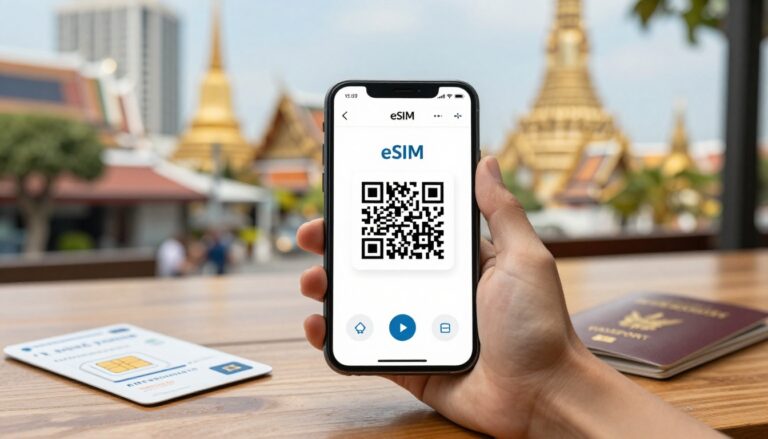
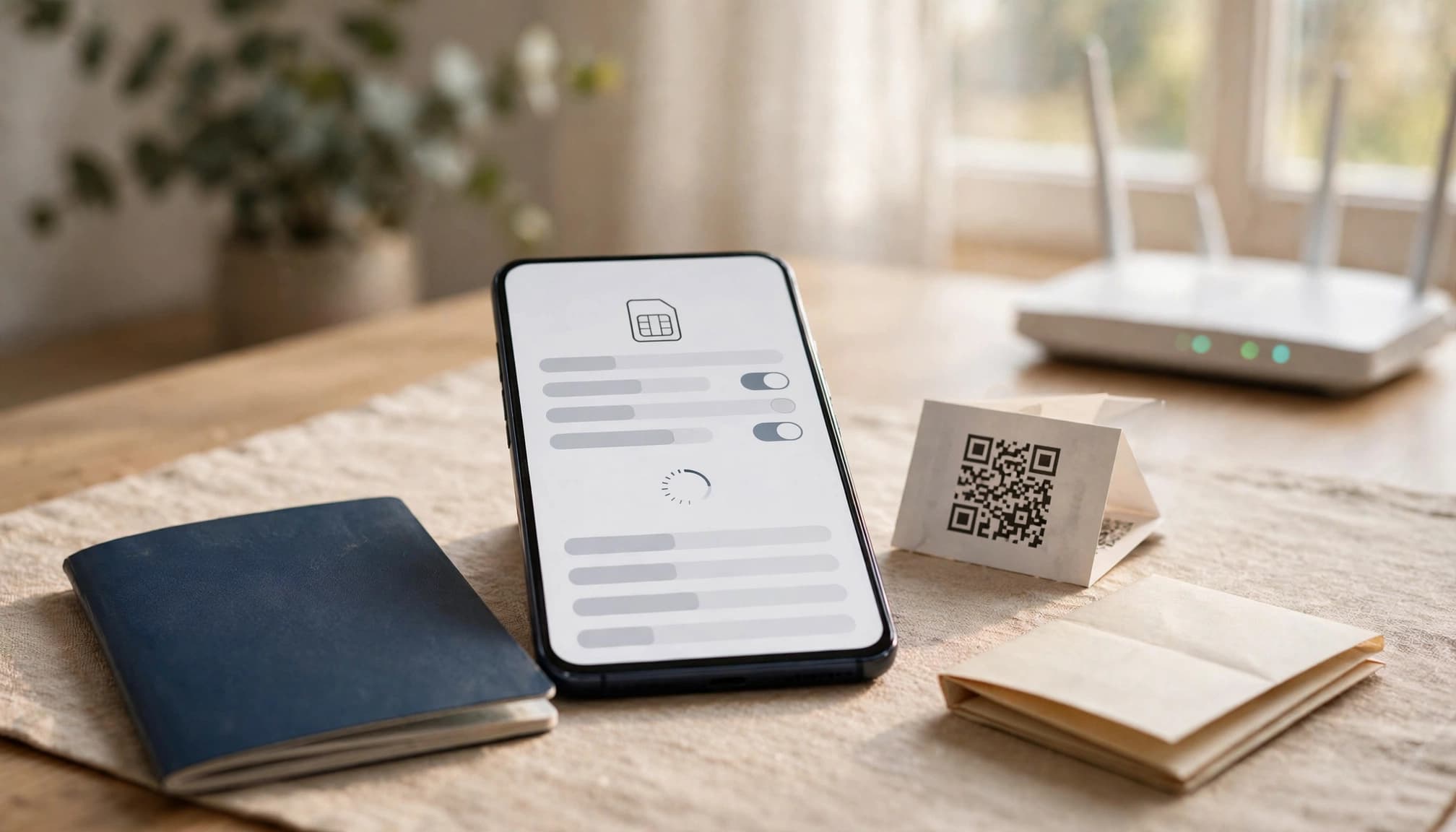
- Install the provider’s profile through its app, email link, QR code, or direct installation option.
- Label the new line with a clear name, such as “Japan Travel.”
- Select that line for mobile data while keeping your primary line available for calls or texts.
- Read the activation rules, including when the trial clock starts and whether data roaming must be enabled.
Install the profile before departure on stable home Wi-Fi. However, wait to turn on the travel line and its data roaming until you arrive. Installation places the profile on your phone, while activation usually begins when that profile connects to a supported network in the destination country. Installing at home doesn’t necessarily start the trial period.
For iPhone users, Apple’s official eSIM setup instructions cover the Add eSIM menu and supported installation methods. Android menus vary by manufacturer, so the provider should offer current instructions for the exact device family. Clear steps should explain where to find the eSIM settings, how to choose the data line, and how to return to the home line after the trip. A travel eSIM installation guide can help if the provider’s instructions are incomplete.
Email-only signup is usually enough for a basic data trial when the provider only needs to deliver a QR code or app activation link. A passport upload or other identity check may be reasonable when local regulations require customer registration, especially for domestic mobile service. Still, identity verification adds time and creates another point of failure, so factor it into your comparison.
Avoid credit card and auto-renewal surprises
Before starting the trial, determine whether payment details are optional, used only for verification, or tied to a recurring plan. A card requirement doesn’t always mean an immediate charge, but you should know the exact renewal date, amount, and cancellation method.
If you don’t want the paid plan, cancel auto-renewal through the provider’s account page or app. Canceling billing is different from deleting the eSIM profile. Keep the profile installed until you confirm that billing has stopped, because deleting it may prevent reuse or make troubleshooting harder. After cancellation, take a screenshot showing the confirmation and renewal status.
A trial can end safely while the profile remains on your phone. Remove the profile later, after you no longer need it and have saved any details required for a future installation.
Test Coverage and Speed, Not Just a Signal Bar
A strong signal bar only tells you that your phone can hear a tower. It doesn’t confirm that data will load quickly, remain stable indoors, or support hotspot use. Your eSIM provider sells the plan, but a local mobile network carries the traffic, so check both before judging the service.
Use the landing airport as your first real coverage test
After landing, turn on the travel eSIM and disable mobile data on your home line. Check the phone’s status or cellular settings to see the connected host network name. Then load a few websites, open Google Maps, send a message through your usual messaging app, and run one speed test.
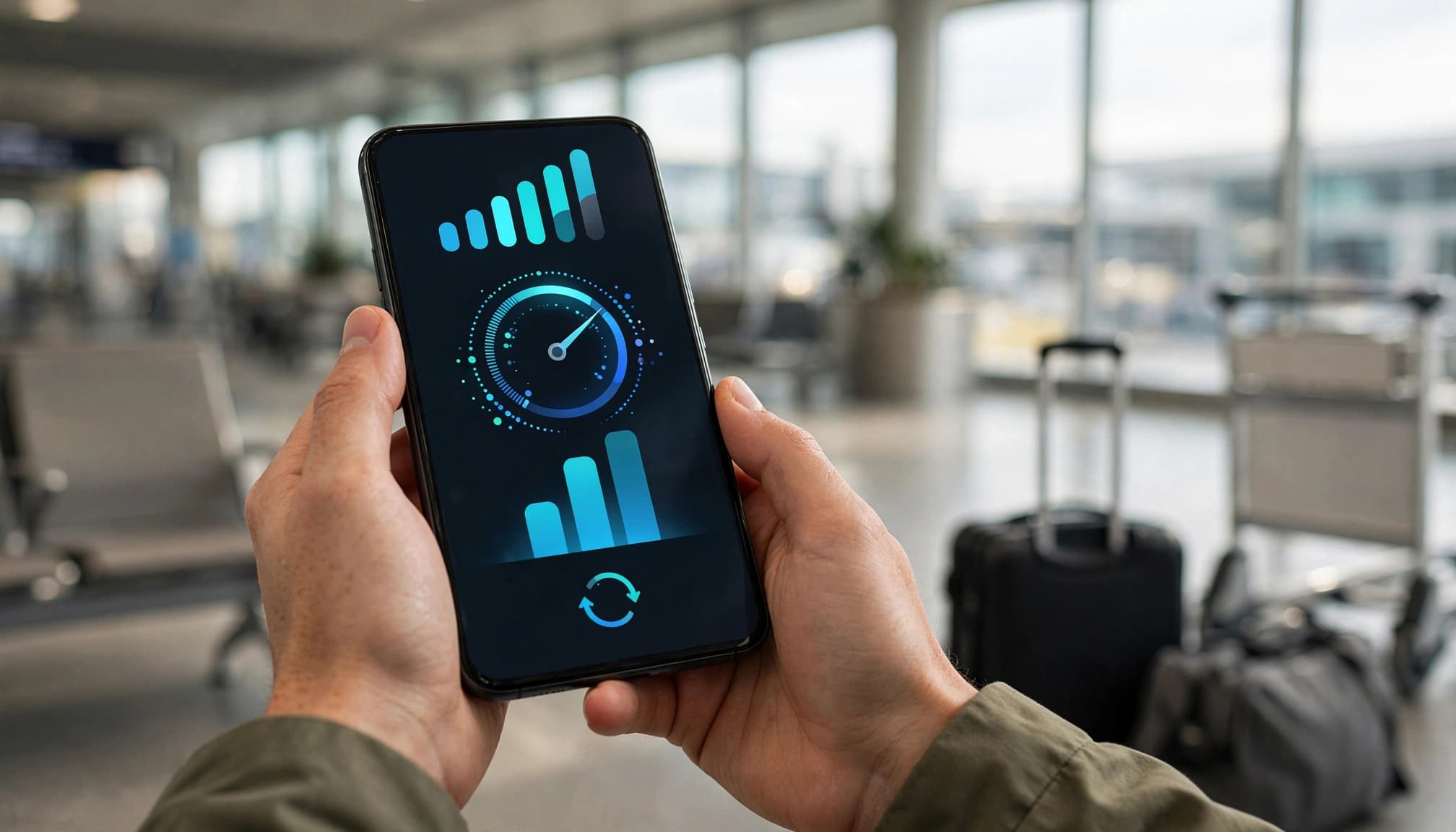
An airport gives you a useful first test because it combines indoor walls, crowded terminals, and heavy network demand. Record the download speed, upload speed, latency, and whether pages load consistently. The FCC Mobile Speed Test app can also help you collect a real-world mobile performance reading.
One successful connection doesn’t prove nationwide reliability. Repeat the test at your hotel, inside another building, in a busy city area, and at a likely day-trip destination. A service that works beside the arrival gate may struggle in a concrete hotel room or rural valley.
Check whether the trial has full service or a restricted profile
A trial may not match the paid plan. Providers can route trial traffic through a different roaming partner, assign lower network priority, impose a speed cap, block selected services, or disable tethering. During busy periods, a lower-priority profile may slow down even when the phone still shows several bars.
Review the fair-use policy and coverage details before treating the results as representative. Look for:
- The local carrier or roaming partners available at your destination.
- Supported network bands and whether 4G or 5G access is included.
- Any speed limit, deprioritization rule, or blocked service.
- Whether hotspot or tethering works, and whether it has a separate data limit.
If you need a laptop or tablet connection, test hotspot functionality before leaving the airport. Travelers who rely on an iPad can review this iPad eSIM travel hotspot guide.
Peak speed matters less than steady performance. Note how long pages take to load, whether a message sends on the first attempt, and whether the connection drops while walking between locations. Those observations reveal more about daily travel use than a single impressive speed-test result.
Use an eSIM Free Trial for Travel as a Safe Test Drive
Treat the trial as a controlled test, not your only connection. Before departure, confirm that your phone supports eSIM, is carrier-unlocked, and can use the trial in your destination. Check the trial expiration date as well, since some offers begin counting down at installation.
Install the profile on stable home Wi-Fi, then label it clearly, such as “Travel Data.” Keep the primary SIM available for calls and texts, but disable its mobile data and data roaming. This prevents your home line from quietly using expensive roaming data after landing.
A practical arrival-day testing checklist
Once you arrive, follow the same order each time so a failed connection is easier to troubleshoot:
- Activate the travel eSIM and select it as the mobile-data line.
- Turn on data roaming for the travel profile if the provider requires it.
- Confirm that your phone displays a local network name, not only “No Service” or “SOS.”
- Test the signal indoors, such as inside the airport terminal, hotel, or a concrete building.
- Open a website and check whether pages load without repeated refreshes.
- Open Google Maps, search for a destination, and load directions.
- Send a message through WhatsApp, iMessage, or another messaging app.
- Make a short voice or VoIP call if your trial supports calling.
- Run one speed test, then note whether browsing feels stable rather than focusing only on the top speed.
- Turn on hotspot access and connect a second device if you need laptop or tablet data.

Keep the home line available for calls or texts only when your carrier confirms that it won’t charge roaming fees. Otherwise, leave that line disabled until you understand the rates. Before the free data runs out, review the provider’s top-up price and decide whether to continue, switch plans, or install another eSIM.
When 500MB is enough, and when it is not
A 500MB travel eSIM trial is usually enough to test connectivity, load maps, send messages, check email, and run a few speed tests. It can disappear quickly, however, if you watch video, scroll image-heavy social feeds, allow cloud backups, or download app updates.
Use the trial size to match the test to your trip:
| Trial type | Typical allowance | Best use |
|---|---|---|
| Micro-trial | 50MB to 100MB | Checking whether service appears at a stopover |
| Standard test drive | 500MB to 1GB | Testing one destination for a day |
| Larger trial | 3GB or a daily limit | Evaluating service during a multi-day trip |
A micro-trial can confirm that a profile connects, but it rarely proves much about daily reliability. For most travelers, 500MB to 1GB offers a more useful test drive. Choose 3GB or a daily-limit trial when you plan to compare coverage across several locations or rely on the eSIM before buying a larger package.
Choose the Best Trial by Matching It to Your Trip
The best eSIM free trial travel offer depends on your itinerary, not the largest free-data number. A smaller allowance on a reliable local network may help more than several gigabytes on a slow, restricted connection.
The final comparison checklist
Before choosing, ask these questions:
- How many usable gigabytes are included, and will that cover your arrival-day needs?
- When does the trial expire, and does the timer start at installation or first connection?
- What is the first paid price per GB after the free allowance ends?
- Is a credit card required, and can the trial trigger automatic renewal?
- Does the provider require identity verification, such as a passport upload?
- How long should setup take on your exact phone?
- Which local networks support the plan at every destination?
- Is the connection speed capped or subject to lower network priority?
- Does hotspot work, and does tethering have a separate data limit?
- Can the plan renew automatically without a clear cancellation reminder?
- Does the coverage include every stop on your itinerary, including rural areas or layovers?
Your answers should match the trip. A micro-trial of 50MB to 100MB suits a quick airport connection check. A standard test drive of 500MB to 1GB works better for maps, messaging, and speed tests during a short stay. A full trial pass with 3GB or more gives you time to test several destinations.
Before departure, save the provider’s support email, chat link, and emergency troubleshooting instructions offline. If you also want to compare travel eSIMs with carrier-based free trials, read Gohub’s USA free eSIM trial guide before choosing the right option for your trip.
| Trial type | Best match | Main limitation |
|---|---|---|
| Micro-trial | One arrival or short stopover | Too little data for extended testing |
| Standard test drive | Short trip with moderate data use | May require basic signup steps |
| Full trial pass | Multi-day trip or several destinations | May require payment details or verification |
Turn a successful trial into a reliable main plan
If coverage holds indoors, speeds remain usable during busy periods, and setup causes no problems, compare the provider’s larger bundles and regional plans. Check the paid continuation by total cost, expiration period, hotspot rules, and price per GB. Then compare it with independent travel eSIM options before buying more data.
A failed trial needs diagnosis before you spend more. Installation errors may come from an outdated phone, a locked device, or incorrect cellular settings. Slow service may result from local coverage, congestion, a speed cap, or the provider’s routing. Check the connected network name and plan terms before blaming the phone.
Keep the trial results in a note, including the location, speed, host network, and whether hotspot worked. That record turns a free test into evidence for choosing a longer plan.
Conclusion
A useful eSIM free trial travel comparison goes beyond the free allowance. Calculate the first paid plan’s real price per GB, check payment and auto-renewal requirements, and record how much setup time the provider needs. A trial with generous data can still offer poor value if the top-up price is high or activation requires unnecessary steps.
Install the eSIM before departure on stable Wi-Fi, then test it soon after landing in realistic conditions. Check the host network, load maps and websites, test messaging, and verify coverage indoors or in busy areas. Before relying on the service, review the top-up terms and hotspot rules. These steps help separate a useful test drive from a short-lived promotion.
The best choice is the trial that gives you the clearest evidence about the paid plan you may use for the rest of the trip. For more context, compare eSIM cost per GB and review the QR code eSIM setup guide before you leave.