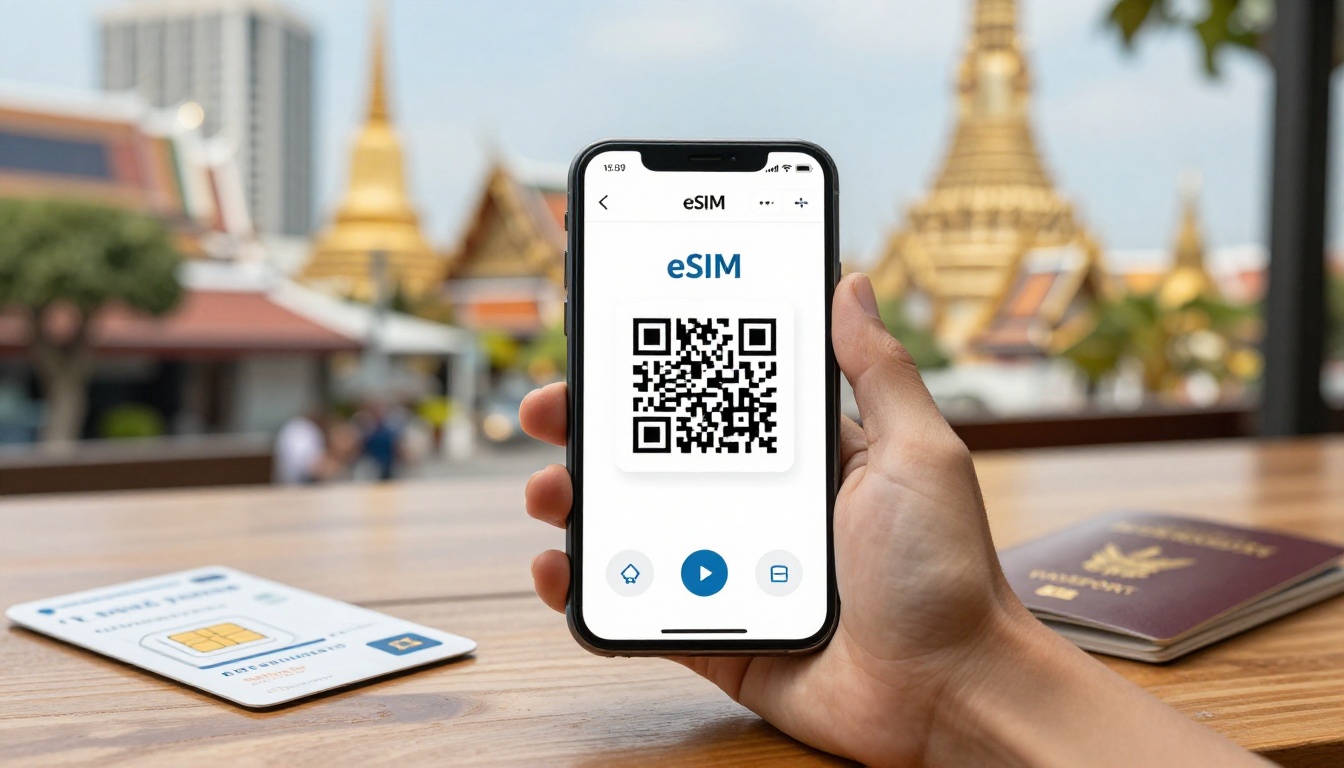
Thailand Prepaid SIM Guide: Compare Plans by Criteria
Thailand offers countless prepaid SIM and eSIM plans, but cheap prices and “unlimited” claims can hide frustrating limits.
The best Thai prepaid SIM depends on price per gigabyte, high-speed data rules, network quality, setup time, and trip length. Strong plans connect directly to a reliable Thai host network, explain speed limits clearly, and activate quickly with a QR code. This guide compares each option using practical criteria, so you can find the right fit before your flight.
Thailand Prepaid SIM Guide: Compare Plans by the Criteria That Matter
Thailand prepaid SIM offers can look similar at first glance. The real differences appear in pricing, speed limits, network routing, airport setup, and activation time.
Use this matrix to compare the main plan types before reading the fine print.
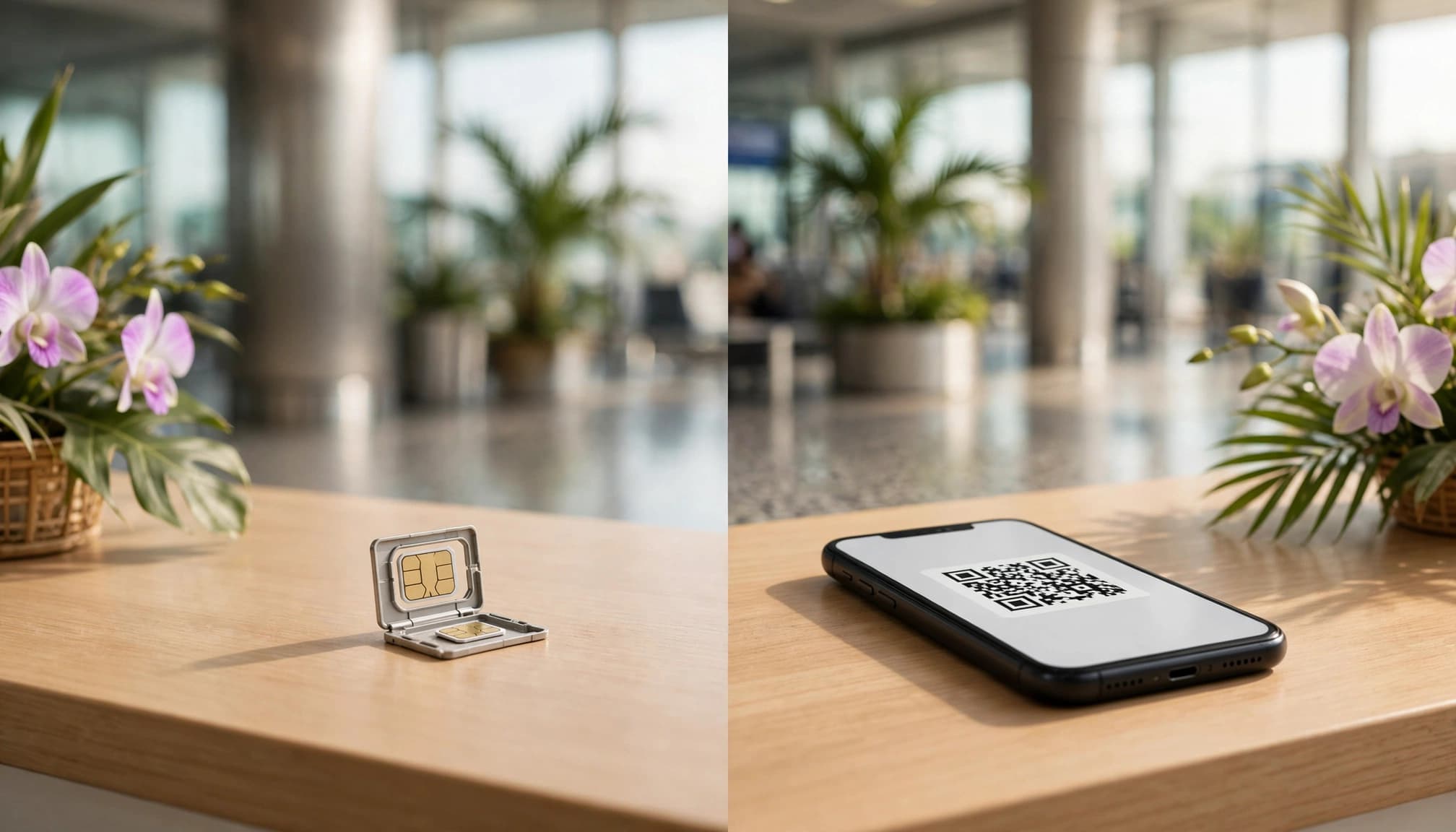
Compare the main plan differences
| Comparison criterion | Low-quality tourist offers | Higher-performance digital options |
|---|---|---|
| Price per gigabyte | About $3 to $5 per GB | About $0.80 to $1.50 per GB |
| Speed rules | Daily fair-use cap, then heavy throttling | Fixed high-speed data allowance |
| Network infrastructure | Secondary roaming channels | Direct national host networks |
| Airport convenience | Airport counter and possible queue | QR activation at home |
| Activation | Staff setup after arrival | Self-installation before departure |
These figures are working benchmarks, not fixed quotes. Prices change by provider, season, trip length, and package terms.
Look past the headline price
A cheap package can become expensive when it includes very little high-speed data. Divide the total price by the included gigabytes, then compare the real unit cost.
For example, a $15 package with 3GB costs $5 per gigabyte. A $15 package with 15GB costs only $1 per gigabyte.
That difference matters when you use maps, ride-hailing apps, photo uploads, and video calls every day. In my book, high-speed data volume matters more than a flashy “unlimited” label.
Check Speed Rules and Network Access
Many tourist plans advertise unlimited data but apply a daily fair-use limit. After that limit, the connection may slow to near-2G speeds.
Fixed high-speed packages offer a clearer experience. You know how much fast data you have, and you avoid sudden throttling during a travel day.
Network routing matters too. Secondary roaming channels may work well in Bangkok but struggle on islands or rural roads. A direct connection to a national host network usually gives you a stronger foundation.
Before buying, review the provider’s coverage terms and the Thailand tourist SIM comparison guide. Also check whether the plan clearly identifies its Thai host network, such as AIS, True, or dtac, before choosing a travel eSIM.
Count setup time as part of the price
Airport SIM counters can involve queues, identity checks, and manual installation. That process feels especially painful after a long flight.
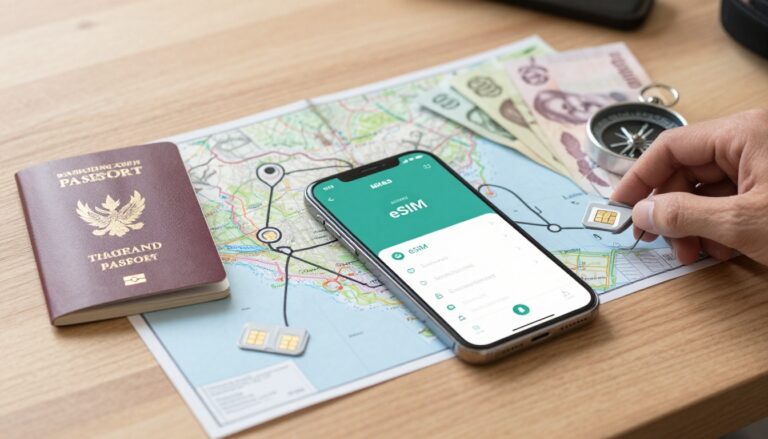
A digital Thai prepaid SIM lets you scan a QR code on stable home Wi-Fi. Your connection can be ready before you land, so you can request a ride immediately.
Four Tests for Choosing the Best Thai Prepaid SIM
A package name tells you very little. Before buying, compare the full terms, network details, speed limits, and setup process.
These four tests cut through bold marketing claims and confusing plan names. They also help you compare a physical SIM with a digital option on equal terms.
Compare the Real Cost Per Gigabyte
The first marketing trap is a low package price with very little high-speed data. A $5 plan may look cheap, but the real value depends on how much usable data you receive.
Calculate the price per gigabyte with this simple formula:
Full plan price ÷ included high-speed data = cost per gigabyte
For example, a $15 Thai prepaid SIM with 10GB costs $1.50 per gigabyte. A $15 plan with only 3GB costs $5 per gigabyte.
That second plan becomes expensive quickly if you use maps, ride-hailing apps, video calls, and photo uploads. The headline price stays the same, but your actual data cost is much higher.
Pay close attention to the words high-speed data. Some plans advertise 50GB of total data but include only 10GB at full speed. The remaining 40GB may run at a much slower rate.
For major Asian travel hubs, under $1.50 per gigabyte is a useful starting benchmark. It isn’t a guarantee of good value, though. You still need to compare network coverage, 4G or 5G access, tethering rules, and speed restrictions.
A high-volume plan also makes more sense for longer trips. You can compare several packages with this cost per gigabyte guide before choosing your Thai data plan.
A low price only matters when the plan gives you enough high-speed data to use comfortably.
The better standard is simple: divide every plan by its full-speed allowance, then compare the result. Don’t compare a fixed 10GB package with an “unlimited” package until you understand what unlimited actually means.
Read Fair Use Policies and Speed Caps Carefully
“Unlimited data” sounds attractive, but the phrase often hides a daily or total fair-use limit. After you reach that limit, the provider may reduce your connection to a very slow speed.
Look for these terms in the plan details:
- High-speed data allowance.
- Reduced-speed or throttled data.
- Daily reset time.
- Hotspot or tethering limits.
- 2G or 3G speed restrictions.
- Total data limits during the validity period.
Imagine two plans with similar prices. The first slows after 500MB each day. The second includes 10GB or 15GB at full speed. The first may technically provide unlimited access, but the second usually gives you a more predictable travel day.
A 500MB daily limit can disappear quickly. A few map searches, social media videos, automatic photo backups, and ride-hailing requests may use most of it. Once the speed drops, even basic pages can feel painfully slow.
Fixed-volume plans work well for travelers who need stable service. They give you a clear amount of fast data for maps, Grab rides, video calls, uploads, and translation apps.
That doesn’t mean every fixed plan offers better value. Check the validity period and confirm whether unused data expires. Also verify whether the stated allowance includes hotspot use.
A clear limit can beat vague unlimited wording. You know how much fast data remains, when the plan ends, and what happens after you reach the allowance.
Check the Local Host Network and Island Coverage
The seller’s logo isn’t the most important network detail. The Thai host network carrying your data matters much more.
Start by checking which national network supports the plan. Then confirm whether the service uses direct local access or a roaming route through another network. The difference can affect speed, latency, and reliability.
Check coverage in the places you plan to visit:
- Bangkok and other busy city areas.
- Chiang Mai and northern travel routes.
- Phuket, Krabi, and Koh Samui.
- Smaller islands and ferry connections.
- Rural roads between major destinations.
Thailand has strong mobile coverage in many popular areas, but no plan works perfectly everywhere. Buildings can weaken signals in Bangkok. Mountains can affect northern routes. Island geography and ferry travel can create gaps. Busy tourist areas may also experience congestion.
Before you buy, look for the stated host network, supported 4G or 5G access, and coverage terms. You should also check whether the plan allows tethering, since some travel eSIMs restrict hotspot use.
A coverage map is useful, but read it as a guide rather than a promise. A colored area on a map doesn’t tell you how service performs inside a concrete hotel or on a crowded beach.
For a broader regional comparison, review these Thailand-compatible regional eSIM options. The better standard is a clearly named local network with direct access, transparent speed terms, and coverage that matches your route.
Measure Setup Time, QR Activation, and Identity Checks
Setup time is part of the price, especially when you land after a long flight. A physical SIM counter may involve a queue, passport checks, device changes, and staff installation.
Airport counters can still help if your phone doesn’t support eSIM. Staff may install the card and test the connection for you. However, the process can take longer during busy arrival periods.
A digital eSIM gives you another option. You can download the profile over home Wi-Fi before departure, then activate it when you reach Thailand. That preparation can save time when you need a ride from the airport.
Read the activation terms before installing anything. The plan may begin when you:
- Install the eSIM profile.
- Connect to a Thai network.
- Turn on the data line.
- Use mobile data for the first time.
Those details matter when your plan has a short validity period. You don’t want to lose a travel day because the clock started during installation.
Check whether the provider sends a QR code immediately. Look for manual installation details, APN instructions, hotspot support, and customer assistance. A clear setup guide is a good sign, especially if you have never installed an eSIM.
You can follow this travel eSIM activation guide before your flight. Stable home Wi-Fi makes installation easier and gives you time to fix compatibility issues.
Complete any required identity verification before departure. Thai mobile services may require passport details or other checks, even when you buy digitally.
Don’t delete a working eSIM while troubleshooting a replacement. First confirm that the new profile connects, receives data, and shows the correct line in your phone settings. A working connection is worth keeping until the replacement passes every test.
Choose the Right Thailand Data Amount for Your Trip
Your ideal Thai prepaid SIM depends on how you use your phone, not just how long you stay. Maps, translation, messaging, Grab rides, email, social media, photos, video calls, and streaming can create very different data needs.
Use your trip length as a starting point, then adjust the allowance based on your habits.
Short trips need about 5GB to 8GB
For a one- to seven-day trip, 5GB to 8GB usually covers essential travel tasks. That includes daily maps, translation apps, messaging, email, and several Grab rides.
A smaller plan can work if you spend most of your time on hotel, restaurant, and airport Wi-Fi. Download offline maps before leaving, disable automatic app updates, and pause photo backups until you reconnect to Wi-Fi.
You may need more than 8GB if you post videos, join frequent video calls, or stream music and shows during long transfers. A few hours of video streaming can consume more data than several days of navigation.
For a closer estimate, use this Thailand trip data usage planner before choosing your package.
Eight to 15 days usually calls for 10GB to 15GB
A standard vacation of eight to 15 days fits best with 10GB to 15GB. This range gives you room for regular navigation, social media, photo uploads, voice calls, and occasional video calls.
It also provides breathing room when Wi-Fi becomes unreliable. You won’t need to hunt for a café every time you want to upload photos or check a route.
Choose the lower end if you use Wi-Fi often and keep streaming under control. Pick closer to 15GB if you share high-resolution photos, use mobile data throughout the day, or travel between several cities.
Longer stays may need 20GB to 50GB
For 16 to 30 days, plan on 20GB to 50GB, depending on your routine. Digital nomads, remote workers, and travelers who stream regularly often need the larger allowance.
Automatic photo backups, app updates, hotspot use, video meetings, and HD streaming can increase consumption quickly. Check your phone’s mobile-data settings before departure to see which apps already use the most data.
A monthly renewal makes sense when you stay longer, work online, or prefer topping up instead of buying one large package. For a relaxed holiday with frequent Wi-Fi, 20GB may be enough. For heavy daily use, 50GB gives you much more breathing room.
Set Up Your Thai Prepaid SIM Before You Fly
A few minutes of preparation can save you an airport queue, roaming charges, and a frantic search for Wi-Fi. Complete this checklist before departure, then activate your Thailand line after landing.
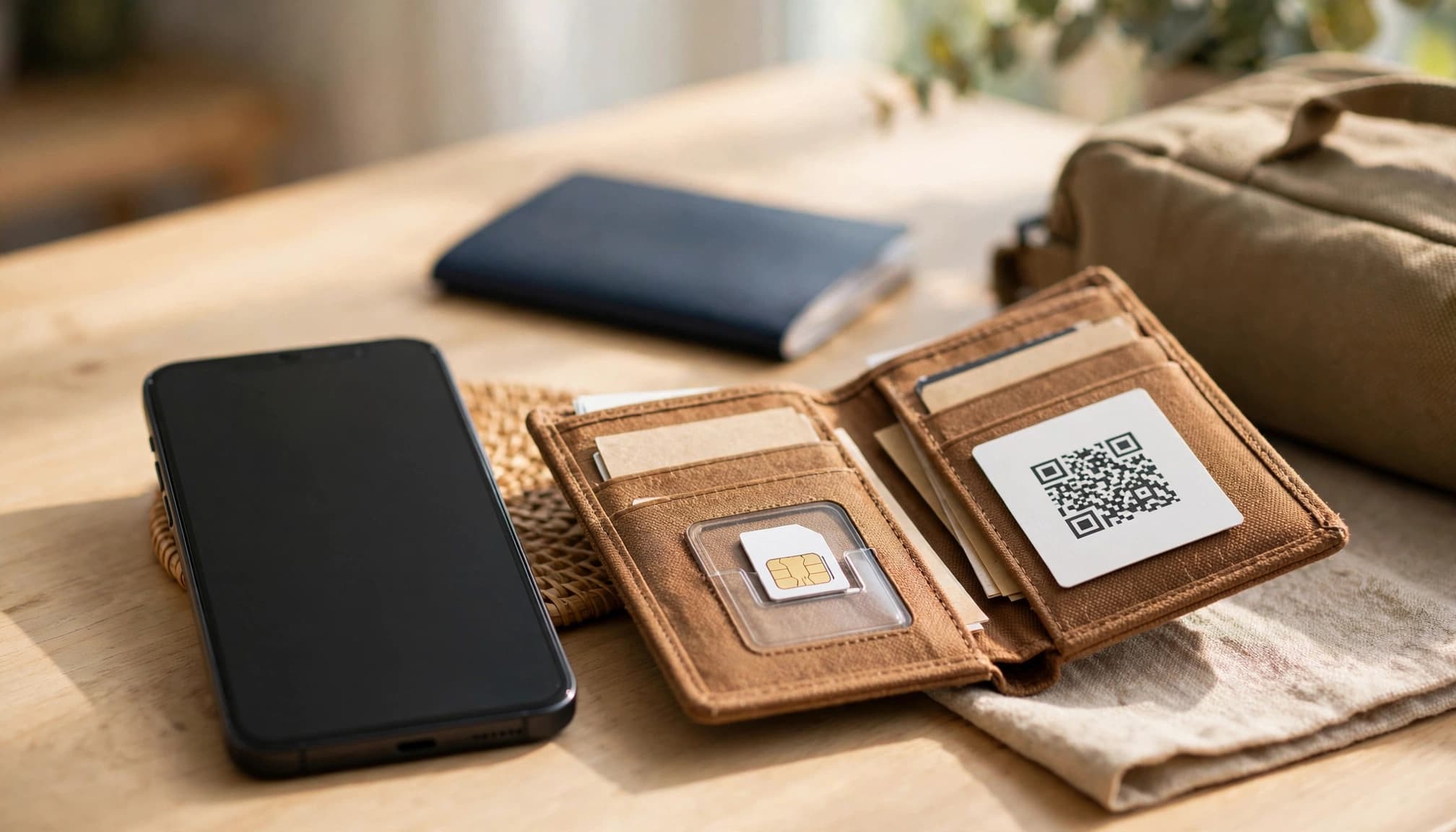
1. Check your phone before ordering
Confirm that your phone supports eSIMs if you plan to use a digital Thai prepaid SIM. Dial *#06# and look for an EID number, or check your device specifications.
Your phone must also be unlocked. On an iPhone, open Settings > General > About, then check Carrier Lock. It should say No SIM restrictions.
Android menus vary by manufacturer. Look under Settings > Connections > Mobile Networks or Settings > Network & Internet > SIMs. Check for eSIM support and a network-unlock status.
You can also review this QR code eSIM setup guide before buying.
2. Install the profile on home Wi-Fi
Purchase your plan and save the QR code immediately. Use stable home Wi-Fi to install the digital profile several hours before flying.
Keep your phone connected to Wi-Fi during installation. Follow the provider’s instructions, then label the new line Thailand.
Don’t activate the Thailand line too early if activation starts during installation. Check the plan terms first. Most travelers should install the profile before departure, then turn on the Thailand line after landing.
Save the QR code and installation instructions offline. Store them in your phone’s files and keep a second copy in secure cloud storage.
3. Keep your home SIM available
Leave your home SIM powered on for banking OTP messages and important calls. Label it Home so you can identify each line quickly.
Disable data roaming on your home line. Also turn off automatic mobile-data switching, if your phone offers that setting.
Choose the Thailand line under Mobile Data after landing. Enable data roaming on that line only when the plan requires it. Many travel eSIMs need roaming enabled to connect through their partner network.
4. Test the connection after landing
Turn on the Thailand line, select it for mobile data, and wait for the local network to appear. Open a webpage, load Google Maps, and request a small map route.
If data fails, check that the Thailand line has mobile data enabled. Confirm the correct line uses roaming, then restart your phone if needed.
Keep your home line available until the Thai prepaid SIM passes these tests. That way, you still have a working backup while fixing the new connection.
Make the Final Choice Without Overpaying
The best Thai prepaid SIM is the one that matches your usage, trip length, and tolerance for limits. Don’t pay extra for data you won’t use, but don’t choose a tiny package that forces expensive top-ups.
Match the plan to your travel style
Choose a 5GB to 8GB fixed-data package for maps, messaging, translation, and occasional rides. Most standard vacations fit comfortably with 10GB to 15GB.
Long stays need 20GB to 50GB, monthly renewals, or both. Remote work, video calls, streaming, and hotspot use can drain smaller plans quickly. If you plan to use an iPad hotspot, review these travel hotspot options.
Reject any plan with unclear speed limits, hidden activation rules, or vague network details. Read the Thailand tourist SIM comparison guide before comparing unlimited offers.
The cheapest headline price doesn’t always deliver the lowest cost per usable gigabyte. Divide the full price by the high-speed allowance, then check coverage and activation timing.
Compare those technical terms before departure, secure reliable coverage, and choose your travel eSIM for Thailand before you fly.
Conclusion
Choosing the right Thai prepaid SIM starts with practical comparisons, not flashy unlimited claims. Check the price per high-speed gigabyte, fair-use rules, local host network access, setup time, and total data needs.
A clear fixed-data plan often beats an attractive unlimited offer with severe throttling. Install and test your eSIM before departure, while keeping your home line available for security messages.
That preparation helps you avoid airport stress, surprise roaming costs, and unreliable public Wi-Fi. If something fails after landing, use this guide to fix travel eSIM connectivity problems and keep your Thailand connection ready.