Best eSIM App: Compare Price, Setup, and Coverage
Travel data shouldn’t come with roaming fees, a fiddly setup, or plan limits you have to hunt for. The best eSIM app for your trip makes the choice clear: compare price per gigabyte, check how easily you can install the eSIM in-app, track your data live, and confirm which local networks you’ll use.
A low price only matters if the plan covers your destination and gives you enough usable data. I’ll compare the details that count, then share a few practical checks to complete before you leave, including how travel eSIM apps compare.
Travel eSIM Apps: Compare Price, Setup & Coverage
A good travel eSIM app makes the important details easy to check before you pay. Use this quick comparison to spot the standards that matter, then verify the plan against your phone and itinerary.
| What to compare | Preferred standard | Warning sign | Why it matters |
|---|---|---|---|
| Price transparency | Clear total cost, data amount, validity, speed limits, and calling or texting details | The app highlights a low price but hides fair-use limits or add-on costs | You can compare what you’ll actually get, not just the headline price |
| Installation method | Direct in-app installation, with clear QR-code instructions when needed | Setup steps don’t match your phone or operating system | A familiar setup path can save time before departure |
| Data tracking | Usage updates often enough to monitor your remaining allowance | The tracker updates too slowly to help you manage data | You can top up or adjust your usage before the plan runs out |
| Local network access | Named partner networks and destination-specific coverage details | Vague coverage claims without local network names | You can check whether the plan fits your actual stops |
Check the real price per gigabyte before you buy
A daily price can look cheap until you compare how much data it includes and how long it lasts. Divide the plan price by its data allowance, then check whether the full allowance stays at full speed. Some plans apply a fair-use policy or reduce speeds after a limit.
Also check the validity period and whether calls or texts come with the plan. A data-only eSIM may be perfect for maps and messaging, but it won’t cover every need. In some major travel hubs, under $1.50 per GB can be a useful benchmark, not a promise or a universal price. Costs vary by destination and plan.
Look for quick setup and live data tracking
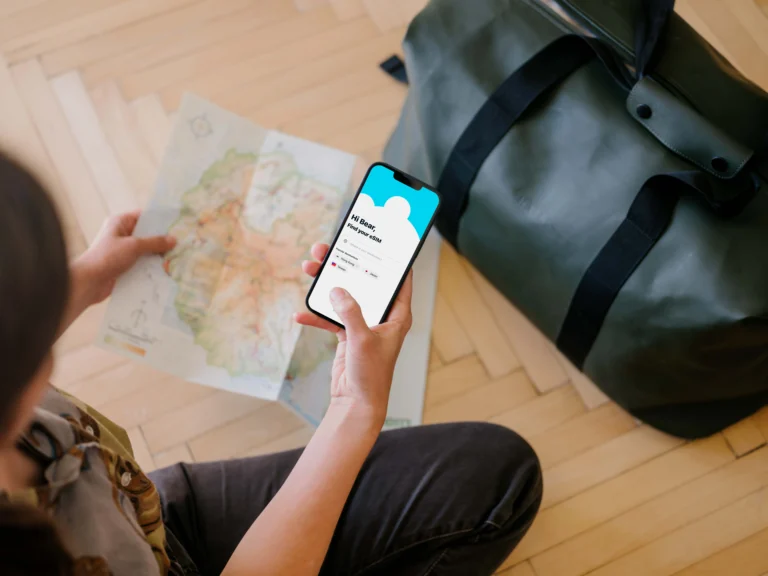
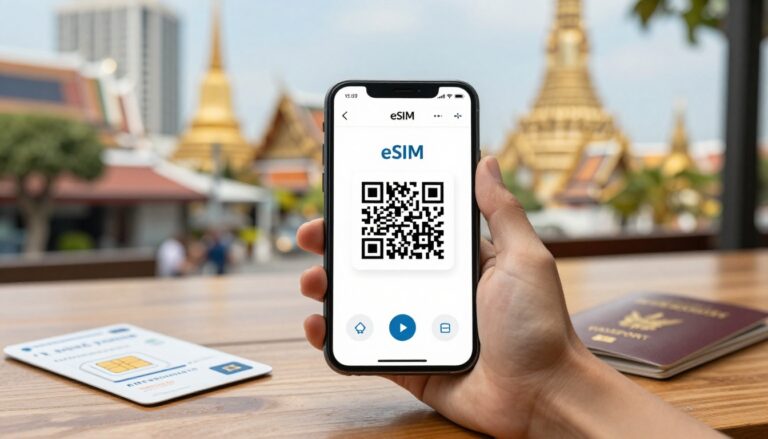
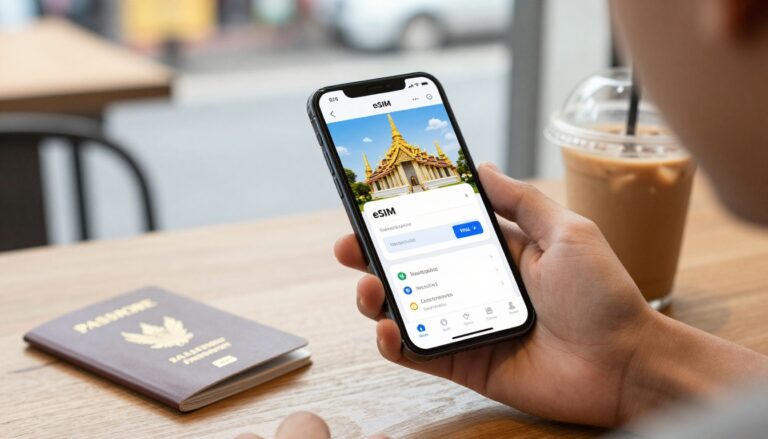
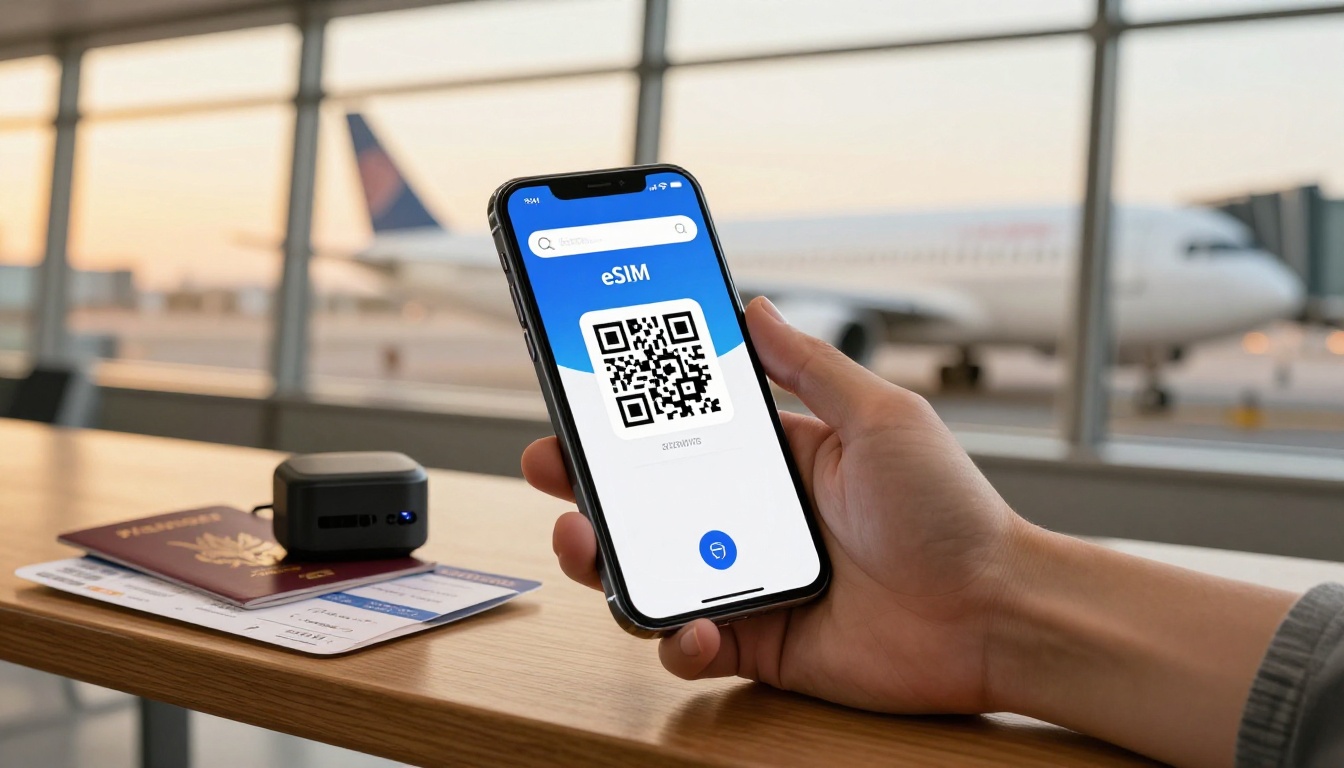
Some apps install the eSIM directly in the app, while others provide a QR code you scan through your phone settings. The right option depends on your device, operating system, and the provider’s setup flow. Apple outlines eSIM setup options for iPhone, and you can follow our guide to set up a travel eSIM.
Install the plan over home Wi-Fi before you leave, and check whether the app updates data use in real time. One-tap installation can reduce setup friction, but activation time still depends on your phone, the app, and the network.
Confirm local network access and coverage
Check the named partner networks and coverage details for every destination before paying. Access to a strong local operator can help, but no app can promise the same signal or speed on every street, train route, or rural stop.
Multi-country plans can simplify a trip, but coverage may change at borders, and your phone may need time to connect to a new partner network. Check the specific cities and stops on your itinerary, not just the country name. If Asia is on your route, compare regional eSIM plans for Asia against the countries you’ll actually visit.
How to choose the best eSIM app for your trip
The best eSIM app is the one that fits your route, phone, data habits, and budget, not simply the one with the lowest advertised price. Start with how long you’ll travel and what you’ll do online, then check that the plan works at every stop.

Compare plans on equal terms
Look at the total price, data allowance, validity period, top-up options, speed limits, and hotspot support together. A low daily price can add up over a long trip, while a large data bundle may leave you paying for gigabytes you never use. Compare the full cost for your travel dates, not just the price that looks best in the search results.
Think through a typical day. Maps and messaging use less data than video streaming or work calls, and frequent browsing sits somewhere in between. If you’ll tether a laptop, confirm hotspot access before buying. Then estimate your likely use and choose a plan with enough data for your habits, plus a little room for an unexpected video call or a route change.
Check whether you can add data later, and whether the plan keeps full speed throughout its allowance. A top-up option can make a smaller plan less risky, especially when your usage is hard to predict. For more factors to weigh, see how to choose an eSIM for international travel.
Match coverage to your route and phone
First, confirm that your phone supports eSIM and isn’t carrier-locked. Then check the provider’s plan details for partner networks and compatibility in each destination. Apple’s list of wireless carriers with eSIM service can help iPhone users check provider availability, but also confirm your specific phone model and plan with the app or device maker.
For a one-country visit, a single-country plan may be the simplest fit. If your itinerary crosses borders, a regional pass can save the hassle of buying a new plan at every stop, as long as it covers every country on your route. For example, compare the Gohub APAC regional travel eSIM with the destinations you’ll visit, rather than assuming one regional plan covers the whole area.
Finally, match validity to your trip length. A short plan can expire before you fly home, while a longer plan may cost more than you need. When you’ve checked the dates, coverage, phone compatibility, and data allowance together, the right choice becomes much easier to spot.
Test and install your travel eSIM app before takeoff
A little setup at home can save you from troubleshooting in an airport arrivals hall. Use reliable Wi-Fi, follow the app’s instructions, and check that your travel line is ready before you leave.
Finish setup while you still have reliable Wi-Fi
Take these four steps before departure:
- Download the app on home Wi-Fi. Create your account and open the app while you still have a stable connection. Airport Wi-Fi can be crowded, and you don’t want your first setup attempt to depend on it.
- Run the device compatibility check. Confirm that your phone supports eSIM and meets the plan’s requirements. Check that your phone is unlocked, too, or the travel profile may not work.
- Buy and install the destination profile. Select a plan that covers your trip, then install it through the app or follow its QR-code instructions. Check when validity begins: some plans start at purchase, while others start when the eSIM first connects. Apple’s guide to using an eSIM while traveling explains how iPhone users can keep a physical SIM and travel eSIM available together.
After installation, label the new line something clear, such as “Travel” or your destination. Keep your primary line available for calls if you need it, and select the travel line for mobile data when your plan is ready to use. Follow the provider’s instructions for data roaming on that travel line, since settings vary by plan. For help managing both lines, see how to switch between eSIM profiles.
Don’t delete an installed eSIM if something looks wrong. Removing a profile can make it harder to reinstall, so delete it only if the app or support team tells you to.
Set alerts and know what to do if data fails
- Enable usage alerts. Turn on the app’s notifications and check its data-usage counter before departure. That way, you’ll know where to find your allowance and can spot when you’re getting low.
If data doesn’t work after landing, first confirm that the travel line is turned on and selected for mobile data. If automatic network selection fails, choose a supported local network listed in the app or plan details. Then contact in-app support if you’re still offline. These checks can help narrow down the issue, but the right fix depends on your phone, plan, and local network.
Use this pre-flight checklist to avoid connection problems
A travel eSIM can be installed and still fail to connect if one setting or plan detail is off. Before you leave home, check the items below while you have reliable Wi-Fi and time to fix anything.

Check the details that affect your connection
Confirm that your phone is unlocked, supports eSIM, and can install the plan you chose. Check when its validity starts, too. Some plans begin at purchase, while others start when the eSIM connects at your destination.
Review the plan’s partner networks for every stop, not just the first country. If you’re crossing borders, confirm the plan covers each country and check whether it switches networks automatically. Also verify hotspot access if you plan to connect a laptop or tablet.
Know where to get help before you need it. 24/7 support isn’t universal, and support hours and features differ by app and plan. Save the provider’s contact method somewhere you can access without mobile data.
If your phone shows signal but pages won’t load, check that the travel eSIM is selected for mobile data and follow the provider’s APN instructions. For iPhone, Apple’s cellular data roaming settings explain where to check roaming options. You can also follow these steps to fix an eSIM with signal but no internet on iPhone.
Before you go, run through this quick checklist:
- Confirm the app supports direct installation or gives clear QR-code steps.
- Check that live usage tracking is available and turn on alerts.
- Verify the plan’s local partner networks for each destination.
- Check support hours and contact options for your app and plan.
- Match plan validity to your travel dates.
- Confirm hotspot access if you’ll share data with another device.
- Check regional border coverage across your full itinerary.
Conclusion
The best eSIM app is the one that fits your route and gives you clear terms before you pay. Compare the full-speed price per GB, setup steps, live usage tracking, and partner networks for every destination, not just the headline price.
Install the plan on home Wi-Fi and test the settings before departure. For an Asia trip, check Asia regional eSIM plans and pricing and confirm the countries on your route are covered. A little checking now can save you from sorting out your connection after landing.