Free eSIM Trial USA: How to Choose by Trip Needs
Can a free eSIM trial provide useful data during your US trip? Sometimes, but eligibility checks, coverage, and small data limits can make a domestic carrier trial a poor fit for visitors.
The better choice depends on your trip, not the brand name: compare a domestic carrier trial, a prepaid travel eSIM, and roaming through your home carrier. We’ll look at the practical criteria that matter, then help you pick a travel eSIM that fits your plans.
Free eSIM Trial USA: Which Connection Option Fits Your Trip?
A free trial can help you test a US network, but it may not be the easiest option for every visitor. Compare eligibility, setup, and how much data you actually need before you choose.
| Connection option | Eligibility | Typical data or plan size | Setup effort | Network access | Tourist fit |
|---|---|---|---|---|---|
| Domestic free trial | Rules vary. You may need a US location, a compatible phone, billing details, or identity verification. | Trial limits and duration vary by carrier and offer. | Can involve eligibility checks and app setup. | Uses the trial carrier’s network. | Useful if you’re eligible and want to test service. |
| Prepaid travel eSIM | Usually available to visitors with an unlocked, compatible phone. | A stated data allowance and validity period. | Install before departure, often using Wi-Fi. | Depends on the plan and its US network access. | A practical choice when you want predictable data. |
| Home-carrier roaming | Depends on your existing carrier and plan. | Allowance and charges depend on your home plan. | Usually simple, since you keep using your current line. | Depends on your carrier’s US roaming arrangements. | Handy if keeping your number active matters most. |
What a US Carrier Trial May Require
Eligibility rules differ by carrier and offer, so don’t assume every US trial asks for the same details. Some offers require a compatible eSIM phone, while others may check your location, billing information, or identity. Before signing up, review GoHub’s USA free eSIM trial guide to understand the common eligibility requirements and how different carrier trials work.
A short trial with limited data can be enough to test maps, messaging, and coverage in places you plan to visit. But will it last through your whole trip? Check the trial’s data allowance, validity period, and any speed limits first. If you only qualify after arriving in the US, don’t rely on the trial for airport pickup or your first ride.
When a prepaid travel eSIM is the simpler choice
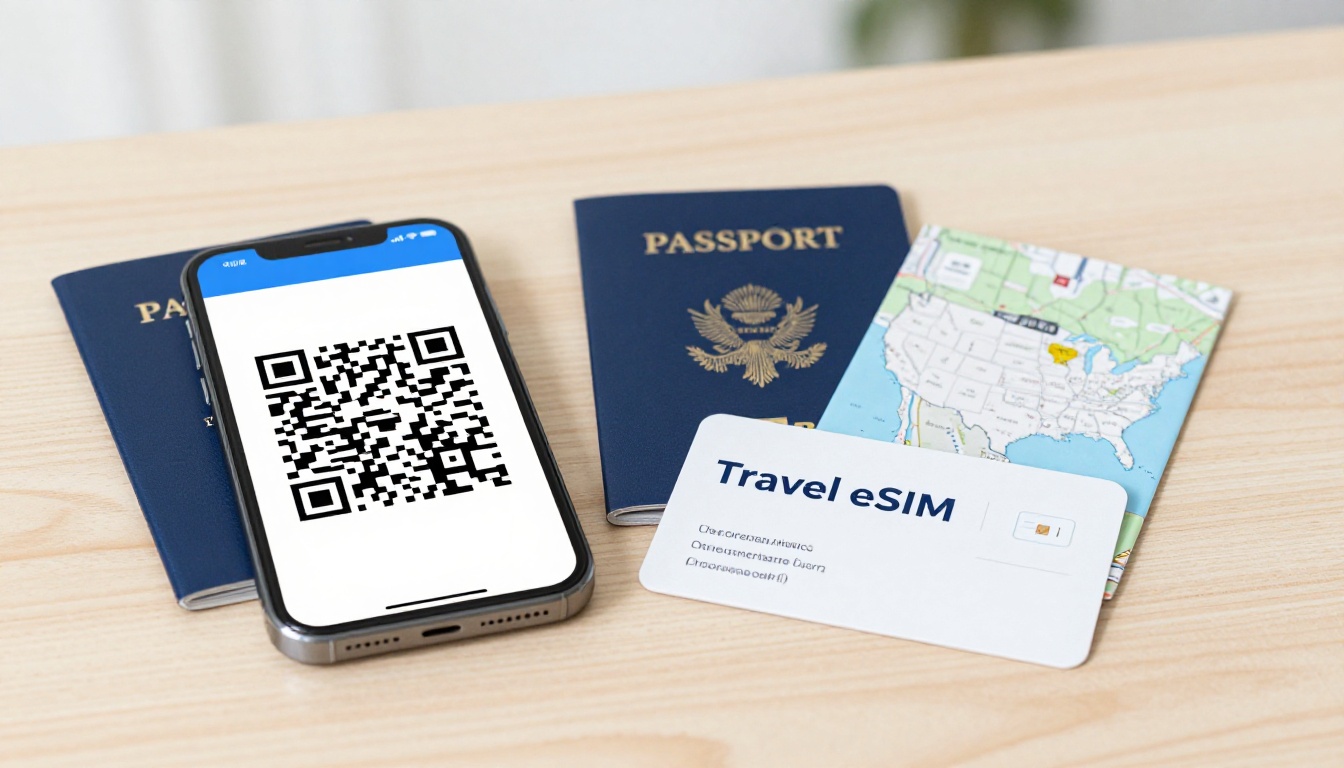
A prepaid travel eSIM makes the cost and data allowance easier to plan: you choose a stated amount of data for a stated validity period. You can also install it before departure on Wi-Fi, so you’re not sorting out a new connection after landing. Compare prepaid eSIM plans for the United States and check that your phone is compatible.
Read the plan details closely. Some travel eSIMs provide data only, while others may include calls or texts. Also check whether the full allowance runs at full speed, and what happens when you use it up. A listed data amount doesn’t tell the whole story if speeds drop before your trip ends.
If you’re weighing a free trial eSIM in the USA against a paid plan, match the option to your needs: trials suit eligible travelers who want to test a network, prepaid eSIMs suit visitors who want predictable data, and roaming may suit travelers who want to keep one number active. For a closer comparison, see how to pick a travel eSIM.
Compare a free trial eSIM in the USA by three real trip criteria
A free trial eSIM in the USA can look like a bargain, but the useful question is how well it fits your route, phone, and data needs. I’d compare three things before choosing: usable data cost, setup requirements, and coverage where you’ll actually travel.
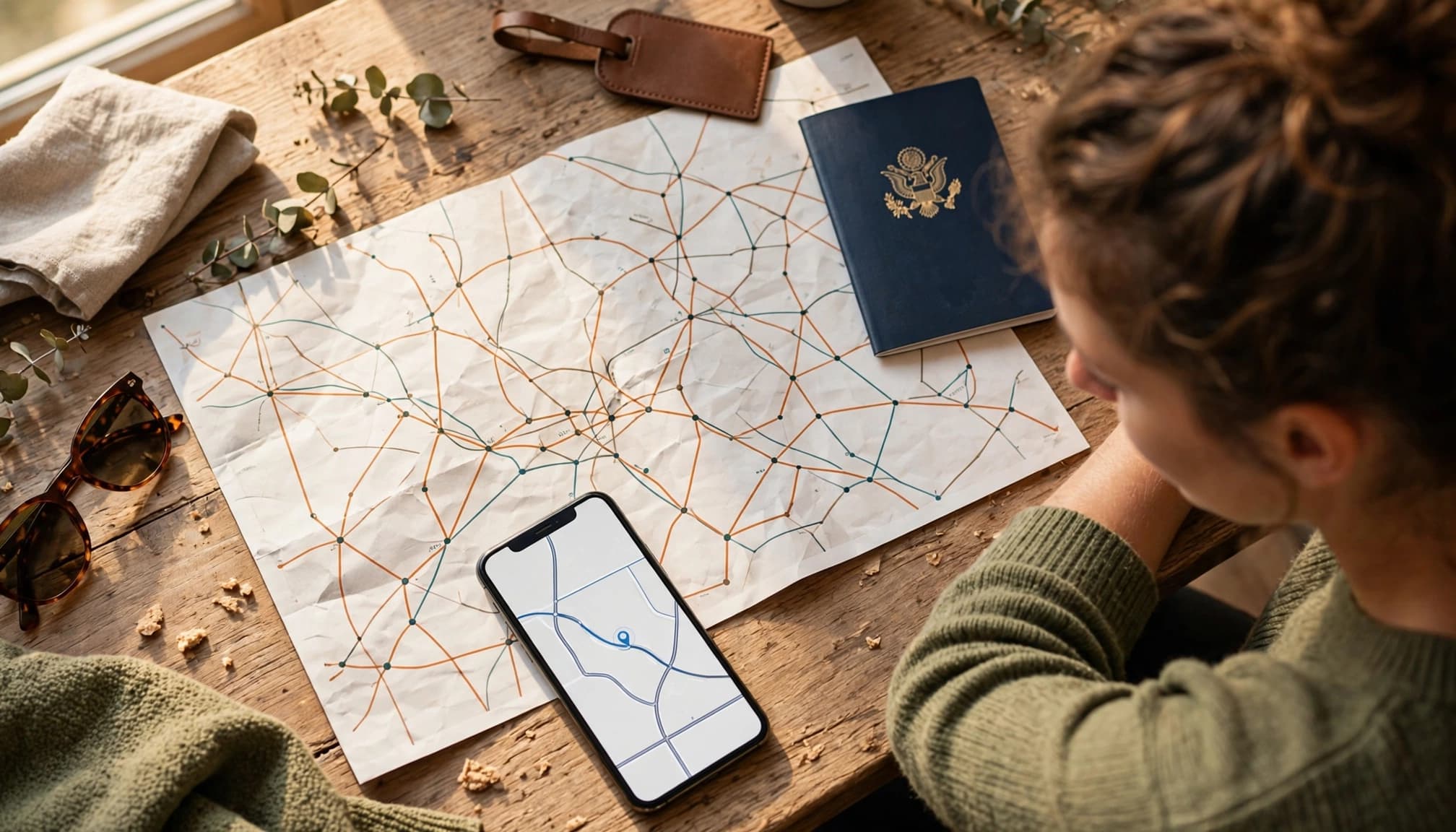
Calculate the cost per gigabyte you can actually use
Use a simple calculation: total plan price divided by full-speed data allowance. That gives you the cost per full-speed gigabyte, rather than a headline price that hides limits.
Example: A $12 plan with 5 GB of full-speed data costs $2.40 per full-speed GB. Check how long that allowance stays valid, whether top-ups cost extra, and whether the plan limits hotspot use. Also look for a reduced-speed threshold. If your speed drops after 500 MB, the remaining data may not be useful for navigation, video calls, or work.
A tiny free trial can still help you test a connection, but it may not cover a full trip. As a personal comparison benchmark, I’d look closely at paid plans around $1.50 per full-speed GB or less. That’s a useful yardstick, not a guaranteed market rate.
Check signup steps, trial limits, and network coverage
Before you travel, check whether the trial requires a US location, a compatible phone, payment details, or identity verification. Confirm when you can install and activate it, how much data it includes, and what happens when you reach the limit. A plan that takes extra steps to qualify for can be a frustrating choice if you need data as soon as you land. For more USA travel internet and eSIM setup tips, check the activation process before departure.
Match coverage to your route and phone
If the seller names its underlying US network, check that network’s map against your itinerary. Access to a major carrier doesn’t guarantee the same coverage or speed everywhere. The eSIM provider may apply its own limits, and your phone must support the network’s available bands.
Look beyond a general claim of nationwide coverage. Check airports, city neighborhoods, road routes, and parks you plan to visit, then compare the details with the FCC’s mobile LTE coverage map. For a road trip, a trial that works well downtown but drops out between stops may not be much of a bargain.
Prepare your phone for US data before you fly
A free trial eSIM in the USA won’t help much if your phone is locked, incompatible, or still using your home line for data. Run these four checks before departure, while you have reliable Wi-Fi and time to fix any setup issues.

Confirm your phone is unlocked and supports eSIM
- Check the carrier lock. On an iPhone, open Settings, tap General, then About. Look for Carrier Lock. An unlocked phone shows “No SIM restrictions.” On Android, check the SIM or network settings, and consult the manufacturer’s instructions because menu names differ by model.
- Look for eSIM support. Open your phone dialer and enter
*#06#. On supported phones, the screen may display an EID, a strong sign the device supports eSIM. Menu labels and support vary by model, so check the manufacturer’s guidance or check whether your phone supports eSIM.
If the phone is locked or doesn’t support eSIM, contact your carrier before buying a plan. Getting that sorted at home is far easier than finding out after landing.
Install the profile and set the right data line
- Install the plan over home Wi-Fi. Follow the seller’s setup instructions and activation timing rules. Some plans start their validity period at installation, while others activate when you connect in the destination, so don’t guess. Label the line something clear, like “US Travel,” to distinguish it from your home number. For device-specific steps, use this eSIM installation guide. Apple also explains how to set up cellular service on iPhone.
- Choose the travel line for data after arrival. In cellular or mobile network settings, select your US travel eSIM as the mobile data line. Turn off automatic cellular data switching unless you understand the charges. Otherwise, your phone may switch to your home line when the travel connection weakens, which can trigger roaming fees.
Data roaming depends on the plan. Check the seller’s instructions and enable it only if required. Keep your home line active for calls or texts if you need it, but confirm its roaming settings separately.
Use this preflight checklist to avoid roaming charges
A few minutes in your phone settings can save you a frustrating surprise after landing. Before you fly, check that your device is unlocked, your travel eSIM is ready, and your home line can’t quietly take over data.
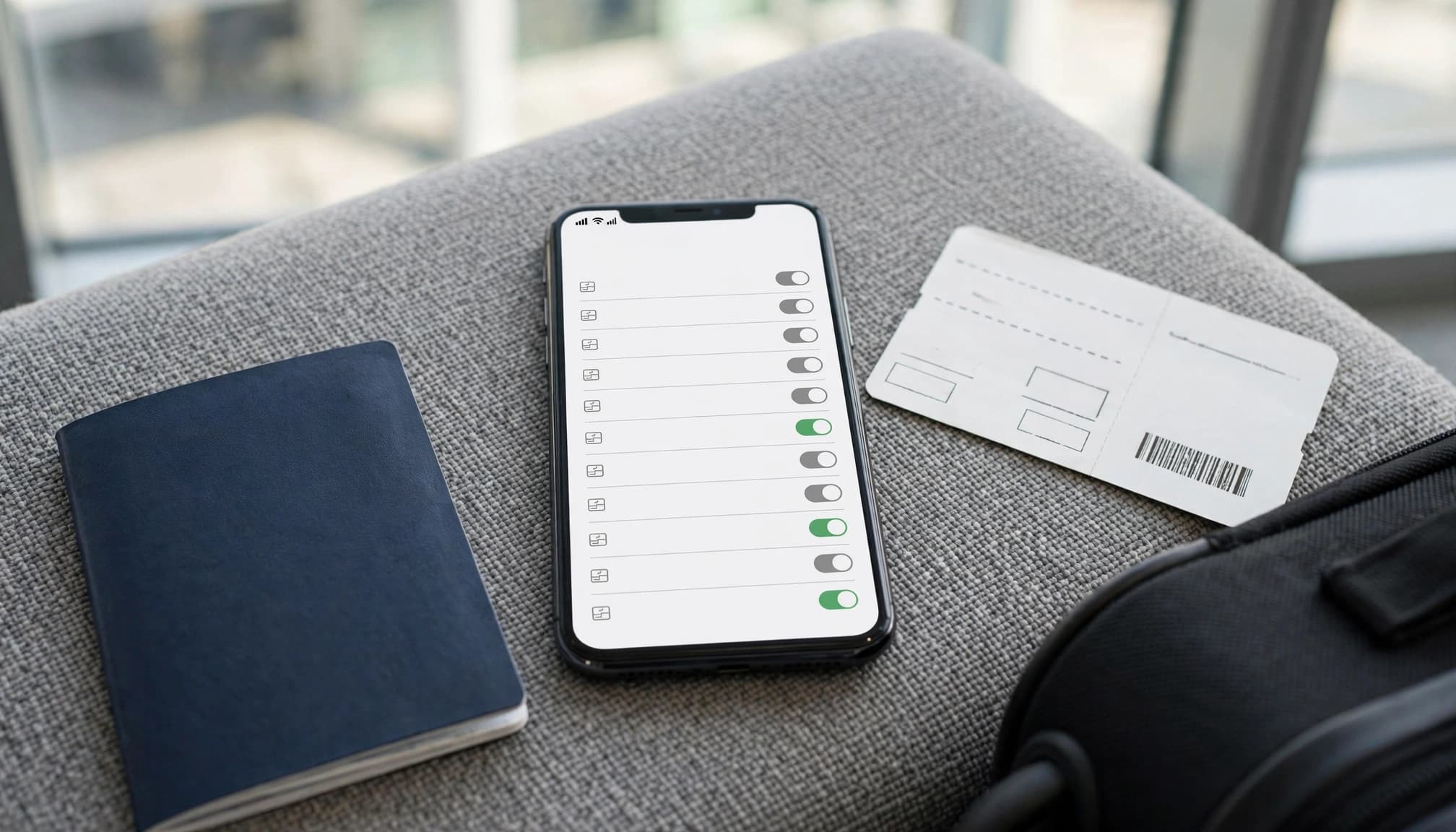
Set these phone settings before departure
Use this quick checklist for a free trial eSIM in the USA or a paid travel plan. Menu names vary by phone, but the choices are the same.
| Setting | Recommended choice | Why it matters |
|---|---|---|
| Carrier lock | Confirm the phone is unlocked, such as “No SIM restrictions” on iPhone. | A locked phone may reject another carrier’s eSIM. |
| eSIM profile | Install it before departure, following the plan’s activation rules. | You can fix setup issues on reliable Wi-Fi, not at baggage claim. |
| Mobile data line | Select your US travel eSIM. | This directs app data to the intended plan. |
| Automatic data switching | Turn it off. | Your phone is less likely to fall back to your home line for data. Apple’s Dual SIM settings guide explains how iPhone handles data across lines. |
| Data roaming | Follow the travel plan’s instructions for the travel eSIM. Keep it off for your home line unless your carrier plan requires otherwise. | Some travel eSIMs need roaming enabled, but your home carrier may charge for roaming data. |
Keep your home line active if you need calls or bank verification texts, but don’t assume incoming messages are free. Calls, texts, and roaming data may cost extra, depending on your home carrier and plan. Check its international-use terms before you go.
Test the connection after landing
Turn off Wi-Fi, open a trusted webpage, and confirm your phone uses the US travel line. If it doesn’t load, check the selected data line and the travel plan’s roaming instructions. For the exact steps to start using your eSIM after arrival, follow the provider’s setup guide. Apple also explains iPhone data roaming options, which can help you verify the home line stays separate.
Choose the option that matches your route, budget, and phone
The best connection depends on how long you’ll stay, where you’re going, and whether your phone can use a travel eSIM. Here’s the simple version: test a free trial if you qualify, choose prepaid for dependable trip data, and keep roaming for convenience when you’re comfortable with the price.

Choose a free trial for a quick test
A free trial eSIM in the USA makes sense if you meet the carrier’s requirements and only need a brief network test or a small amount of data. It can work for checking maps, messaging your ride, or seeing how coverage feels in one area. Just don’t build a longer trip around a trial with strict eligibility rules or a small allowance.
Choose prepaid for longer stays and multi-city trips
If you’re staying longer, visiting several cities, or simply want to know how much data you have, a prepaid plan is the cleaner fit. Look for a clear allowance, validity period, and coverage details that match your route. Your phone also needs to be unlocked and eSIM-compatible, so check before buying. Compare USA eSIM plans for travelers, then use this guide on how to pick a travel eSIM to narrow down your options.
Keep home-carrier roaming for continuity
Roaming is convenient when you need to keep using your home number and accept your carrier’s charges. It can be the right call for a short visit or work trip, but check the rates and data limits first. If you keep both lines active, Apple’s guide to using an eSIM while traveling explains how your primary line can continue working.
Before departure, check your phone’s compatibility, estimate how much data you’ll use, and set up your chosen connection while you still have reliable Wi-Fi.
Conclusion
A free trial eSIM in the USA is useful only if you qualify and its data, coverage, and activation timing fit your trip. Compare the data you can actually use with the total cost, then confirm your phone is unlocked and eSIM-compatible.
Choose your plan and install its profile before you fly, while you still have reliable Wi-Fi. With those checks done, you can pick a connection that fits your trip instead of counting on a trial that may not.