Does Xiaomi Have eSIM? Check Your Model Before You Choose a Plan
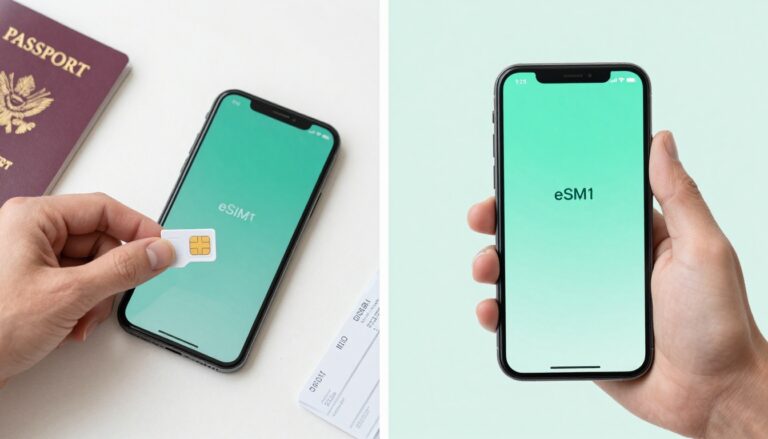
You’re heading overseas, want to avoid steep roaming fees, and don’t want to depend on airport Wi-Fi to get online. Does Xiaomi have eSIM support? Some Xiaomi phones do, but it depends on the exact model, regional version, firmware, and carrier lock status.
Before choosing a travel plan, check whether your phone has an EID and an eSIM option in its settings. Then compare plans by usable data, setup requirements, and coverage where you’re going. First, let’s sort out which Xiaomi models and versions can support eSIM.
Does Xiaomi Have eSIM? Check Your Exact Model and Region
Yes, some Xiaomi phones support eSIM, but the name on the box isn’t enough to confirm compatibility. The exact model number, sales region, and carrier restrictions all matter, so check your phone before buying a travel plan.
Which Xiaomi, Redmi, and POCO models may support eSIM?
Selected global versions of the Xiaomi 13, 14, and 15 series support eSIM, as do certain T-series models, including the Xiaomi 12T Pro and some 13T and 15T variants. Xiaomi’s official eSIM support information lists supported devices and notes that availability depends on the country and carrier.
That list matters because two phones with nearly identical names can have different SIM hardware. A global version may support eSIM while a regional version does not. Many standard and Lite models, along with Redmi and POCO phones, rely on physical SIM cards. Some exceptions exist, so don’t assume an entire brand or series is either compatible or incompatible.
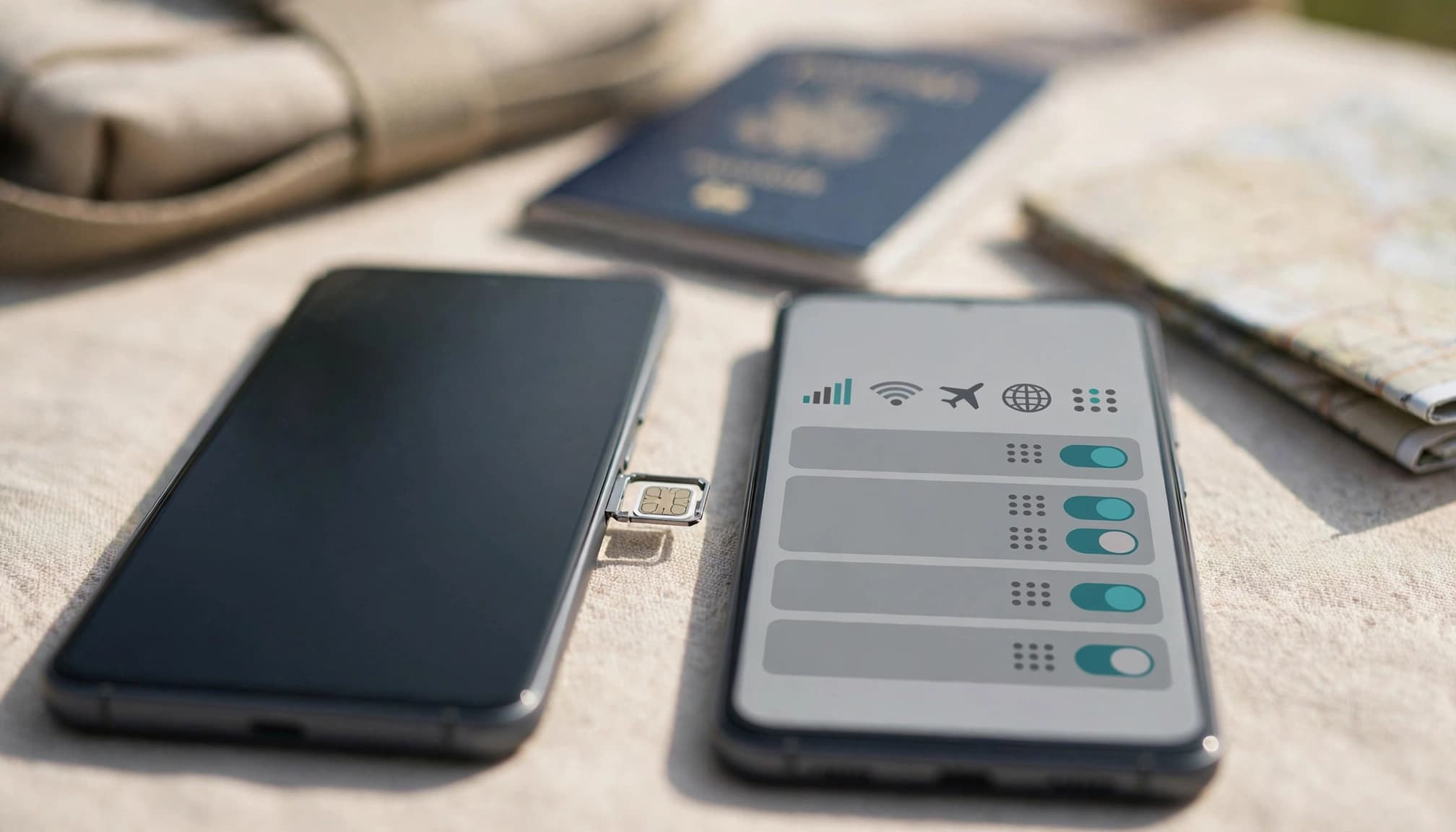
Before choosing a plan, look up the full model number in Xiaomi’s official specifications or support information. You can also check Xiaomi eSIM-compatible devices, but confirm your precise regional variant. If you have a Xiaomi 12, this how to pick a travel eSIM resource covers a model-specific compatibility check.
Confirm eSIM hardware, carrier unlock, and regional support
An EID is a useful sign that your phone has eSIM hardware. Dial *#06# and check whether an EID appears, or look in your phone’s settings for an option such as “Add eSIM.” Menu names vary by MIUI or HyperOS version.
Still, an EID doesn’t guarantee that every travel plan will work. Your phone must also be carrier-unlocked, and the plan’s provider must support your model and destination. Device compatibility, carrier restrictions, and country availability are separate checks.
Before you pay, confirm your exact model number, check that the phone is unlocked, and verify that the plan supports your destination. That quick check can save you from arriving with a plan your Xiaomi can’t activate.
Choose between a Xiaomi eSIM, physical SIM, or roaming
Once you know whether your Xiaomi supports eSIM, match the connection to your destination, trip length, and budget. A short vacation, a multi-country itinerary, and a phone without eSIM support call for different options.
When a travel eSIM makes the most sense
For a short trip or several stops across countries, a travel eSIM is often the easiest fit if your Xiaomi supports it. You can install the plan before departure, then connect after landing without hunting for a SIM shop or swapping cards at the airport. Compare travel eSIM plans for your trip by destination coverage, data allowance, and total price.
You can usually keep your home SIM active for calls or bank verification texts while assigning mobile data to the travel eSIM. Just check the plan details first: some plans include data only, while others also provide calls and texts. Confirm that your destination is covered, and check when the plan’s validity starts. Data-only service may still let you call through internet apps when you have a connection.
What to use if your Xiaomi does not support eSIM
No eSIM option? Compare a local destination SIM, a regional physical SIM, and your home carrier’s roaming package. A destination SIM can suit a longer stay in one country, while a regional SIM may be simpler for several countries. Roaming is convenient because you keep your number and avoid swapping cards, but check the price carefully. The FCC’s international roaming guidance warns that foreign-network use can bring higher rates.
Before buying a physical SIM, confirm that your Xiaomi has a compatible SIM tray and is unlocked. Check coverage where you’ll travel, then compare the full cost, including data limits, calls, texts, and any roaming fees. A low upfront price isn’t much of a bargain if the plan won’t work across your itinerary.
Compare Xiaomi travel eSIM plans by real trip criteria
Once you know your Xiaomi supports eSIM, compare plans against the trip you’re actually taking, not a headline price or speed. Your route, data habits, and setup preferences all matter, and plan terms can change by destination.

Calculate the real price per gigabyte
To compare data plans fairly, divide the plan price by its included high-speed data allowance. A $12 plan with 6 GB of high-speed data costs $2 per GB. But that figure only helps if you can use the data during your trip.
Check the validity period, top-up costs, and any fair-use limits before you buy. An “unlimited” plan may slow after a daily high-speed threshold, so find out what happens once you reach it. A longer-validity plan with more usable data may be a better deal than a cheaper package that expires early.
There isn’t one price per gigabyte that works for every destination. Compare current offers for your route, and look at the full cost alongside the usable data. For a broader look at prepaid global eSIM plans compared, check how validity, networks, and data allowances affect value.
Check host networks, coverage, and speed limits
A plan’s coverage depends on the local networks it can access. Check which networks it uses in each country, then look beyond major cities if your trip includes rural stops, long train rides, or remote roads. Signal can also vary inside hotels, airports, and transit stations.
Advertised 4G or 5G access doesn’t promise a particular speed everywhere. Local network conditions, plan restrictions, and your phone’s supported bands all play a part. Check Xiaomi’s specifications for your exact model and regional version, then compare its supported bands with the networks available at your destination.
For a multi-country trip, confirm that the same plan covers every stop. A plan that works well in one city may not offer the same network access across the border.
Weigh activation time against setup requirements
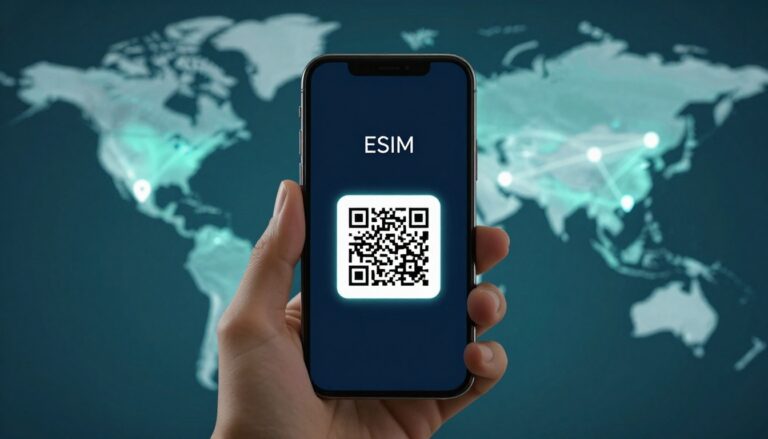
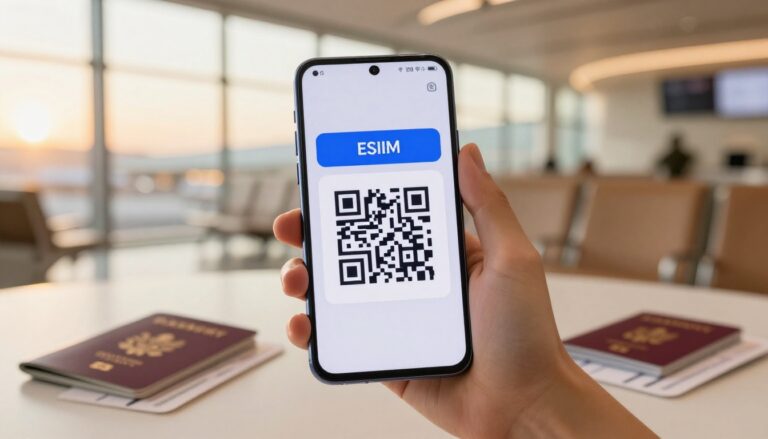
Some providers send a QR code to install the eSIM profile; others handle setup through an app. Either way, you may need a stable Wi-Fi connection to download the profile, so don’t leave installation until you’re standing in a crowded airport. Orange’s Android eSIM setup instructions show the general QR-code process, though menu names can differ on Xiaomi.
If the plan rules allow it, install the profile at home before you leave. Then check when service starts: some plans begin on installation, while others start at first connection to a supported network. Confirm whether validity runs from purchase or first use, too, so you don’t lose travel days before you arrive.
Check compatibility and set up eSIM on your Xiaomi
Once you’ve confirmed that your exact Xiaomi variant supports eSIM and isn’t carrier-locked, set it up before you leave. Menu names can vary between MIUI, HyperOS, software versions, and regions, but the basic checks are straightforward.
Find the EID and look for the add-eSIM setting
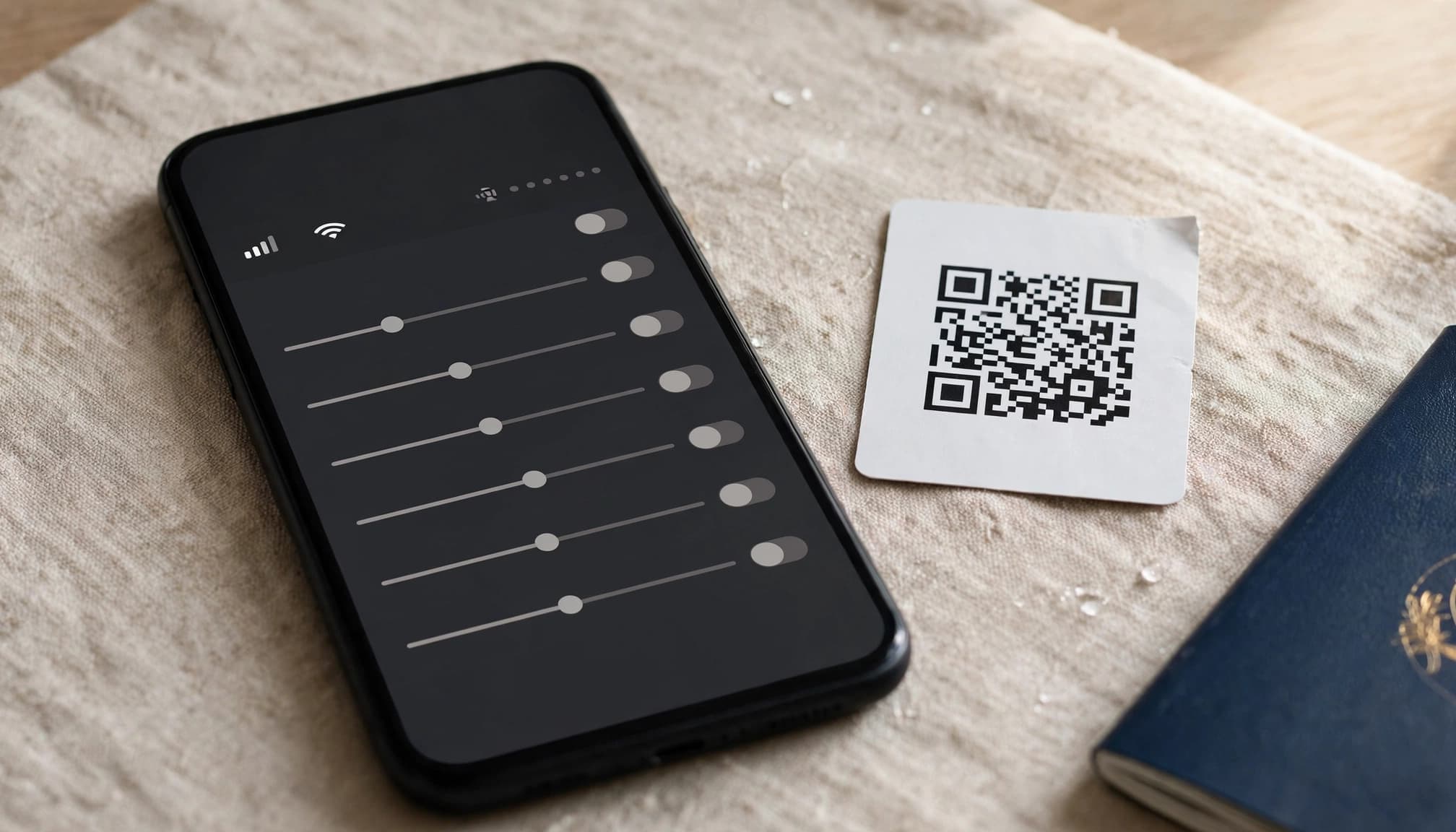
Open your phone dialer and enter *#06#. If an EID appears, that’s a helpful clue that your phone has eSIM hardware. You can also open Settings and look under SIM cards & mobile networks or Mobile networks for an option such as Add eSIM.
Treat these checks as clues, not a final guarantee. If you don’t see an EID or add-eSIM option, confirm compatibility for your exact model number and regional version with Xiaomi or your plan provider. If the setting is missing, don’t assume a software update will add eSIM support to a phone without the required hardware. Xiaomi’s eSIM activation instructions explain the basic process for supported phones.
Install the profile and choose the right data line
Connect to stable Wi-Fi before you start. In the eSIM settings, choose Add eSIM, then follow your plan’s instructions to scan its QR code or activate the profile through the provider’s app. The menus may look a little different on your phone, but Android eSIM setup instructions can help you find the right steps.
After installation, open your SIM settings and select the travel profile as your mobile-data SIM. Keep your home SIM active if you need your regular number for calls or texts. Follow the plan’s activation instructions, too, since some plans start when you install the profile and others start when you connect at your destination.
Don’t delete an eSIM profile unless your provider confirms you can reinstall it. Some activation codes work only once.
Set roaming carefully and test before you travel
Some travel eSIMs require data roaming on the travel profile. Turn it on there only if the provider’s instructions call for it, and keep roaming off for your home SIM to avoid unexpected charges. Double-check which SIM handles mobile data before you leave.
Test the connection before departure if the plan allows activation at home. Confirm that the profile appears in your settings and that your Xiaomi can connect as directed. If you plan to receive bank verification texts on your home number, check your carrier’s rules and fees for receiving texts abroad.
Conclusion
Does Xiaomi have eSIM? Some models may, but support depends on the exact phone variant, so don’t choose a plan based on the Xiaomi name alone. Check your model and unlock status first, then compare plan cost and destination coverage against your trip.
If your phone supports eSIM, install the profile and test it before departure. If it doesn’t, a physical SIM or roaming plan may fit better. The right option starts with your device, then follows your route and budget.