eSIM or SIM Card? Compare Travel Costs, Setup, and Coverage
Choosing between a travel eSIM and a physical SIM after you land comes down to value and convenience, not which option sounds newer. Compare the full plan cost per usable gigabyte, setup steps, device support, and the local network behind the plan.
An eSIM can make setup easier and keep your home line available, but it doesn’t always cost less or provide better coverage. Before you choose, check your phone’s compatibility and compare what each plan actually includes, starting with eSIM vs. physical SIM cards for travel.
eSIM or SIM Card? Compare Price, Setup Time, and Coverage
An eSIM is a digital profile stored on a compatible device; a physical SIM is a removable card. Neither format guarantees a lower price, faster service, or stronger signal, so compare the plan details and the setup work you’ll actually do.
| What matters | Travel eSIM | Physical SIM |
|---|---|---|
| Setup | Install before departure, usually with internet access; a few minutes is one example, not a guarantee. | Buy or pick up the card, insert it, then activate it after arrival. |
| Plan cost | Compare the full price with the usable data allowance. | Compare local-shop and airport prices for the same data and validity. |
| Coverage | Depends on the plan’s local carrier and roaming terms. | Depends on the SIM provider’s network and plan terms. |
| Home number | Many compatible phones can keep a home line active alongside an eSIM. | You may need to remove your home SIM, unless your phone supports another active line. |
| Risk of losing a SIM | No removable card to misplace. | The small card can be lost or damaged during a swap. |
Compare the real price per gigabyte
Use this simple formula: total plan price ÷ usable data allowance = price per gigabyte. For a fair comparison, check a travel eSIM, a local SIM, and an airport kiosk plan for the same destination, data amount, and validity period.
Prices vary by country, plan length, taxes, speed limits, and included calls or texts. A low advertised price may not be a bargain if the plan slows data after a stated limit, so check the fine print before you buy. Compare travel eSIM plans and pricing.
Count every setup step, not just activation time
With an eSIM, you can often install the profile before departure, then turn it on when you arrive. Installation may take only a few minutes with a stable internet connection, but a carrier-locked phone or failed activation code can add time. Check travel eSIM setup instructions before you leave.
A physical SIM means finding a seller, choosing a plan, paying, swapping cards, and following activation steps. Airport kiosks can save you a search, but lines and setup checks may stretch the process. If you want to keep your regular number active, check whether your device can use an eSIM and physical SIM together.
Coverage depends on the local network, not the SIM format
Both SIM types rely on the carrier and plan behind them. Check which local network the plan uses, whether it supports 4G or 5G, and coverage where you’ll spend time. A USA eSIM coverage guide can help you check network availability before your trip.
Rural areas, buildings, network congestion, and roaming agreements can all affect signal and speed. An eSIM icon on your phone won’t fix a weak local network, and a physical card won’t either.
Check These Three Things Before You Buy a Travel SIM
Once you’ve compared the eSIM or SIM card format, look closely at the plan itself. A low price means little if the data runs out early, coverage misses your route, or your phone can’t use the service.

Match the data allowance to your trip
Start with your trip length and your usual phone habits. Maps, messaging, and occasional searches use less data than frequent video calls, streaming, or hotspot use. Wi-Fi at your hotel or rental can also reduce how much mobile data you need.
Estimate your likely use, then compare plans with similar data allowances and validity periods. Check the total cost, not just the advertised price, and compare the price per gigabyte. The cheapest plan may cost more in practice if you need a top-up or run out before the trip ends. Check whether top-ups are available, how much they cost, and whether the plan has a daily data cap or slows after a certain amount. If you’re unsure how much to budget, estimate your travel data needs.
Read the coverage and speed limits closely
Check the plan’s named host network and confirm that it covers every country on your itinerary. Look for the supported network generation, such as 4G or 5G, and find out whether the plan connects through direct local access or roaming. Those details can affect both service and speed.
A coverage map helps you see where service may be available, but it can’t promise a signal in every building, rural area, or crowded venue. Read the fine print for speed caps, fair-use rules, hotspot limits, and network-priority terms. A plan may share local network capacity with other users, so performance can change when the network gets busy.
Check phone support, number access, and plan rules
Before you buy, confirm that your phone supports the SIM type and network bands the plan requires. Your phone also needs to be unlocked to use another carrier’s service. The FCC’s international roaming guidance explains that an unlocked, compatible phone can use a local SIM or eSIM abroad.
Some destinations require identity checks to register a local SIM, so check what documents you’ll need before arrival. Also confirm whether the plan includes data only or adds voice and texts. If you keep your home SIM active, you may still receive bank verification texts, but charges depend on your carrier and roaming settings. Check your carrier’s rules, then review the travel plan’s current terms before paying. For device and setup questions, see these eSIM travel FAQs.
How to Confirm Your Phone Supports eSIM
Before you compare an eSIM or SIM card for your trip, check that your phone has eSIM hardware and can use another carrier. The checks are quick, and they can save you from buying a plan your phone won’t accept.
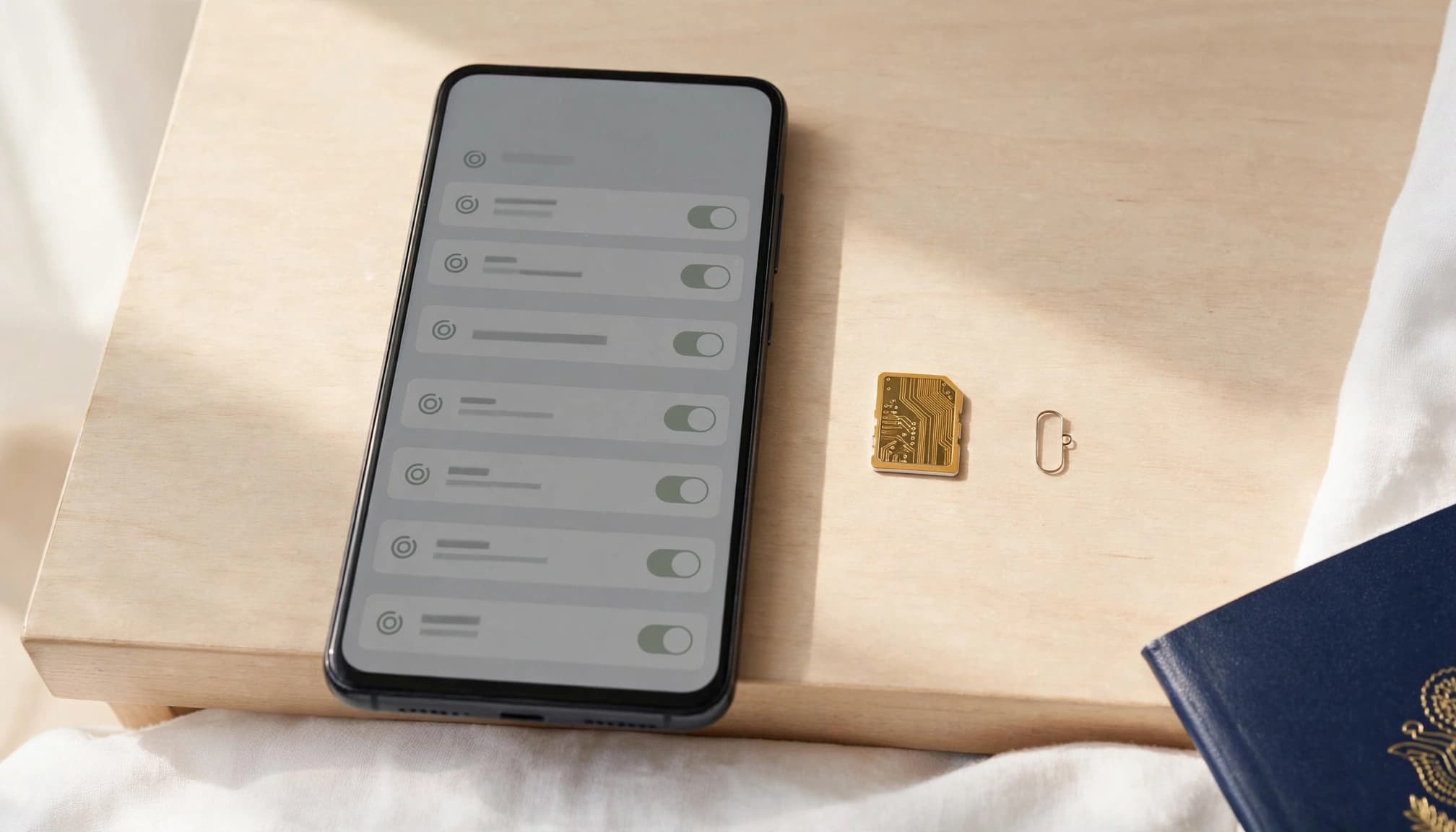
Look for an EID or an Add eSIM option
Start with your phone’s dialer. Dial *#06# and look for an EID in the device information. An EID identifies eSIM hardware inside your phone, but it doesn’t confirm that every travel plan will work with your model.
You can also check your cellular or SIM settings for an option such as “Add eSIM.” Menu names vary by phone model and software version, so look under cellular, mobile network, connections, or SIM manager settings. If you find an EID but no eSIM option, check your phone maker’s specifications or ask your carrier to confirm support.
Once your phone passes this hardware check, use a trusted guide to check your EID and install an eSIM with a QR code.
Check the carrier lock and regional model
eSIM support is only half the check. Your phone must also be unlocked to use many third-party travel plans. A carrier-locked phone may reject another provider’s eSIM profile, even when the device has an EID.
- On iPhone, open Settings, tap General, then About. Find Carrier Lock. “No SIM restrictions” means the phone is unlocked. Apple’s eSIM setup guidance can help if you’re checking an iPhone.
- On Android, look in SIM manager, Connections, or Network & Internet settings. Menu names vary, so check your manufacturer’s instructions if you can’t find the setting.
- Confirm the exact model and region in your phone’s specifications. Some regional versions don’t include eSIM support, even when a similar model sold elsewhere does.
If the lock status is unclear, contact your carrier before you buy. A quick confirmation now beats troubleshooting at the airport.
Set Up Your Travel Connection Before You Leave
A little setup at home can save you from sorting out mobile data in an airport arrivals hall. Whether you choose an eSIM or SIM card, check when the plan starts, set the right line for data, and test your connection after landing.
Install the eSIM on reliable Wi-Fi
Buy your plan from a trusted provider, then read its activation instructions before installing anything. Plans can start their validity at purchase, installation, or the first connection to a supported network, so timing matters. Follow the provider’s steps rather than assuming installation and activation mean the same thing.
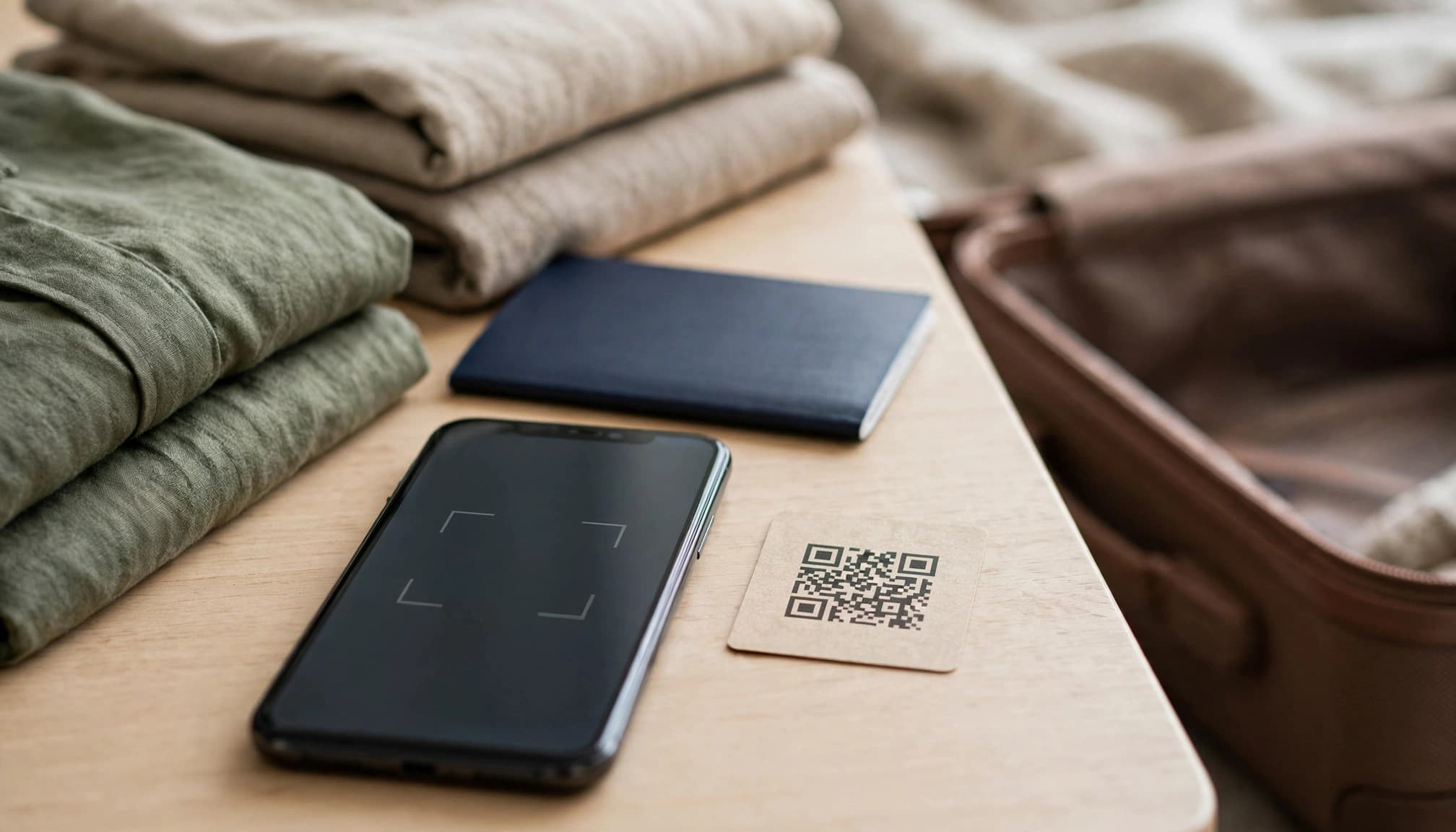
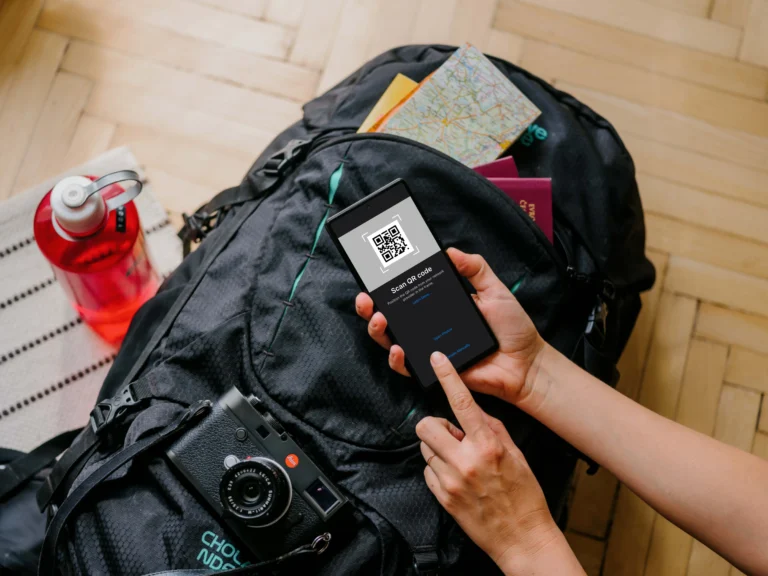
If the plan allows pre-trip installation, add the eSIM profile at home using reliable Wi-Fi. Activation may also need an internet connection, so keep the QR code or manual activation details somewhere you can reach them. Label the new line “Travel” to spot it quickly in your settings, and don’t delete the profile if setup stalls unless the provider’s support team tells you to. Some profiles can’t be installed again after deletion.
Set the travel line for data and protect the home line
Once the travel eSIM is installed, choose it as your cellular data line. You can keep your home line available for calls or verification texts, if you want, but check your carrier’s roaming rules first. Calls, outgoing texts, and even some incoming messages may lead to charges.
Turn off data roaming on your home line to reduce the chance of unexpected data fees. Your travel plan may require data roaming on its own line, so check the plan instructions and confirm you’ve selected the correct profile. Apple’s guide to using an eSIM while traveling explains how compatible iPhones can use a physical SIM and eSIM together. For help changing the active line, see how to switch eSIM profiles before your trip.
Use a short arrival checklist for either SIM type
After landing, give your phone a quick check before you rely on maps or rideshare apps:
- Confirm the travel line is active and selected for cellular data.
- Turn on data roaming only for the line that requires it.
- Restart your phone if it doesn’t connect.
- Test a webpage or map before leaving the airport.
If you’re using a physical SIM, store your home SIM somewhere secure, like its original holder, and confirm your phone recognizes the replacement. A SIM swap is a small step, but a tiny card is surprisingly easy to lose in a busy terminal.
Which Option Fits Your Trip and Travel Style?
The better choice depends on how long you’ll stay, where you’re going, and what your phone supports. For a short trip or a route across several countries, an eSIM can save you a stop at the airport shop. For a longer stay, a local physical SIM may offer a better fit, especially if you need a local number.
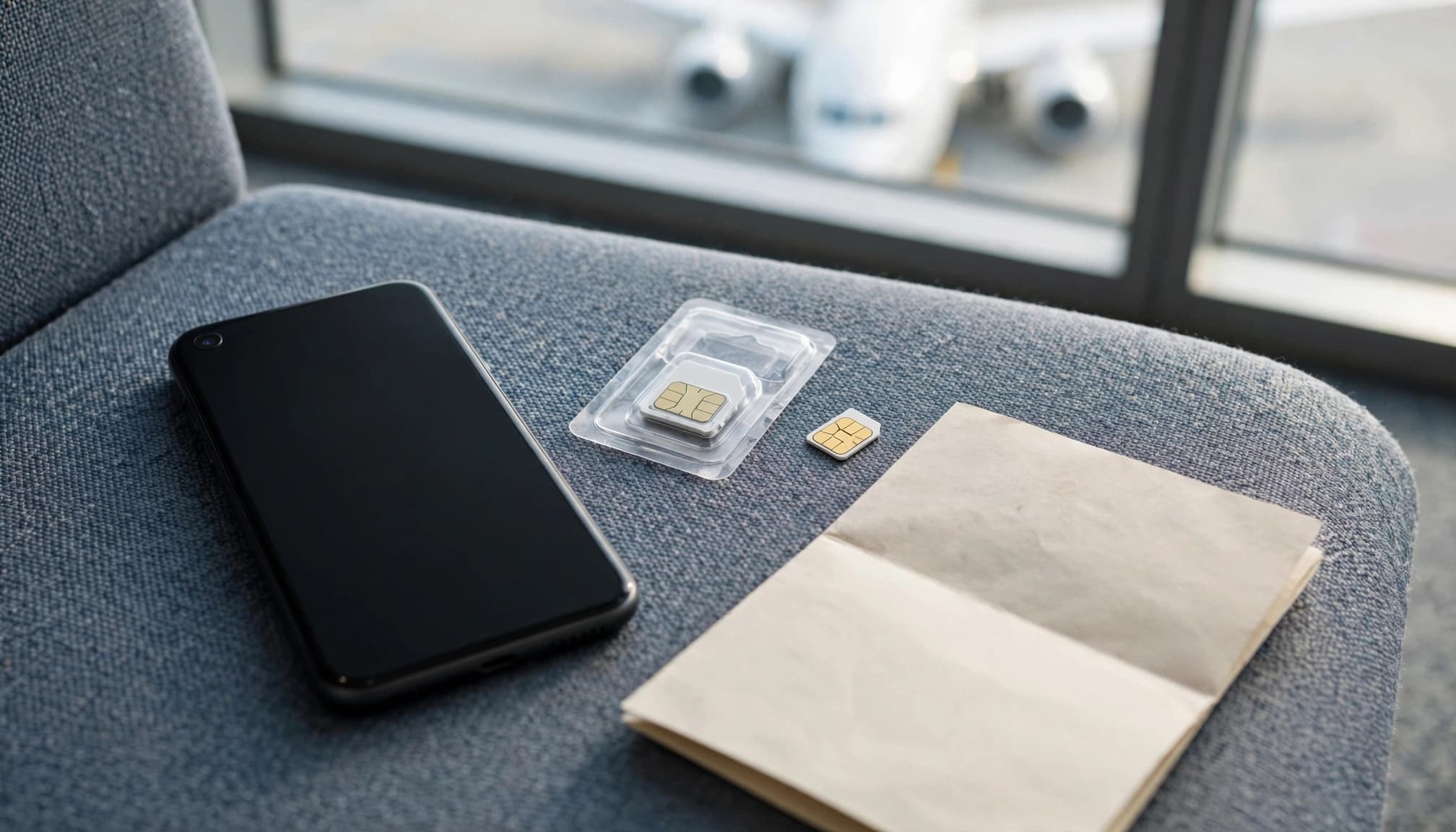
Choose an eSIM for quick setup and multi-country travel
If your phone is unlocked and supports eSIM, you can install a travel plan before departure and connect after you land. There’s no tiny card to handle or stash somewhere safe, and a regional plan can cover several countries without making you buy a new SIM at each border. You can also keep your home line active on supported phones; Apple explains how Dual SIM works with an eSIM.
That convenience is especially useful on a weeklong trip through multiple countries, when you’d rather spend your arrival time finding the train than a SIM shop. Still, don’t assume every regional plan is the right deal. Compare the networks, data limits, validity period, and total price against the places you’ll visit and the data you expect to use. A comparison of travel eSIM plans by cost per GB can help you judge whether the convenience is worth the price.
Choose a physical SIM when local service matters most
A local physical SIM can make more sense for a monthlong stay, a working trip, or any visit where you need a local number for calls, texts, or account registration. It may also be your practical option if your phone doesn’t support eSIM. For a long stay, local plans can be worth comparing closely, rather than relying on a short-validity travel package. See more about choosing a local physical SIM for a long stay.
The tradeoff is that you’ll need to find a seller, choose a plan, and follow any local registration rules. Language barriers can make the process slower, and you’ll need to remove and store your home SIM if your phone can’t use both lines at once. Keep its holder or a small case handy; losing your home SIM mid-trip is a hassle nobody needs.
Quick decision rule: Choose an eSIM if your phone supports it, the plan fits your route and budget, and you want to keep your home line available. Choose a physical SIM if it offers better total value or local-number access for a longer stay.
Conclusion
Choosing an eSIM or SIM card comes down to the plan, not the format. Compare the price per usable gigabyte, verify the host network covers your route, and check that your phone is unlocked and supports the plan. An eSIM may save a stop at a shop, but neither option guarantees a better price or signal.
Give yourself time to install or buy the plan before your trip, so you can sort out any setup issues at home. First check whether your phone supports eSIM, then estimate your mobile data needs abroad and compare options that fit your budget and itinerary.