eSIM Refund and Top-Up Policies: Fine Print to Check Before You Buy
Your connection drops mid-trip, or your data runs out just when you need a map. Then you find out the refund or top-up terms block the easy fix.
eSIM refund and top-up policies vary by plan and provider, so check when refund eligibility ends, how you can add data, and whether that data expires with your original plan. Before paying, compare those details alongside your device compatibility, then review how to pick a travel eSIM for your trip.
What eSIM refund and top-up policies really allow
A refund policy explains when you can cancel an eSIM purchase or request money back after a service failure. A top-up adds data or extends service on an existing plan, but the available options and terms depend on the provider.
| Policy area | Customer-friendly term | Fine-print risk | Traveler impact |
|---|---|---|---|
| Pre-activation cancellation | Refund available before use | Eligibility may end when a QR code is issued | You could lose the fare if plans change |
| Technical failures | Refund if the service fails | The provider may require troubleshooting and proof | Keep screenshots and support records |
| Top-up setup | Add data to your current eSIM | A new plan or QR code may be required | You may need Wi-Fi and another installation |
| Price per GB | Top-ups cost about the same per unit | Extra data may cost more than the original bundle | Compare the total price before buying |
| Validity | Added data extends the plan | New data may expire with the original plan | Unused data could disappear sooner than expected |
When a QR code or installed profile affects refund eligibility
Purchase, QR-code delivery, profile download, installation, and first network connection are separate milestones. Providers may treat each one differently, and some stop offering refunds before you use any data. There’s no universal rule that guarantees a full refund once a QR code arrives or a profile installs.

Check the exact cutoff in the terms, not just phrases like “unused eSIM.” Look for what counts as activation, the deadline to submit a claim, and the proof you need. Some providers distinguish between an issued code and a profile that has connected to a network, as examples in published eSIM refund terms show. For one provider’s rules, review Gohub’s eSIM refund and cancellation policy.
What counts as a provider fault, and what may not qualify
A provider-side problem could include a provisioning error or a service that fails despite correct setup. But a carrier-locked or incompatible phone, an unsupported network, weak local coverage, or a setup mistake may fall outside refund terms. Check your device before purchase, and review eSIM compatibility guidance.
If you need more data, confirm whether a top-up applies to your installed profile or requires a new eSIM. Then compare the price per GB and check whether extra data extends the plan’s validity or keeps the original expiration date. Support response times matter, too: save the order details, error messages, screenshots, and troubleshooting steps, and submit them within the provider’s claim window.
The refund fine print to check before you buy
A low price looks less appealing if a canceled trip voids your refund or a connection failure becomes impossible to prove. Before you buy, check the cancellation cutoff, device exclusions, and claim process, not just the plan price.

Cancellation windows, unused data, and partial refunds
Refund eligibility can change at each step: purchase, QR-code delivery, installation, and first connection. Check which milestone ends your cancellation window. Some providers refund an uninstalled plan, while others only consider claims after confirming a technical fault.
Also look at what you get back. The policy may offer a full refund, partial reimbursement for unused data, store credit, or nothing after activation. Don’t assume “unused” means refundable; read how the provider defines it.
Before you pay, confirm the deadline and whether support must hear from you before the plan expires. A claim submitted after expiration may be harder to resolve, even when you experienced a real service problem. For example, Gohub’s refund and cancellation policy describes different conditions for unactivated plans and activated eSIMs.
Device locks and compatibility exclusions
A travel eSIM can be compatible with your phone model and still fail because your carrier locked the device. Check that your phone supports eSIM and has no carrier restrictions before buying. On an iPhone, “No SIM restrictions” under Carrier Lock is the status you want; Apple’s cellular service setup guide covers adding a cellular plan.
Providers may exclude failures caused by an unsupported or locked phone from refunds. That can leave you paying for a plan you couldn’t install. If you’re unsure, review how to check whether your phone is carrier-locked and contact your carrier before departure.
Proof, support timelines, and claim steps
A technical claim is easier to assess when you can show what happened. Save these details before deleting a profile or changing settings:
- Your order confirmation and eSIM plan details.
- Screenshots of installation or connection errors.
- Your phone model and eSIM installation status.
- Support messages, troubleshooting steps, and their timestamps.
Then check how to contact support, the claim deadline, and any troubleshooting the provider requires. Look for a stated review period, but don’t assume every provider promises the same response time. If the problem starts during your trip, contact support promptly and keep the conversation; waiting until the plan expires can complicate your claim. If a provider offers a replacement process, read its timing and evidence requirements too, such as Gohub’s one-hour eSIM replacement policy.
How eSIM top-ups work, and where extra charges can hide
The word “top-up” sounds simple, but it doesn’t always mean extra data lands on your current eSIM. Check the setup, total cost, and expiration rules before you count on more data mid-trip.
Same-profile top-ups versus a new eSIM installation
Some providers add data to the eSIM profile already installed on your phone. Others sell a separate package that may require a new profile or QR-code scan. A fresh setup can be a hassle if you’re on the move and can’t find reliable Wi-Fi. Apple’s iPhone eSIM setup instructions cover the steps involved in adding a plan.
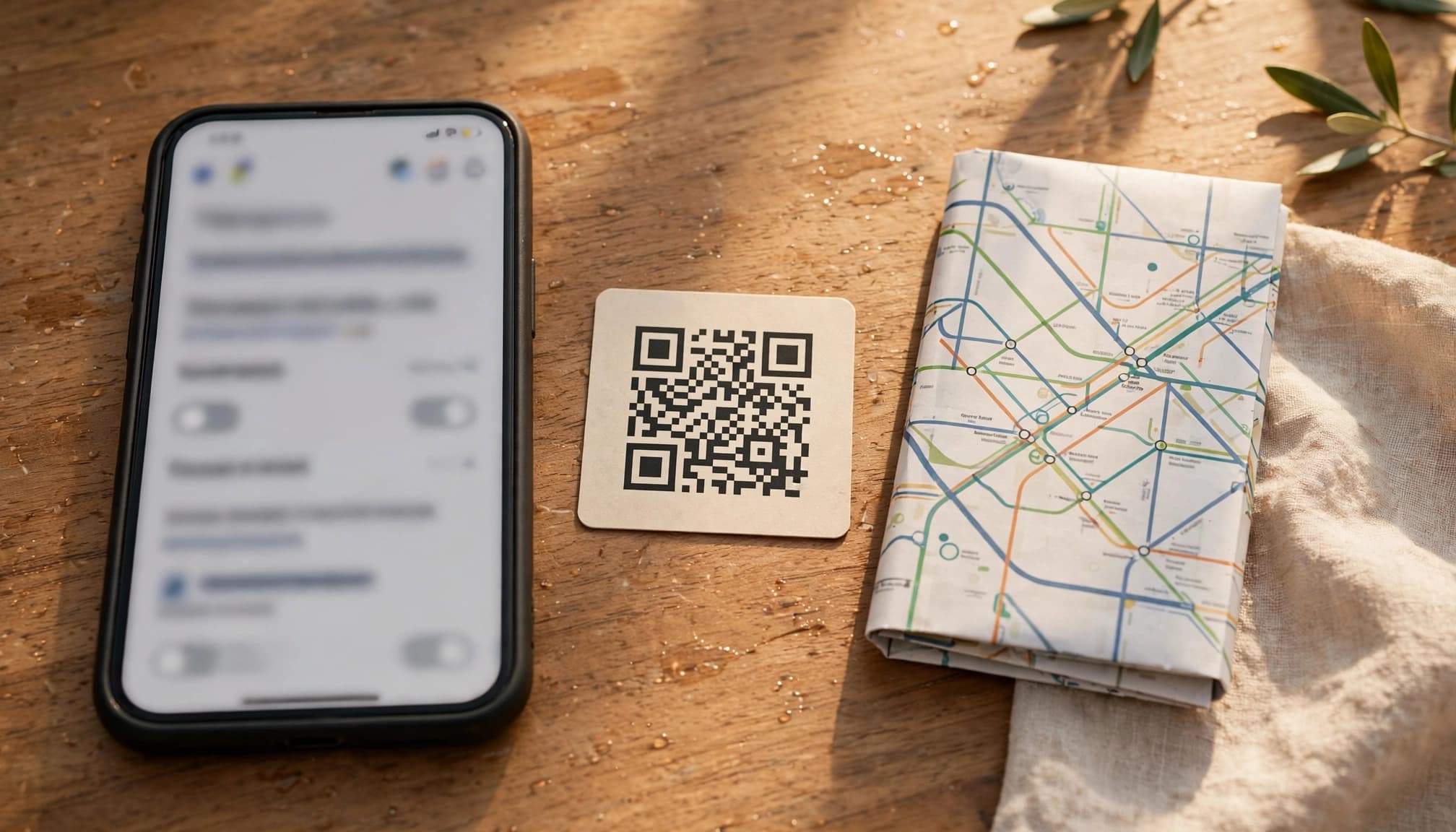
Before buying, ask whether you can keep using your existing profile and whether the new package starts immediately, waits until your current data runs out, or activates on another date. Those details vary by plan. For example, Gohub’s eSIM top-up guide explains how its top-up packs work with an installed profile and when a queued pack starts.
Compare the top-up price per gigabyte
A small add-on can cost more per GB than the plan you bought first. To compare fairly, divide each package price by the amount of data it includes.
Illustrative example: A 10 GB plan for $15 costs $1.50 per GB. A 5 GB top-up for $8 costs $1.60 per GB, even though the add-on costs less upfront.
Check the final price, not just the number on the purchase screen. Currency conversion, taxes, minimum purchase amounts, and promotional pricing can change the comparison. A discount on your first package may not apply to later top-ups, so calculate the regular price for both.
Check data expiry and validity extensions
Extra data may share the original plan’s expiration date, start a fresh validity period, or extend the plan’s existing validity. There’s no single rule across eSIM providers, so check the package terms before paying.
Find out whether unused data rolls over and whether you can buy a top-up after the original plan expires. If the data expires with your first package, buying more too early could leave you with less time to use it. If your plan has already expired, the provider may require a new eSIM instead.
Verify the plan terms before your trip
A few minutes with the plan terms can save you from a refund dispute or a frustrating setup abroad. Check what the provider promises, then save the details you may need if your connection fails.

Use this pre-purchase policy checklist
Don’t assume every eSIM plan offers the same protections. Confirm each item on the provider’s plan page or in its terms before paying.
| Check | What to confirm |
|---|---|
| Refund cutoff | Find out which step ends cancellation eligibility, such as QR-code delivery, installation, or first connection. |
| Technical-failure coverage | Check whether the policy covers setup or network failures, and what troubleshooting or proof it requires. |
| Device compatibility | Confirm your exact phone model supports eSIM and meets the provider’s requirements. |
| Top-up method | Ask whether added data works with your existing eSIM or requires a new profile or QR code. |
| Price per GB | Compare the top-up’s unit price with your original plan, including taxes or fees shown at checkout. |
| Data expiry | Check whether added data gets a new validity period, extends your plan, or expires on the original date. |
| Claim deadline | Note how soon you must report a problem and whether you must contact support before the plan expires. |
| Support access | Save the available contact options and check whether you can reach support without mobile data. |
Test your device and save support details before departure
Check that your phone supports eSIM and is carrier-unlocked before you buy. iPhone users can look under Settings, General, then About; “No SIM restrictions” should appear beside Carrier Lock. Apple’s iPhone unlock instructions explain this check, and you can check eSIM compatibility for your phone.
Install the profile by following the provider’s instructions, ideally while you have reliable Wi-Fi. Review the requirements for setting up an eSIM before you begin. Installing early can reveal a setup issue while you still have time to get help, but check when validity starts first. Some plans begin counting down at installation or activation.
Before departure, save your order confirmation, plan terms, installation instructions, and support contact options somewhere you can open offline. If a connection problem occurs, keep screenshots of error messages and notes on the time and troubleshooting steps. Those details make it easier to explain what happened and file a claim within the provider’s deadline.
What to do when a refund or top-up problem happens abroad
A failed connection, rejected top-up, or disputed refund is frustrating, especially when you need maps or booking details. Keep a clear record, contact support through the provider’s listed channel, and follow its claim deadline.
Document the issue and contact support promptly
Write down when and where the problem happened, your phone model, the exact error message, and what you tried. Save screenshots, order details, top-up receipts, and copies of support messages. Those notes give the provider something concrete to investigate, instead of a vague report that the eSIM stopped working.
Contact support using the channel listed in your plan terms or purchase confirmation. Explain what failed, when it started, and what troubleshooting you completed. Ask for a case number or written reply, then keep it with your records. If the connection issue persists, check further eSIM troubleshooting steps. Submit refund or replacement claims before the stated deadline, even if support is still investigating. For a disputed refund, the FTC also outlines steps for resolving a problem with a business.
Keep a backup connection option in mind
A local SIM, another compatible eSIM, or trusted Wi-Fi may help you get online while support investigates. Compare the cost and setup requirements before you buy anything. A new plan can solve an urgent access problem, but it may also add expense without fixing the original issue.
Before purchasing another eSIM, ask support whether your current profile can still be repaired or topped up. A rejected top-up does not always mean the installed profile has failed. Keep the conversation clear and factual, and don’t assume a refund is guaranteed; the provider will assess your claim under its stated terms.
Conclusion
The fine print matters most when your connection fails or your data runs low. Check the refund cutoff, what qualifies as a technical failure, and whether a top-up changes your cost, setup, or expiration date.
Before departure, save the provider’s policy details and support contact options where you can access them offline. A few minutes of checking now can spare you a frustrating surprise abroad. For the bigger plan picture, see what to consider before buying a travel eSIM.