How to Read a Travel eSIM Coverage Map Properly
A broad patch of color on a coverage map doesn’t mean your phone will work perfectly everywhere inside it. That’s the common travel mistake, and it can leave you without usable data in a hotel room, mountain valley, subway station, or rural stretch of road.
Coverage maps are useful planning tools, but they show predicted network reach, not a promise of strong signal or fast data. For international travelers comparing eSIMs, Travel eSIM coverage map accuracy depends on more than the shaded area, including signal modeling, building materials, network access, roaming priority, and whether the plan actually connects to the strongest local operator.
The cheapest plan isn’t much of a bargain if half your itinerary has unusable coverage, so it also helps to compare the best-value eSIM plans against the network behind them. Next, we’ll break down what those colors mean, where coverage claims fall short, and the practical checks to make before you buy.
Coverage Maps Are Marketing: How to Read One Properly
Carrier coverage maps are designed to communicate broad availability, not guarantee a working connection at every point inside a colored region. They answer a useful but limited question: where service may exist. They don’t tell you whether your phone will load Google Maps, translate a street sign, book a ride, join a video call, or share photos from one exact location.
That distinction matters when you’re comparing travel eSIM plans. A map can show predicted outdoor reach while your actual experience depends on signal strength, building materials, network priority, device bands, roaming access, and local congestion. The shaded area is a starting point, not a promise.

How Carriers Build Coverage Maps With Computer Models
Carriers use propagation modeling to estimate how radio signals travel from cell towers. In simple terms, a computer studies tower location, antenna height, transmission power, frequency, terrain, and distance, then predicts where the signal should reach.
The model often assumes outdoor use, clear conditions, and known antenna placement. It may account for hills, valleys, and urban density, but it can’t perfectly recreate every hotel wall, train tunnel, apartment building, or crowded airport terminal. A phone inside a concrete room can have a very different experience from a phone standing outside nearby.
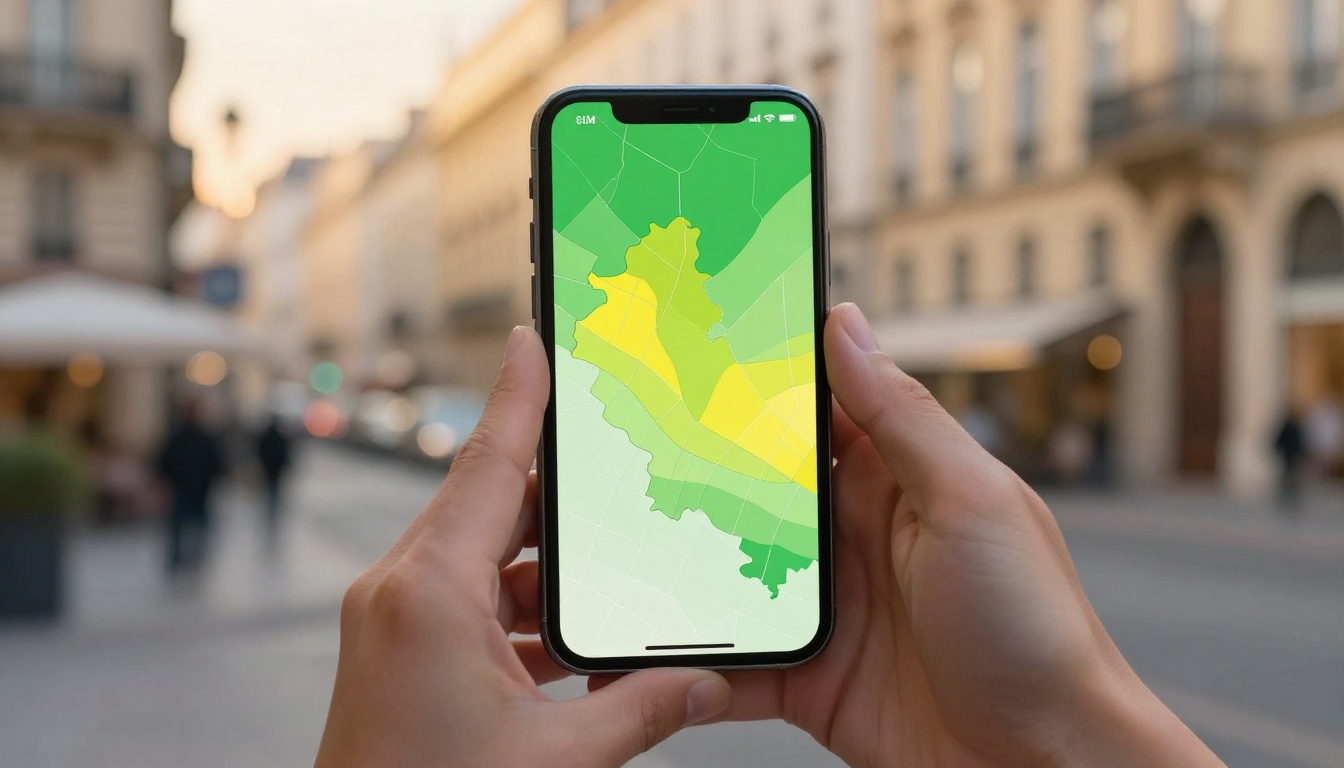
That means the colors show predicted signal potential, not guaranteed connectivity. A dark color may indicate strong expected coverage, while a lighter edge can mean a weak signal, intermittent service, or a best-case estimate that only works outdoors.
Coverage maps can also lag behind reality. A tower may have changed, a network upgrade may still be missing from the graphic, or a temporary outage may affect service before the map updates. New buildings, construction, and changes to antenna placement can create gaps that a broad model doesn’t show.
A coverage map isn’t necessarily dishonest. It’s useful when you read it as a prediction instead of treating it like a live signal meter.
Why Signal Bars Do Not Guarantee Usable Data
Your phone connecting to a tower is only the first step. A weak 3G or LTE connection may support a short call or text message, yet struggle to load navigation, translate text, book a rideshare, or send a photo. That’s the difference between signal available and usable mobile data.
Even full or partial bars can produce slow service when many people share the same tower. A busy airport, festival, train station, or tourist district may have plenty of signal but not enough capacity for everyone. Backhaul limits can also slow the connection between the tower and the wider internet.
Travel eSIM restrictions add another layer. Your plan may have a data cap, reduced speeds after a daily allowance, or lower priority than local subscribers. Some roaming agreements limit access to certain network features, including 5G or hotspot use, even when the host carrier’s own coverage map shows them.
So when you inspect a map, ask more than, “Is this area covered?” Ask whether your eSIM can access the local network, what priority it receives, and whether the connection will handle the tasks you actually need. A green patch on a map is encouraging. It isn’t the same thing as dependable data.
The Hidden Coverage Traps Travelers Miss
A coverage map can look generous while your actual connection falls apart in the places travelers use most: hotel rooms, airports, subway stations, crowded city centers, and remote roads. These aren’t rare exceptions. They are normal parts of a trip, which is why Travel eSIM coverage map accuracy depends on more than the size of the shaded area.
Before buying, check the network behind the plan, the locations on your itinerary, and the conditions where you expect to use data. A map tells you where coverage may reach. You still need to find out whether that signal can reach you.
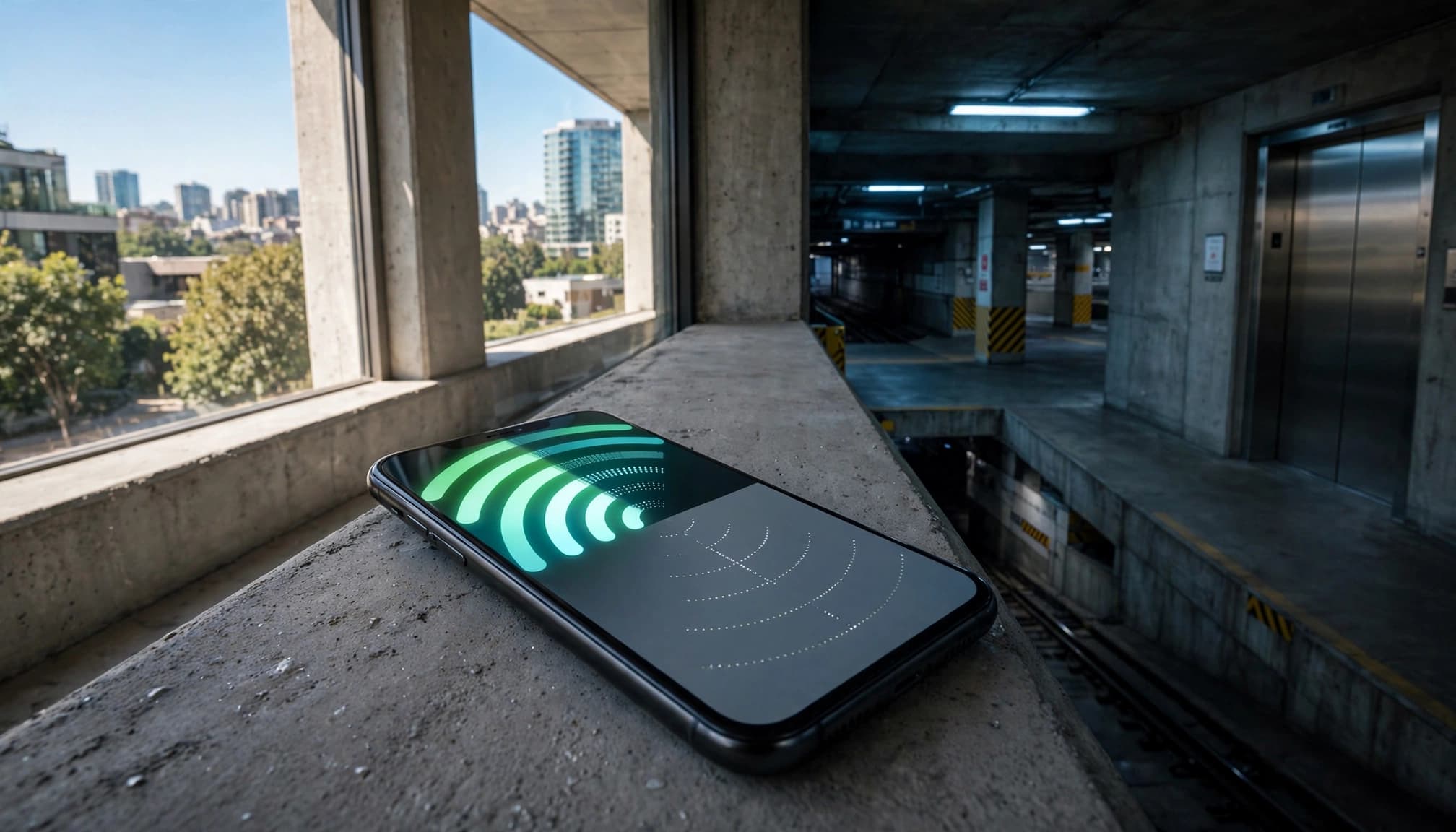
Indoor and Underground Signal Loss Can Erase Outdoor 5G
Concrete, steel, elevators, parking garages, tunnels, and subway stations can weaken cellular signals before they reach your phone. Low-emissivity glass, often used in modern hotels and office buildings, can also reduce radio penetration because of its metallic coating.
Higher-frequency 5G bands can have an even harder time passing through walls than lower-frequency bands. That creates a frustrating result: a city block may show strong outdoor 5G, while your hotel room has one bar, no data, or a connection that drops whenever you move away from the window.
The same problem appears at airports, underground platforms, and indoor shopping centers. Before purchasing, check the exact hotel, airport terminal, station, or venue when indoor access matters. Don’t judge the building by the strong-colored map around it.
Direct Carrier Access Is Different From Roaming Access
A mobile network operator owns and manages the local towers, antennas, and core network. A reseller or roaming eSIM borrows access through an agreement with that operator. Both services may connect to the same towers, but they don’t always receive the same treatment.
Roaming users can face lower priority during busy periods, speed limits, or restrictions on 5G, tethering, and other services. That matters at a crowded airport, a major tourist attraction, or a packed city center, where the tower may be working normally but capacity is under pressure.
Look past the eSIM brand name and find the underlying host network. Check whether the plan lists priority terms, speed limits, and supported services. You can also review the travel eSIM setup guide before departure, since the correct roaming settings are part of connecting to the partner network.
Multi-Network Claims May Not Mean Seamless Switching
An eSIM advertised across several national networks may not move between them automatically. The profile might favor one network, delay switching until the signal is nearly unusable, or require you to select another carrier manually in your phone settings.
Device compatibility can narrow the choices further. Your phone may support the local bands but not the profile rules needed to access every listed network. Some plans also show several networks for broad marketing coverage, while only one or two provide regular data access.
Before buying, verify whether automatic network selection is supported and whether every listed network works for data. Don’t assume a stronger nearby network is available just because its name appears in the plan details. It may be limited to emergency access, backup roaming, or manual selection.
Terrain and Population Density Can Distort the Picture
Mountains, forests, valleys, coastlines, deserts, and long highways create uneven coverage that broad maps struggle to show. A distant tower may cause a large area to appear covered, even when hills, trees, or rock block the usable signal at road level.
Road trips make this especially obvious. A route may pass through several shaded regions, then lose service in a valley or on an exposed stretch between towns. Rural hotels, national parks, ferry routes, and desert destinations can have the same problem.
Dense cities create the opposite issue. Many towers may provide excellent map coverage, but thousands of people can overload them during rush hour, festivals, or major events. Compare the coverage map with tower locations, local reports, and your exact route. For a rural trip, a plan that reaches more than one host network is usually safer than one tied to a single distant tower.
Travel eSIM Coverage Map Accuracy Affects the Real Price You Pay
Coverage quality changes what you actually pay for mobile data. A cheap plan is not a bargain if its data only works in the places you don’t need it, while a more expensive plan can be cheaper in practice when it stays connected throughout your route.
A Low Price per GB Can Be Expensive in Practice
Imagine a $1 per GB eSIM that works reliably in only half of your planned route. You may have plenty of data left, but that data is trapped behind dead signal areas when you need directions, messages, or a booking confirmation.
Now compare it with a $3 per GB plan that works in nearly every key location, including your airport, hotel area, train route, and main attractions. The second plan costs more on paper, but it may deliver more useful data per dollar because you can actually use what you bought.
A simple way to estimate this is:
Effective value = price per GB divided by usable signal availability ratio
If the $1 plan works in 50% of your expected destinations, its effective value is $2 per usable GB. The $3 plan working in 95% of those locations has an effective value of about $3.16 per usable GB. The cheaper option still costs less in this example, but the gap is much smaller than the advertised prices suggest.
The ratio is only an estimate of how often the plan should work in your actual destinations. It’s not a laboratory measurement. Still, it helps expose the dead signal waste factor, especially when a trip includes rural roads, mountain towns, border crossings, or multiple hotels.
Poor coverage can also create extra costs:
- You may need to buy a replacement eSIM after repeated dead zones.
- Missed bookings or delayed ride pickups can cost more than the original plan.
- Offline maps take preparation time and may not cover every unexpected detour.
- Hotel Wi-Fi, café internet, or a local SIM becomes an unplanned fallback.
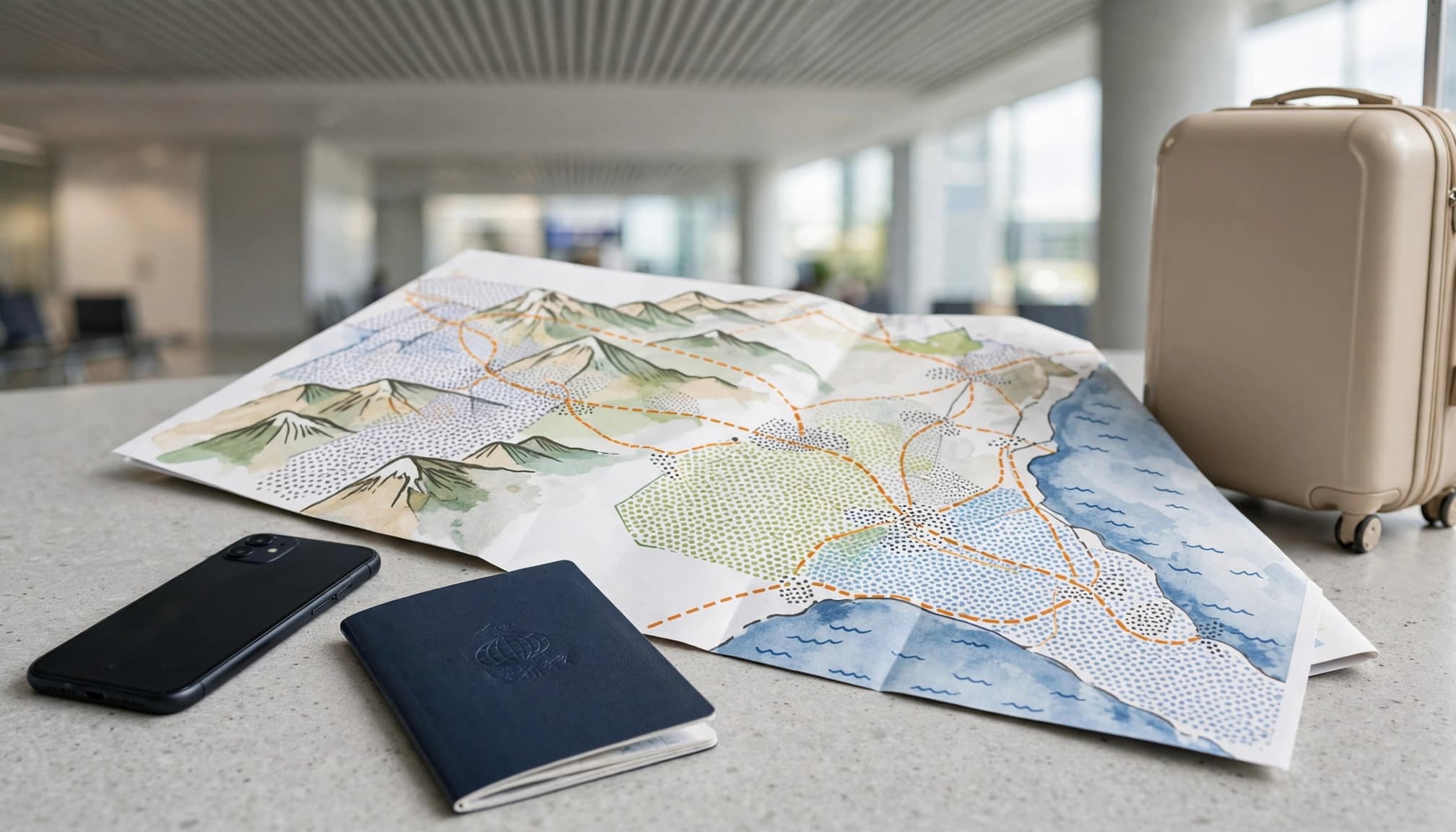
Activation Depends on a Successful Network Handshake
Installing an eSIM profile and connecting it to a local network are two different steps. Installation downloads the plan to your phone. The network handshake registers that profile with a supported carrier and gives it working data access.
That handshake may depend on automatic activation, the correct APN settings, supported frequency bands, and permission to use data roaming. Your phone also needs a usable signal at the moment it arrives. If the airport terminal has weak coverage or the eSIM cannot access the available host network, setup can stall even when the profile was installed correctly.
Check the plan instructions before you buy. Look for automatic network selection, listed partner networks, supported bands, APN requirements, and clear roaming guidance. These details matter immediately after landing, when you may need a ride app, a digital immigration form, a two-factor authentication code, or a way to contact your hotel.
Review the provider’s travel eSIM APN settings before departure, and keep the setup instructions available offline. A plan that connects quickly at the airport is worth more than one that looks cheap but leaves you troubleshooting beside baggage claim.
A Practical Way to Read Any Coverage Map
Reading a travel eSIM coverage map properly takes more than looking for the biggest patch of color. Compare the map with your exact destinations, travel route, travel dates, phone model, and expected data use. The goal isn’t to find the plan with the most shaded territory. It’s to find the plan most likely to provide usable service in real situations.
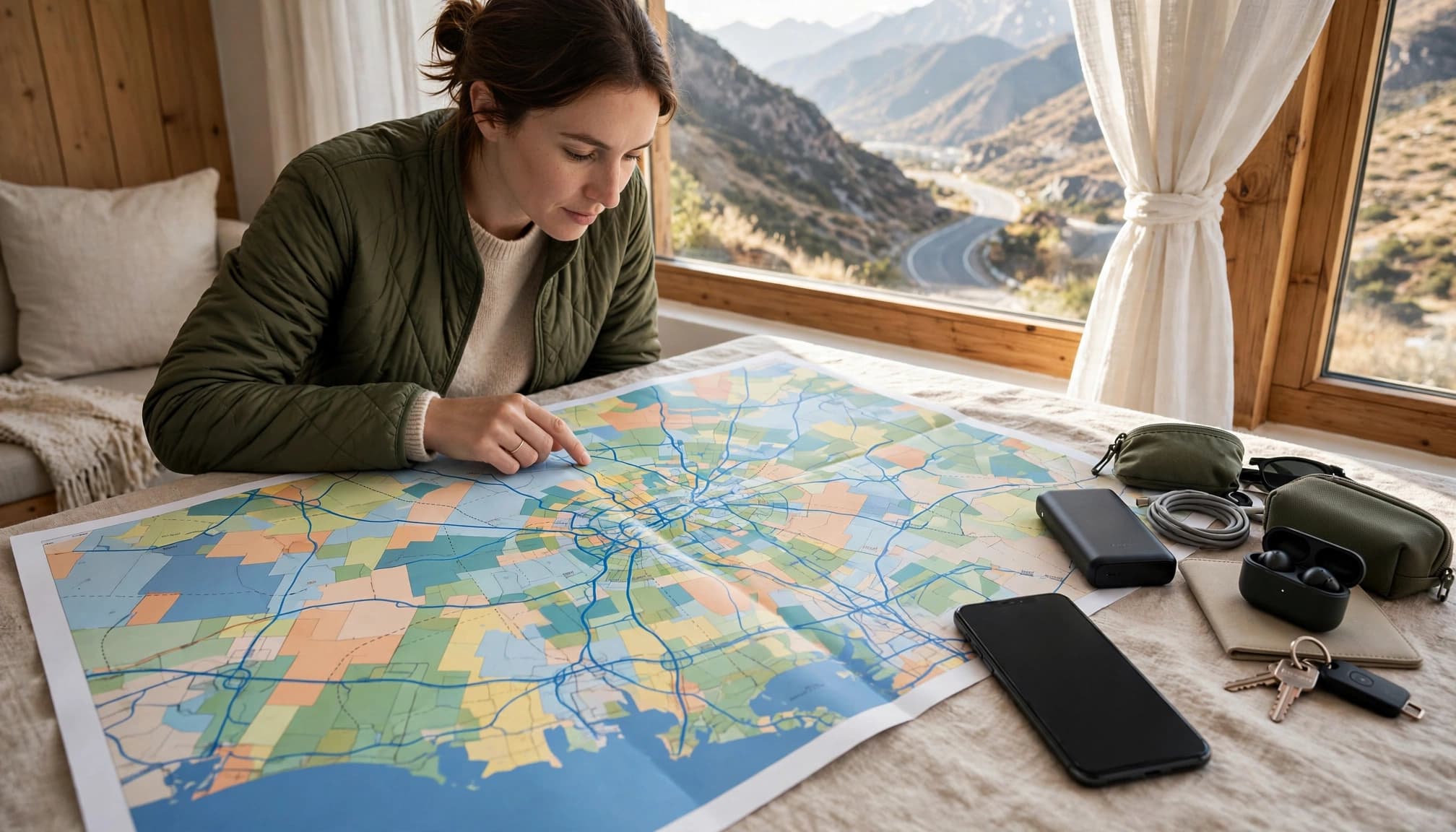
Check the Local Host Network First
Look past the travel eSIM brand and identify the local mobile network that actually carries your data. A direct relationship with a major national operator can be more useful than a vague promise of coverage across an entire country.
Check whether the plan names:
- One specific host network.
- Several available networks.
- Only the country, with no technical details.
Host access can change by destination, even when the same eSIM brand has a strong reputation elsewhere. A provider may use one network in Japan, another in Australia, and a completely different roaming partner in Europe. That makes the local agreement more important than the logo on the eSIM’s website.
If your itinerary includes rural roads, mountain towns, or several cities, find out whether the plan can switch between listed networks automatically. A map with broad national coverage is less helpful when your eSIM is restricted to one weak partner.
Check Bands and the Difference Between 5G SA and NSA
Your phone must support the frequency bands used by the local network. Otherwise, a shaded coverage area may offer little practical help. Check your exact phone model, its regional version, and the bands used at your destination before buying.
5G standalone, or 5G SA, uses a native 5G core and network architecture. Non-standalone 5G, or 5G NSA, uses existing 4G infrastructure alongside 5G radio equipment. Both can provide fast service, but the label alone doesn’t tell you how broad, stable, or useful the connection will be for a traveler.
Confirm three details:
- Whether your phone supports the local 4G and 5G bands.
- Whether the eSIM allows 5G or limits you to LTE.
- Whether the plan supports 5G SA, 5G NSA, or doesn’t state the difference.
A 5G icon is nice to see, but reliable LTE may serve your route better than restricted 5G access.
Compare Marketing Graphics With Independent Signal Data
Carrier maps are useful, but don’t treat them as the final word on Travel eSIM coverage map accuracy. Compare the graphic with crowdsourced signal reports, cell tower databases, local coverage tools, and recent traveler reports.
Independent sources can reveal weak valleys, dead zones along a specific highway, indoor problems, and network changes that a polished carrier map hasn’t captured. Route-specific information is especially helpful for train journeys, road trips, national parks, and ferry crossings.
Crowdsourced data has gaps, too. Reports may come from busy cities while rural areas have few measurements, and older submissions may no longer reflect current network conditions. Treat this information as supporting evidence, not perfect ground truth.
For destination-specific planning, compare a best eSIM for Australia and New Zealand with the networks covering your actual route, not just the country as a whole.
Verify Hotspot Rules and Network Priority
Phone coverage doesn’t automatically mean your laptop can use the same connection. Some travel eSIMs block tethering, limit hotspot data, reduce speeds after a set amount, or apply different rules to shared traffic. A phone may load messages while a laptop struggles with cloud files or video calls.
Network priority matters during congestion, too. Roaming data may receive lower priority than local subscribers at airports, festivals, stadiums, and crowded tourist areas. Check the plan’s hotspot support, speed limits, fair-use policy, data cap, and congestion terms before you pay.
Answer these questions before buying:
- Which local network handles the data?
- Where does automatic network switching work?
- Is 5G included, or is the plan LTE-only?
- Can you use the plan for hotspot traffic?
If laptop tethering is part of your trip, compare plans with clear Europe eSIM hotspot support, rather than assuming every unlimited plan includes shared data.
Match Coverage Quality to Your Travel Plans
The best travel eSIM isn’t the one with the largest percentage on its coverage map. It depends on where you will go, how you will use data, whether your phone supports the local bands, and how costly it would be to lose service. A city break, a cross-country drive, and a mountain hike need very different network strengths.

City Trips Need Indoor Capacity and Priority
In a major city, broad national coverage matters less than indoor penetration, dense tower coverage, and reliable LTE or 5G. Your phone needs to work inside a hotel, subway station, airport terminal, restaurant, and crowded attraction, not just on the sidewalk outside.
Rush hour and major events can expose weak roaming access quickly. A plan may show excellent coverage while your data slows to a crawl because local subscribers receive priority during congestion. Be cautious when the provider doesn’t identify its host operator, explain roaming priority, or support broad 5G claims with band information.
Choose a plan with clear access to a strong local network and enough data for maps, ride apps, messaging, reservations, and translation. A fast connection is nice, but consistent indoor service is what saves you when plans change.
Road Trips Need Route Coverage and Network Diversity
Road trips test the gaps between towers. Compare your full route, including rural highways, border crossings, smaller towns, and overnight stops, rather than checking only the countries on a plan’s landing page.
A single-network eSIM can look impressive on a national map and still fail outside cities. One carrier may cover the urban portions of your trip well, while another reaches the long stretches between towns. If you’re driving across the United States, compare plans offering USA eSIM coverage for road trips against the networks serving your actual route.
Multi-network access can help, but only when the plan explains how switching works. Does the phone switch automatically, or must you select another network manually? If that detail is missing, don’t assume several network names mean seamless coverage.
Remote Travel Needs Low Bands and Honest Evidence
National parks, islands, mountains, and wilderness areas need more than a large shaded region. Lower-frequency bands can travel farther and handle obstacles better, but tower placement, terrain, vegetation, and valley depth still decide whether your phone connects.
Be skeptical of broad coverage over remote land, especially when the map offers no tower detail or recent user measurements. It may be based on a computer model rather than frequent real-world testing.
Check local reports and independent signal data before leaving. Then download offline maps, save backup directions, and keep important reservations available without an internet connection. In remote areas, treat every coverage promise as uncertain until the evidence supports it.
Use This Final eSIM Coverage Checklist Before You Buy
Before you pay, move beyond the broad color blocks and test the plan against your actual trip. Travel eSIM coverage map accuracy matters most at your hotel, airport, train route, road-trip stops, and remote destinations, not across an entire country in general.

Run These Checks Before Choosing a Plan
Use this checklist while comparing two or more eSIMs:
- Identify the host operator. Find the local mobile network that carries the eSIM’s data in each destination. A recognizable eSIM brand doesn’t tell you which towers or roaming partner you’ll actually use.
- Inspect destination-level coverage. Check your cities, hotels, airports, train routes, highways, islands, and rural stops individually. Countrywide coverage is too broad to answer practical questions about your itinerary.
- Compare usable value, not headline price. A low price per gigabyte means little if the plan fails across half your route. Consider how much of your expected travel area should have usable service, then compare that result with the total price.
- Confirm phone bands and 5G support. Verify your exact phone model supports the local 4G and 5G bands. Check whether the eSIM includes 5G, supports 5G SA or NSA, or limits travelers to LTE.
- Verify automatic activation. Confirm that the profile activates after installation and can complete its network handshake when you land. Read the APN and data-roaming instructions before departure.
- Review hotspot and priority rules. Check whether tethering is allowed, whether hotspot data has a separate limit, and whether roaming users face slower speeds during congestion.
- Cross-check independent reports. Compare the carrier map with crowdsourced signal data, tower information, and recent traveler reports. Use BesteSIM.blog’s comparison resources to organize these details before buying.
Choose the plan with the strongest evidence for reliable service where you’ll actually spend time.
Conclusion
A coverage map shows possible network reach, not a promise of fast data in every hotel room, mountain valley, subway station, or stretch of highway. The strongest color on the screen still needs context, including the host network, indoor conditions, roaming priority, supported device bands, and whether the eSIM can switch networks when the first option weakens.
Look beyond the shaded areas and compare the map with independent reports, your actual route, and the amount of service you can realistically use. A Ubigi vs. Airalo coverage comparison can help show why broad country counts don’t tell the whole story.
Spend a few minutes checking the map and plan details before departure. Reliable coverage is worth more than an impressive marketing graphic or the lowest price per gigabyte.