
Bangkok eSIM Guide: When Cheapest Is Not Best
You’ve barely left Suvarnabhumi Airport when your ultra-cheap data plan starts stalling. Google Maps won’t load, your ride app keeps spinning, and mobile payments are suddenly more stressful than they should be.
The lowest price doesn’t always mean the lowest real cost. When you compare an eSIM for Bangkok, check network access, high-speed data limits, fair use rules, coverage, setup time, and cost per usable gigabyte, not only the headline price. If you’re heading beyond the capital, it’s also worth checking Thailand eSIM coverage with AIS before you buy.
Here’s what to look for when a cheap Bangkok eSIM sounds tempting, but your trip needs reliable data.
Bangkok eSIM Guide: When Cheapest Is Not Best
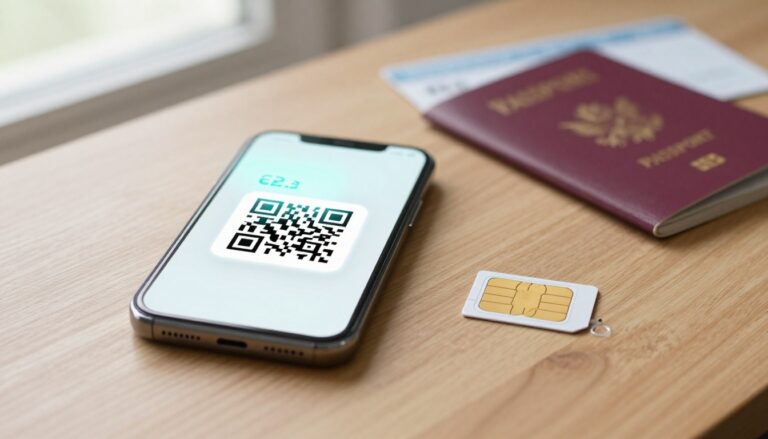
An eSIM is a digital SIM profile you install on your phone before arrival. For Bangkok, that early setup matters because the city puts mobile networks through a serious workout.
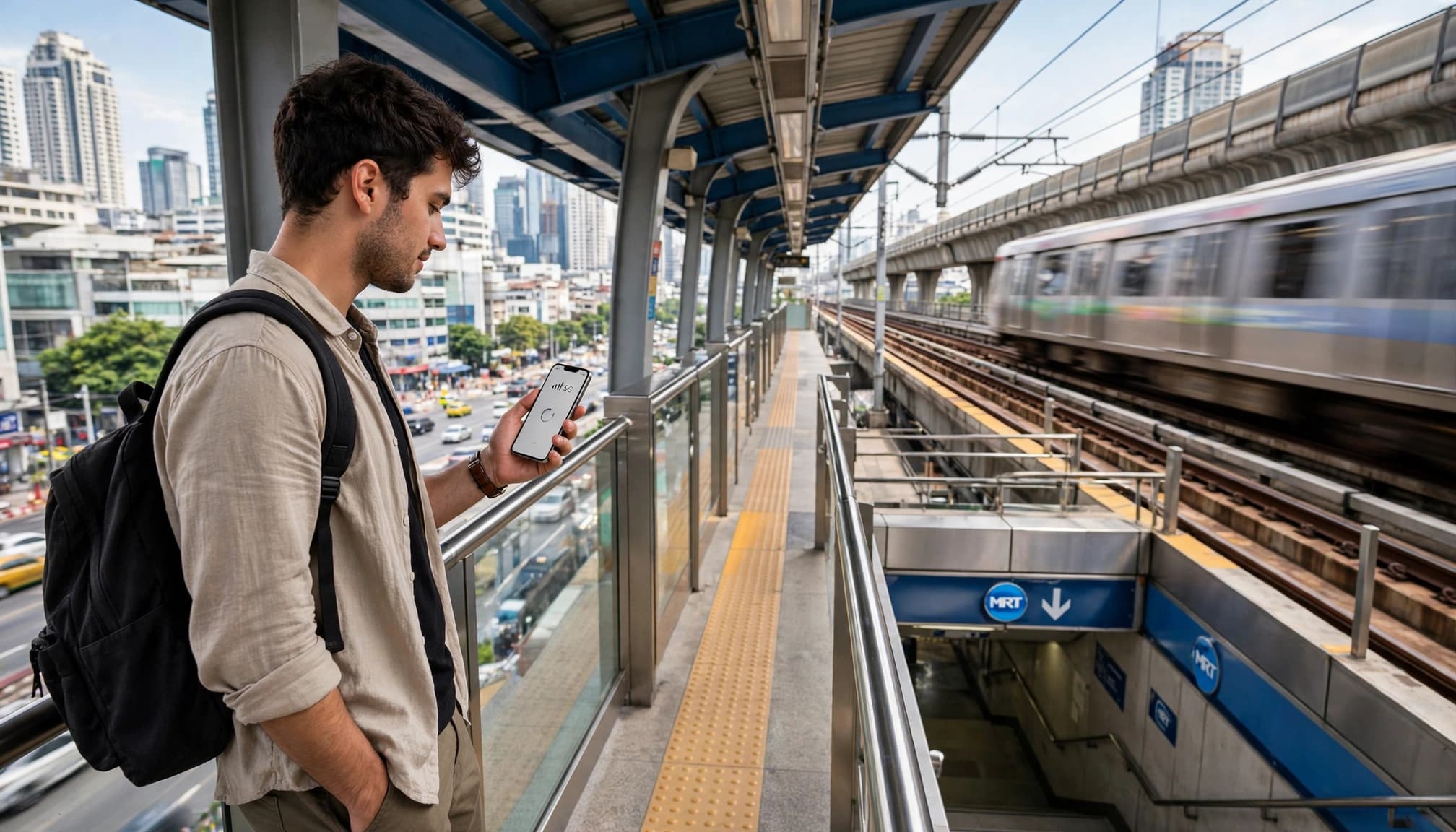
You may use data inside crowded shopping malls, packed BTS trains, underground MRT stations, tall buildings, busy markets, and congested roads. Maps, ride apps, mobile payments, translation tools, and messaging services can all compete for bandwidth at once.
Before choosing an esim bangkok plan, look beyond the advertised price. This guide evaluates plan quality and real-world value, not specific providers.
Cheap passes versus reliable urban plans
The comparison below shows where ultra-cheap offers can fall short.
| What to compare | Ultra-cheap pass | Higher-quality fixed-volume plan |
|---|---|---|
| Network priority | May use congested roaming access | Often offers stronger local network access |
| BTS and MRT coverage | Signal can drop during transit | Better continuity across urban routes |
| Fair use limits | Tiny daily allowance before throttling | Clear high-speed data allocation |
| High-speed data | May slow after 500MB or less | Commonly includes 10GB to 15GB |
| Real cost per usable GB | About $3 to $5 | About $0.80 to $1.50 |
| Airport setup | May require a kiosk or counter | Install by QR code before departure |
| Customer support | Limited or slow assistance | Clearer setup help and faster support |
Prices change, so treat these figures as realistic examples rather than fixed quotes. A $3 plan can look like a bargain until its usable high-speed allowance disappears after a few hours.
A cheap Bangkok eSIM only saves money when the data remains usable where you actually travel.
Why Bangkok needs more than a low sticker price
Bangkok’s network demand changes block by block. Siam, Pratunam, Asok, and Chatuchak can feel like different connectivity tests, especially during peak hours.
Tall buildings can weaken indoor signals, while underground stations create another challenge. A plan with better local network access gives your phone a stronger chance of holding service between BTS and MRT stops.
Install your profile on home Wi-Fi before flying. If setup goes wrong, use these Thailand eSIM setup instructions before you reach the airport. For broader coverage context, review this Thailand mobile network guide before comparing plans.
The Hidden Risks Behind Ultra-Cheap Bangkok Data Plans
Ultra-cheap data plans can work well for light use, but the low price often hides important conditions. Some rely on complex roaming arrangements, secondary network access, or strict fair use rules.
That doesn’t mean every cheap plan performs poorly. It means you should check the network, coverage, priority, data limits, and setup process before buying.
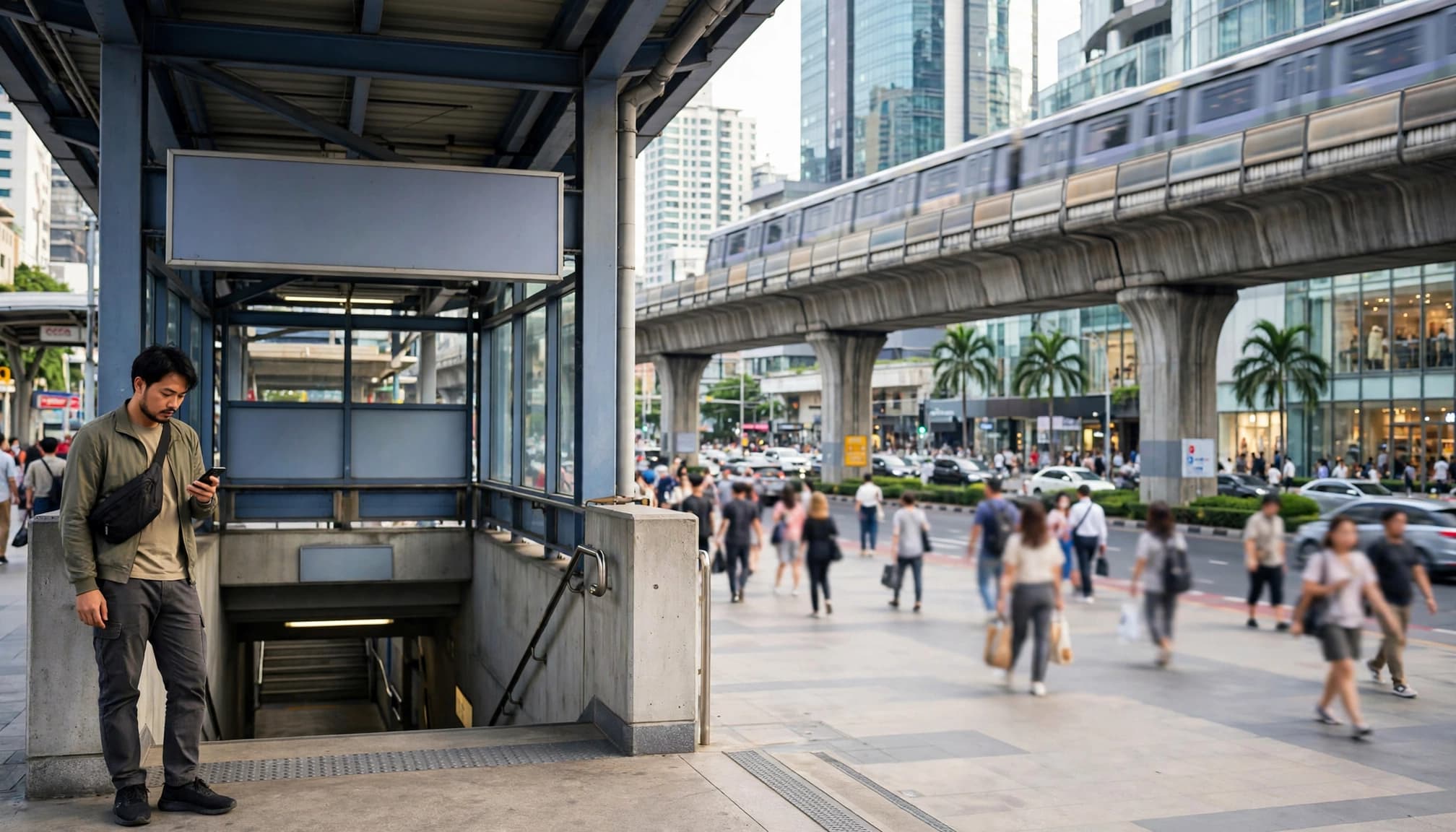
Crowded Bangkok districts can expose weak network priority
Bangkok’s busiest districts place heavy demand on nearby cell sites. Siam, Pratunam, Chatuchak, and major shopping malls can become serious tests for a low-priority roaming connection.
Many people may share the same towers during peak shopping hours, lunch breaks, or large events. Your phone can still show a signal while the actual connection slows down.
You usually notice the problem through everyday tasks first. Grab bookings may keep spinning, maps may load slowly, and QR payments may fail at the checkout. Photo uploads can also hang when you need to share a location or confirm a booking.
Look for an eSIM with direct access to a major Thai host network. The plan should provide clear coverage details and explain its network priority. If the provider avoids these details, treat the low price carefully.
BTS and MRT travel can reveal coverage gaps
Your connection can change quickly while you move between cell sites on the BTS Skytrain. Underground MRT sections create another challenge, especially when a plan struggles with tower handoffs.
A good Bangkok eSIM should maintain stable handoffs between stations. Low-band coverage also matters because it can help service travel farther and reach more indoor areas.
Check whether the plan supports usable 4G or 5G coverage across Bangkok. A generic countrywide claim tells you very little about service inside metro stations or along busy urban routes.
Download offline maps before leaving your hotel. That backup can save you when a tunnel interrupts service, but don’t accept poor mobile data as normal. If the connection fails across ordinary city travel, the plan isn’t delivering enough value.
Unlimited data can hide a harsh fair use policy
“Unlimited” often means unlimited access, not unlimited high-speed data. A plan may provide only 500 MB or 1 GB at full speed each day before reducing your connection.
After throttling begins, video calls can become unstable. Navigation may take longer to refresh, hotspot use may become frustrating, and social uploads may stall.
Before choosing an unlimited plan, compare these details:
- The full-speed daily allowance.
- The exact reset time.
- The reduced speed after the allowance ends.
- Hotspot and tethering rules.
- Renewal terms and the plan’s total validity.
A fixed 10 GB or 15 GB plan can feel much clearer when it includes unthrottled data. You know how much high-speed data remains, rather than guessing when a vague policy will take effect. This eSIM cost per gigabyte guide can also help you compare the real value behind the headline price.
Airport queues can cost more than the small savings
Buying a physical SIM after landing may look cheaper, but the process takes time. You need to find a kiosk, wait in line, show identification, change SIM cards, and troubleshoot activation if something goes wrong.
That queue feels even longer after a night flight. You could spend that first stretch in Bangkok getting transport, collecting luggage, or heading straight to your hotel.
An eSIM lets you install the profile before departure. You still need a compatible, unlocked phone and working Wi-Fi during setup. Complete the installation at home, then activate the travel line after landing if the plan allows it.
Keep your primary SIM available for important messages, especially banking codes. Disable its roaming data, and let the Bangkok eSIM handle your maps, bookings, messages, and payments.
How to choose the right eSIM Bangkok plan for your itinerary
The best eSIM Bangkok plan depends on your trip length, daily habits, destinations, and backup needs. Compare the full price, usable high-speed allowance, expiration period, network access, hotspot rules, activation method, and support policy before checkout.
Match the data allowance to what you actually do
Your phone habits decide how much data you need. Maps and ride-hailing apps usually use modest amounts, while music, social media, photo backups, and video calls consume more.
Streaming video can use data very quickly, especially at higher quality. Automatic photo and video backups can also burn through your allowance without warning when your phone syncs your gallery.
Before flying, check your phone’s mobile data usage from the previous month. Then disable background refresh for nonessential apps, pause cloud backups, and download offline maps or playlists over Wi-Fi.
A short city break may need only a few gigabytes. A longer trip with frequent uploads, video calls, and travel beyond Bangkok needs more. You can also calculate your travel data needs before comparing plans.
A slightly larger fixed plan often offers better value than a tiny allowance with an expensive top-up. Running out during a ride to the airport is a poor time to discover that bargain.
Check the network details, not just the country name
A plan labeled “Thailand coverage” doesn’t guarantee equal service everywhere. Check which Thai network supports the eSIM and whether it connects directly or through an indirect roaming arrangement.
Performance can vary inside shopping malls, BTS and MRT stations, rural areas, and islands. For trips centered around Bangkok, check the network and coverage details available for Bangkok eSIM plans before choosing your data package.
When the listing provides supported bands, check that your unlocked phone works with them. Also confirm whether the plan includes 4G, 5G, or only unspecified mobile data access. Avoid unsupported promises about speed, and focus on clear network details instead.
Compare the real cost per usable gigabyte
Divide the total price by the plan’s full-speed data allowance. This shows the real cost of usable data, rather than the attractive number in the headline.
For example, a $5 plan with 1 GB of full-speed data costs $5 per usable gigabyte. A $12 plan with 15 GB costs $0.80 per usable gigabyte. The second plan costs more upfront, but it gives you far better value.
Be careful with cheap unlimited plans. After throttling starts, the connection may become too slow for video calls, uploads, or reliable navigation. Include these details in your comparison:
- The full price, including taxes and activation fees.
- The high-speed data allowance before throttling.
- The expiration period and any short validity window.
- Top-up prices if you run out.
- Hotspot restrictions and tethering limits.
- The activation method, refund terms, and support options.
Before checkout, ask yourself: Will this plan cover my normal usage without an expensive rescue top-up? If the answer is uncertain, choose the clearer allowance and stronger backup options.
How much data do you need in Bangkok?
Your ideal Bangkok eSIM allowance depends on trip length and phone habits. Travelers who rely on hotel Wi-Fi can choose less, while remote workers and heavy streamers need a much larger buffer.

A three-day Bangkok city break needs dependable basics
For three days, 3 GB to 5 GB usually covers Google Maps, Grab bookings, messaging, translation, mobile payments, and light social media. You can also upload a reasonable number of photos without constantly watching your allowance.
Repeated video uploads, livestreams, automatic cloud backups, and hotspot use can push you beyond this range quickly. Video streaming and cloud services consume data at very different rates, so check your phone’s daily usage before departure.
Use hotel Wi-Fi for large backups, app updates, and video downloads. If you need help managing your phone settings, follow this QR code eSIM setup guide before activating your travel line.
A week in Bangkok and beyond needs more flexibility
A seven-day trip usually suits 7 GB to 10 GB, especially when you upload photos, browse social apps, make occasional video calls, and take day trips outside central Bangkok.
Travel beyond the city can increase map and navigation use. You may also spend more time checking routes, translating signs, booking rides, and uploading photos between destinations.
Choose a plan with a clear renewal or top-up option. Running out while traveling back from Ayutthaya or another day-trip destination is a hassle you can avoid.
Long stays and remote work require a larger buffer
For a 14-day trip, 15 GB to 30 GB works better. This range gives you room for frequent video calls, laptop tethering, cloud services, photo uploads, and occasional streaming.
Remote workers should inspect hotspot limits and business-use restrictions before buying. An “unlimited” label doesn’t always guarantee full speed, so track your usage instead of trusting the headline.
Check which apps consume the most data each day. That small habit helps you decide whether a larger fixed plan or renewable high-volume option fits your Bangkok itinerary.
Set up your Bangkok eSIM before you leave
A few minutes of setup at home can save you from airport queues, failed QR scans, and surprise roaming charges. Complete each step while you still have reliable Wi-Fi and time to fix compatibility problems.

Confirm that your phone supports eSIM and has no carrier lock
Check the exact phone model, not just the brand. Some regional versions support eSIM, while similar models sold elsewhere only accept physical SIM cards.
Update your operating system before buying the plan. Older software can create installation problems, even when the hardware supports eSIM technology. Also check whether your phone supports the networks and frequency bands used in Thailand.
A compatible phone can still remain locked to its carrier. On an iPhone, open Settings > General > About and find Carrier Lock. The correct message is “No SIM restrictions.” Apple provides the same official carrier lock instructions.
Android menus vary by manufacturer. Look for SIM manager, mobile network, or network lock settings. Contact your carrier if the lock status remains unclear.
Check compatibility before purchase. Some providers won’t refund a plan after an installation fails because the phone lacks eSIM support or remains carrier-locked.
Install the profile on home Wi-Fi before your flight
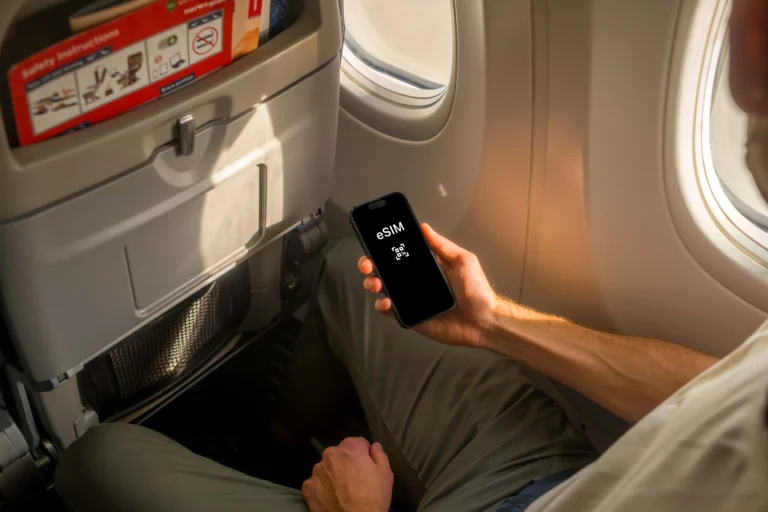
Install the Bangkok eSIM several hours before departure. Connect to reliable home Wi-Fi, then scan the provider’s QR code or follow its activation method.
Installation and activation may happen at different times. Installing the profile adds the digital line to your phone. Activation may begin only after the line connects to a Thai network.
Follow these steps:
- Scan the QR code from the provider’s email or app.
- Label the line clearly, such as “Bangkok Travel.”
- Save the activation email as an offline file or screenshot.
- Keep the eSIM profile installed after setup.
- Wait until landing to enable mobile data on the travel line, unless the provider says otherwise.
Never delete the profile just because it shows no service at home. The plan may activate only after your phone reaches Thailand.
Keep your primary number available without paying roaming fees
Keep your home SIM active for calls, account alerts, and banking verification texts. Then select the travel eSIM as your mobile data line.
Before departure, disable data roaming on your home line. Also turn off automatic data switching, which can move data back to your primary SIM when the travel line loses signal.
On many phones, these controls appear under Cellular, Mobile Data, SIM Manager, or Mobile Network settings. Menus differ, so test the settings before you fly.
Your home line may still charge for calls or texts, depending on your carrier. Check its international terms if you plan to answer calls.
Know what to do if the connection fails after landing
If your eSIM shows no service, work through this short sequence:
- Confirm the travel line is enabled.
- Select it as the mobile data line.
- Turn on data roaming for the travel line if the provider requires it.
- Restart your phone.
- Check network selection and try automatic selection first.
- Move outside the busiest airport areas and test again.
Airport congestion can delay the first connection. If the problem continues, contact support with your phone model, location, and exact error message. These travel eSIM activation fixes can also help with no-service problems.
Choose Reliable Value Instead of the Lowest Sticker Price
The cheapest Bangkok eSIM can work for light use, but only when its limits match your trip. If you need maps, ride apps, payments, and messaging all day, reliable service deserves a slightly higher price.
When a cheap plan may work
A low-cost plan makes sense for a short Bangkok stay with regular hotel Wi-Fi. It can cover basic messaging, occasional maps, and a few ride bookings.
Choose it only when the listing clearly shows:
- A usable high-speed data allowance.
- The Thai host network behind the plan.
- Coverage across your main Bangkok routes.
- A fair use policy without extreme throttling.
- Enough validity for your full trip.
A cheap plan becomes poor value when you need a top-up after one busy day. Check the fine print before buying, because many “unlimited” plans reduce speeds after a small daily allowance. You can also review Thailand eSIM plan details to compare data allowances, validity, network access, and usage conditions before choosing a plan..
When paying more makes sense
Pay more for a stronger network profile when you travel during peak hours, use BTS and MRT routes, work remotely, or visit areas beyond central Bangkok. A better connection can save time when a frozen map or failed payment creates a much bigger problem.
Judge the plan by usable service, not the advertised data amount. A 15 GB plan with steady high-speed access can offer better value than unlimited data throttled after 500 MB.
Use this final buying checklist before checkout:
- Confirm the full-speed allowance.
- Identify the host network.
- Check BTS, MRT, indoor, and outer-city coverage.
- Read the fair use and throttling rules.
- Match the expiry date to your itinerary.
- Confirm hotspot access and device limits.
- Review setup instructions and support options.
- Calculate the total cost, including top-ups.
Once you check these details, select your travel eSIM for Thailand and install it before departure. A clear plan with dependable service is usually worth more than the cheapest price on the page.
Conclusion
The cheapest Bangkok eSIM can become expensive when it slows down, loses coverage, or needs airport troubleshooting. A reliable plan keeps maps, ride apps, payments, and messages working when you need them most.
Compare usable high-speed data, network priority, urban coverage, fair use limits, setup time, and cost per gigabyte. For three days, 3 GB to 5 GB usually covers the basics. A seven-day trip needs about 7 GB to 10 GB, while a 14-day stay suits 15 GB to 30 GB.
Check your phone compatibility and carrier lock before buying. Install the profile on home Wi-Fi, then activate the travel line after landing. When you compare an travel eSIM for Thailand, choose reliable performance over the smallest price tag. A clear, dependable plan is the better bargain.