Free eSIM Japan: Compare Cost per GB, Setup and Coverage
Can a free Japan eSIM handle everyday needs like maps and messaging? For a quick connection test, yes, but a trial’s small data allowance rarely covers a full trip.
Gohub’s free trial offers 300MB for one day, which can help you get a feel for the connection before buying a plan. I’ll compare trial data with prepaid price per GB, setup, and coverage, so you can see what fits your trip. You can claim a free 300MB eSIM trial, then weigh whether a paid plan makes more sense for your days in Japan.
Free eSIM Japan: What a Free Trial Really Gives You
A free eSIM Japan offer usually means a small promotional data allowance, not unlimited service at no cost. That can be handy for a quick connection test, but you’ll want more data for maps, browsing, and regular travel use.
Free trial data versus a prepaid Japan pass
Trials often include about 100MB to 500MB, while fixed-volume prepaid passes may offer several gigabytes or more. Exact amounts, expiry dates, eligibility rules, and top-up options vary by offer, so check the plan details before you install or buy.
A trial makes sense if you want to test whether the eSIM connects or keep a small backup for an arrival message. But that allowance can disappear quickly if you use maps, upload photos, or browse without Wi-Fi. For everyday navigation and browsing, a prepaid pass gives you a larger, more predictable data allowance. Compare the data amount, validity period, network access, and total price before choosing a prepaid Japan eSIM.
A quick comparison of data, setup, and coverage
These figures are examples, not guarantees. Confirm current terms, supported networks, and device requirements before purchase.
| What to compare | Free trial | Fixed-volume prepaid pass |
|---|---|---|
| Typical data allowance | Around 100MB to 500MB | Several GB or more |
| Setup requirements | Compatible, unlocked phone; Wi-Fi may be needed | Compatible, unlocked phone; Wi-Fi may be needed |
| Expiry | Often short, but varies | Set by the plan, often longer than a trial |
| Top-up cost | May be unavailable or vary | Depends on the pass and available add-ons |
| Coverage | Depends on the offer’s supported network | Depends on the plan’s supported network |
| Best use | Testing the connection or light backup use | Maps, browsing, and regular trip use |
Setup steps can differ, so check how to activate a Japan travel eSIM before departure. A trial is a useful sample, but it’s not a substitute for trip-ready data.
Compare Japan eSIM Price per GB and Network Coverage
A free eSIM Japan trial can help you test a connection, but the headline price only tells part of the story. The best value depends on how much data you get, how long it lasts, any speed limits, and the places you plan to visit.
Calculate the real price per gigabyte
Use this simple formula to compare data plans:
Total plan price ÷ included gigabytes = price per GB
For example, a hypothetical $12 plan with 6GB costs $2 per GB. Compare plans with the same calculation, then check the fine print. A low per-GB price may not be a bargain if the data expires before your trip ends or the plan slows speeds after you reach a limit.
Trial data can run out quickly, especially if you use maps, upload photos, or browse on the go. If the plan offers top-ups, check their prices before you install it. A cheap trial can get expensive once you need more data. For a broader comparison, see Japan eSIM plans and pricing, and use this guide on how to pick a travel eSIM to match the plan to your trip.
Check coverage, speed limits, and local networks
Your eSIM uses a local Japanese network, so coverage depends on that network and your route. Check whether the plan connects through NTT Docomo, SoftBank, KDDI, or Rakuten, and whether it supports 4G, 5G, or both. You can also check NTT Docomo’s coverage information for its network.
Coverage can change between city streets, buildings, subway platforms, mountain routes, and rural areas. Even a plan that lists a major carrier doesn’t guarantee a specific speed or network priority. If you plan to travel beyond Tokyo, Osaka, and other major cities, review the provider’s coverage details for your destinations. The Japan travel internet guide offers more context on network access and costs.
In my book, the best value is the plan that fits your data needs and itinerary, not simply the one with the lowest advertised price.
Set Up Your Japan eSIM Before You Fly
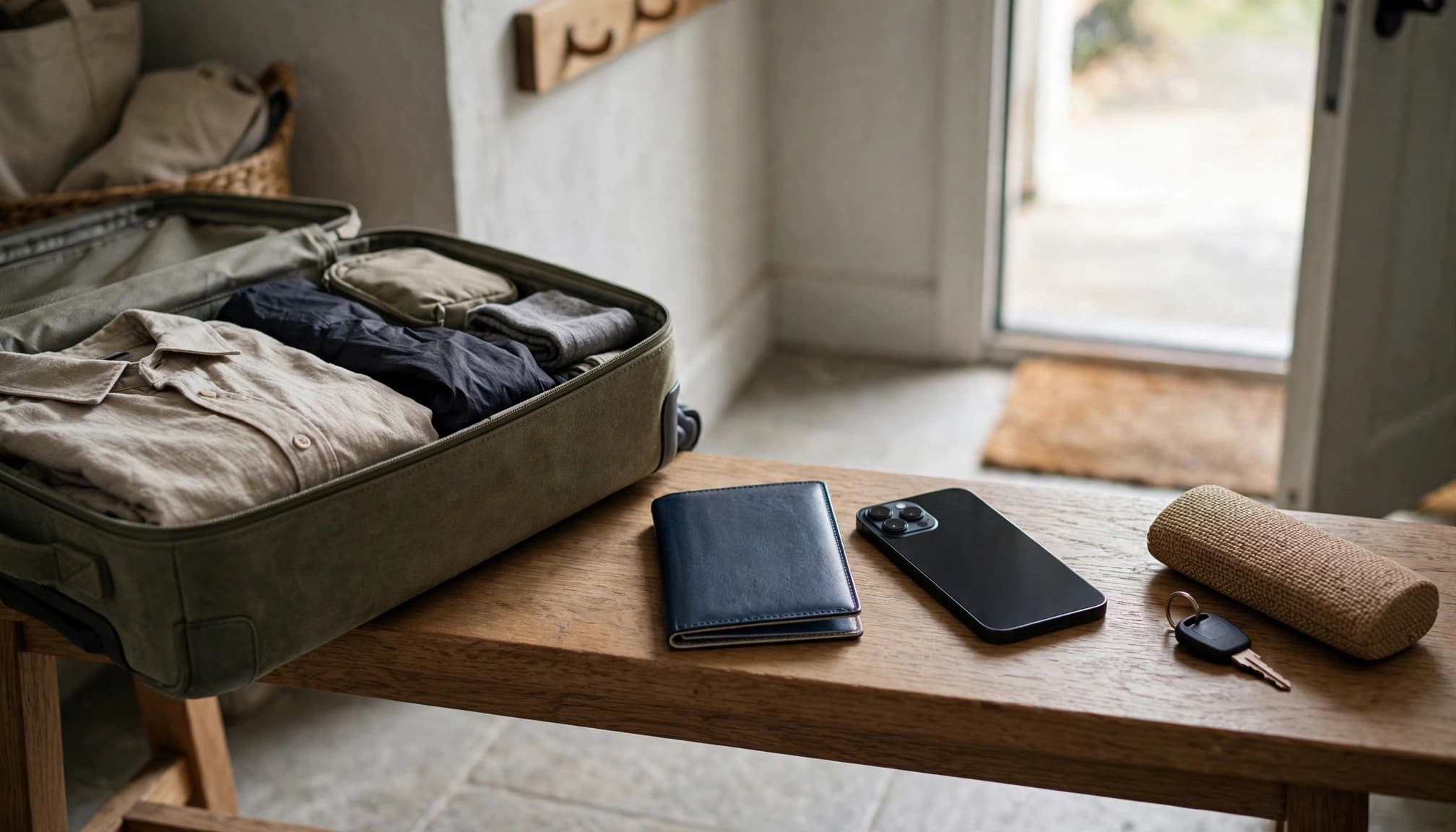
A few minutes of setup at home can save you from sorting out phone settings at the airport. Connect to reliable Wi-Fi, check your phone, and install the travel profile before departure. Menu names vary by model and operating system, so follow your provider’s instructions if the labels look different.
Check that your phone is unlocked and eSIM-ready
On an iPhone, open Settings, tap General, then About. Look for Carrier Lock. If it says “No SIM restrictions,” your phone is unlocked and can use another carrier’s SIM. Apple’s guide to checking iPhone carrier lock status shows the same steps.
You can also dial *#06# and look for an EID, a number associated with the phone’s eSIM. This code may work on supported phones, but codes and menu options vary. On Android, check Settings for an eSIM, SIM manager, or EID option. Then confirm your exact model supports eSIM with the phone maker or carrier. An unlocked phone isn’t automatically eSIM-compatible, so check both before buying a plan.
Install the profile and set your travel data line
With Wi-Fi connected, open your phone’s cellular or mobile network settings and choose the option to add an eSIM. Scan the QR code from your provider, or use its manual installation instructions if you can’t scan it from the same phone. Keep the QR code private, since it may contain details needed to install your profile.
Label the new profile something easy to spot, like Japan Travel. Set it as your cellular data line when you’re ready to use it, and follow the plan’s activation instructions. Some plans start their validity when you install the profile, while others start later, so check the terms first. For arrival steps, see how to activate your eSIM after landing.
Turn on data roaming for the travel profile only if your provider requires it. That setting can be necessary for some travel eSIMs, but it doesn’t mean you should enable roaming on your home line.
Use a pre-flight settings checklist to avoid roaming charges
Before you leave, check these settings:
- Set the travel eSIM as your cellular data line.
- Turn Cellular Data Switching or its Android equivalent off.
- Turn data roaming off for your home line unless you need it.
- Leave roaming on for the travel profile only if its instructions require it.
Keeping your home line active may let you receive incoming SMS messages, including bank codes. Fees depend on your home carrier and plan, so check before you travel. After landing, check your settings again and confirm your phone uses the Japan profile for data. For help choosing a plan before takeoff, read how to pick a travel eSIM.
Choose the Right Japan Data Plan for Your Trip
A free eSIM Japan trial can test your connection, but your trip length and daily habits should decide what you buy. Think about where you’re going, how often you’ll use your phone, and whether Japan is your only stop.
Estimate how much data you need each day
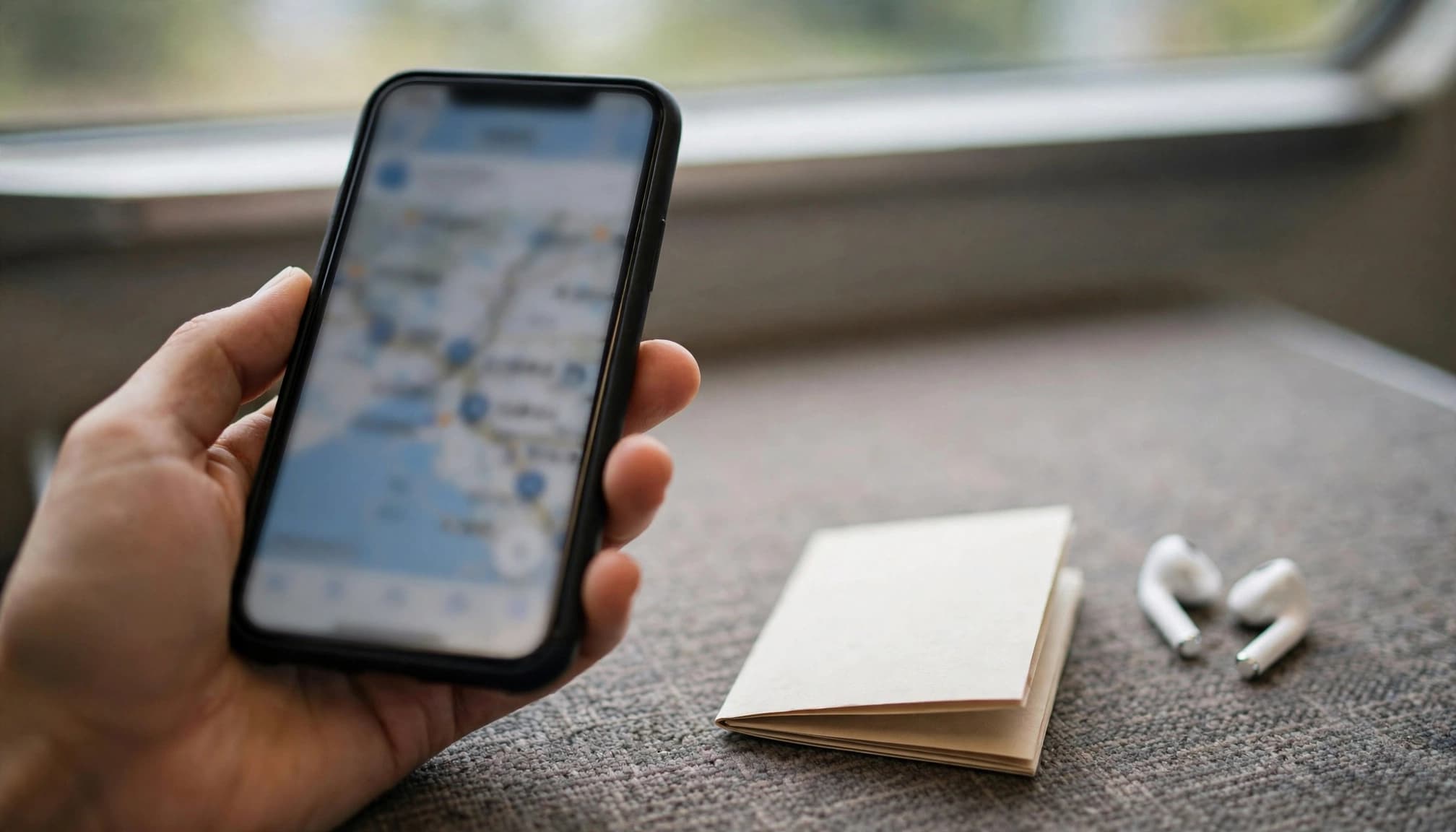
Messaging, checking train routes, and looking up restaurant hours use much less data than video calls, social uploads, or streaming. As a rough guide, light users may need about 1GB every three days. Regular social browsing and navigation can take 1GB to 2GB per day, while frequent video and uploads can push usage to 3GB or more.
Your trip length matters just as much as your daily use. A 300MB trial may cover an arrival message and a quick map check, but it won’t stretch far across a week of sightseeing. For a longer stay, estimate your daily use, multiply it by your travel days, then add a little extra for unexpected searches or a delayed train. You can compare Japan eSIM plans by trip length and data use before settling on an allowance.
Want to keep that estimate lower? Download maps, playlists, and shows while you’re on Wi-Fi. Also check whether app updates and photo backups can use cellular data in the background. Google Play’s background data settings can help Android users limit data use when apps aren’t open.
Decide when a free trial is enough and when to pay
A free trial makes sense for testing eSIM setup before departure or keeping a small backup for your first message after landing. It’s enough when the eligibility rules work for you, the supported network fits your route, and you already have another connection option.
For a multi-day trip, steady navigation, or reliable data as soon as you arrive, a prepaid pass is the safer pick. You know the allowance and validity period upfront, so you’re less likely to run out while looking up directions or checking a booking. In my book, paying for enough data is better than treating a tiny trial like a full-trip plan.
If you’re heading beyond Tokyo, Osaka, or Kyoto, check the plan’s network and coverage details for your destinations. A city-focused itinerary and a route through rural areas don’t place the same demands on coverage. For onward travel, check the regional plan’s country list and price per GB, too. Don’t assume Japan coverage automatically includes South Korea, Thailand, or your next stop. Compare Asia regional eSIM plans for multi-country trips and confirm every destination before buying. If you’re still weighing trial data against a paid option, how to pick a travel eSIM can help you compare the details.
Conclusion
A free eSIM Japan trial can tell you whether the connection works, but a suitable prepaid pass is usually a better fit for everyday travel. Compare the total cost per usable gigabyte, expiry, speed limits, network coverage, and setup requirements before choosing. In my book, the best value is the plan that fits your trip, not just the lowest headline price.
Before departure, check that your phone is unlocked and eSIM-compatible, then install your chosen eSIM over Wi-Fi. For a final plan check, see how to pick a travel eSIM.