Travel eSIM Refund and Top-Up Policy: Fine Print
You’re in a busy foreign city, your map stops loading, and your travel eSIM has run out of data. You open the app to buy a top-up, only to discover that “top-up” means installing a brand-new eSIM profile, scanning another QR code, and hoping you can find Wi-Fi first.
That’s why refund and top-up rules matter as much as price, coverage, and speed. A reliable provider should offer clear pre-activation refunds, add data directly to your existing profile, and start the validity period when the eSIM connects to a local network, not when you pay weeks before your flight. Check the provider’s travel eSIM activation guide before installing anything, because activation rules can affect both your data window and refund options.
Next, we’ll break down the fine print, including refund triggers, reinstallation requirements, validity dates, and the real cost of running out of data abroad.
What a Travel eSIM Refund and Top-Up Policy Should Cover
A travel eSIM refund and top-up policy can look generous until you check the technical details. Phrases like “money-back guarantee” and “top up anytime” mean very little without clear activation, expiration, and speed conditions.
| Policy area | Common marketing promise | Technical standard | Buyer risk |
|---|---|---|---|
| Refunds | “100% money-back guarantee” | Full refunds cover uninstalled profiles and failed downloads | You may lose your money after a QR scan or server connection |
| Top-up method | “Top up anytime” | Extra data attaches to the existing active profile | A new QR code may leave you without Wi-Fi during reinstallation |
| Validity countdown | “30 days of data” | The clock starts after local network activation | Buying early can waste travel days before departure |
| Data throttling | “Unlimited extension” | The policy states the high-speed allowance and reduced speed | Your connection may drop to unusable speeds after a daily limit |

Refund rights depend on the eSIM’s status
An uninstalled eSIM exists only as a purchase or download assignment. You haven’t scanned the QR code, downloaded the profile, or added it to your phone. A fair policy should allow a full refund at this stage.
An installed but inactive profile sits on your phone without connecting to a local network. Some providers treat the installation itself as final, even if the plan never worked. Look for terms that protect you when a carrier lock, incompatible device, or SM-DP+ server timeout blocks activation.
An active profile has connected to a supported local network. At that point, the provider may refuse a refund because the service has started. The policy should define this trigger clearly, rather than using vague wording such as “once activated.”
A QR-code scan can download the profile, while the profile ID and SM-DP+ server identify and manage that subscription. None of those steps automatically proves usable service. Your phone must also support eSIMs, remain carrier-unlocked, and register with a local network.
For practical setup details, review this QR code eSIM setup guide before scanning anything.
Top-ups should protect your existing connection
The best top-up process adds data to your current profile ID inside an app or customer portal. You shouldn’t need to delete the active eSIM, scan another QR code, or repeat manual carrier settings.
That distinction matters most when you’re already abroad. A second profile may require Wi-Fi, another SM-DP+ download, and a fresh network registration. If your original data has already run out, that process can strand you at the worst possible moment.
Check whether top-ups keep the same validity period, price per gigabyte, and speed conditions. Also look for a stated Fair Usage Policy. “Unlimited” data can still slow to 128 kbps after a daily high-speed allowance, which is barely enough for basic messages and simple maps. A trustworthy travel eSIM refund and top-up policy spells out every trigger before you pay.
Four Fine Print Checks That Prevent Expensive Travel eSIM Problems
A travel eSIM refund and top-up policy can look generous until you test the technical details. Before buying, check how the provider handles profile changes, failed installation, validity dates, and add-on pricing.
Policies vary by provider, country, and plan type. Confirm the exact terms before payment, especially if you plan to install the eSIM before departure.
Check for Top-Ups That Work Without Reinstalling the eSIM
The trap is assuming every “top-up” adds data to the eSIM already on your phone. Some providers issue a new QR code instead, which creates another profile and forces you through the installation process again.
A genuine top-up adds data to the existing active profile. Look for account, app, or customer portal support that connects the purchase to the same ICCID or profile ID. You shouldn’t need to delete the working eSIM, change your settings, or scan another QR code.
Deleting an active profile can leave you offline, especially if you have already run out of data and cannot access Wi-Fi. Reinstalling also requires another download from the provider’s activation server, which may fail in an airport, on a train, or in a remote area.
Check the timing rules, too. A top-up may fail after the original plan expires, even when the profile remains installed. The provider should explain whether you can add data before expiration, during a grace period, or only by purchasing a new plan.
Confirm Clear Refund Triggers Before You Scan the QR Code
The trap is seeing “100% money-back guarantee” without checking when that promise ends. Some policies allow full refunds only before installation, while others cover failed downloads, invalid activation codes, carrier-locked phones, incompatible devices, or provider-side technical failures.
Look for separate rules covering:
- Uninstalled profiles and failed downloads.
- Invalid QR codes or activation codes.
- Phones with carrier restrictions or no eSIM support.
- SM-DP+ server errors and provider-side outages.
- Partial refunds after installation or limited data use.
Check the deadline and proof requirements. You may need to submit a claim within a set number of days and provide your receipt, order number, ICCID, error message, and support conversation. Also confirm whether scanning the QR code counts as activation, even if your phone never connects to a local network.
Save those details before contacting support. Request a provider refund first when the service failed under its written terms. A card chargeback is a separate process and can create complications if you skip the provider’s support channel.
Check When the Validity Countdown Actually Starts
“30 days of validity” doesn’t tell you when those 30 days begin. The timer might start at purchase, installation, manual activation, or the first connection to a supported local network.
That difference can cost you travel days. If you buy a 30-day plan two weeks before your flight and the provider starts the clock at purchase, half your service window disappears while you sit at home.
Search the policy for wording such as “upon first network connection.” That usually gives you more flexibility because the plan begins when your phone reaches a supported carrier abroad. Still, some plans activate during installation, so don’t assume an unused profile remains inactive.
Buy early only after confirming the activation rule. If the policy uses vague language like “when activated,” ask support whether installation, manual selection, or local network registration triggers the countdown.
Compare the Real Price Per Gigabyte on Every Top-Up
The trap is comparing only the original package price. Top-ups often cost more than the first data bundle, because providers know you need a working connection mid-trip.
Calculate the real rate by dividing the total price by the included data:
Total price / gigabytes included = price per gigabyte
Then compare that figure with the provider’s add-on price. A $10 package with 10 GB costs $1 per GB, while a $6 top-up with 3 GB costs $2 per GB. That small-looking add-on carries twice the unit price.
Check the total checkout cost, including taxes, currency conversion, and activation fees. Review the top-up expiration date and any minimum purchase amount before relying on it. Unlimited plans need extra attention because daily fair-use limits can reduce high-speed data or drop speeds to something barely useful for maps and messaging.
For a broader comparison, review this eSIM cost per GB guide. The cheapest starting package isn’t always the cheapest way to stay connected.
How Refund Requests and eSIM Top-Ups Work in Real Life
A travel eSIM refund and top-up policy matters most when something goes wrong. Start before purchase, then keep records throughout the trip.

Check compatibility before installation
Before ordering, confirm that your phone supports eSIMs and shows “No SIM restrictions.” On an iPhone, find this under Settings > General > About > Carrier Lock.
A carrier lock can block the entire installation. Contact your home carrier before buying if the phone shows another message. For more troubleshooting help, use this guide to fix an eSIM that is not working abroad.
Install the profile over stable Wi-Fi before departure. Keep the profile on your phone, even if activation fails. Deleting it can remove useful information and may prevent a simple support-side fix.
Handle installation and activation errors correctly
Several errors point to different problems:
- A carrier lock means your phone cannot accept another carrier’s service.
- An SM-DP+ server timeout usually means the download server did not respond.
- An invalid QR code can indicate an expired, damaged, or incorrectly issued activation code.
- No service after installation often means the wrong line, data setting, roaming switch, or network selection is active.
Follow this short decision path before requesting a refund:
- Do not delete the eSIM profile.
- Connect your phone to stable Wi-Fi.
- Check the correct line and mobile data settings.
- Turn on data roaming for the travel eSIM.
- Restart the phone and wait for network registration.
- Screenshot the error and record the time.
- Contact support through the provider’s official channel.
A failed download does not always mean the profile needs replacement. Support may need the existing ICCID to repair or reissue it.
Monitor data and top up before reaching zero
Check your remaining data in the provider app and your phone settings. Buy a top-up before the balance reaches zero whenever possible.
A zero balance can block account access, support chat, or verification messages. A proper top-up adds data to your existing profile without another QR scan. If the provider issues a new profile, make sure you have Wi-Fi first.
Submit a refund request with useful evidence
Refund requests move faster when you provide complete records. Save the order ID, ICCID, receipt, device model, error screenshots, and exact timestamps.
Explain what happened in order, starting with installation and ending with the failed connection. Ask whether the policy covers your case, especially if a server timeout, invalid QR code, or carrier incompatibility stopped activation.
If you are choosing a travel eSIM for Thailand, check its top-up process and refund triggers before payment. A few minutes of preparation can protect both your data connection and your refund options.
Protect Your Refund Rights Before You Leave Home
A few pre-trip checks can protect your refund rights and prevent a data crisis abroad. Complete them before scanning the QR code or changing your SIM settings.
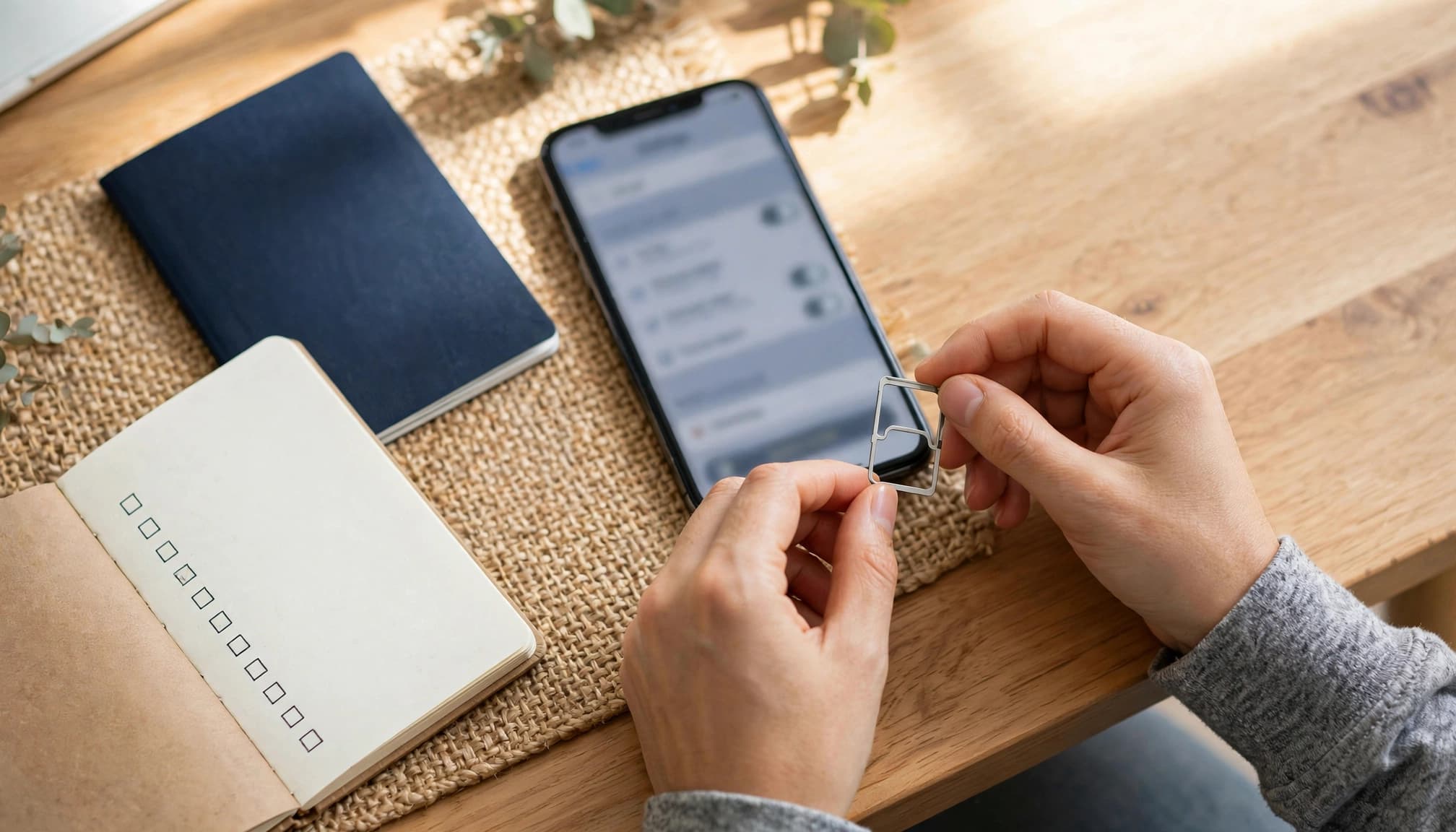
Use this pre-trip eSIM checklist
Before you buy or install anything, confirm these details:
- Check that your phone supports eSIM technology. On iPhone, open Settings > General > About and look for an EID.
- Confirm the phone shows “No SIM restrictions.” A carrier-locked phone may block the travel profile completely.
- Verify your destination, supported networks, and coverage area. A country name alone doesn’t guarantee service everywhere.
- Read the refund deadline and activation trigger. Check whether installation, QR scanning, or local network connection starts the validity period.
- Save the provider’s support email, chat link, and emergency contact details. Store them somewhere you can access without mobile data.
- Save your order number, receipt, ICCID, and activation details offline. Keep them in your photo gallery or a secure note.
- Check whether the provider adds top-ups to your existing profile. Avoid plans that require a second QR code after your data runs out.
For more help comparing setup tools and account features, review these apps for managing a travel eSIM.
Install the profile without starting service early
You can often install the travel profile at home, then activate it after landing. That gives you time to fix errors while you still have reliable Wi-Fi.
However, follow this step only when the provider confirms that installation doesn’t start validity. Some plans begin counting immediately after the profile downloads or connects to the provider’s server.
Keep your primary physical SIM active for calls and banking texts. Turn off roaming data on that line, then select the travel eSIM for mobile data after arrival. This setup keeps verification messages available without triggering expensive home-carrier data charges.
Don’t delete the travel profile if installation fails. Save the error, note the time, and contact support using your stored details. The ICCID helps the provider identify the exact profile and check its activation status.
Choose a Travel eSIM by Policy Transparency, Not Just Price
The cheapest travel eSIM can become expensive when refunds, top-ups, and coverage rules stay vague. Compare each plan with the same scorecard, then choose the option that fits your trip.
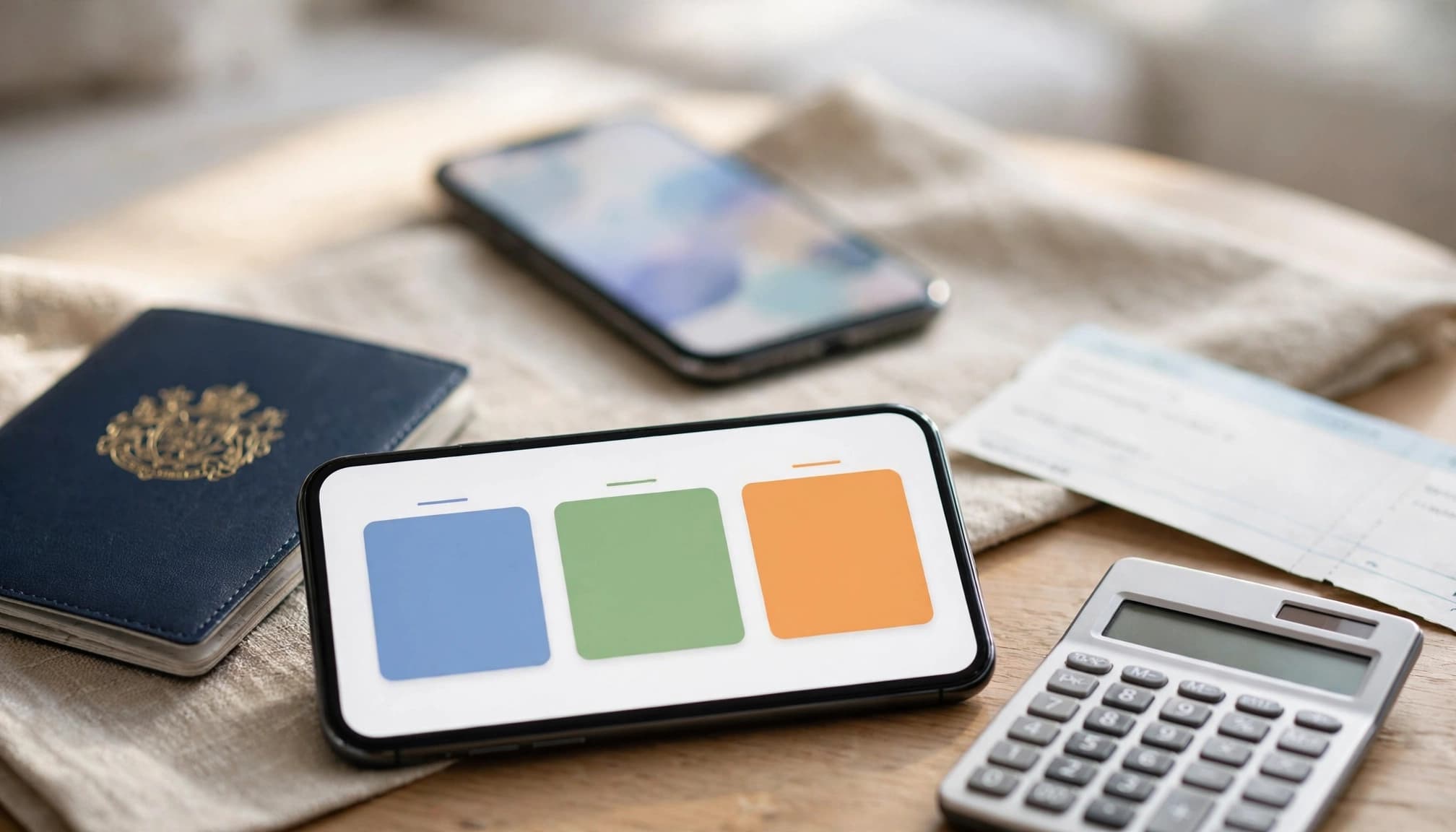
Use a simple travel eSIM policy scorecard
Give each provider a clear pass or fail rating in these areas:
- Pre-activation refunds: The policy should cover uninstalled profiles, failed downloads, and carrier incompatibility.
- Direct top-ups: Extra data should attach to your existing profile without another QR code.
- Activation trigger: Look for validity that starts after local network connection.
- Price per gigabyte: Compare the original package with every add-on price.
- Fair use limits: Check daily high-speed allowances on unlimited plans.
- Expiration rules: Confirm when unused data expires and whether top-ups extend validity.
- Network coverage: Review the named carriers and every destination country.
- Support access: Save email, chat, and emergency support details before departure.
Your trip type changes which details matter most. Short vacations need simple refunds, enough data, and an activation clock that starts after landing. Remote travel demands strong coverage, offline support details, and top-ups that work without Wi-Fi. Business trips need reliable speeds, generous data, and responsive support. Long stays should prioritize direct top-ups, fair unit pricing, and flexible expiration rules.
Use a travel data usage calculator before comparing package sizes. Guessing often leaves you with too little data or an oversized plan.
Compare large plans, smaller top-ups, and unlimited data
Each option has a different risk profile. Here is the quick version:
| Plan approach | Pros | Cons |
|---|---|---|
| One large plan | Usually offers a lower price per gigabyte and fewer purchases | You may pay for unused data if plans expire |
| Smaller top-ups | Keeps your first payment low and matches real usage | Add-ons may cost more and expire quickly |
| Unlimited plan | Reduces anxiety for heavy users and frequent streaming | Fair use limits can reduce speeds after a daily allowance |
A large plan suits predictable usage, while smaller top-ups work well for short, flexible trips. Unlimited data only makes sense when the fair use policy still supports your daily needs.
Follow the buying sequence
Use this order before you purchase:
- Check your phone’s eSIM support and carrier-lock status.
- Read the refund terms and activation trigger.
- Confirm direct top-up behavior and expiration rules.
- Calculate the full cost, including taxes and add-ons.
- Purchase the plan that matches your destination and data habits.
Compare destination-specific data needs before choosing a travel eSIM for Thailand. A reliable plan with clear policies is usually worth more than the lowest advertised price.
Conclusion
The cheapest eSIM can become expensive when refunds end too early, top-ups require a new profile, or validity starts before your trip. A low price means little if the policy leaves you offline or unable to recover your payment.
Before buying, confirm four points: when refunds apply, whether your existing profile supports top-ups, when the validity clock starts, and what add-on data really costs. Check the provider’s current terms, since refund deadlines, activation rules, and top-up conditions vary between plans.
Save the policy, receipt, order number, and ICCID offline before departure. Purchase only when the fine print matches your device, destination, data needs, and travel schedule. That small check can protect your connection, your budget, and your peace of mind abroad.