Price per GB Travel Data: Compare the Real Cost of Every Plan
A “$1 per day” offer sounds brilliant until your maps load slowly, while an “unlimited” plan quietly throttles your data.
The clearer measure is usable value: divide the total plan price by its total high-speed data allowance. That price per GB travel data figure beats daily pricing, unlimited labels, and package size alone.
For example, a $12 plan with 15GB of high-speed data costs $0.80 per GB. A $10 plan with 500MB per day for 10 days costs $2 per usable GB.
That difference matters when you need reliable maps, ride-hailing, translation, social uploads, or hotspot access. You can also estimate your data needs for a trip before comparing plans.
Next, we’ll test each plan’s real cost against fair-use limits, network quality, hotspot rules, daily usage, and setup checks.
How to Compare Price per GB Travel Data Plans Without Marketing Tricks
Daily prices and “unlimited” labels can make weak plans look affordable. Compare the total price with the total high-speed data instead.
| Advertised offer | Total price | High-speed data | Real price per GB |
|---|---|---|---|
| “Unlimited” for $1 per day | $10 for 10 days | 5 GB | $2.00 |
| Low-cost 3-day plan | $4 for 3 days | 1 GB | $4.00 |
| Fixed 10-day plan | $12 for 10 days | 15 GB | $0.80 |
Calculate each figure by dividing the total plan cost by the total unthrottled high-speed data. The $10 pass includes only 500 MB per day, or 5 GB across ten days. Its daily price looks low, but the real cost reaches $2 per usable GB.
The $4 plan looks even cheaper at first glance. However, 1 GB gives it the highest unit cost in this comparison. The $12 fixed plan costs more upfront, yet it delivers the strongest value at $0.80 per GB.
What high-speed data actually means
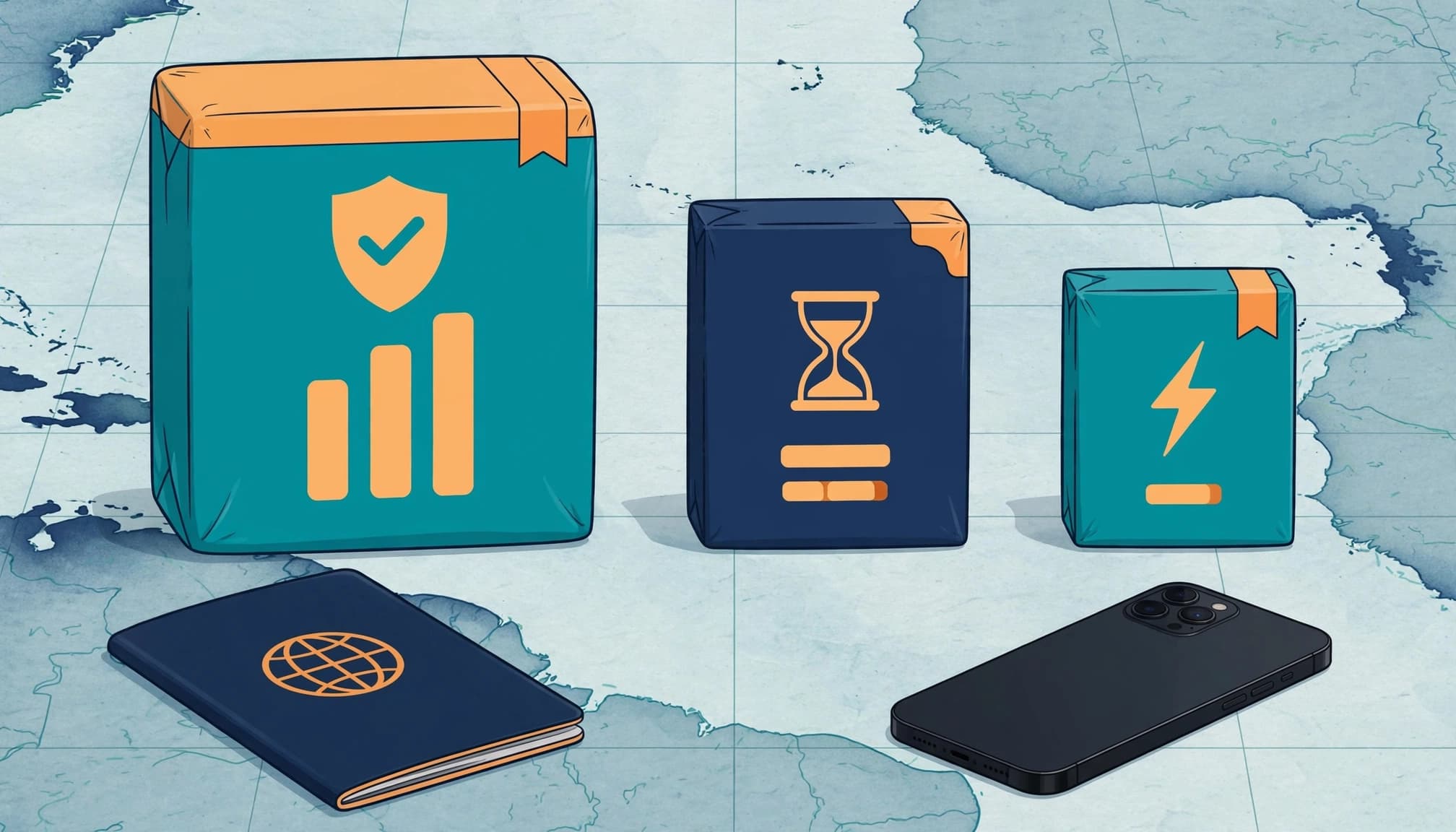
High-speed data is the allowance that supports normal 4G or 5G performance. You can use it for maps, ride-hailing, translation, browsing, photo uploads, and hotspot connections.
Once that allowance runs out, a provider may throttle your connection. Throttling means reducing your internet speed, sometimes to levels that make maps, video calls, and image-heavy pages frustrating to use.
An “unlimited” plan may still include a daily limit for high-speed access. After you use that amount, the connection continues at a much slower speed. Read the plan terms before treating unlimited data as unlimited fast data.
Check the fair-use policy
A fair-use policy, or FUP, explains when the provider can reduce your speed or restrict certain activities. Look for the daily high-speed allowance, reset time, reduced speed, hotspot rules, and network management terms.
An unlimited label describes access, not necessarily fast access.
Prices also vary by destination, taxes, network quality, validity period, and roaming arrangements. A cheap plan can lose its appeal if it uses a congested network or blocks hotspot sharing.
For a wider comparison, review this guide to best-value eSIM plans by cost per GB. The cleanest approach remains simple: compare the total price, total fast data, and restrictions together.
Four Rules That Reveal the Real Cost of a Travel Data Plan
The advertised price tells you what you pay, but not what you actually receive. Before checkout, compare usable high-speed data, network access, fair-use limits, and hotspot rights.

Calculate the True Cost Per Gigabyte First
Use one simple formula:
Total plan cost ÷ total unthrottled high-speed GB = real price per GB
A $12 plan with 15GB costs $0.80 per GB. A $4 plan with only 1GB costs $4 per GB. The cheaper plan costs less upfront, but each usable gigabyte costs five times more.
That difference matters when you need maps, ride-hailing, translation, uploads, and browsing throughout your trip. A low total price can look attractive while hiding a tiny allowance. Think of it like buying a small bottle at a discount, then discovering the larger bottle costs less per ounce.
Compare plans on equal terms before you judge the price. Check the same destination, currency, taxes, validity period, and high-speed allowance. A seven-day plan and a 30-day plan don’t offer a fair comparison unless your trip needs match both periods.
For many major Asian destinations, under $1.50 per high-speed GB is a useful screening point. It isn’t a universal rule, though. Network quality, local pricing, taxes, and your daily usage can change the better choice.
Write down these figures before paying:
- The final price after taxes and fees.
- The total unthrottled data allowance.
- The number of days before the data expires.
- The cost per high-speed gigabyte.
That quick calculation exposes most pricing tricks before they reach your credit card.
Check What “Unlimited” Means After the Daily Limit
“Unlimited” often means continued access, not unlimited high-speed data. Many plans provide full speed until you use a daily fair-use allowance, such as 500MB or 1GB.
After that limit, the provider may reduce your speed to around 128 kbps. That can handle basic messages, but maps may load slowly, uploads may fail, and video calls can become painful. Video streaming is usually out of the question.
Find four details in the plan terms before you buy:
- The exact daily high-speed allowance.
- The time when that allowance resets.
- The reduced speed after you reach the limit.
- The conditions for restoring full speed.
Then convert the daily allowance into a total allowance. A 500MB limit across 10 days provides 5GB of high-speed data. If the plan costs $10, your real price is $2 per usable gigabyte, not $1 per day.
A fixed data plan may offer better value when you need steady speed. It gives you a clear pool of high-speed data instead of forcing you to manage a daily ceiling.
A plan can remain connected all day and still fail the moment you need reliable speed.
Confirm Local Network Quality, Not Just the Unit Price
Two plans can share the same price per GB and deliver very different travel experiences. The cheaper-looking option may connect through a congested network, limited roaming partner, or slower data route.
Check which local networks support the plan at your destination. Look for clear details about coverage areas, 4G and 5G access, roaming partners, and primary carrier infrastructure. Vague claims about nationwide coverage don’t tell you how the service performs inside hotels, airports, trains, or crowded tourist areas.
Network quality affects more than the number of signal bars. A busy tower can slow data during a festival or major event. Poor indoor coverage can interrupt navigation inside a hotel. Long routing paths can increase latency, which makes video calls and interactive apps feel sluggish.
Dropped calls and stalled uploads also become more likely when the service relies on limited local access. You might see a strong signal while pages still load slowly.
Favor plans that explain their network arrangements in plain language. Before checkout, confirm:
- Which local networks support the plan.
- Whether 4G or 5G access is included.
- Where coverage excludes rural or offshore areas.
- How the service handles congestion.
- Whether data routing adds noticeable latency.
A transparent network description gives you something useful to compare. A generic coverage promise does not.
Include Hotspot Access in the Value Calculation
A plan’s GB allowance loses value if you can’t share it with another device. Check whether your phone can connect a laptop, tablet, or travel router before you assume the data works for your whole setup.
Some plans block tethering completely. Others limit the number of connected devices, cap hotspot speeds, or provide a separate hotspot allowance. Those restrictions can turn a generous phone plan into a poor option for remote work.
Digital nomads and business travelers should treat hotspot access as part of the core price. A 15GB plan that supports laptop use may cost less than a smaller plan plus hotel Wi-Fi, extra data, or international roaming. Families can also share one connection instead of buying separate allowances for every device.
Compare the likely alternatives before you pay:
- Extra data charges after your main allowance runs out.
- Hotel Wi-Fi fees or unreliable public networks.
- Roaming charges on your primary mobile line.
- A second plan for your laptop or tablet.
- A travel router with its own data requirement.
If you travel with an iPad, laptop, or work device, review this iPad eSIM travel hotspot guide before choosing a plan. Confirm the hotspot policy in the terms, not just the product headline.
The best price per GB travel data plan is the one that works across your actual devices. A large allowance with blocked tethering may be less useful than a smaller plan with full sharing rights.
How Much Travel Data Do You Really Need?
The cheapest price per GB travel data plan doesn’t always create the lowest trip cost. First, estimate your daily usage, multiply it by your trip length, then add a small safety margin.
App behavior can change that estimate quickly. Automatic photo backups, social video feeds, HD calls, and weak Wi-Fi can use far more data than expected.
For a seven-day trip, these simple profiles provide a useful starting point:
| Usage profile | Daily estimate | Seven-day base | Suggested package |
|---|---|---|---|
| Light | 0.5 GB | 3.5 GB | 4 to 5 GB |
| Moderate | 1.5 GB | 10.5 GB | 12 to 15 GB |
| Heavy | 3 GB or more | 21 GB or more | 25 GB or flexible top-ups |
Light Use: About 0.5 GB Per Day
This profile suits travelers who mainly use Google Maps, translation apps, text messaging, email, and occasional ride-hailing. Download offline maps before departure, limit automatic app updates, and use hotel Wi-Fi for large files.
At 0.5 GB per day, a seven-day trip needs roughly 3.5 GB. Add a modest buffer, and a 4GB or 5GB plan gives you useful breathing room.
Your phone can still spend data in the background, so check automatic photo backups and app refresh settings. Before departure, follow a travel eSIM setup guide and review which line handles mobile data.
Moderate Use: About 1.5 GB Per Day
Moderate users share photos, browse the web, use social media, book rides, stream music, and upload short videos. That combination can push usage upward, especially when you spend long days away from Wi-Fi.
For seven days, multiply 1.5 GB by seven for 10.5 GB before adding a safety margin. A 12GB to 15GB plan gives you room for unexpected uploads and extra navigation.
Automatic cloud backups and social video feeds can burn through data faster than expected. Reduce video quality on mobile data, and pause photo syncing until you reach reliable Wi-Fi.
Heavy Use: 3 GB or More Per Day
Remote workers, digital nomads, frequent hotspot users, and video callers need a much larger allowance. HD video calls, cloud sync, large uploads, and streaming can exceed a small package within hours.
At 3GB per day, seven days requires at least 21GB. Choose a larger fixed package or a plan with easy top-ups when your usage is hard to predict.
Check hotspot rules, speed limits, and network stability before buying a low-cost plan. A cheap price per GB means little if tethering is blocked or video calls slow down under congestion.
What to Check Before You Buy and Install a Travel eSIM
A low price per GB travel data plan cannot help if your phone stays locked, the eSIM fails to install, or banking texts never arrive. Complete these checks before departure, while you still have reliable Wi-Fi and time to fix problems.
Verify That Your Phone Supports an Unlocked eSIM
Start with compatibility before entering your payment details. On an iPhone, open Settings > General > About, then check Carrier Lock. The phone should display “No SIM restrictions.” If it shows a carrier name or another restriction, contact your carrier before buying.
Android menus vary by manufacturer, but check your mobile network or SIM settings for eSIM support. Confirm that the phone recognizes an EID, offers an option to add or download a SIM, and has no carrier lock. Compatibility depends on the exact phone model, region, and carrier, not just the device family.
Older phones often lack eSIM support, even when a newer version looks almost identical. Devices bought through installment plans may also remain locked until you meet the carrier’s requirements. Check the provider’s compatibility tool before payment, then save a screenshot of the result.
The cheapest plan has zero value when your phone cannot accept it.
Install the eSIM on Reliable Wi-Fi Before Departure
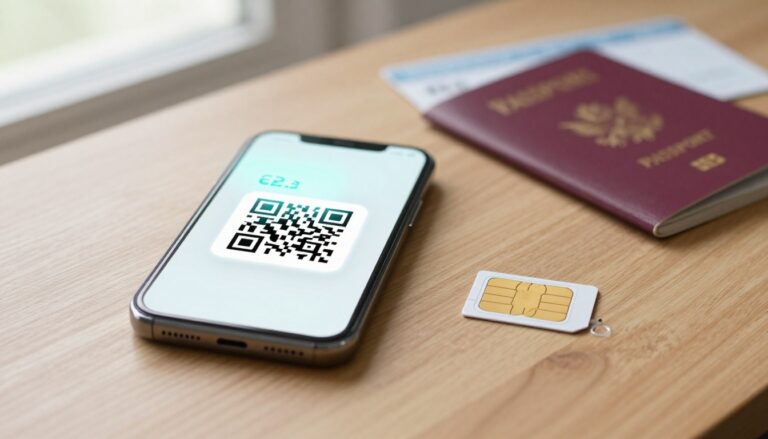
Install the profile several hours before your flight on stable home Wi-Fi. Open your provider’s setup instructions, scan the activation QR code, and follow the prompts to add the new line. If your phone asks for a label, use something clear, such as “Travel Data,” so you don’t confuse it with your home line.
Activation timing depends on the plan. Some eSIMs begin counting validity during installation, while others activate only after connecting to a supported network at your destination. Read those terms before scanning.
Use this QR code eSIM setup guide if you need help with the installation steps. Don’t delete the eSIM after adding it, even if the line shows no service at home. Save the QR code, confirmation email, and activation details securely in case you need them later.

Keep Your Primary Line Ready for Important Text Messages
Keep your home line active for banking codes, account alerts, and other security texts. Set the travel eSIM as the phone’s mobile data line, then disable data roaming on your primary line.
Check the settings again after installation. A phone can keep the correct SIM active for calls while quietly routing mobile data through the wrong line. Voice and SMS roaming rules vary by carrier, so review incoming text, outgoing message, and call fees before departure.
This setup lets you use the travel plan for maps and apps while keeping your home number available. Test it at home, confirm the travel line handles data, and leave with both lines clearly labeled.
Make the Smartest Data Choice for Your Next Trip
The smartest travel data choice starts with usable speed, not the lowest headline price. Compare the allowance, restrictions, network access, and device support before you pay.
Use This Quick Decision Process
Start by checking the plan’s total high-speed GB. Don’t count data that slows to 128 kbps after a daily limit.
Next, divide the full plan price by that high-speed allowance. This gives you the real price per GB travel data figure.
Then, confirm the fair-use rules. Check the daily cap, reset time, reduced speed, and any network management terms.
Review local network access after that. Confirm the plan supports reliable 4G or 5G networks in your destinations. For multi-country trips, compare affordable Asia travel eSIM data plans against single-country options.
Don’t skip hotspot rights. Verify that the plan supports tethering if you expect to connect a laptop, tablet, or travel router.
Finally, match the allowance to your daily habits. Light users may need 0.5GB per day, while remote workers can exceed 3GB.
The lowest headline price isn’t always the best deal. The $4 plan has the highest unit cost at $4 per GB. The $10 unlimited-style plan hides a 500MB daily cap. The $12 fixed plan offers the strongest technical value at $0.80 per GB.
Estimate your usage before departure, then choose an affordable high-speed option with enough room for real travel. Start by checking a travel eSIM for Thailand and pick the plan that fits your trip.
Conclusion
Daily prices, package labels, and “unlimited” claims don’t show the full value of travel connectivity. Calculate the total plan price against its real high-speed data allowance, then check fair-use limits, network quality, hotspot access, and your trip’s actual data needs.
Use a calculator before you buy, read the technical terms, and choose the plan that delivers usable speed for your devices. A low price per GB means little when the plan throttles quickly, blocks tethering, or performs poorly on local networks.
Install your eSIM on reliable Wi-Fi before leaving home, then review the provider’s travel eSIM APN settings if the connection needs manual configuration. The strongest comparison is simple: price per GB first, real-world usability always.