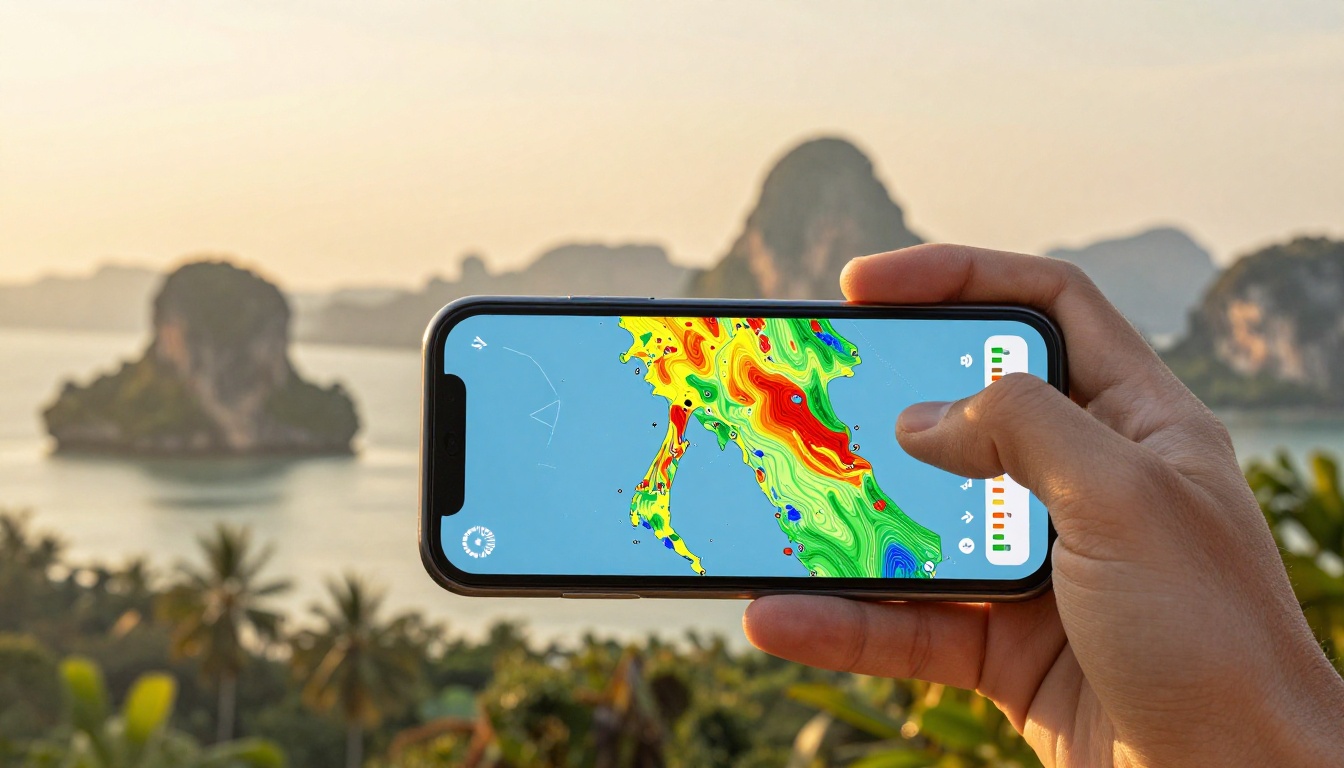
Thailand Data Plan Coverage Claims: How to Read Them Properly
You buy a Thailand data plan after seeing a bright map promising full national coverage. Then your signal disappears near a remote beach or mountain road.
Coverage colors don’t tell the whole story. Check the local host carrier, low-band 4G/LTE support, terrain limits, and hotspot rules before choosing. The best eSIM for Thailand depends on real network access, not bold promises. For a useful starting point, compare Thailand eSIM coverage on the AIS network before buying.
Next, use a practical method to compare plans across Bangkok, northern regions, rural roads, islands, and ferry routes.
Coverage Marketing vs. Technical Reality: Quick Matrix
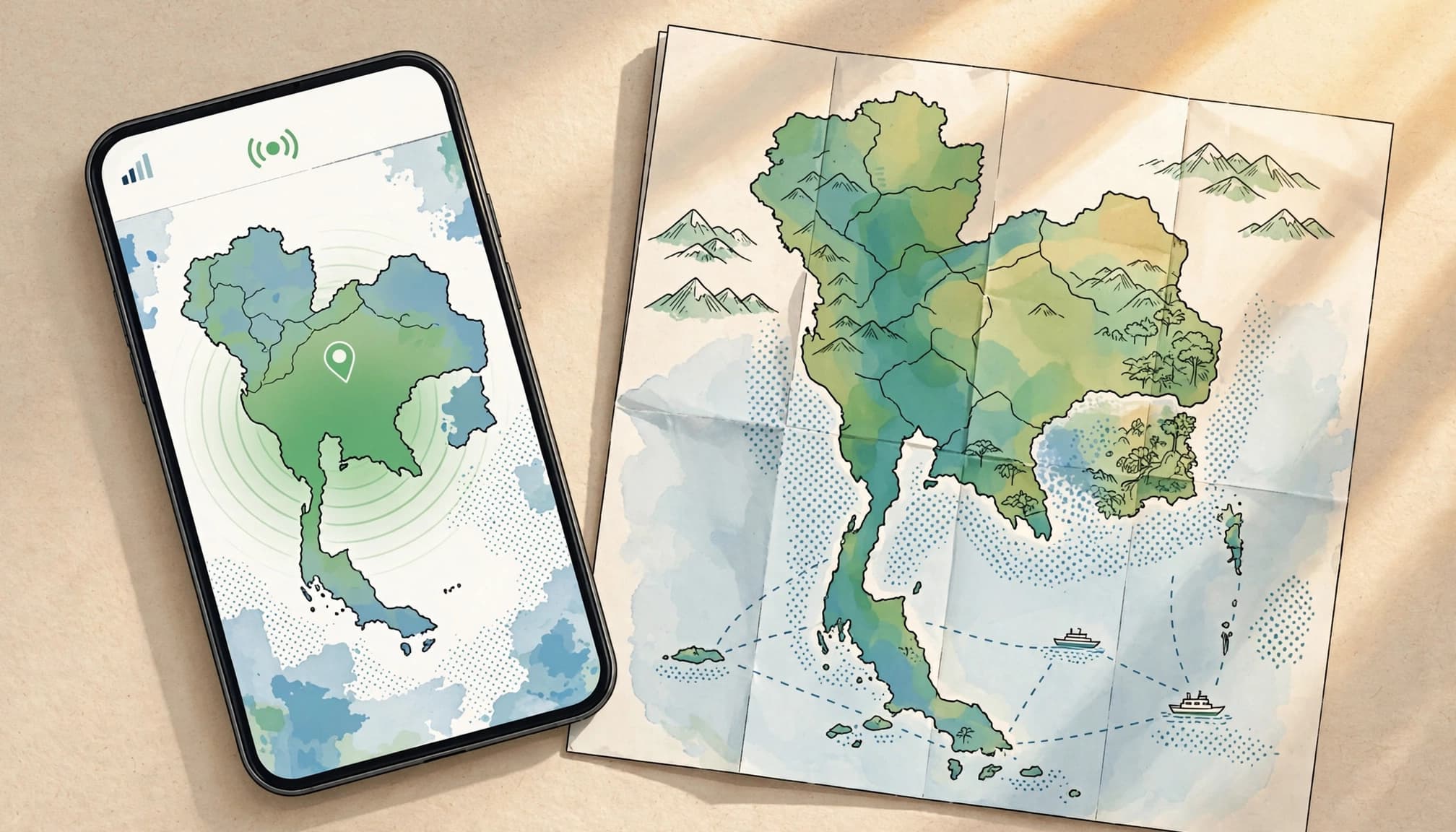
A Thailand data plan can look perfect on a sales page and still struggle where you actually travel. Read every coverage claim beside its technical limitation, then judge the plan by network access, fallback support, and usage rules.
Match the Promise With the Network Reality
| Marketing claim | Technical reality | Smart selection criteria |
|---|---|---|
| “100% nationwide coverage” | Maps cannot show every building, valley, jungle path, ferry route, or offshore gap. | Choose direct access to a major Thai host network with strong regional coverage. |
| “Blazing-fast 5G everywhere” | 5G labels can hide weaker rural performance and limited tower reach. | Prioritize reliable low-band 4G/LTE fallback outside major cities. |
| “Instant connectivity” | Roaming handshakes can stall when budget channels need extra network registration. | Pick a plan with direct local operator registration and clear activation steps. |
| “Unlimited travel data” | Some plans throttle speeds after a small daily allowance. | Check the fair-use limit, reduced speed, reset time, and hotspot terms. |
A nationwide map shows broad network reach, not guaranteed service at every point. Mountains, thick vegetation, concrete buildings, and open water can all weaken a phone signal.
For a closer look, compare an AIS mobile coverage map against your actual route. Check Bangkok, northern mountain areas, island resorts, and ferry crossings separately.
The best eSIM for Thailand gives you real host-network access, dependable 4G/LTE fallback, local registration, and honest hotspot rules. Colorful graphics look impressive, but those details decide whether your connection works when you need directions, ride-hailing, or a hotel check-in code.
How to Find the Best eSIM for Thailand Through Network Quality
The best eSIM for Thailand depends on four checks: the host network, supported technology, travel route, and data rules. A plan that performs brilliantly in Bangkok may behave differently in rural provinces or on islands.
Check Which Thai Host Carrier Powers the Plan
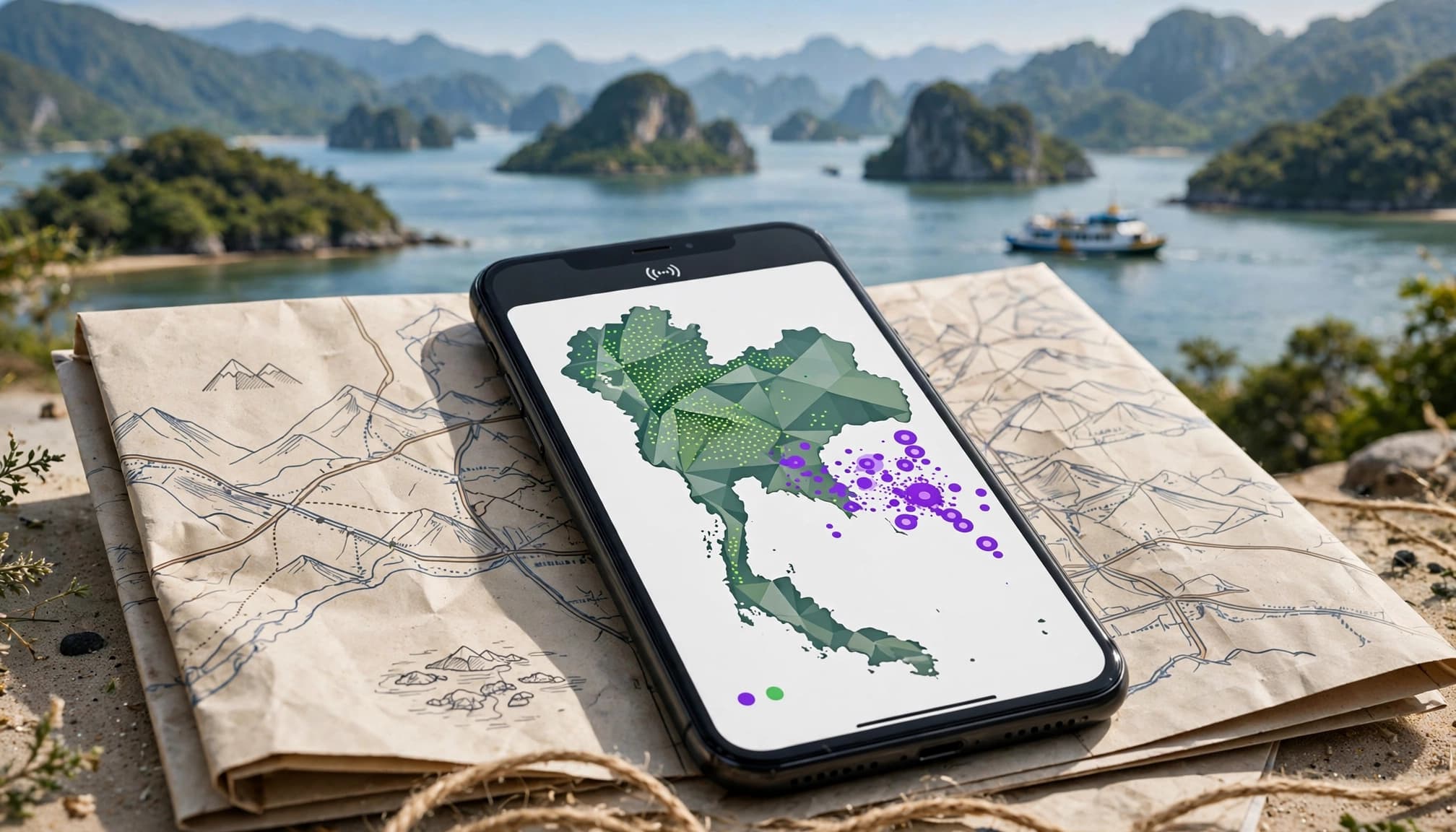
Some providers advertise broad coverage without naming their Thai network partner. That vague wording matters. A direct connection to a primary national network can improve registration, speed, and reliability.
Check the plan’s coverage page, terms, or travel eSIM setup instructions for the actual host carrier. Be cautious when the provider only mentions roaming partners, regional networks, or general “local access.”
Before buying, ask:
- Which Thai carrier hosts this eSIM?
- Does the plan receive normal network priority?
- Can the eSIM register directly on that carrier?
- Does the provider list 4G and 5G access separately?
Direct access still cannot prevent congestion, tower maintenance, or local outages. It simply gives you a clearer network path.
Separate City 5G Claims From Rural 4G Coverage
5G usually performs best in Bangkok, airports, and major tourist zones. High-frequency signals travel shorter distances and struggle around hills, thick vegetation, and dense buildings.
Outside large cities, dependable low-band 4G/LTE often matters more. Treat 5G as a useful bonus, not your main buying reason. Check 4G coverage along your full route, including national parks, mountain roads, and smaller towns. The GSMA coverage map can help you compare operators by country.
Account for Islands, Ferries, and Coastal Terrain
A smooth coverage map may show solid colors across water, even when a ferry route has no usable signal. Shore towers lose reach offshore, while hills, vegetation, and island terrain create additional dead zones.
Signal on a beach does not guarantee service offshore or on every side of an island. Compare plans backed by dense coastal tower coverage, then download maps before ferry trips. Expect interruptions on remote beaches, boat excursions, and routes between islands.
Confirm Hotspot Access Before You Rely on Tethering
“Unlimited” phone data may restrict laptop tethering or include a separate hotspot allowance. Check whether hotspot use is allowed, how much tethering data you get, and whether speeds drop afterward.
This detail matters for couples, families, remote workers, and anyone carrying a tablet. Your device must also support hotspot settings on the host network. If you plan to use an iPad, review these iPad eSIM travel hotspot options before purchase.
Match Thailand Data Allowances to Your Trip and Daily Habits
The best eSIM for Thailand depends on what you actually do online each day. A beach escape needs less data than a workcation with video meetings and hotspot use.

Choose Data Based on Your Itinerary
Use these estimates as practical starting points, not guarantees:
- A seven-day beach trip usually needs 5GB to 8GB for messaging, maps, ride-hailing, light browsing, and occasional social posts.
- A 14-day vacation often needs 10GB to 15GB for navigation, regular photo uploads, social media, and voice calls.
- A 30-day workcation may require 20GB to 50GB, depending on video meetings, cloud tools, and hotspot use.
Your habits can shift those numbers quickly. Video streaming, automatic photo backup, app updates, and social media videos consume data faster than messages or map searches.
Check Validity, Renewal, and Fair-Use Rules
A large allowance means little if the plan expires before your return flight. Check the activation date, validity period, renewal options, and whether unused data disappears when the plan ends.
Some “unlimited” plans reduce speeds after a daily or monthly fair-use limit. That can make maps usable but video calls frustrating. For a useful comparison of Thailand eSIM pricing and data value, check the cost per gigabyte alongside the advertised allowance.
A plan can offer unlimited data and still become unusable after throttling begins.
Pick Fixed High-Volume Data for Work
Choose a fixed high-volume package when speed throttling would disrupt work. This option gives you a clearer limit for meetings, cloud documents, file transfers, and laptop tethering.
If you expect to run short, confirm that the provider supports renewals or top-ups. Also check whether hotspot data uses the same allowance or follows separate rules. You can compare eSIM apps with flexible data plans before committing to one package.
Prepare Your Phone Before You Arrive in Thailand
A few setup checks at home can prevent most arrival-day connection problems. Confirm your phone supports eSIM technology and has no carrier lock before buying a plan.
Install the profile on reliable home Wi-Fi before departure, but follow the provider’s activation timing rules. Some plans start when installed, while others begin after network registration in Thailand.
Use a Simple Arrival-Day Connection Checklist
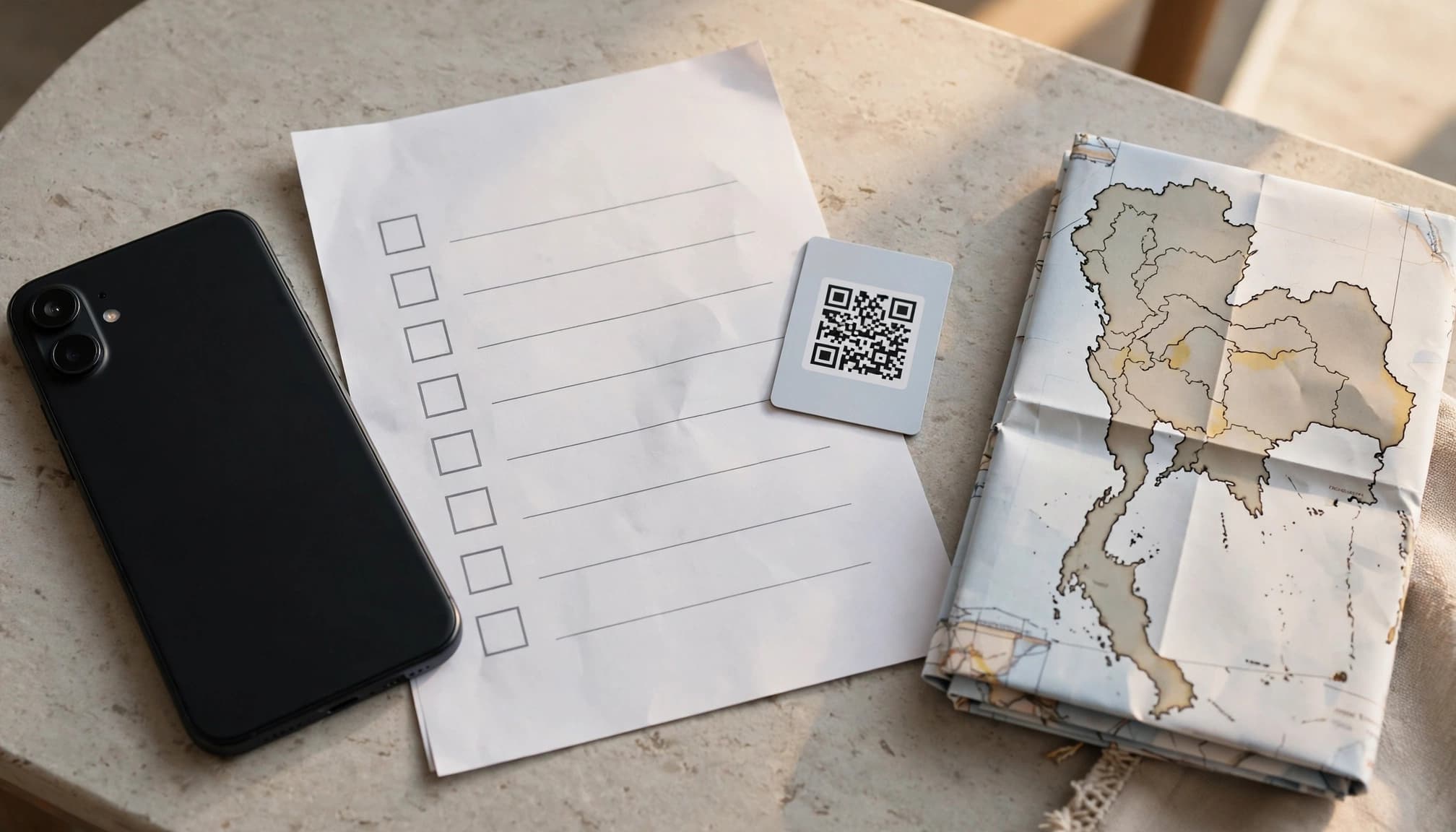
Follow these checks in order:
- Unlock your phone and confirm the travel eSIM profile installed correctly.
- Label the profile “Thailand” or “Travel,” then select it as your mobile data line.
- Turn off data roaming on your home line to avoid unexpected fees.
- Enable data roaming on the travel line only when the provider requires it.
- Keep your primary line powered on if you need banking security texts.
- Restart your phone after landing, then wait several minutes for activation.
- Open a webpage or map to test the connection.
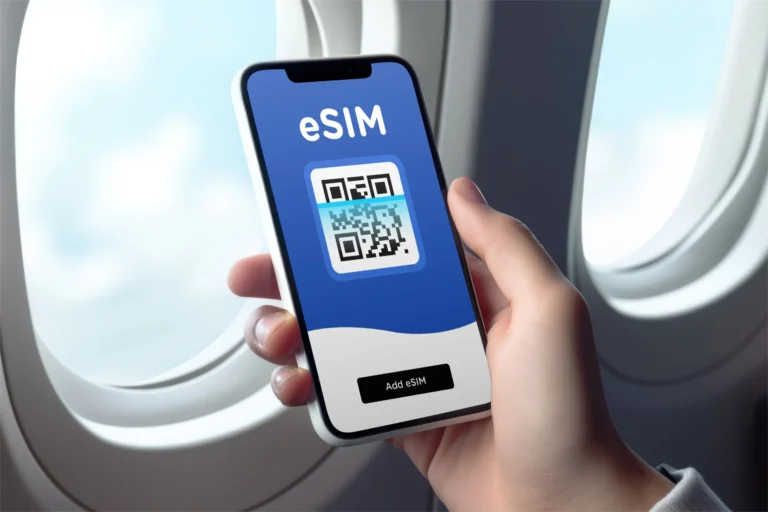
Save the QR code, activation instructions, and support details offline. You may need them without Wi-Fi. Also download offline maps before leaving the airport.
If the phone shows no service, check the selected data line first. Then confirm the travel line is active, toggle airplane mode, and review network selection. Try automatic network selection before choosing a listed Thai carrier manually.
Check APN settings only when the provider requires it. Your phone should configure them automatically in most cases. If problems continue, use these travel eSIM activation and network fixes or review Apple’s data roaming guidance. Device compatibility, carrier locks, and delayed activation can all cause temporary connection gaps.
Choose Reliable Coverage Across Bangkok, Rural Areas, and Islands
The best Thailand data plan matches your route, phone, and daily usage. Price matters, but reliable access matters more when you need maps, transport apps, or hotel messages.
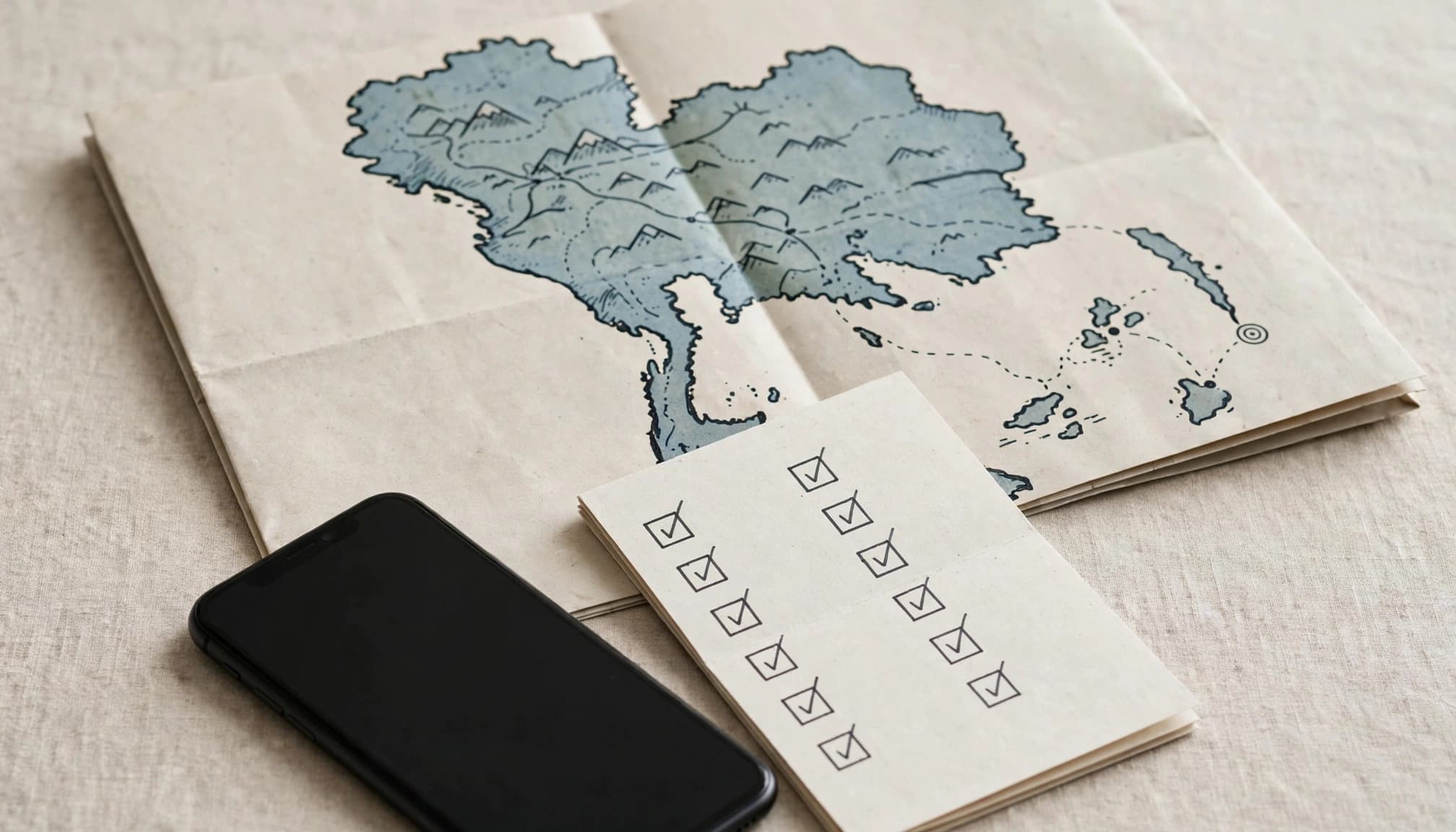
Compare Plans by Questions, Not Just Price
Use this final buying checklist before you pay:
- Which Thai network hosts the service? Check the named carrier, not just a vague nationwide claim.
- Does it support 4G/LTE outside major cities? Rural roads and northern mountains often need stable 4G fallback.
- Does your phone support the required bands? An unlocked eSIM phone still needs compatible network frequencies.
- Can you use a hotspot? Confirm tethering rules before sharing data with a laptop, tablet, or travel partner.
- When does throttling begin? Look for daily caps, monthly fair-use limits, reduced speeds, and reset times.
- Does validity start at installation or first network connection? This detail can shorten your usable travel period.
- Can support help during Thai local hours? Fast assistance matters when activation fails after landing.
Match those answers to your route. In Bangkok, prioritize capacity, 5G access, and quick registration. For mountain roads and rural provinces, choose low-band 4G/LTE reach and stable fallback service. Island travelers should review coastal coverage, ferry limitations, and offline navigation needs.
For a second opinion, compare the route against an AIS mobile coverage map. No plan guarantees service in every valley, jungle area, or offshore zone.
Choose a smaller plan for messaging, maps, and light browsing. Pick a larger plan for navigation, media uploads, video calls, and work. A cheap plan costs more if it loses service, blocks tethering, or needs replacement. If problems continue after arrival, use these eSIM connection troubleshooting steps.
Conclusion
Coverage claims need technical context before you choose a Thailand data plan. Check the local host network, then prioritize dependable 4G/LTE over impressive 5G wording.
Account for islands, mountains, and other terrain that can weaken service. Confirm hotspot rules, then match your data volume to your actual itinerary and daily habits.
The best eSIM for Thailand fits your route, device, and usage, not just a colorful coverage map. Review your route, ignore misleading claims, and choose a travel eSIM for Thailand before departure.