How to Read an eSIM Coverage Map Before You Buy
A bright green coverage map can promise perfect service, but that promise means little when you reach your campsite and find zero signal. The main thing to remember is simple: most maps show modeled outdoor coverage under ideal conditions, not guaranteed service at every trail, hotel, valley, or cabin.
To figure out how to read an eSIM coverage map properly, you need to look past the color gradient. Check the local host network behind the plan, confirm whether it uses a primary national carrier or a weaker regional partner, and compare the claimed coverage with mountains, forests, and other terrain that can block signal. You’ll also want to confirm that your phone supports the frequency bands used by local 4G or 5G towers, since compatible hardware still matters when the map looks impressive.
Before you activate a travel eSIM, run these four checks and treat every coverage map as a starting point, not a service guarantee.
How to Read an eSIM Coverage Map Before You Buy
A coverage map gives you a starting point, not a promise. Use it with the provider’s network details, your phone specifications, and the geography around your destination. That combination tells you far more than a bright green country outline.
Find the Local Host Network Behind the eSIM
An eSIM provider may not own a single cell tower in the country you visit. Instead, it usually gives you roaming access through a local partner network. That partner is the network your phone actually uses for calls, messages, and mobile data.
Look for the specific carrier name in the plan details, coverage notes, or supported network list. If the provider only says “nationwide coverage,” ask which local operator supplies it. The eSIM brand matters less than the host network behind the plan.
Why? Your phone connects to the local carrier’s towers, not to the provider’s website or app. The host network controls the available signal, coverage footprint, network bands, and rural reach.
You should also check whether the plan supports one network or several. Access to one carrier may work perfectly in a major city, but it can leave you without service during a rural road trip. A plan that can switch between multiple partner networks gives your phone more chances to find a usable tower.
For an extra check, review the FCC mobile coverage map and compare it with the network named in your eSIM plan.
Check Whether the Partner Reaches Rural Areas
Not every network partner has the same footprint. A national Tier-1 carrier usually operates a broad network across cities, highways, suburbs, and less populated regions. A regional carrier may cover a smaller area, while a smaller MVNO may rely on another network and offer limited direct access.
That difference matters when your trip includes national parks, mountain roads, desert highways, or small coastal towns. Confirm whether the listed partner operates nationwide or mainly covers population centers and major transport corridors.
Be careful with the phrase “nationwide coverage.” It may describe a roaming agreement rather than strong service in every part of the country. It may also hide limited access to certain towers, weak indoor performance, or gaps between cities.
Check the exact location of your hotel, campsite, trailhead, and driving route. A country-wide shaded area doesn’t prove reliable service at any of those places. Coverage maps also show predicted outdoor service, and buildings, forests, and terrain can reduce the signal.
If the plan doesn’t name its local networks, treat that missing detail as a warning. Clear partner information is a basic requirement, not a nice extra.
Compare the Map With Terrain and Phone Bands
Open an elevation or topographic map beside the eSIM coverage map. Look for mountain ranges, narrow valleys, dense forests, steep coastlines, and other barriers between you and nearby towers. A smooth color overlay cannot show every physical obstacle.

Then check your phone’s supported frequency bands before departure. A compatible eSIM still needs hardware that supports the 4G, LTE, or 5G bands used by local towers. Use your exact model number, since regional phone versions can support different bands.
Your phone might even show a signal icon while data remains painfully slow or unusable. The icon only confirms a connection, not enough capacity for maps, messages, or hotspot use. Prioritize stable LTE coverage when you travel off-grid, and treat broad 5G shading as a bonus rather than a guarantee. If your device needs setup help, review this iPhone and Android eSIM setup guide before you leave.
Why Coverage Maps Are Marketing, Not a Promise
Coverage maps look precise because color makes uncertainty feel simple. A bright green area suggests dependable service, but most maps show predictions based on selected network data, outdoor conditions, and computer models. They are useful for spotting broad gaps, not guaranteeing a connection at your campsite, hotel, or trailhead.
Theoretical Signal Models Miss Physical Obstacles
Providers often build maps using tower locations, transmission power, terrain data, and expected signal strength. The software estimates how far a signal should travel across an area, then turns those calculations into smooth color gradients.
Real places are much messier. Concrete buildings, thick hotel walls, forest canopies, heavy rain, and mountain valleys can weaken or block cellular signals. A tower may sit only a few miles away, yet a ridge or dense woodland can keep your phone from reaching it properly.

Treat every clean color boundary as an estimate. Even carrier maps use careful language, including “approximate outdoor coverage” and warnings that actual service can vary. Compare the provider’s graphic with FCC mobile coverage data when possible, especially if your trip includes remote roads or wilderness areas.
User reports, local coverage tests, and carrier-level maps can reveal gaps that a marketing map smooths over. Look for repeated reports from the exact town, route, campground, or park you plan to visit. One isolated complaint proves little, but a pattern deserves attention.
A 5G Label Does Not Mean Fast Rural Service
The 5G icon can make a remote area look better connected than it really is. High-band 5G travels shorter distances and struggles with walls, trees, hills, and uneven terrain. It can deliver excellent speeds near the right tower, then disappear a short distance away.
Low-band 5G usually travels farther and handles obstacles better. In many rural areas, 4G or LTE still provides the wider, steadier connection. That fallback matters more than a broad 5G shade across the map.
A dependable LTE connection is more useful than a fast 5G signal that vanishes beside your cabin.
Speed also depends on congestion, tower capacity, backhaul, and the roaming limits attached to your eSIM. A coverage map may show service while dozens of travelers compete for one overloaded tower.
Roaming Access Can Be Narrower Than the Map
A travel eSIM may not access every tower or radio technology available to local customers. Roaming agreements can limit which networks your phone may use, which frequencies it can access, and how your device selects a connection.
Automatic network selection often favors one approved partner. Your phone may ignore a stronger nearby network because the eSIM doesn’t have permission to use it. Some plans also restrict manual network selection, tethering, or access to certain 5G services.
Check whether the plan lists full network access, manual selection, or only a general country name. “United States coverage” tells you very little without the host carrier and roaming conditions.
You can also compare plans that support multi-network eSIM access, especially for rural travel. The map may show the host carrier’s full footprint, while your eSIM reaches only part of it. That difference is where the marketing promise ends.
The Coverage Details That Matter More Than Color
A bright coverage map only answers one question: where a carrier expects service to exist. Before you buy, check whether your phone can use that network, whether the plan includes enough usable data, and whether the signal will work where you actually spend time.
Use this quick comparison framework to separate a polished marketing claim from practical travel service.
| Evaluation criteria | What marketing claims | What the traveler should verify |
|---|---|---|
| Partner networks | “Full country access” | The exact local carrier names and whether the plan supports more than one network |
| Network technology | “Blazing-fast 5G everywhere” | Local LTE and 5G bands, plus reliable 4G or LTE fallback |
| Signal depth | Continuous color coverage | Mountains, forests, valleys, and distance from the nearest tower |
| Indoor service | Coverage at your destination | Reports from the actual hotel, airport, venue, or building |
| Hotspot rules | “Unlimited connectivity” | Tethering support, hotspot limits, and restrictions on connected devices |
| Data limits | Unlimited high-speed data | High-speed allowances, throttling terms, and fair-use rules |
| Local support | Easy activation and help | Support hours, contact methods, and whether help works while roaming |
Verify Network Technology and Frequency Support
Coverage and compatibility are not the same thing. Coverage means a local network reaches the area. Compatibility means your phone can connect to that network’s frequencies.
Check whether your device supports the local LTE bands before you travel. Then check the local 5G bands, too. Use the exact model number, because phones sold in the United States, Europe, and Asia can support different frequency combinations.
Your phone also needs to be unlocked. A carrier-locked device may reject a travel eSIM, even when the hardware supports the local network. Older phones can create another problem, since they may support data on LTE but lack the bands needed for local 5G.
That isn’t always a dealbreaker. A plan that offers dependable LTE fallback may work perfectly when 5G disappears. In fact, reliable 4G is often more useful on rural roads, hiking routes, and remote campsites than a wide but unstable 5G layer.
Look Beyond Coverage to Data and Hotspot Rules
A strong signal doesn’t guarantee unlimited or unrestricted data. Read the plan’s high-speed allowance, throttling policy, fair-use terms, and tethering rules before you pay.
A plan may show excellent coverage but slow your connection after a fixed amount of high-speed data. Another may allow phone data but block hotspots entirely. That difference matters when you need turn-by-turn navigation, remote work, photo uploads, or a connection for camping gear.
Your practical checklist should include:
- How much high-speed data does the plan include?
- Does the provider throttle speeds after that allowance?
- Can you use the eSIM for hotspot or tethering?
- Does the hotspot allowance differ from the phone’s data allowance?
- Can tablets, laptops, cameras, or other gear connect?
If you plan to connect a laptop or tablet, review these travel data and hotspot options for iPad. A coverage map shows signal availability. The plan terms determine whether you can actually use that signal for your trip.
Signal availability tells you that a connection may exist. Usable service depends on speed, data access, and what the plan allows you to do.
Separate Outdoor Coverage From Indoor Reliability
Many coverage maps model outdoor service at street level. They don’t know whether your room sits inside a concrete hotel, below ground, behind thick walls, or inside a packed airport terminal.
Hotels, basements, parking garages, stadiums, and crowded venues can produce weaker results, even when the map shows strong outdoor coverage nearby. Thousands of connected users can also reduce speeds around airports, festivals, and busy city centers.

Look for local user reports from your actual hotel or venue, not just the surrounding city. Ask whether guests use cellular service indoors, and check whether the plan supports Wi-Fi calling if voice access matters.
A second network can provide a useful backup during a road trip. Still, no coverage map can predict service inside one specific building with certainty. Treat the map as an outdoor reference, then plan for the walls, crowds, and terrain that the color layer cannot show.
Use an Off-Grid Checklist Before You Leave
Good coverage research cannot replace preparation where towers are scarce or absent. Before departure, confirm your route, download essential information, test the eSIM, and prepare a backup for weak service.
Match the Host Carrier to Your Route
Research coverage along your exact route, not only the destination country. Check the trailhead, highway, border area, island, national park, campsite, and nearest town. A provider with strong city coverage may still perform poorly on a remote mountain road.
Compare the eSIM’s host carrier map with a local carrier map and a topographic map. Look for steep valleys, dense forests, long highway gaps, and areas far from towns. These details often explain why a coverage map looks better than the real route.
The best plan for a city break may not suit a camper or road tripper. Choose the network with the strongest footprint near your actual stops, not the prettiest national coverage graphic.

Download Maps and Travel Details Offline
Download offline maps while connected to stable Wi-Fi. Save your hotel address, campsite details, transport instructions, translation tools, and emergency contacts before you leave.
Don’t wait to activate or troubleshoot an eSIM after reaching a dead zone. Save screenshots of the activation instructions, APN details, network settings, and customer support information. Keep those screenshots in your phone’s local storage, not only inside an email or cloud account.
Write down key addresses and directions, too. A phone with no signal can still display saved information, but it can’t load a website you never downloaded.
The National Park Service trail safety guidance also supports planning for risks before heading outdoors. Treat offline information as essential equipment, not a nice extra.
Build a Backup for Weak or Lost Service
If your phone supports dual SIM, keep a second eSIM or physical SIM option available. A backup plan can use another carrier, which may help when your primary network has a local coverage gap. It cannot create service where no tower exists.
Before leaving, practice switching data lines, restarting the active eSIM, and selecting a network manually. You can also review this guide on switching between travel eSIMs.
Low-signal searching drains batteries quickly. Turn off automatic updates, reduce screen brightness, use battery saver mode, and switch off the data line when you don’t need it. Carry a charged power bank, tell someone your route and return time, and keep offline emergency information on your phone and in your pack.
If service disappears, stay calm and follow your route plan. A second plan helps with network gaps, but preparation remains your strongest safety net.
Turn Coverage Research Into a Smarter eSIM Choice
A coverage map should help you choose a plan, not make the decision for you. Compare the destination, route, phone, data needs, and risk level before you buy.
Choose Reliable 4G Before Chasing a 5G Icon
Broad 4G or LTE coverage often makes more sense than limited 5G access. You need a connection that keeps maps loading, messages sending, and navigation working when you leave the city.
Stable LTE also supports work calls, ride-hailing apps, weather updates, and emergency communication. Those practical jobs matter more than impressive speed tests when you’re driving through rural areas or staying near a national park.
5G remains useful in cities, airports, and busy business districts. Choose it when your phone supports the local bands and the plan includes genuine 5G access. Just don’t pay extra for a 5G icon that disappears as soon as your route leaves the urban area.
Prioritize these factors when you compare plans:
- The host network’s reach along your actual route.
- Reliable LTE fallback outside major cities.
- A reasonable price per gigabyte.
- Clear high-speed data and throttling rules.
- Simple activation and useful customer support.
For another data point, compare the provider’s claims with the FCC National Broadband Map, then check the carrier information behind your eSIM.
Know When a Second Network Is Worth the Cost
A backup plan makes sense when losing service would create a real problem. Remote trips, long drives, business travel, and group holidays all increase the value of a second network.
Families may need a backup when children depend on messaging or location sharing. Remote workers may need one for an important call. Off-grid travelers may need it to contact help after leaving the main highway.
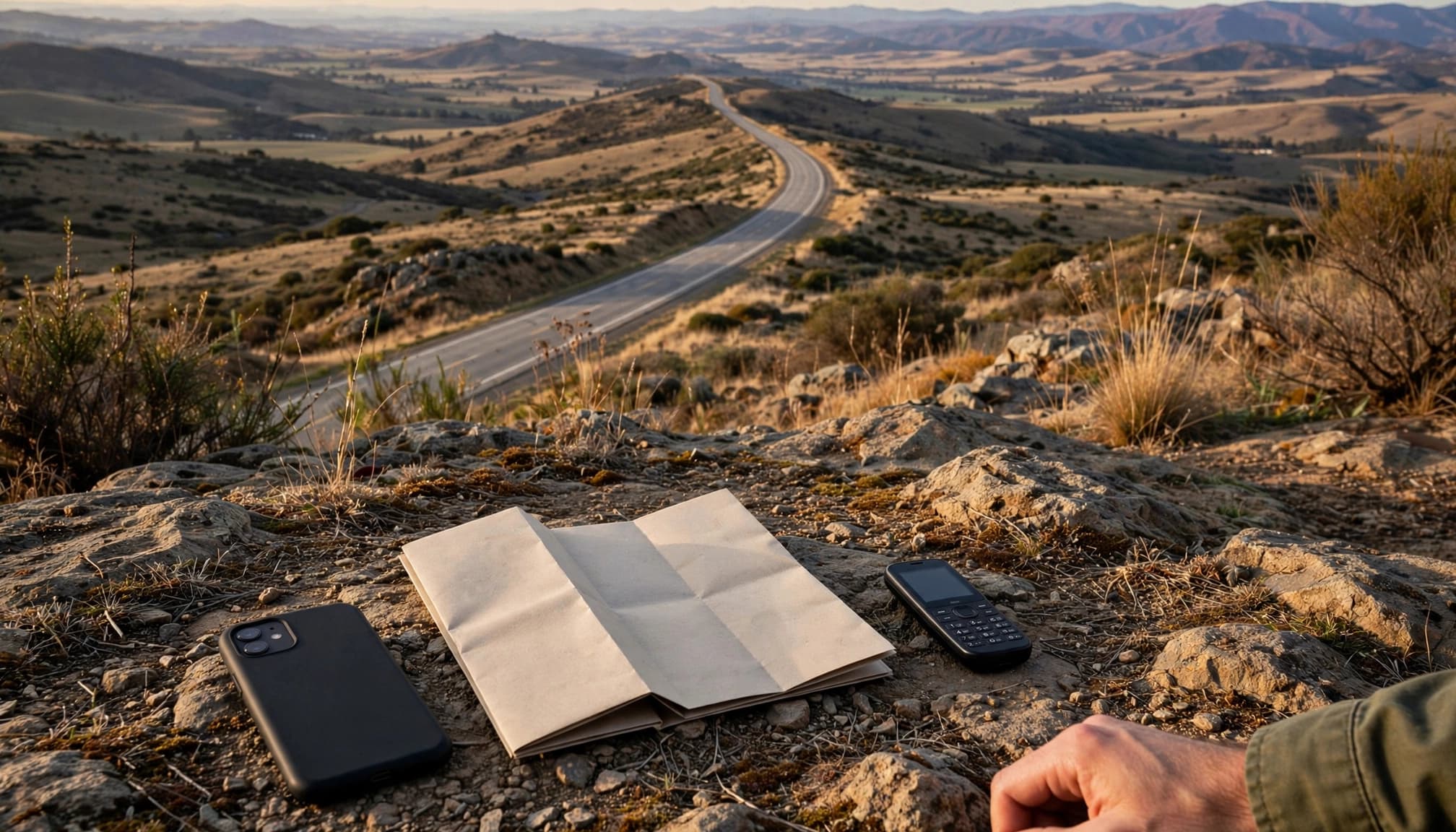
Ask yourself one simple question: What would losing service cost me here? If the answer involves missed work, safety concerns, or a stranded group, the extra plan may be worth its price.
Before buying, check whether your phone supports dual SIM standby. Confirm whether both profiles can remain active, which line handles mobile data, and how you switch between them. Label each profile clearly, then test the setup at home.
The best eSIM balances network reach, usable speeds, price, activation ease, and backup options. A bright map only covers one part of that decision.
Conclusion
A colorful coverage map shows a possibility, not a promise. It models where service may exist, but it can’t guarantee a usable connection at your hotel, campsite, trailhead, or remote road.
Before you buy, identify the local host carrier, confirm its network tier, and check that your phone supports the required 4G or 5G frequency bands. Compare the map with local terrain, then review the plan’s real limits for data, speed, hotspot use, and roaming access. If service fails despite a strong map, these steps can help you troubleshoot travel eSIM connectivity.
A few minutes of research can prevent costly data problems during your trip. The map is a useful starting point, but the details behind it determine whether your eSIM actually works when you need it.