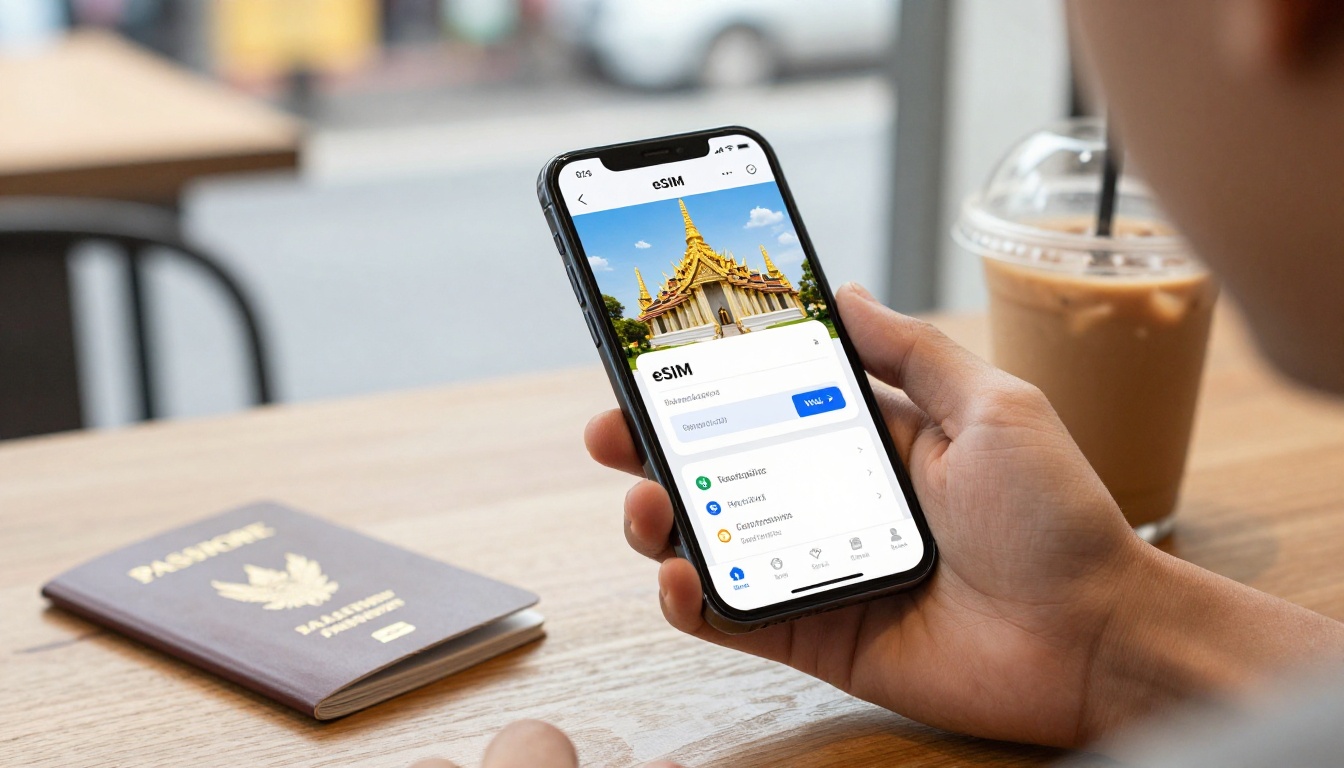
Buy an eSIM for Thailand: Check These 6 Details First
Worried your Thailand data plan won’t work when you land in Bangkok or Phuket? Before you buy an eSIM for Thailand, check your phone’s carrier lock, eSIM support, and available profile space.
Then review network coverage, activation timing, hotspot rules, and the real price per gigabyte. A two-minute check can prevent installation failures, surprise throttling, and weak coverage, so let’s start with the settings and plan details that matter most.
Picking a Thailand Data Plan: Start With This Four-Step Check
Before you buy an eSIM for Thailand, run four quick checks while you still have time to fix problems. These steps also apply to other travel data options, including regional eSIMs and physical SIM cards.

Confirm Your Phone Has No Carrier Lock
A phone can support eSIM technology and still reject a foreign eSIM. The problem usually comes from a carrier lock, not the phone’s hardware.
On an iPhone, open Settings > General > About. Find Carrier Lock, then confirm it says No SIM restrictions. If you see another message, contact your home carrier and request an official unlock before you buy.
Android menus vary by manufacturer, so check the SIM, mobile network, or network settings. Your home carrier can also confirm the lock status and unlock requirements. Don’t wait until you land in Thailand, when a rejected profile can leave you searching for public Wi-Fi.
Check for an EID and Enough eSIM Profile Space
Dial *#06# in your phone app and look for an EID. This number identifies the built-in eSIM chip, so its presence usually confirms that your phone has the required hardware.
Next, check the travel plan’s device requirements. Your phone model, operating system, and regional version must match the provider’s conditions. Some phones also limit how many eSIM profiles they can store or keep active at once.
If your phone has reached its profile limit, delete an unused travel profile only when necessary. Keep the QR code or manual activation details available, since you may need them after reinstalling or changing devices.
Compare the Real Price Per Gigabyte
Headline prices can look attractive until you compare the actual data included. Use this simple formula:
Total plan price ÷ included gigabytes = price per gigabyte
For example, a $15 plan with 10GB costs $1.50 per GB. That gives you a cleaner comparison between fixed-data packages.
Daily unlimited plans need more scrutiny. They may include speed caps, fair-use rules, or a small high-speed allowance before throttling begins. Compare the total high-speed data, not just the word “unlimited” or the lowest price on the page.
Verify the Thai Network Host Before You Pay
The local network behind your plan affects speed and coverage in Bangkok, Phuket, northern Thailand, the islands, and rural areas. A cheap plan is less useful when it connects through a weak partner where you need service most.
Check the plan details for its Thai carrier or network partners. Choose an option that names reliable primary Thai networks and clearly explains multi-network access or roaming arrangements.
A clear network description is a good sign. Vague coverage language deserves another look before you enter your payment details.
What to Check Before You Buy an eSIM in Thailand
The advertised price tells only part of the story. Before you buy an eSIM for Thailand, check the data limits, activation trigger, sharing permissions, and refund rules. These small details decide whether your plan feels smooth in Bangkok or frustrating on a ferry to Phuket.
Choose Fixed High-Speed Data Over Hidden Daily Throttles
A fixed bundle, such as 10GB or 15GB, gives you a clear amount of high-speed data for the full validity period. That makes it easier to estimate your needs and avoid unpleasant surprises.
Daily “unlimited” plans need a closer look. Some provide only a small high-speed allowance each day, then reduce your connection to speeds that make Google Maps, video calls, cloud uploads, and social media painfully slow.
Check the fair-use policy before paying. Look for:
- The exact high-speed allowance.
- The reduced speed after that allowance.
- The daily reset time and time zone.
- Whether unused daily data expires at midnight.
A 10GB fixed plan may suit a short trip with moderate browsing, maps, and messaging. For two weeks of frequent video, hotspot use, or photo uploads, 15GB or more may make better sense. Choose the bundle around your actual habits, not the biggest number in the headline.
“Unlimited” describes the billing model, not always the speed you receive.
Find Out When the Activation Clock Starts
Downloading an eSIM profile at home doesn’t always start the travel period. Some providers begin validity when you install the profile, while others wait until the eSIM connects to a Thai network after landing.
That difference matters. Install too early under the wrong rules, and a seven-day plan might lose several days before your trip begins.
Before checkout, confirm three details:
- Does validity start during installation or after local network contact?
- How long does the plan remain active?
- Which time zone controls the expiration time?
Installing the profile on home Wi-Fi can still be a smart move, especially when you want everything ready before takeoff. Do it early only when the provider confirms that installation won’t start your travel period.
Check Hotspot, Voice, SMS, and Top-Up Rules
If you plan to connect a laptop, tablet, or travel partner, confirm that the eSIM allows mobile hotspot sharing. Some plans restrict tethering, even when the phone itself has a strong data connection.
Most travel eSIMs are data-only plans. They provide internet access but no Thai phone number, local calls, or SMS. You may still use WhatsApp, FaceTime, Messenger, or other internet calling apps, but banks and local businesses might require a real phone number.
Also check whether you can top up the plan, how long unused data remains valid, and whether the provider offers refunds after installation. Many sellers won’t refund a profile once you download or activate it, so read those terms before scanning the QR code.
Use This Pre-Payment Comparison Table to Avoid Mistakes
A quick comparison prevents a cheap Thailand eSIM from becoming an expensive headache. Before you buy an eSIM for Thailand, check each plan against the same practical details.
| Check | How to Verify | Why It Matters |
|---|---|---|
| Carrier lock | Open your phone’s network settings. Confirm the device accepts other carriers. | A locked phone may reject the eSIM during installation. |
| EID support | Dial *#06# and look for an EID number. | The EID confirms built-in eSIM hardware. |
| Phone compatibility | Match the exact model, region, and operating system with the plan requirements. | Some regional phone versions lack eSIM support. |
| High-speed data | Read the fair-use policy and daily speed limits. | “Unlimited” data may slow down after a small allowance. |
| Price per gigabyte | Divide the total price by the included high-speed gigabytes. | This exposes inflated tourist pricing. |
| Activation timing | Check whether validity starts during installation or local network connection. | Installing too early can waste travel days. |
| Thai network host | Read the plan specifications for its local carrier partners. | Network choice affects service in cities, islands, and rural areas. |
| Hotspot access | Confirm that tethering works before purchasing. | Some plans block laptop or travel-partner connections. |
| Refund or top-up terms | Review refund conditions, extension options, and available top-ups. | You need a backup when plans expire or fail. |
How to Compare Two or Three Plans
Open the details pages for two or three plans, then record the answers in this table. Don’t compare only the headline price. A $15 plan with 10GB costs $1.50 per gigabyte, while a $12 plan with 5GB costs $2.40.
Next, remove any option with a carrier lock problem, missing EID support, weak network details, or unclear activation rules. A plan with 15GB may still lose its appeal if it throttles after 1GB each day.
Pay closest attention to the checks that match your trip. If you work from Thailand, hotspot access and stable high-speed data matter most. If you’re taking a short Bangkok break, activation timing, coverage, and price may carry more weight. The best choice is the plan that fits your phone and travel habits, not simply the one with the biggest data number.
Install Your Thailand eSIM Safely Before Departure
A few minutes of setup at home can save you from troubleshooting in a Bangkok airport queue. Install your Thailand eSIM before departure, but first confirm when the plan validity period begins.

Download the Profile on Stable Wi-Fi
Install the profile several hours before departure on reliable home Wi-Fi. Avoid hotel, airport, or café networks, since a weak connection can interrupt the download.
Before scanning the QR code, check whether installation starts your plan. Some eSIMs activate immediately, while others begin after connecting to a Thai network. Installing too early could reduce your available travel days.
Save these details offline before you start:
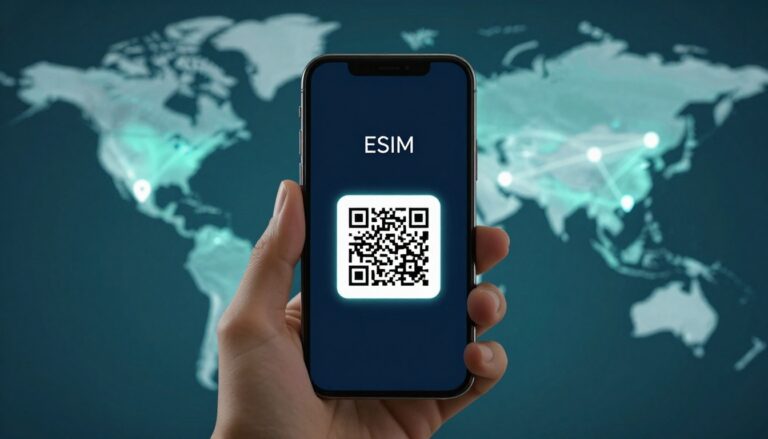
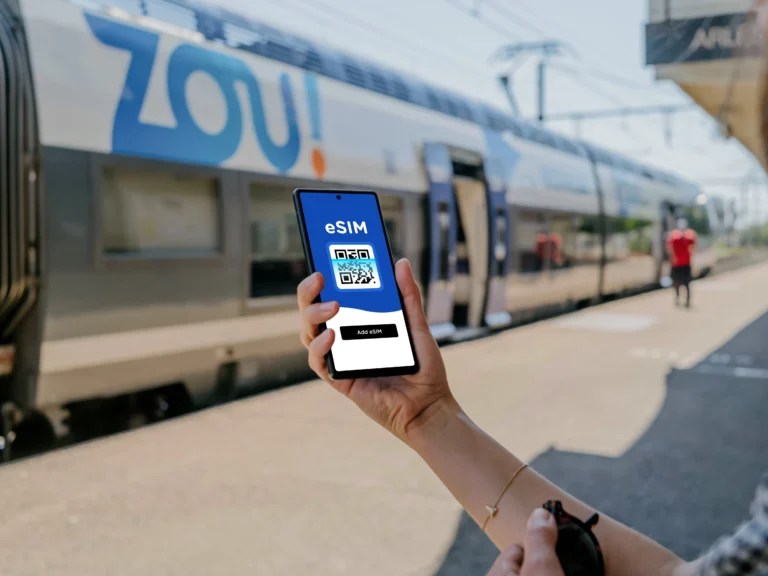
- The eSIM QR code.
- The manual activation code.
- Your confirmation email.
- The provider’s support contact.
A failed download does not always mean the plan is defective. Weak Wi-Fi, an invalid QR code, an unsupported device, or an already-used activation code can all cause problems. Don’t delete anything or scan repeatedly without checking the provider’s instructions first.
Label Each Line and Protect Banking Access
Once the profile installs, label your primary line Home. Name the new profile Travel or Thailand Data. Clear labels reduce the chance of selecting the wrong line when you change mobile data settings.
Keep your Home line active when possible. Your bank may send security codes through regular SMS, and those messages can still arrive while the Thailand eSIM handles your data.
Turn off data roaming for the Home line before takeoff. Otherwise, your phone might use your primary carrier for background data and create expensive roaming charges.
Also check which line handles calls, texts, and mobile data. Your travel eSIM may be data-only, so your Home line should usually remain selected for regular calls and SMS.
Switch Data Lines and Test Service After Landing
After you land, turn off airplane mode and select the Travel line for mobile data. Enable data roaming for that line only when the provider requires it. Keep automatic network selection enabled unless support gives you different instructions.
Run a quick arrival test before leaving the airport:
- Open a map and search for your accommodation.
- Load a basic browser page.
- Send a message through your usual messaging app.
- Confirm that mobile data uses the Travel line.
If nothing loads, restart the phone first. Then check the provider’s APN instructions and confirm that the Thailand profile remains enabled. Contact support before changing several settings at once, since random adjustments can make the original problem harder to identify.
Make the Final Choice With Confidence
You have checked your phone, compared the plans, and reviewed the network details. Now choose the option that fits your trip, not the one with the loudest price tag or biggest data number.
Match the Plan to Your Actual Trip
Start with your expected data use. A short Bangkok trip with maps, messaging, ride apps, and occasional browsing may need only a modest fixed bundle. A two-week island trip with video calls, photo uploads, streaming, and hotspot use needs more high-speed data.
Before you buy an eSIM for Thailand, confirm these points:
- Your phone accepts other carriers and has enough eSIM profile space.
- The plan offers enough high-speed data for your daily habits.
- The validity period starts at the right moment.
- Hotspot sharing works when you need it.
- The plan connects through a suitable Thai network.
- The price makes sense after you calculate cost per gigabyte.
A regional plan may suit a multi-country itinerary, while a local Thailand plan can offer better value for one destination. Compare regional Asia eSIM plans with Thailand coverage when Thailand is only one stop on your route.
Don’t Let the Lowest Price Make the Decision
The cheapest plan may cost more when it includes very little high-speed data. It can also create problems when coverage drops outside major tourist areas or hotspot use remains blocked.
Look beyond the checkout total. A slightly more expensive plan may deliver a lower price per gigabyte, stronger network access, and fewer restrictions. That combination often feels much better once you leave the airport and start moving around.
You can also compare eSIM data costs per gigabyte before choosing between fixed bundles and daily plans. The math takes less than a minute, but it can expose a weak deal immediately.
Choose the plan that removes the most risk, not simply the plan that costs the least.
Verify your phone settings, compare price per gigabyte, and confirm every limit before checkout. Then get a travel eSIM for Thailand before departure, install it on reliable Wi-Fi, and arrive ready to connect.
Conclusion
Before you buy an eSIM for Thailand, confirm your phone has no carrier lock, displays an EID, and supports the exact plan. Then compare real data value, network host, activation timing, and hotspot access instead of trusting the headline price.
Install the profile on reliable home Wi-Fi after checking when validity begins. Once you land, select the correct Travel line for mobile data and keep your Home line available for essential SMS.
These quick checks take only a few minutes, but they can prevent installation failures, wasted travel days, and slow data when you need maps or messages. When your settings and plan details match, get your travel eSIM for Thailand and leave home ready to connect.