How to Protect Your Data While Traveling (The 2026 Simple Security Checklist)
Data protection is the specific set of measures you take to keep your personal information, such as passwords and banking details, safe from hackers and thieves. When you travel, your digital environment shifts dramatically, making you a prime target for modern threats like AI voice scams and fake QR code stickers that can ruin a trip in minutes.
I believe that staying safe shouldn’t feel like a chore, so this guide breaks down exactly what you need to know. You are going to learn how to lock down your devices before you even reach the airport, why choosing an eSIM is significantly safer than relying on sketchy public WiFi, and how to use a simple checklist to maintain your privacy.
This post covers essential security habits including the use of VPNs to encrypt your traffic, setting up two-factor authentication, and avoiding dangerous charging ports. If you are looking for a stress-free way to test your connection before committing, you might want to look into free eSIM trial options to ensure your phone is ready for the journey.
Why Data Protection Matters More When You Travel
Data protection is the proactive defense of your digital identity against unauthorized access, theft, or corruption. While you likely feel secure within the confines of your home network, the moment you cross an international border or enter a transit lounge, your risk profile shifts. Travelers are often targeted because they are distracted, reliant on unfamiliar infrastructure, and operating under time pressure. In the current landscape of 2026, the threats have moved beyond simple password theft to sophisticated AI driven interceptions that occur in seconds.
Protecting your data while moving between destinations is not just about avoiding a hacked social media account; it is about preventing total identity takeover or financial loss. Because you are frequently using your phone for navigation, boarding passes, and banking while on the move, a single point of failure can leave you stranded in a foreign country. Understanding where these vulnerabilities lie is the first step toward building a resilient security strategy that keeps your trip on track.
Unfamiliar Networks and Devices
Connecting to a network you do not own is one of the most significant risks you take while traveling. When you join a public WiFi signal in a cafe or an airport, you are essentially trusting the administrator of that network with every packet of data your device sends. Hackers use a technique known as “packet sniffing” to listen to the data traveling through the air. If the connection is not encrypted, they can see your login credentials, private messages, and even session cookies that allow them to impersonate you on various websites.
As of January 2026, Evil Twin hotspots have emerged as the primary threat in major transit hubs like London Heathrow or Tokyo Haneda. These are fraudulent WiFi access points set up by attackers with names that look legitimate, such as “Airport_Free_HighSpeed” or “Terminal_Guest_WiFi.”
- How they work: Your phone often seeks out familiar or open SSIDs automatically. When you connect to an Evil Twin, the hacker acts as a middleman, passing your data to the real internet while keeping a copy for themselves.
- The danger: These networks often use 6G or high speed 5G protocols to appear more attractive to users looking for a fast connection, making them harder to distinguish from official infrastructure.
- The solution: Modern travel eSIM security perks allow you to bypass these dangerous public networks entirely by providing your own encrypted cellular data.

Increased Risk During Transit Days
Transit days, the periods spent in airports, train stations, or bus depots, represent the peak of your digital vulnerability. During these times, your “situational awareness” is at its lowest because you are focused on flight gates, baggage carousels, and local transport schedules. Hackers capitalize on this fatigue. They know you are more likely to take a security shortcut, like scanning a random code to see a terminal map, when you are in a hurry to catch a connecting flight.
One of the most dangerous 2026 threats to watch for is Quishing, which stands for QR code phishing. While moving through a station, you might see a QR code sticker on a map, a menu, or even a “helpful” sign about gate changes.
- Sticker Overlays: Hackers place high quality stickers over the original, legitimate QR codes provided by the transit hub.
- Malicious Redirection: When you scan these, you are sent to a site that looks identical to the official airport page but secretly installs malware or prompts you for “security verification” that steals your credit card info.
- Data Harvesting: In some cases, the site simply harvests your location data and device ID to track your movements or sell your profile to advertisers and scammers.
To stay safe, never scan a QR code on a loose sticker or a random flyer. If you need information, type the official website address into your browser manually. It’s also a great idea to check out top travel eSIM FAQs to learn how a dedicated data plan helps you avoid these physical traps by keeping you connected to trusted sources at all times.
Before You Leave: 15-Minute Data Protection Prep
Prepping for a trip usually involves packing extra socks and double checking your passport, but for a tech obsessed traveler, your digital baggage is just as important. In 2026, mobile devices act as our digital skeletons; they hold our bank accounts, house keys, and identity. Spending just fifteen minutes on a security tune up before you head to the airport can be the difference between a smooth vacation and a digital nightmare. Think of this as the digital equivalent of locking your front door before you leave. You really do not want to be that person trying to recover a hacked bank account while sitting in a beautiful cafe in Rome.
Update Your Phone, Apps, and Operating System
Software updates are your primary defense against the “Zero-Click” attacks that have become so prevalent this year. These terrifying hacks happen without you ever clicking a link; a hacker simply sends a hidden piece of data to your phone that it processes automatically, installing malware while the device is in your pocket. Manufacturers push out patches specifically to seal these invisible holes. If you ignore that “System Update” notification, you are essentially leaving a window wide open for anyone with the right tools to climb right in.
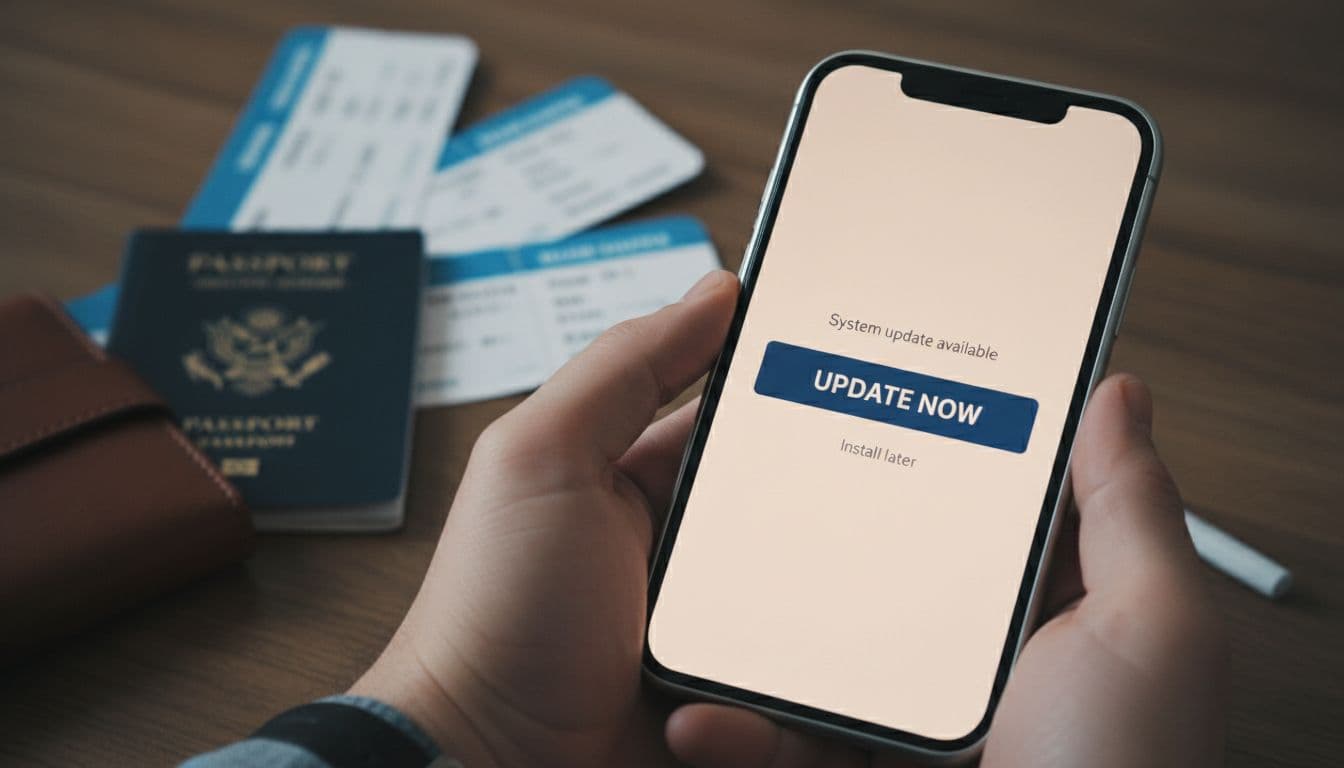
I recommend performing all updates at least one week before your trip begins. This timing is a total no-brainer because it gives you a buffer to ensure the new software is stable and doesn’t drain your battery or crash your favorite navigation apps. Waiting until you are on slow airport WiFi is a recipe for frustration. By updating early, you ensure your device has the latest 2026 protection against invisible spyware and supply chain vulnerabilities that might have been found in the apps you use every day.
Enable Strong Screen Locks and Biometrics
Physical theft is still a massive threat, and it often leads directly to digital theft if your screen isn’t locked down tight. If a thief grabs your phone while you are distracted by a museum exhibit, they have a window of opportunity to access everything if your security is weak. In 2026, high resolution cameras make it easier for hackers to attempt biometric spoofing, using 3D printed masks or high quality photos of your face. To combat this, you need to use the most advanced locking features your phone offers, like sophisticated Face ID or ultrasonic fingerprints that require depth and movement.
- Use Long PINs: If you prefer a PIN, use at least six digits; four is far too easy to guess or observe over your shoulder in a crowded train station.
- Lockdown Mode: Activate your phone’s “Lockdown” or “High Security” setting when you are in transit hubs to disable certain biometric features and force a password for entry.
- Timeout Settings: Set your screen to auto lock after 30 seconds of inactivity so that if someone snatched it from your hand, it would lock almost instantly.
To me, a strong screen lock is your last line of defense. If you find yourself worried about your connection security after you arrive, you should definitely browse through top travel eSIM FAQs to see how a private data plan adds another layer of safety beyond just your lock screen.
Back Up Important Data Securely
Backing up your data is the ultimate safety net for any traveler. Imagine the sinking feeling of losing your phone and realizing every photo, contact, and flight confirmation is gone forever. By creating a fresh backup before you leave, you ensure that even if the physical device is stolen or dropped in the ocean, your life remains accessible from a new device. It simplifies the recovery process from a disaster to a minor inconvenience, allowing you to get back to enjoying your trip much faster.
You have two main paths for a solid backup plan: cloud services or physical drives.
| Backup Type | Best For | Pros | Cons |
|---|---|---|---|
| Cloud (iCloud/Google) | Convenience | Automatic updates; accessible anywhere with internet. | Requires data or WiFi; monthly fees. |
| External Hard Drive | Security | Total control; no recurring costs; works offline. | Can be lost or stolen; manual process. |
| Mixed Strategy | Redundancy | Best of both worlds; zero chance of data loss. | Takes the most time to set up. |
If you choose the cloud, make sure your backup is encrypted and that you have two-factor authentication enabled for the account. For those who prefer the physical route, leave the hard drive at home in a safe place after the backup is done. Carrying your backup drive with you on the trip defeats the purpose if your entire bag goes missing. Having a digital “get out of jail free” card is a total game-changer for your peace of mind while exploring new cities.
Secure Your Internet Connection First
Securing your data begins the second you turn off Airplane Mode. While the convenience of “Free High-Speed Airport WiFi” is incredibly tempting after a long flight, those open signals are hunting grounds for modern data interceptors. In 2026, the digital perimeter of a traveler is under constant siege from AI-driven “Evil Twin” hotspots and sophisticated packet sniffing. To keep your banking details and private messages truly private, you must prioritize a connection that you own and control. Establishing a dedicated, encrypted path to the internet is the single most effective way to eliminate the risks associated with public infrastructure.

Use an eSIM or Local SIM Instead of Open Networks
An eSIM represents the modern standard for mobile security because it creates a private, encrypted connection between your device and a trusted local carrier. Unlike traditional WiFi, which broadcasts your data into the open air for anyone to intercept, cellular data is inherently much harder to crack. When you use an eSIM, you’re not just buying data; you’re buying a digital shield that bypasses the need for sketchy airport or cafe networks entirely. This is a total no-brainer for anyone handling sensitive work documents or personal finances.
Choosing a reliable travel eSIM guide allows you to activate your plan before you even land, ensuring you never have to fall back on a generic “Terminal Guest” network. For those who frequently visit specific hubs, like Japan, opting for a professional eSIM plan for Japan trips ensures you’re on a high-tier local provider like NTT Docomo. This method provides several advantages over public WiFi:
- Point-to-Point Encryption: Your data moves through dedicated cellular frequencies that are not visible to other nearby users.
- No Rogue Access Points: You’re connecting directly to massive, regulated telecommunications infrastructure rather than a $50 router hidden under a cafe counter.
- Identity Protection: eSIMs use unique digital keys that are nearly impossible to duplicate, making them significantly more secure than physical SIMs that can be swapped or cloned.
When and How to Use a VPN Safely
If you absolutely must use public WiFi, or if you simply want an extra layer of defense on your cellular data, a Virtual Private Network (VPN) is your best friend. Think of a VPN as a digital tunnel; it takes your data, wraps it in heavy encryption, and moves it through the “tunnel” where hackers can’t see inside. Even if a bad actor manages to intercept your signal, all they see is scrambled, useless code. By 2026, standard VPN protocols have evolved, and for the best balance of speed and battery efficiency, you should only be using the WireGuard protocol.
| VPN Feature | Why It Matters in 2026 |
|---|---|
| Kill Switch | Cuts your internet instantly if the VPN drops, preventing your real IP address from being exposed. |
| WireGuard Protocol | Offers the fastest connection speeds with modern cryptography that’s optimized for 5G and 6G. |
| No-Logs Policy | Ensures the VPN provider doesn’t keep a record of your browsing history or data usage. |
| Multi-Hop | Routes your data through two or more servers for double the encryption, though it can be slower. |
I can’t stress the importance of the Kill Switch feature enough. Without it, if your VPN connection experiences a minor hiccup, your phone might revert to the unencrypted public network without you noticing, leaving your data exposed for those few critical seconds. To maintain high performance while staying safe, it’s also helpful to calculate your travel data usage needs to ensure your VPN overhead doesn’t eat through your plan too quickly. Always keep your VPN active whenever you are accessing password-protected accounts or making digital payments.
Lock Down Accounts That Matter Most
Securing your data begins long before you connect to a local network; it starts with building a fortress around the accounts that hold your life together. When you are moving through international terminals or busy city squares, the physical security of your device is only half the battle. In 2026, hackers use automated scripts to test stolen credentials across thousands of platforms in seconds, making account-level protection your most critical defense. If someone manages to snatch your phone or intercept a login, these settings are what stop a minor theft from turning into a total identity takeover.

Enable Two-Factor Authentication
Two-factor authentication (2FA) is a digital double check that requires two forms of identification before granting access to your accounts. Think of it like a high security vault that requires two different keys held by two different people to open. Even if a culprit managed to guess or steal your password, they would still be stuck at the second gate without that unique, time sensitive code. To me, leaving 2FA disabled while traveling is like leaving your luggage unlocked in a crowded hostel; it is simply asking for trouble.
For the smoothest experience abroad, I highly recommend keeping your home SIM active specifically to receive these text codes while using a secondary data plan for everything else. By using an eSIM for your primary internet needs, you can keep your physical home SIM in “standby” mode. This allows you to receive incoming SMS verification codes without accidentally racking up massive data roaming fees from your home provider.
- Authenticator Apps: Use apps like Google Authenticator or Authy for codes that don’t require a signal at all, which is a lifesaver in remote areas.
- Backup Codes: Always print out or write down your accounts’ “Emergency Backup Codes” and keep them in a hidden pocket of your physical wallet.
- Physical Keys: For ultra high security, consider a hardware key like a YubiKey that must be physically touched to authorize a login.
Setting this up ensures that even if you’re maintaining 2FA access with a Thailand eSIM or another local provider, you never lose access to your bank or email. It is a simple step that provides massive peace of mind when you are 5,000 miles from home.
Use a Password Manager Instead of Browsers
Saving your passwords directly in a web browser like Chrome or Safari is a huge risk that many people take without thinking. If your laptop or phone is stolen and successfully unlocked, a thief has instant, one click access to every single account you have saved in that browser. Password managers are dedicated, encrypted vaults that stay locked behind a “Master Password” or biometric scan, ensuring that your sensitive credentials remain scrambled and unreadable to anyone but you.
Dedicated password management apps are far superior for travelers because they work across all your devices and offer offline access to your data. They don’t just store passwords; they can store digital copies of your passport, travel insurance policies, and emergency contact numbers in an encrypted environment. In my book, switching from browser based saving to a professional manager is the single best “quality of life” upgrade a digital nomad can make.
- End-to-End Encryption: These apps encrypt your data locally on your device before it ever reaches the cloud, so even if the company is hacked, your vault stays safe.
- Password Generation: They create massive, 20 character random strings for every site you visit, making it impossible for hackers to use “brute force” attacks on your accounts.
- Cross-Platform Sync: Whether you are on a borrowed hotel tablet or your own MacBook, you can securely access your login info without leaving a digital footprint behind.
Using a secure manager makes it easy to compare top USA eSIM providers and purchase plans safely without worrying about a keylogger or a snooping browser extension stealing your credit card details. It turns the chore of remembering dozens of passwords into a single, secure tap of your finger.
Public WiFi Safety Checklist
Even with the best prep, you might find yourself in a situation where your cellular data is low and that “Free Airport WiFi” starts looking like a lifesaver. I’ve been there; you’re tired, you need to check your gate, and you just want to connect. But in 2026, airwaves are more crowded with invisible threats than ever before. If you must use a public signal, you need a strict protocol to ensure you aren’t essentially handing your digital house keys to a stranger. This checklist is your line in the sand to separate casual browsing from a total security breach.
How to Spot Risky Networks
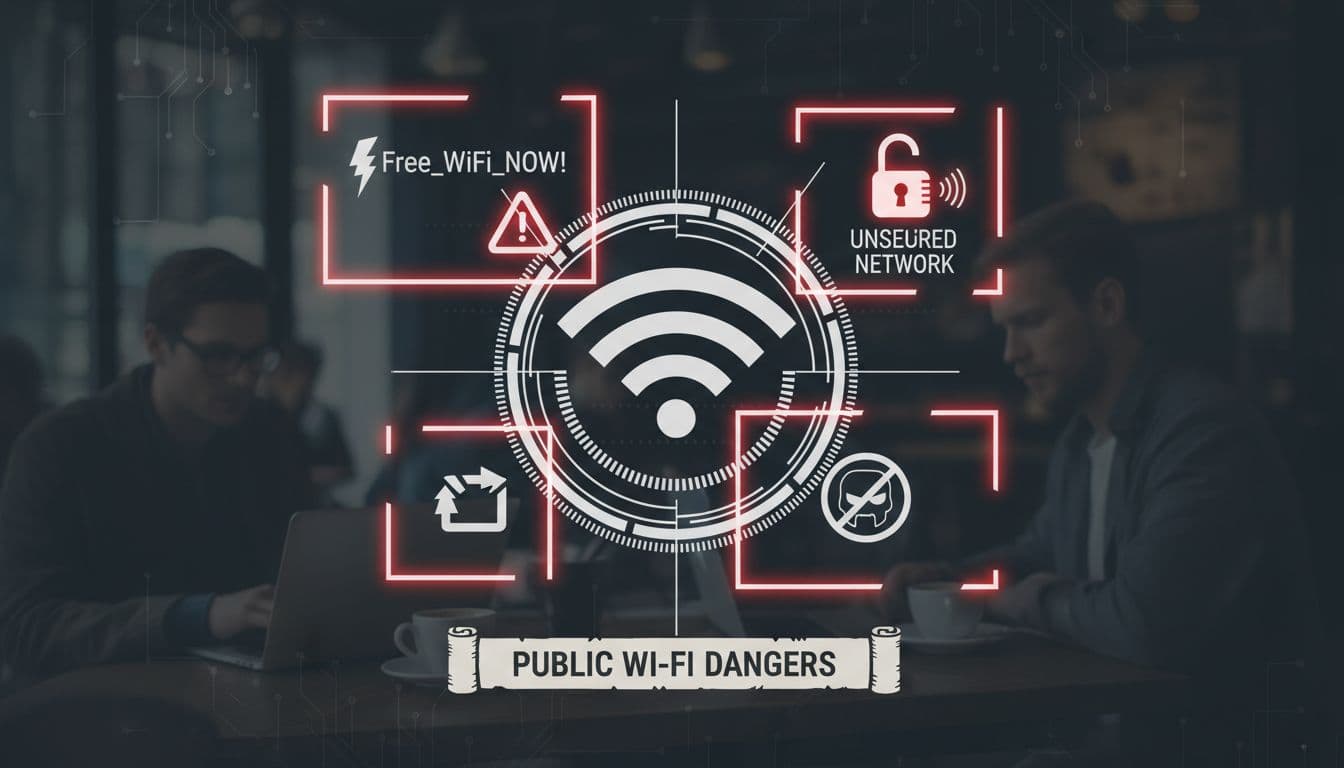
The first rule of public WiFi is to never trust a network just because it has a familiar name. Hackers frequently use “Evil Twin” attacks where they set up a hotspot with a name almost identical to the official one. To me, this is the digital version of a “look-alike” scam. You might see “Starbucks_Guest” and “Starbucks_Free_WiFi” appearing in your settings; usually, the one with the extra adjectives or slight misspellings is a trap designed to harvest your data the moment you join.
Another massive red flag is a network that doesn’t require a password or a “captive portal” login page. While “open” sounds convenient, it means the connection isn’t encrypted at the local level. Anyone with basic “packet sniffing” software can see exactly what you’re doing. Always ask a staff member for the exact name of the network. If the SSID (the network name) has weird symbols or doesn’t match the official signage perfectly, stay away. It is always better to wait and use a reliable travel eSIM guide to find a secure connection than to risk it on a sketchy “Free_HighSpeed_Internet” signal.
- Check for Typos: Look for “Arport_WiFi” instead of “Airport_WiFi.” Hackers count on your eyes skimming over small errors.
- Avoid “Open” Networks: If there is no lock icon next to the signal, your data is literally floating in the air for anyone to grab.
- Verify with Staff: If you are in a cafe, don’t just guess. Confirm the name and password with the person behind the counter.
What Never to Do on Public WiFi
Think of public WiFi as a glass house; people can see what you are doing if they look hard enough. Because of this, certain activities should be strictly off-limits unless you are on a private data connection. I’ve seen travelers checking their retirement accounts at a bus station, and it makes my skin crawl. In my book, if the task involves a login or a credit card, it doesn’t belong on shared infrastructure. You should save those tasks for when you are back at the hotel on a known network or using your own 5G signal.
The list of “no-go” activities is non-negotiable if you want to keep your identity safe. Banking is the obvious one, but many people forget about shopping. Entering your credit card number on a public network is a gift to “Man-in-the-Middle” attackers who can intercept that data in real time. Additionally, logging into work accounts or your primary email can expose session cookies. These cookies allow a hacker to bypass your password and jump straight into your inbox.
| Activity Type | Safety Level on Public WiFi | Recommended Action |
|---|---|---|
| Online Banking | Extremely Dangerous | Wait for a private eSIM connection. |
| Credit Card Shopping | High Risk | Use Apple Pay/Google Pay or wait. |
| Work Slack/Email | High Risk | Only use with a VPN and WireGuard protocol. |
| Reading News/Maps | Low Risk | Generally safe if the site uses HTTPS. |
I keep a simple rule: if I wouldn’t want a stranger standing behind me looking at my screen, I don’t do it on public WiFi. If you absolutely have to work on the go, ensure you are using a secondary data source. For those exploring the Middle East or Asia, a prepaid digital SIM for Dhaka or similar locales ensures you aren’t forced into these risky behaviors just to find your next hotel. Keeping your “sensitive” life separate from “public” airwaves is the ultimate 2026 travel power move.
Phone and Device Safety on the Road
Your physical device is the gateway to your entire digital life, making its physical and port-level security just as vital as a strong password. When you are traveling, the threat landscape shifts from remote hackers to high tech local interceptions that happen in the blink of an eye. In 2026, it is no longer enough to just keep your phone in your pocket; you have to be mindful of how you interact with the physical infrastructure around you. From the charging ports in a lounge to the invisible signals your phone broadcasts, every connection point is a potential vulnerability that requires a bit of street-smart tech savvy to manage.
Avoid Public Charging Stations
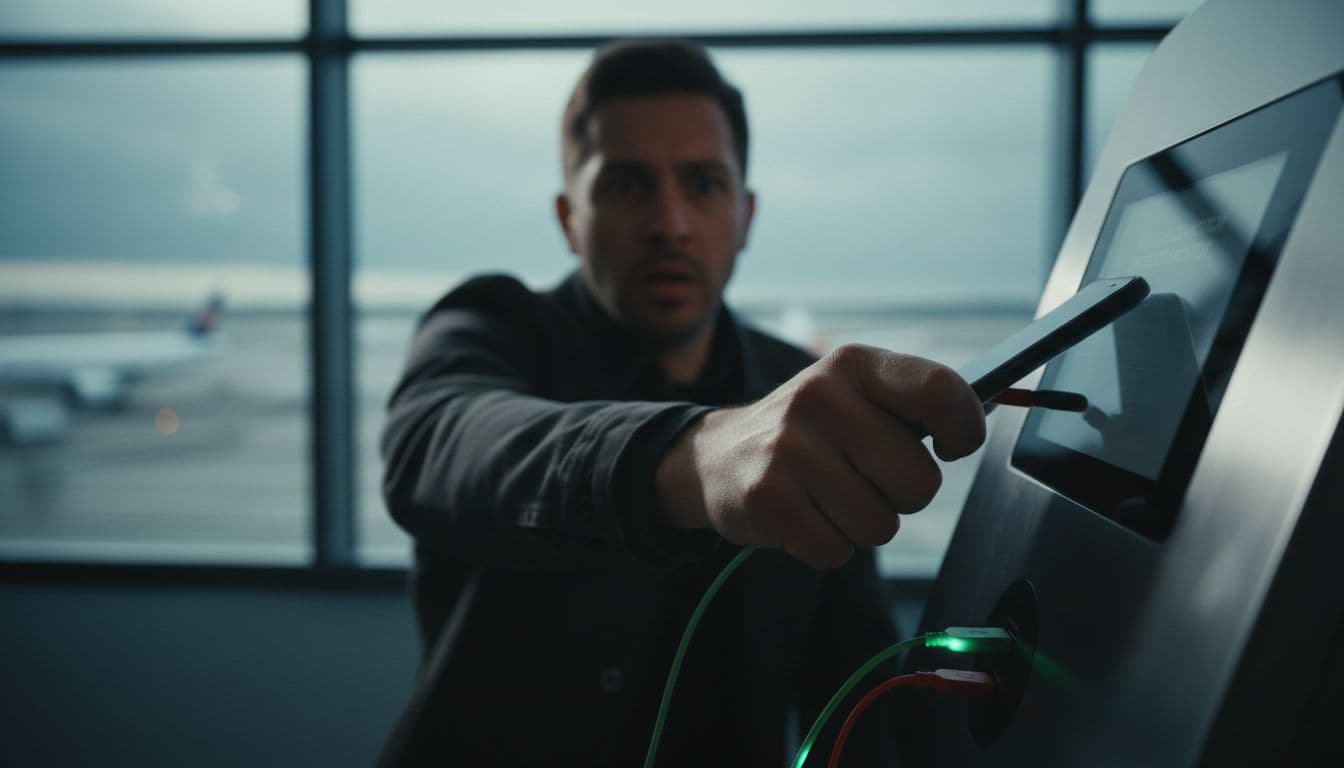
Public USB charging stations are a major security risk that every traveler needs to take seriously. While they look like a helpful amenity in airports or train stations, these ports can be modified by bad actors to perform Juice Jacking, a process where a hidden chip inside the port installs malware or offloads your data the moment you plug in. In 2026, these malicious ports have become even more dangerous with the rise of O.MG cables and high-speed data siphoning tools that can bypass standard security prompts in seconds.
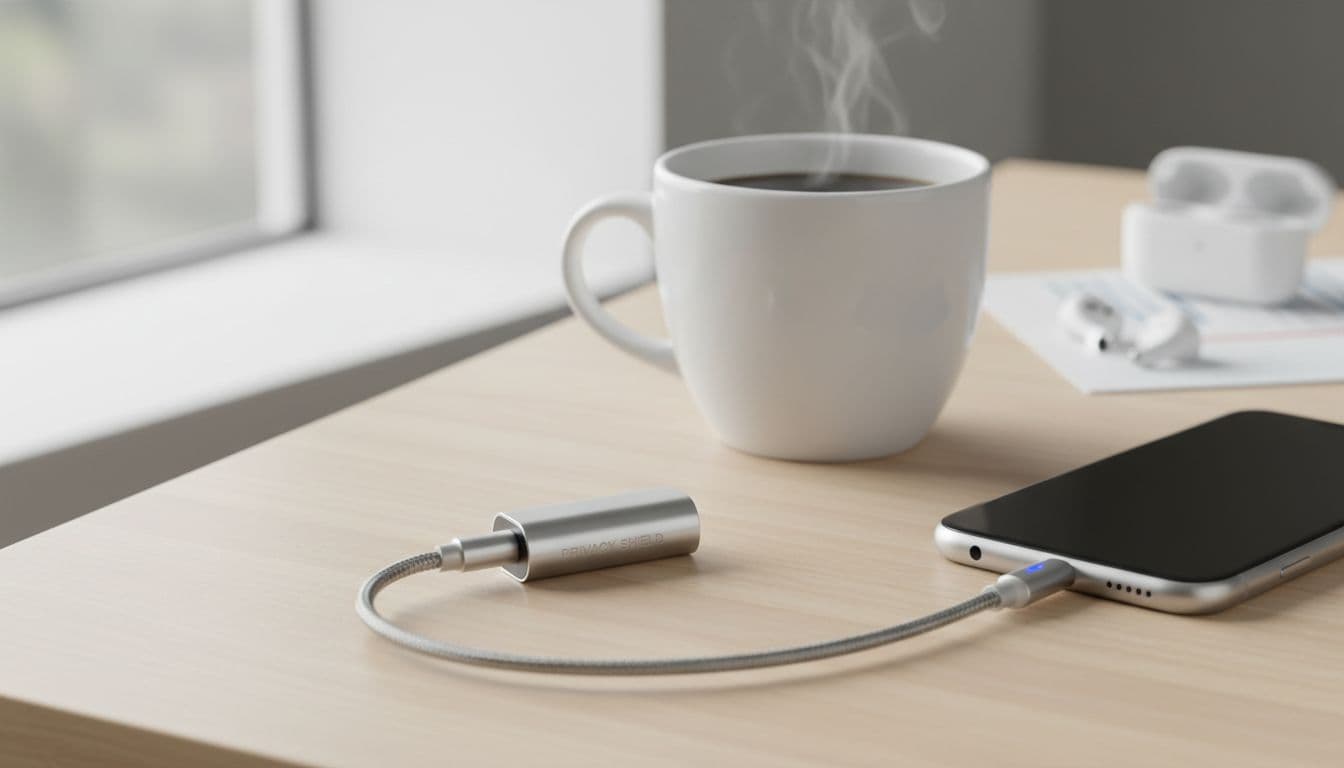
Instead of plugging directly into a wall-mounted USB port, you should rely on your own hardware to stay powered up. Carrying a personal power bank is the ultimate way to maintain your juice without ever touching a public port. If you find yourself in a pinch and must use a public station, a USB Data Blocker (often called a “USB condom”) is an essential travel accessory. This small dongle sits between your cable and the port, physically cutting off the data wires while allowing electricity to flow through, ensuring that power is the only thing entering your device.

- Use Your Own Power Brick: Plug into a standard AC wall outlet whenever possible. Since the brick only converts power, there is no risk of data interception.
- Wireless Charging Pads: Be cautious of public wireless pads, as some can be rigged with NFC chips that trigger malicious website redirects on your phone.
- Lockdown Mode: Enable your phone’s specialized security mode which disables the USB data port entirely while the device is locked, adding a digital deadbolt to your physical port.
Keep Bluetooth and Sharing Turned Off
Leaving your Bluetooth or NFC (Near Field Communication) active in crowded tourist spots is like walking around with a “Scan Me” sign on your back. Hackers in 2026 use advanced sniffing tools to detect active Bluetooth signals in high-traffic areas like the Louvre or Times Square. Once they identify your device, they can attempt to exploit known vulnerabilities to gain access to your files or track your precise location. It is a subtle form of digital stalking that can lead to more targeted attacks later in your trip.
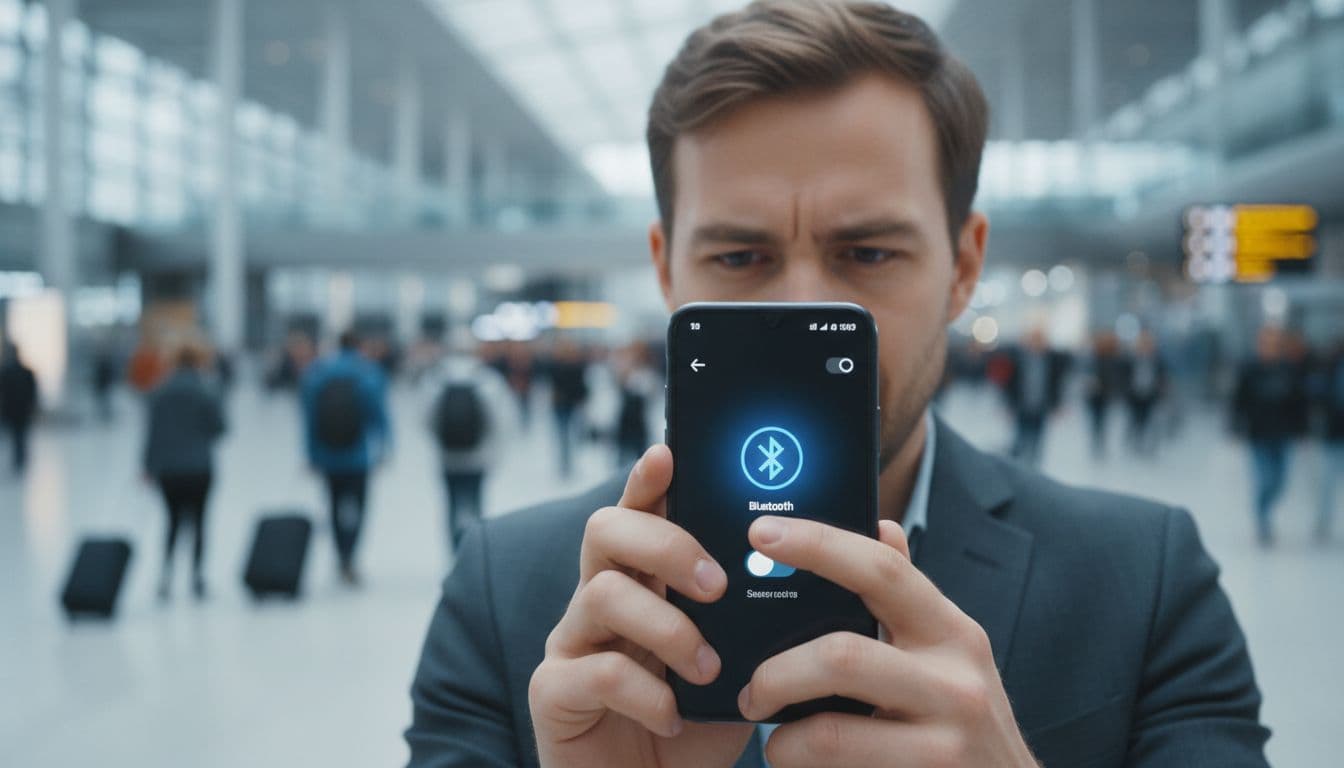
Beyond just security, turning these features off is a total no-brainer for battery management while you are out exploring. To keep your device invisible to nearby scanners, make it a habit to disable your sharing settings as part of your “getting ready” routine each morning. Understanding how these digital SIM cards work can also help you realize that your connectivity should come from a secure cellular source rather than open local broadcasts.
- Disable AirDrop/Quick Share: Set these to “No One” or turn them off completely to prevent strangers from sending you malicious files or metadata-leaking photos.
- Turn Off Contactless Payments: If you aren’t about to pay for something, keep NFC off to prevent unauthorized “skimming” attempts from portable readers.
- Toggle Bluetooth Frequently: Only turn it on when you are actively using your headphones, and switch it off the moment you put them back in the case to minimize your footprint.
Common Travel Data Security Mistakes
Security blunders often happen because we prioritize convenience over caution when we’re in a new environment. Even the most tech-savvy explorers can fall into traps when they’re jetlagged or rushing to find a hotel. In 2026, these mistakes are more than just minor setbacks; they’re open invitations for automated hacking tools to strip your accounts bare. Recognizing these common pitfalls is the first step toward a worry-free itinerary where your only focus is the view, not your bank balance.
Falling For The Free WiFi Siren Song
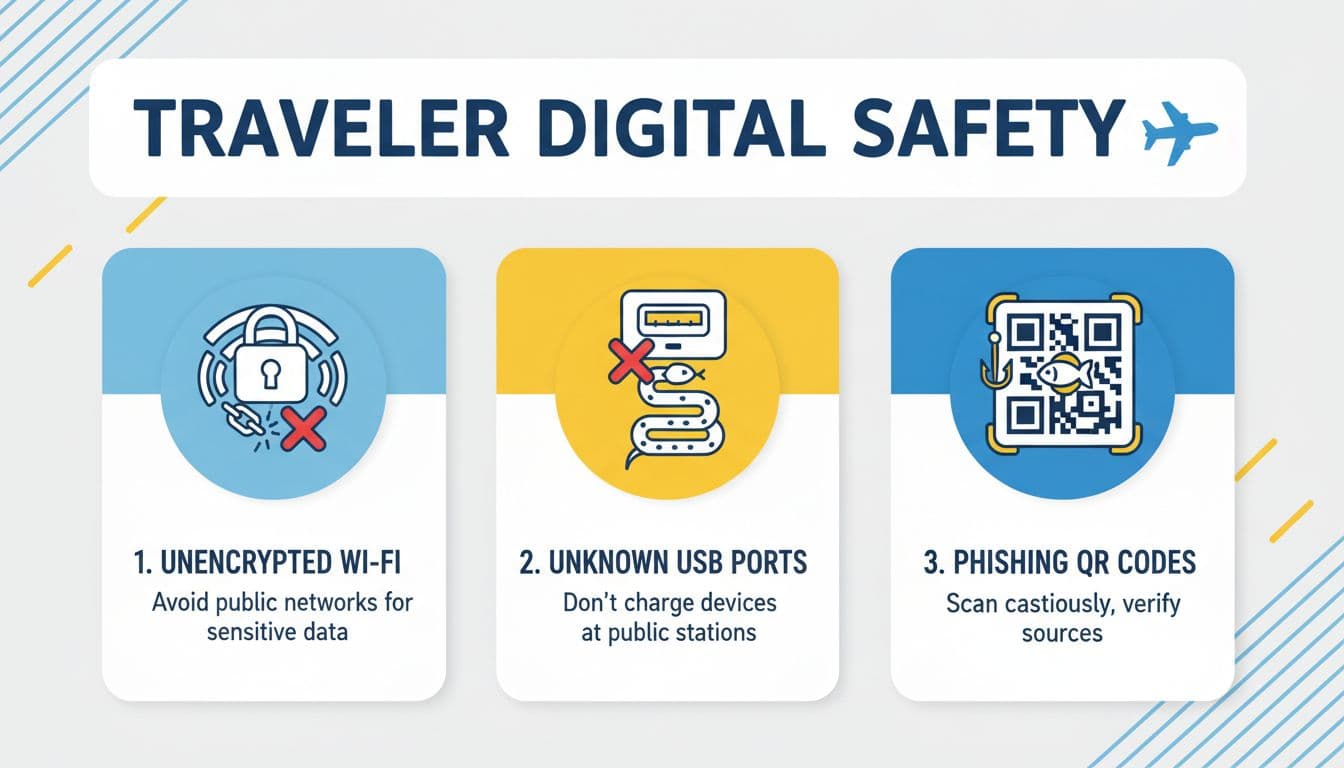
The most frequent mistake is the immediate, almost robotic search for free WiFi the moment you clear customs. We’ve all been there, standing by the luggage carousel, desperate to tell family we’ve arrived or to call a ride. But joining an unverified “Free_Airport_5G” network is like shouting your passwords in a crowded room. To me, this is a total no-brainer to avoid. These networks are often unencrypted, meaning anyone nearby with a simple app can “sniff” the data you’re sending.
In 2026, hackers have upped their game with “Evil Twin” hotspots that mimic legitimate business names perfectly. If you connect to one of these, you aren’t just browsing; you’re handing over your login cookies and active sessions. It’s far safer to use a sustainable eSIM setup for travelers that keeps your data within a private, cellular tunnel. I gotta tell ya, the peace of mind you get from knowing your banking app won’t be intercepted is worth every penny of a dedicated data plan.
Relying On “Juice Jacking” Power Stations
It’s tempting to plug your dying phone into a public USB port at a departure gate, but that port can do a lot more than just provide power. Public USB charging stations can be modified to “juice jack” your device, which is a process where the data wires in the cable are used to inject malware or download your private files while you think you’re just getting a quick charge. By 2026, this has evolved into sophisticated “Video Jacking,” where attackers can actually record your screen as you type in passcodes.
I’ve seen so many travelers make this mistake, and it honestly makes my skin crawl. The physical hardware of a public port is a complete mystery, and you’re essentially trusting a stranger with direct access to your phone’s motherboard.
- USB Data Blockers: These “USB condoms” are small dongles that physically remove the data pins, allowing only electricity to pass through.
- Personal Power Banks: Carrying your own battery is the ultimate defense, ensuring you never have to touch a public port in the first place.
- Wall Plugs: Using a standard AC outlet with your own power brick is safe because AC outlets don’t have data capabilities.
Ignoring Software Updates Until Arrival
Waiting to update your phone until you’re sitting in your hotel room is a gamble you don’t want to take. Many travelers think they’ll “save time” by dealing with notifications later, but those security patches are your primary defense against the latest 2026 zero-day exploits. Once you’re on the road, you’re much more likely to encounter specialized malware that targets old software versions. To me, an unpatched phone is like traveling with a suitcase that doesn’t lock; you’re just hoping nobody notices.
I always recommend doing a full system and app update at least 48 hours before you leave. This gives you time to make sure the update didn’t break any of your important travel apps, like your airline’s check-in tool or your favorite mobile plans for Germany tourists app. If you forget, you’ll be stuck trying to download a 2GB file over slow, insecure airport WiFi, which is just a recipe for a bad morning.
Overlooking Physical Privacy In Public
In our hunt for digital security, we often forget that anyone sitting behind us in a cafe can just look at our screen. In 2026, high-resolution cameras on smartphones make “shoulder surfing” a high-tech threat where a person three tables away can zoom in and record you typing your Master Password into your vault. This is especially risky when you’re checking your bank balance or responding to sensitive work emails in a crowded lounge.
| Mistake | Risk Level | Simple Solution |
|---|---|---|
| Shoulder Surfing | High | Use a privacy screen protector that blacks out the side view. |
| Visible Passwords | Extreme | Set your password manager to hide characters as you type. |
| Open Notifications | Medium | Turn off lock screen previews so strangers can’t see 2FA codes. |
I’ve found that a simple $15 privacy filter is one of the best investments you can make. It’s a physical solution to a digital problem that works even when you’re offline. Don’t be the person who loses their savings because a clever “observer” recorded your finger movements on a touchscreen. Keeping your digital life private means being aware of the physical space you’re occupying at all times.
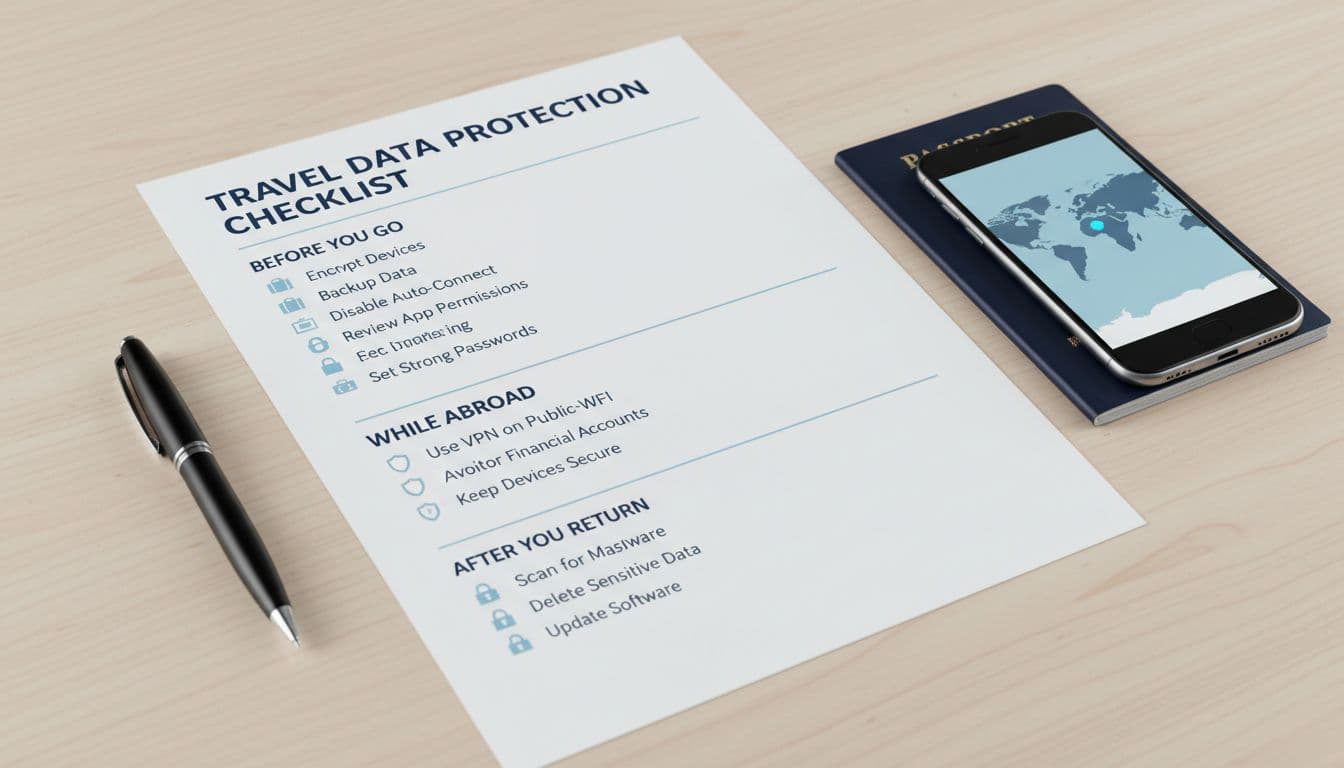
The One-Page Travel Data Protection Checklist
Staying secure while traveling in 2026 doesn’t require a degree in computer science; it just takes a repeatable system. When you are moving between time zones and terminal gates, your brain is often on autopilot, which is exactly when mistakes happen. I have found that having a physical or digital “cheat sheet” removes the guesswork and ensures you never skip a critical defense layer. The following checklist is designed to be your final walkthrough before you step out of your hotel room or board your next flight.
Essential Daily Connectivity Habits
Your connection strategy is the foundation of your digital safety. In my book, relying on random luck to find a safe network is a recipe for disaster. You should treat your data connection like your wallet; keep it private, keep it close, and don’t share it with strangers. Prioritizing a secure, encrypted path to the internet should be the first thing you do every single morning before checking your itinerary.
- Activate Your eSIM: Ensure your primary data is coming from a trusted cellular provider rather than a public hotspot. If you are heading to a new region, checking out Africa regional data plans beforehand ensures you have a secure tunnel the moment you land.
- Toggle Off Auto-Join: Go into your WiFi settings and disable the feature that automatically connects you to “known” or “open” networks. This prevents your phone from accidentally jumping onto an Evil Twin hotspot.
- Enable WireGuard VPN: If you must use a shared network, always toggle on a VPN using the WireGuard protocol for the best balance of high speed and modern encryption.
- Check for HTTPS: Look for the padlock icon in your browser address bar. In 2026, any site without this is an automatic “no-go” for entering personal info.
Physical Device and Port Security
The physical world is just as dangerous for your data as the digital one. Hackers often use “juice jacking” or “quishing” because they are low-effort ways to snag high-value information from distracted tourists. I gotta tell ya, a five-dollar hardware solution is often more effective than a hundred-dollar software suite when it comes to physical port protection.
- Inspect QR Codes: Before scanning a menu or map, run your finger over the code to check for a sticker overlay. If it feels raised or looks crooked, it is likely a phishing trap.
- Use a Data Blocker: Never plug your phone directly into a public USB port without a “USB condom” dongle. This physically disconnects the data pins so only power flows through.
- Bluetooth Lockdown: Set your Bluetooth and AirDrop to “Off” or “No One” when walking through high-traffic transit hubs to avoid localized sniffing attacks.
- Bio-Metric Backup: Ensure you have a long, complex PIN as a fallback. If your biometric scan fails or is compromised, you don’t want a “1234” code being the only thing protecting your vault.
Account and Identity Monitoring
Keeping an eye on your digital footprint is the final piece of the puzzle. Even with perfect habits, leaks can happen through third-party vendors or travel sites. Being “proactive” means staying one step ahead of the “what if” scenarios. If you ever run into a situation where your connectivity fails or looks compromised, knowing the Gohub eSIM replacement policy can help you regain a secure signal in under an hour.
| Action Item | Frequency | Why It Matters |
|---|---|---|
| Check Banking App | Daily | Spot unauthorized small “test” charges from digital pickpockets. |
| Verify 2FA Status | Pre-Trip | Ensure you can receive codes on your eSIM without roaming fees. |
| Clear App Cache | Weekly | Remove temporary session data that could be harvested by trackers. |
| Audit Logins | Post-Trip | Sign out of all “active sessions” on foreign devices or hotel TVs. |
To me, the most important part of this list is the daily check of your financial accounts. Most modern hackers don’t go for the “big score” immediately; they take $5 here and $10 there to see if you are paying attention. Catching these “micro-thefts” early allows you to freeze your card before the real damage is done. Staying vigilant doesn’t have to be stressful if you make it a part of your transition from “explorer mode” back to “relax mode” at the end of each day.
Conclusion
Securing your personal data on the road relies on building a few simple habits that eliminate the most common travel threats. By prioritizing a private internet connection through an eSIM and wrapping your traffic in a VPN tunnel, you remove the biggest targets from your digital back. These small choices act as a powerful shield against the sophisticated AI scams and hardware traps that define the current 2026 travel landscape.
Taking just 15 minutes to lock down your accounts and update your software before departure can save you weeks of stress and financial recovery later. I’ve found that traveler safety is more about consistent patterns than complex tools. To get started right now, set a calendar reminder for 48 hours before your next trip to run all system updates and double-check your backup settings. Your future self will definitely thank you when you’re enjoying a worry-free sunset instead of calling your bank from a foreign airport.