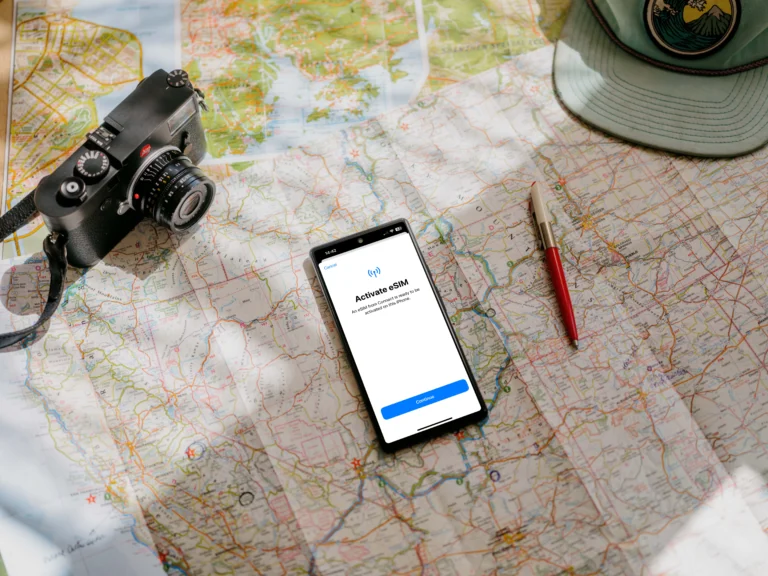

eSIM vs Public WiFi vs Roaming: Which Connection Is More Secure For Travelers?
Secure internet for travelers means a connection that prioritizes data integrity and privacy, preventing unauthorized parties from intercepting your sensitive information. When you’re jumping between departure gates and hotel lobbies, you essentially have three choices: the convenience of eSIM technology, the familiarity of traditional data roaming, or the ubiquitous public WiFi. While each has its place in a traveler’s toolkit, understanding the hidden vulnerabilities of these connections is what keeps your bank details and private messages from falling into the wrong hands.
If you’re looking for a quick verdict on safety, eSIM and data roaming are significantly more secure than public WiFi. The security advantages of digital SIMs stem from their hardware-level encryption and direct connection to cellular networks, whereas public hotspots often lack basic protections. This makes WiFi a playground for “evil twin” attacks and packet sniffing where hackers monitor your every move.
In this guide, we’ll define the specific risks like juice jacking and fake cell towers that target mobile users. You’ll get a breakdown of the technical security for each method, see how they hold up in real-world travel scenarios, and learn how to build a reliable connection stack. Focusing on reliability and privacy is a no-brainer for any savvy traveler, so let’s get into which option truly earns its spot on your phone.
Understanding What Secure Internet Really Means For Travelers
Secure internet for travelers is not just about having a working connection; it is about establishing a private, encrypted tunnel that keeps your identity and assets invisible to prying eyes. When you are moving through transit hubs, your devices are constantly seeking handshakes with external networks. In a security context, a truly secure connection ensures three things: confidentiality, integrity, and availability. Without these, you are essentially broadcasting your digital life to anyone with a $20 antenna and a little bit of technical know-how.
The Invisible Risks Of Modern Travel Connectivity
The danger for travelers today is that many modern threats are completely silent. You won’t see a pop-up warning you that a network is malicious. Instead, hackers use techniques like packet sniffing to intercept data as it travels through the air. If you are on an unsecured network, every site you visit and every password you type can be captured in real-time.
By 2026, these threats have become even more sophisticated with the rise of AI-powered phishing and enhanced “juice jacking” at public charging stations. A secure connection acts as your primary defense against these invisible actors. It is the difference between sending a postcard that anyone can read and sending a sealed, wax-stamped envelope.

Key Components Of A Secure Connection
For a connection to be considered safe for high-stakes tasks like banking or booking flights, it must include several layers of protection. You want a setup that limits exposure to third parties and prevents man-in-the-middle attacks where a hacker sits between you and the website you are visiting.
To help you evaluate your choices, here are the core pillars of travel data security:
- End-to-End Encryption: This ensures that data is scrambled from the moment it leaves your phone until it reaches its destination.
- Network Authentication: Secure networks require a unique handshake that verifies the source, unlike open WiFi which lets anyone join without a digital footprint.
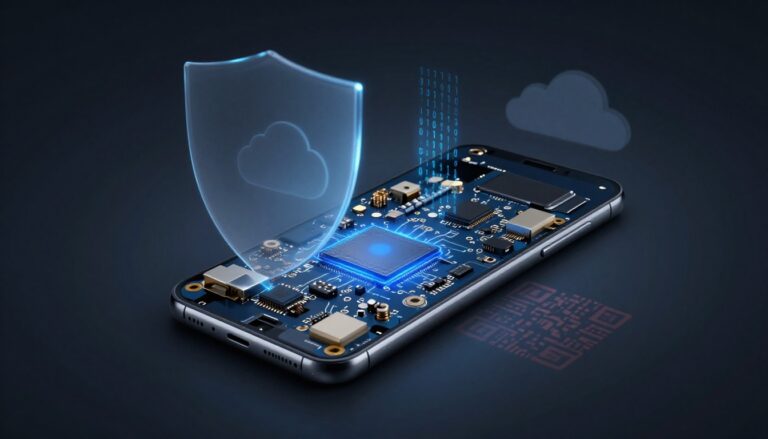
- Hardware-Level Security: Technologies like eSIM use a secure enclave within your phone’s hardware, making it much harder to clone or intercept than external signals.
- Dedicated Bandwidth: When you use a cellular connection, you aren’t sharing a local hub with a hundred strangers, which naturally reduces your “attack surface.”
How Connection Types Impact Your Privacy
Your choice of connection dictates who can see your traffic. On public WiFi, the network owner (and anyone else connected) potentially has a window into your activity. Traditional roaming is better because it uses cellular encryption, but it can still be vulnerable to fake cell towers in certain regions.
The modern best eSIM for international travel is often the gold standard for security because it combines the local encryption of high-quality networks with the physical security of an embedded chip. It eliminates the need to buy physical SIM cards from sketchy kiosks, which is a subtle but real security win. By keeping everything digital and encrypted, you maintain a much tighter grip on your personal data.
Evaluating Your Security Requirements
Not every traveler needs the same level of protection, but everyone has a baseline of risk. If you are just looking up a restaurant menu, the risk is low. However, if you are a digital nomad managing a business or a traveler logging into a banking app to move funds, your security needs are absolute.
Choosing a reputable eSIM Madagascar travel guide or a global data provider allows you to bypass the “Wild West” of public internet. When you control the network, you control the security. It is about being proactive rather than hoping for the best when you click “Connect.”
How eSIM Technology Protects Your Digital Identity
When we talk about staying safe while traveling, the connection you choose for data makes a huge difference. While public WiFi feels easy, it puts your digital identity right out in the open. However, the cellular options, roaming or an eSIM, are built on a fundamentally different, and much stronger, layer of security. Think of it this way: connecting to the cellular network is like sending mail via a secure, armored truck, while hopping on open WiFi is like shouting your message across a crowded marketplace. eSIM technology gains its security advantage primarily because it inherits the robust encryption standards of 4G and 5G networks, combined with its physical immutability inside your device. This combination makes it a top choice for safeguarding sensitive information when you are far from home.
Standard Cellular Encryption And Device-Level Security
Your standard cellular connection, whether it uses a physical SIM or an eSIM profile, benefits from powerful, industry-grade encryption baked into the network itself. The current standards used across modern 4G and 5G networks employ the Advanced Encryption Standard (AES), which is the exact same robust security protocol major financial institutions rely on. When your phone connects to a cell tower, it doesn’t just chat openly; your device and the network agree on a secret key to scramble all the data passing between them.
This scramble, or encryption, makes the data look like complete nonsense to anyone trying to intercept it mid-air. For an attacker to successfully “sniff” data from a 4G or 5G signal, they would need the specific encryption keys, a task that is computationally almost impossible with modern math. In fact, the newest 5G standard goes a step further by introducing User Identity Privacy, which encrypts your unique phone identifier even before it’s broadcast, stopping outsiders from tracking where you are by listening to radio signals alone. You’re protected between your phone and the tower, which is the most vulnerable leg of any wireless connection.

It is important to remember that this cellular protection stops at the tower. Once the data hits the service provider’s backend and enters the greater internet, it relies on the security of the website itself, like HTTPS encryption. However, that robust initial encryption means hackers can’t easily access your traffic just by listening to the radio waves nearby. This is a massive edge over public WiFi, where encryption might be nonexistent or laughably weak.
The Anti-Theft Benefit Of Non-Removable eSIMs
A surprising security benefit of eSIM technology comes down to one simple physical fact: you can’t yank it out. With traditional travel connectivity, you purchase a local plastic SIM card, swap it into your device, and use it until you leave. Physical SIMs are easily removed, and that ease of removal is exactly what a thief can exploit against you. Say a thief snatches your phone; their first move, often instinctually, is to remove the plastic SIM card.
Why do they bother? Because removing the physical SIM card can sometimes interrupt tracking services until a new SIM is inserted, or it can delay you from getting vital security alerts from your home carrier, like a bank fraud notification. If you’re running a dual-SIM setup, removing the physical card might disable the number associated with your primary identity system. It’s a quick way for a thief to throw a wrench in your recovery efforts.
Contrast that with an eSIM. Because the eSIM is permanently embedded in your phone’s hardware, it simply can’t be removed. This non-removable nature has a fantastic side effect for security and recovery:
- Find My Activation Stays Active: Thieves cannot disable tracking features like Apple’s ‘Find My iPhone’ or Google’s ‘Find My Device’ by simply removing the identity chip. The eSIM profile remains active or locked to the device’s primary settings.
- Sustained Communication Channel: Even if your phone is powered off temporarily, the underlying hardware identity remains intact, making it easier for law enforcement or tracking apps to locate the device upon reactivation.
- No Physical Tampering: There is no need to worry about damaging a tiny slot or losing a plastic chip while desperately trying to reload your primary SIM upon arrival home.
For travelers focused on device security, the embedded nature of the eSIM is a no-brainer. It stops the most common, brute-force security bypass an opportunistic thief might attempt right after a theft. If that appeals to you, looking into the security advantages of top providers is smart; check out this evolution of SIM card security to see more comparisons with physical media. The security benefits of travel eSIMs usually integrate strongly with built-in phone security features, making them much more trustworthy than juggling multiple physical cards. Overall, for device integrity, the digital profile wins every time.
The Dangerous Reality Of Using Public WiFi Abroad
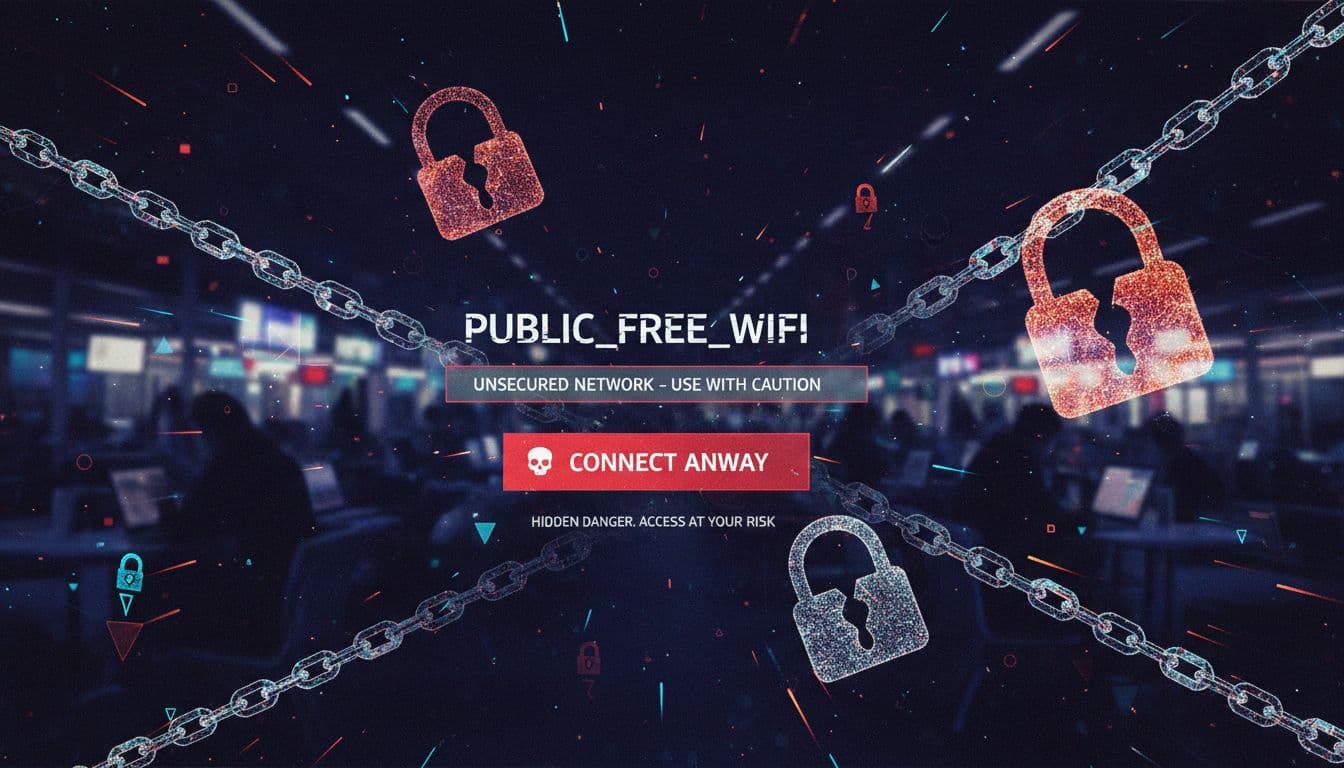
While the allure of free internet in a foreign city is tempting, the reality is that public WiFi is a wide-open gateway for data theft. When you connect to a network shared by hundreds of strangers, you are essentially stepping into a digital environment where the walls are made of glass. Most people assume that because a network has a login page or belongs to a reputable brand, it is inherently safe, but that is a dangerous misconception. In fact, by 2026, the tools hackers use to exploit these connections have become so automated and intelligent that a breach can occur in the time it takes to refresh your email.
What Happens When You Connect To Hotel Or Airport WiFi
The primary issue with guest networks in airports and hotels is the complete lack of peer-to-peer blocking and robust encryption. When you join an open network, your data is often broadcast through the air in a format that other devices on the same network can “hear” if they are using simple packet-sniffing software. It is like being in a restaurant where everyone is shouting their private conversations; anyone with a little bit of patience and the right equipment can listen in.
Even if a network requires a room number or an email address to join, this “captive portal” rarely provides actual encryption for your traffic. It only serves as a gatekeeper for internet access. Once you are past that gate, you are sharing a local area network (LAN) with every other guest. An attacker on the same network can use “Man-in-the-Middle” (MITM) attacks to sit silently between your phone and the router. They can intercept your login credentials, personal messages, and even session cookies that allow them to hijack your accounts without ever knowing your password. In 2026, AI-powered “Evil Twin” networks can even clone your hotel’s login page perfectly, tricking you into handing over your details before you even realize you’ve connected to a fake hotspot.
How To Improve Security When WiFi Is Your Only Option
There are times when a cellular signal is non-existent, and you have no choice but to use the local WiFi. If you find yourself in this position, you need to be extremely deliberate about how you handle your device. Your goal is to create your own “digital bubble” that prevents the open network from seeing what you are doing. The stakes are high, so being lazy with your settings is not an option when you are thousands of miles from home.
To keep your identity intact while using necessary public hotspots, follow these strict protocols:
- Run a VPN at all times: A Virtual Private Network is your most important tool. It creates an encrypted tunnel for your data, making it unreadable to anyone sniffing the WiFi traffic.
- Disable “Auto-Join” settings: Change your phone settings so it never connects to open networks automatically. This prevents your device from accidentally jumping onto a malicious “Evil Twin” hotspot while it’s in your pocket.
- Strictly avoid sensitive apps: Never open your banking app, investment accounts, or work email while on public WiFi. Save those tasks for when you are back on a secure eSIM for Africa travel or your dedicated roaming connection.
- Stick to HTTPS websites: Check the browser bar for the padlock icon. If a site doesn’t use encryption, stop using it immediately, as every click and keystroke on that site is visible to the network.
If you are planning a trip to South America, having a best eSIM for Peru travel ensures you don’t have to hunt for sketchy cafe WiFi in the first place. By staying on a private cellular network, you bypass the crowded, dangerous LAN of a public hotspot entirely. Security is always about reducing your “attack surface,” and avoiding public WiFi is the single most effective way to shrink that surface while you travel.
Evaluating International Roaming From A Security Perspective
Standard international roaming is often viewed as the middle ground between the chaos of public WiFi and the streamlined modern approach of an eSIM. While it utilizes the same cellular towers as an eSIM, the security architecture behind roaming is significantly more complex and, unfortunately, prone to specific vulnerabilities that most travelers never consider. When you roam, your data doesn’t just go from your phone to a local tower; it travels through a series of international gateways and “translators” that connect your home carrier to a foreign provider, creating multiple points where security can falter.
The Vulnerability Of Legacy Protocol Translation
International roaming relies on a mix of old and new technologies to ensure your phone works whether you are in a high-tech hub or a remote village. In 2026, many networks use 5G, but they must remain “backward compatible” with older 4G or even 3G systems used in various parts of the world. This creates a massive security hole known as translation weakness.
When a modern 5G device roams into an area that still uses older 4G protocols (like Diameter), the network uses a “translator” to help them communicate. These translators often strip away the advanced 5G security layers (such as User Identity Privacy) to make the data readable for the older system. Hackers specifically target these translation points to send 4G-style requests to 5G phones, allowing them to bypass modern privacy protections and track your precise location or intercept unencrypted signals.
Risks Of Rogue Networks and Steering Attacks
One of the most sophisticated threats to roaming travelers is the manipulation of how your phone chooses a network. Your home provider sends a command called “Steering of Roaming” (SoR) to tell your phone which local partner to use. However, current malware can intercept these commands and force your phone to connect to a fraudulent “rogue” network instead.
Once your device is connected to a rogue network, the operator has total control over your traffic. This can lead to:
- Financial Fraud: Rogue networks can manipulate billing data to charge you thousands in “phantom” roaming fees.
- Data Interception: The network can strip SSL encryption from your web traffic, making your passwords and banking codes visible.
- Location Tracking: Because you are “roaming,” your phone is more aggressive about staying connected to any available signal, making it an easy target for “stingray” devices near airports that mimic legitimate towers.
Advanced 5G Roaming Threats: Slice Jumping And Fuzzing
Even on “Pure 5G” roaming connections, new vulnerabilities like Slice Jumping have emerged. 5G uses “Network Slicing” to create virtual networks for different purposes (one for emergency services, one for general users). In a roaming scenario, hackers have found ways to “jump” from a low-security public slice to a high-security private one. This allows an attacker to potentially access sensitive corporate or government data by pretending to be a standard roaming traveler.
Additionally, the use of HTTP/2 in 5G roaming has introduced “fuzzing” attacks. Hackers send massive amounts of “garbage” data to international roaming gateways (SEPP gateways) to see how they react. These gateways can crash or, worse, leak private encryption keys when they encounter this malformed data. If you are worried about these complex vulnerabilities, it is often safer to use a best multi country free eSIM to test a local connection before committing, as local profiles often bypass the most dangerous international “translation” steps.
Comparative Security Of Roaming vs. Local Alternatives
While roaming is undoubtedly safer than using an open WiFi hotspot, it carries inherited risks that a dedicated local connection does not. Using a local eSIM profile essentially removes the “middleman” of the international roaming gateway, keeping your data within the local provider’s modern 4G/5G infrastructure.
| Security Feature | Public WiFi | International Roaming | Local eSIM |
|---|---|---|---|
| Encryption Type | Often None or WPA2 | AES (Cellular) | AES (Cellular) |
| Primary Risk | Sniffing / Evil Twin | Protocol Translation | Localized Tower Mimicry |
| Data Pathway | Direct to Local Router | Multiple International Gateways | Direct to Local Carrier |
| Privacy Protection | Very Low | Moderate (Legacy Weakness) | High (Modern Standards) |
For most, roaming is a convenient fallback, but for maximum security, choosing free eSIM trials for travelers to establish a direct local link is the smarter play. It minimizes the number of hands your data passes through before it reaches its destination.
Security Risks In Common Travel Scenarios
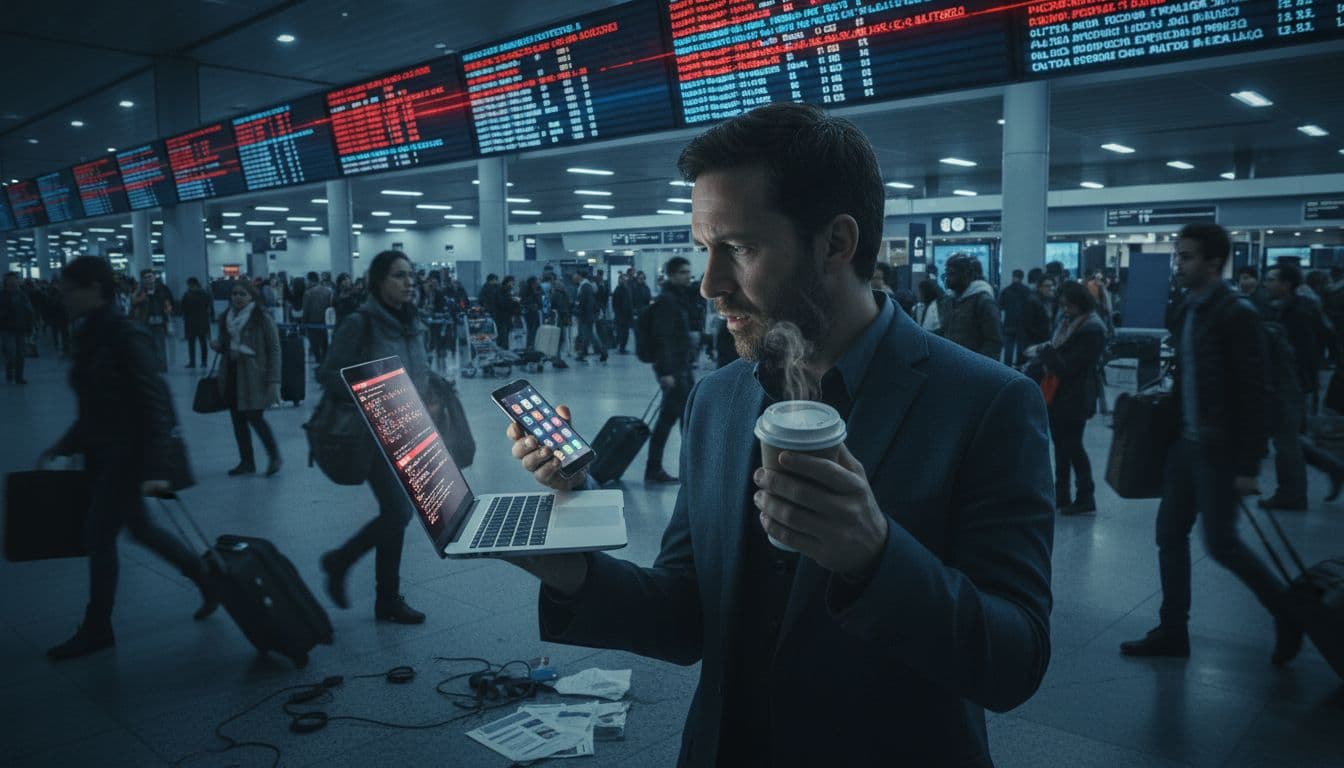
Traveling often forces us into situations where we prioritize convenience over digital safety, frequently without even realizing it. Whether you are rushing through an airport or killing time in a local bistro, your phone is constantly engaging with the surrounding infrastructure. These everyday interactions create distinct windows of opportunity for bad actors to target your identity and your wallet. Understanding these common scenarios helps you move beyond basic caution into a strategy of active digital defense.
Financial Security: Banking And Payments On The Move
You should never use public WiFi for any task involving your money. Using a shared hotspot to check your bank balance or make a credit card payment is essentially leaving your vault door wide open in a crowded room. Because public networks often lack peer-to-peer blocking, a hacker sitting three tables away can use simple tools to see exactly what you’re typing. This includes your login credentials, transaction history, and even the two-factor authentication codes sent via unencrypted web channels. If you wouldn’t hand your unlocked phone to a stranger in a cafe, you shouldn’t hand them your data over their free “Customer_WiFi.”
In contrast, eSIM and Roaming represent the gold standard for mobile banking security. These connections use authenticated cellular tunnels that are nearly impossible for a local attacker to penetrate. When you use your data plan, you aren’t part of a shared local network; you have a private line to the carrier. This isolation ensures that your banking app’s encryption remains intact from your device to the bank’s servers. For those managing budgets or moving funds while abroad, the peace of mind provided by a dedicated cellular connection is a total no-brainer.
Privacy Breaches: Who Is Tracking Your Location And Data?
Privacy in travel is about more than just hiding your messages; it’s about controlling who gets to monetize your movement. When you connect to public WiFi, you aren’t just getting free internet; you are often the product. Many free hotspot providers track your browsing habits, the length of your stay, and the physical location of your device to sell this metadata to advertisers or data brokers. In more malicious cases, “Evil Twin” hotspots are set up specifically to harvest your identity, logging every site you visit to build a profile that can be used for targeted phishing or identity theft later.
- Carriers and Metadata: While mobile carriers do log metadata, they’re bound by strict telecommunications laws and privacy regulations that public WiFi owners simply ignore.
- WiFi Data Harvesting: Public WiFi owners sometimes use “captive portals” to collect your name and email, which they then link to your device’s unique ID to track you across different locations.
- Information Leakage: On open networks, even apps running in the background can leak location data or device specifications that identify you to anyone listening on the frequency.
Choosing a cellular path like an eSIM or roaming keeps your data within a regulated ecosystem. Since these connections use encrypted handshakes with local towers, your browsing history and location are shielded from local snoops. You skip the creepy tracking of the local cafe and keep your digital footprint confined to your trusted provider. If you’re serious about your privacy, staying off the “Free WiFi” carousel is the first and most important step you can take.
Building Your Secure Connectivity Stack For Travel
Securing your digital life while moving through different countries requires more than just a strong password; it involves a deliberate selection of hardware and software that acts as an impenetrable barrier. You cannot rely on a single solution to handle every environment. Instead, you need a connectivity stack that balances speed, cost, and extreme privacy. The goal is to ensure that no matter where you are, from a high-altitude hiking trail to a crowded urban transit hub, your sensitive data remains encrypted and your identity stays hidden from the sophisticated threats of 2026.
Choosing The Safest Option Based On Your Trip Type
Your specific security needs shift depending on your destination and the nature of your travel. A quick weekend getaway to a tech-heavy city requires a different level of vigilance than a six-month nomadic stint across multiple continents or a high-stakes business trip where corporate secrets are on the line. I always recommend matching your data source to your risk profile to avoid unnecessary exposure.
| Trip Type | Recommended Primary Connection | Best Secondary/Backup | Key Security Focus |
|---|---|---|---|
| Short City Break | Local eSIM | High-Speed Roaming | Preventing QR code “Quishing” |
| Long-Term Nomad | Regional eSIM | Physical Local SIM | VPN Tunneling & Latency |
| Business Travel | Enterprise Roaming | Dedicated eSIM | Multi-Factor Authentication |
Strategy For Short City Breaks
When you are only away for a few days, your biggest risks are convenience-based traps like public charging stations or fake QR codes at tourist sites. I recommend grabbing a local eSIM before you land to ensure you have data the second you hit the tarmac. This keeps you off the airport’s public WiFi, which is a prime hunting ground for “Evil Twin” networks. If you are heading to a major hub, checking out a secure travel eSIM for business use can give you a clear idea of the speeds and stability you should expect from a top-tier provider.
Setup For Long-Term International Travel
For the wanderers spending months on the road, regional eSIMs are the absolute winner. They allow you to cross borders without the “translation weakness” associated with traditional roaming gateways. Since you will likely be using a variety of networks, your stack must include a high-quality VPN that starts automatically. This creates a consistent layer of encryption regardless of which local carrier your eSIM connects to. You should also carry an RFID-blocking pouch for your physical documents to stop the digital pickpocketing that is becoming more common in 2026.
Connectivity Stack For Work-Related Nomad Travel
If your laptop is your livelihood, your security stack must be professional grade. Business travelers are high-value targets for AI-powered voice and video scams. Your primary connection should be a dedicated cellular link with a massive data allowance to avoid the temptation of hotel WiFi. Rely on everything you need to know about eSIMs to understand how to switch profiles if one network becomes unstable. In this scenario, you should also utilize a USB data blocker when using any public power outlet to prevent juice jacking attacks that can compromise your professional hardware in seconds.
Conclusion
Choosing between an eSIM, international roaming, and public WiFi isn’t just a matter of convenience; it’s a decision that dictates the safety of your digital footprint. While public WiFi is a high-risk environment prone to AI-driven “Evil Twin” attacks and data harvesting, cellular connections like eSIM technology offer hardware-level encryption that keeps your sensitive information private. Roaming provides a better shield than WiFi but often carries legacy protocol vulnerabilities that a local digital SIM handles with much more modern standards.
For the modern traveler, the ultimate security stack combines a dedicated cellular connection with a reliable VPN and proactive habits like disabling auto-join features. If you want to eliminate the “Wild West” risks of open hotspots, your best bet is to secure an international data plan or a local eSIM before your flight even leaves the runway. Staying connected on a private, encrypted network ensures you spend your trip focusing on the sights rather than recovering a compromised identity.