Can eSIM Be Hacked? Realistic Security Risks And Prevention Tips
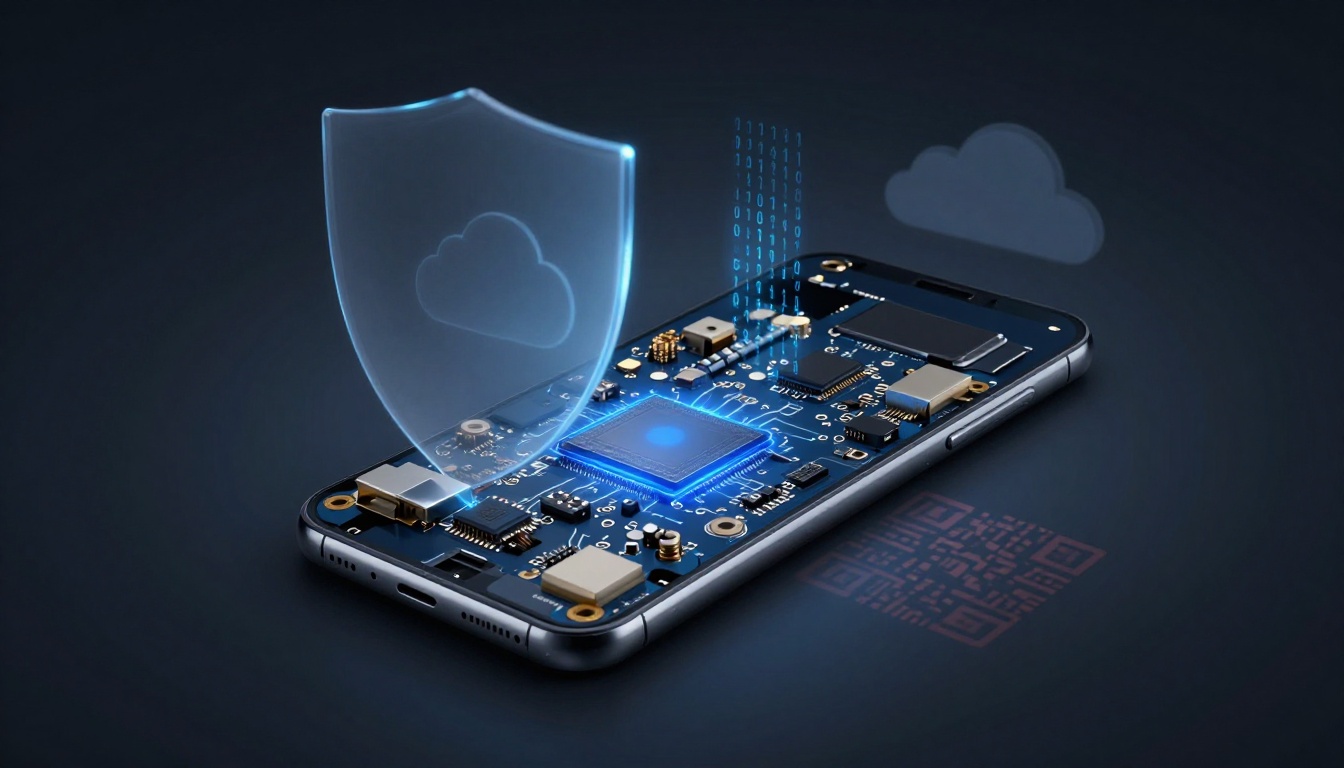
An eSIM is an embedded SIM chip (eUICC) that is built directly into your device’s motherboard, allowing you to download mobile profiles digitally instead of swapping physical plastic cards. This hardware is generally considered more secure than traditional SIM cards because it cannot be physically removed or stolen if your phone is lost.
However, it’s a total myth that digital cards are 100% unhackable. While the hardware itself is incredibly robust, you are still vulnerable to social engineering, profile hijacking, and account takeovers. Because your profile lives in the cloud, a hacker who gains access to your primary accounts can potentially relocate your number without ever touching your phone.
In this guide, we explore the reality of hardware security, delve into attacks like phishing and “quishing” (malicious QR codes), and provide actionable prevention steps. You will learn that while the technology is solid, your own behavior is the most significant factor in keeping your data safe. We will cover exactly how to lock down your guide to using eSIM on iPhone 11 and other devices to ensure your travel remains stress-free.
What Do People Mean When They Ask if an eSIM Can Be Hacked?
When users ask about the security of their digital cards, they usually want to know if a remote attacker can “break into” the chip inside their phone to spy on them. It is essential to separate Hollywood-style movie hacking from the actual risks that affect mobile users today. While the physical eSIM hardware is highly secure and virtually impossible to clone, the digital environment surrounding the cellular profile creates different entry points for attackers.
Understanding the threat landscape requires looking at how your phone connects to the world. It is less about someone “cracking the code” of the chip itself and more about how they might trick the underlying systems that manage your identity and network access.
Technical Hacking vs Account Takeover vs Scams
Technical hacking involves a direct assault on the encryption and hardware protocols of the eSIM. Because the eUICC chip is soldered directly to the motherboard and follows strict GSMA standards, this type of breach is extremely rare. It would require an attacker to find a vulnerability in the chip’s architecture to extract the unique encryption keys, a feat that current technology makes nearly impossible for the average criminal.
In contrast, account takeover is the most common threat. This occurs when a hacker steals your carrier credentials through data breaches or credential stuffing. Once they log into your mobile provider’s portal, they can initiate an unauthorized eSIM swap. By requesting a new profile, they effectively “teleport” your phone number to their own device, giving them control over your calls and messages.
Scams and social engineering represent the third tier of risk. This often involves “quishing” or malicious QR codes. You might receive an email pretending to be from a carrier, claiming your “network settings need an update.” By scanning the provided QR code, you aren’t fixing a bug; you are actually installing a malicious profile or authorizing the transfer of your number to a scammer. This bypasses hardware security entirely by tricking you into opening the door.
What an eSIM Actually Controls and Can Expose
It is a common misconception that a compromised eSIM gives a hacker a front-row seat to your photo gallery or personal files. In reality, the eSIM serves as your digital passport for the cellular network. It manages your network identity, authentication keys, and service plan. It does not have direct access to the local storage where your apps, documents, or private photos live.
However, the power it holds over your identity is where the real danger lies. Since the eSIM controls your phone number, it becomes the gateway to your Two-Factor Authentication (2FA) codes. If a hacker successfully hijacks your profile, they can intercept SMS-based security codes sent by banks, social media platforms, and email providers. This allows them to reset your passwords and gain access to your wider digital life.
Beyond 2FA, a hijacked eSIM can expose metadata about your connectivity. To help you visual the specific risks, here are the primary elements an eSIM manages:
- Network Identity Keys: These verify your device to the tower and determine your data plan access.
- SMS and Voice Traffic: A compromised profile allows an attacker to receive your calls and text messages.
- IMEI Pairing: The industry uses how eSIM IMEI pairing works to link a specific profile to a specific piece of hardware, which acts as a safeguard against easy duplication.
- Location Metadata: Since the eSIM is what talks to cellular towers, a hijacked profile provides a general idea of where the active device is located.
By focusing on securing your carrier account with a strong password and choosing secure travel data plans from reputable providers, you can mitigate these risks effectively. The hardware is on your side; your job is to defend the digital keys.
How eSIM Security Works to Protect Your Data
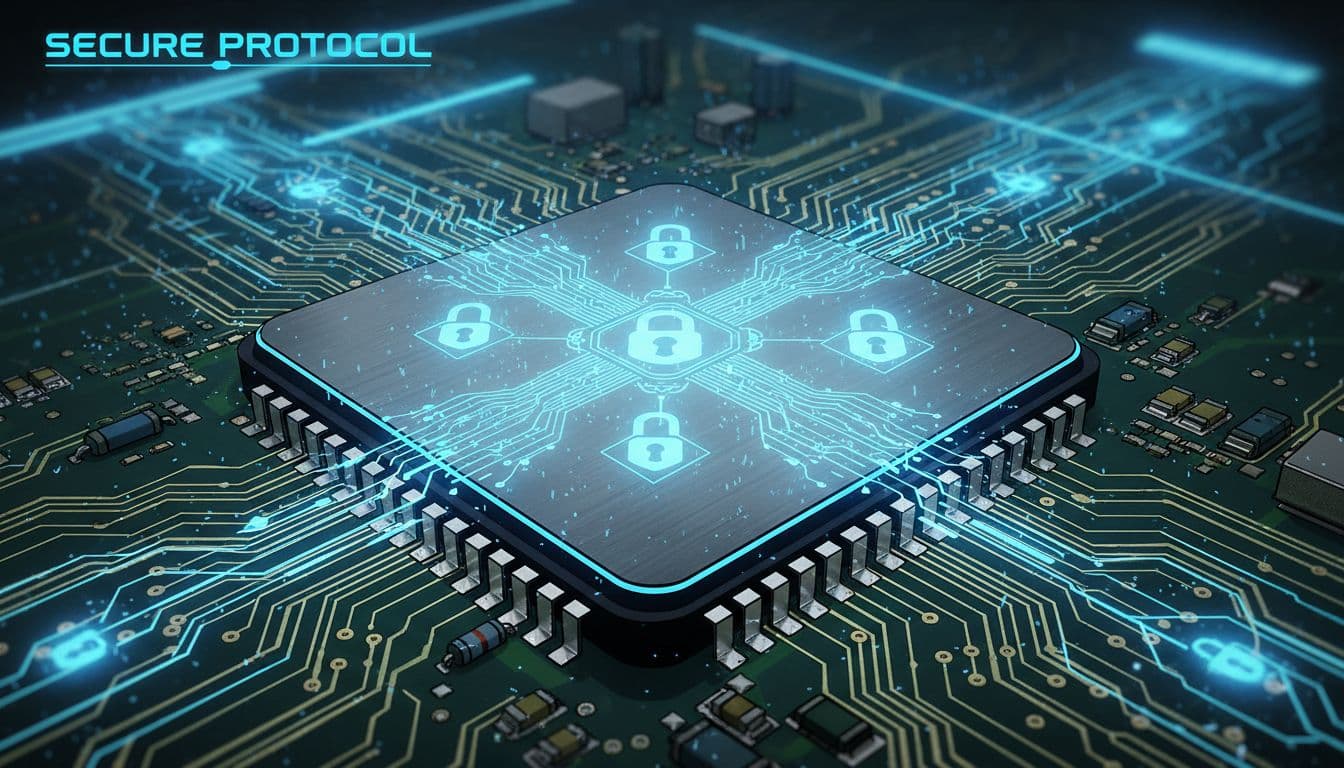
The transition from physical plastic to digital silicon is not just about convenience; it is a fundamental shift in how mobile security is architected. While a traditional SIM card relies on its physical presence to grant access, an eSIM utilizes a complex, multi layered defense system that operates at the hardware and software levels. This technology is built to withstand both local tampering and remote interception by ensuring that the “keys” to your mobile identity are never exposed in an unencrypted state. By moving the subscriber identity into a dedicated environment within your device, the industry has effectively created a digital vault that is significantly more difficult to breach than any previous mobile standard.
Encrypted Profiles and Remote Carrier Authentication
The process of downloading an eSIM profile is protected by a rigorous technical handshake governed by international GSMA standards. When you scan a QR code or receive a “push” notification to install a plan, your device does not simply download a file. Instead, it establishes a secure, end-to-end encrypted tunnel with the carrier’s Subscription Manager (SM-DP+) server. This tunnel is typically secured via Transport Layer Security (TLS), the same protocol that protects your online banking sessions, ensuring that your mobile identity cannot be sniffed or captured by malicious actors on a public Wi-Fi network.
Mutual authentication is the backbone of this secure delivery. Before any data moves, your phone and the carrier’s server must prove their identities to one another.
- Digital Signatures: The carrier signs the profile with a unique digital certificate. Your device verifies this signature against a root of trust to ensure the profile actually comes from your provider and hasn’t been modified by a third party.
- Unique Device EID: The server checks your device’s Electronic ID (EID) to ensure the profile is being sent to the correct, authorized piece of hardware.
- One-Time Use Tokens: Most activation codes are set to expire immediately after a successful download, preventing an attacker from reusing the same credentials to install your number on a different device.
This level of eSIM security for international travel provides a “closed loop” system where only your specific phone can unlock and use the encrypted data sent by the carrier. Even if someone intercepts the encrypted package during transmission, it remains useless without the unique hardware keys burned into your phone’s chip.
Why eSIMs Are Significantly Harder to Clone Than Physical SIMs
Cloning a traditional SIM card is a relatively straightforward task for a motivated criminal with physical access. By removing the plastic card and placing it into a low-cost card reader, an attacker can sometimes extract the International Mobile Subscriber Identity (IMSI) and authentication keys. Once they have this data, they can program it onto a blank SIM, effectively creating a “twin” of your phone line that can intercept calls and messages.
eSIM technology eliminates this physical vulnerability by ditching the removable card entirely. Because the eUICC chip is soldered directly to the motherboard, there is no “card” to remove or place in a reader. The security benefits of this integration include:
- Hardware-Level Isolation: The eSIM operates within a “Secure Element,” a dedicated portion of the chip that is isolated from the main processor. This prevents apps or malware on your phone from “reaching into” the SIM to steal keys.
- Tamper-Resistant Silicon: Attempting to physically probe the chip usually results in the destruction of the data. The silicon is designed to be tamper-evident and resistant to side-channel attacks.
- Anti-Cloning Protocols: Unlike physical SIMs, which might use older, weaker encryption standards, eSIMs utilize modern cryptographic algorithms that make cryptographic cloning virtually impossible with current computing power.
By comparing eSIM vs physical SIM security, it becomes clear that the digital version offers a much smaller “attack surface.” A thief who steals your phone cannot simply pop out the SIM to bypass your lock screen or use your data plan on another device. The identity remains locked to the hardware, making the phone a much less attractive target for those looking to hijack mobile identities.
Realistic Ways eSIM Attacks Actually Happen
While the hardware of an eSIM is incredibly difficult to breach, the digital systems managing these profiles present several entry points for attackers. Most modern breaches do not involve cracking the chip’s encryption; instead, they exploit human psychology, weak service provider security, or malicious software designed to redirect your data. By 2026, the focus has shifted entirely from physical theft to digitized hijacking techniques that can happen while your phone is still in your pocket.
Fake eSIM Apps and Fraudulent Service Providers
The rise of digital travel has led to a surge in “too good to be true” advertisements on social platforms like Instagram and TikTok. These ads often promise unlimited global data for a fraction of the market price, enticing travelers looking for a bargain. When you click these links, you are often prompted to download a dedicated app to “manage” your connection or scan a QR code from an unverified source.
Malicious providers use these apps to gain a foothold on your device. Once installed, the fraudulent service may route all your internet traffic through their own proxy servers. This allows attackers to perform “Man-in-the-Middle” attacks, where they intercept sensitive information such as:
- Login Credentials: Capturing usernames and passwords for banking or social media apps.
- Unencrypted Data: Reading personal messages or emails that are not secured by end-to-end encryption.
- Credit Card Details: Stealing billing information entered during the “purchase” of the fake data plan.
To minimize risk, it is better to test eSIM connectivity for free through established, reputable brands rather than clicking on obscure social media ads. These legitimate no-cost virtual SIM cards for travel provide a safe environment to verify coverage without exposing your data to shadow servers.
Social Engineering and SIM Swapping 2.0
Social engineering remains the primary threat to mobile security in 2026. This technique, often called SIM Swapping 2.0, does not require the hacker to have any technical skill regarding the eSIM itself. Instead, they exploit the customer support protocols of your mobile carrier. An attacker usually gathers personal details about you from data breaches or social media to impersonate you during a call to the carrier’s help desk.
With the rise of sophisticated AI, hackers can now use voice synthesis to mimic your tone and speech patterns during these calls. They convince the support representative that they have “lost their phone” or “upgraded to a new device” and need to transfer the existing eSIM profile to a new EID (Electronic ID).
If the representative is successfully tricked, your service is instantly deactivated on your physical device and moved to the hacker’s phone. This is a high-stakes emergency because:
- 2FA Interception: The hacker now receives all your SMS-based two-factor authentication codes.
- Account Draining: With your phone number, they can trigger “Forgot Password” prompts for your bank and email accounts.
- Identity Theft: They effectively own your digital identity, making it difficult for you to prove to the carrier that you are the rightful owner.
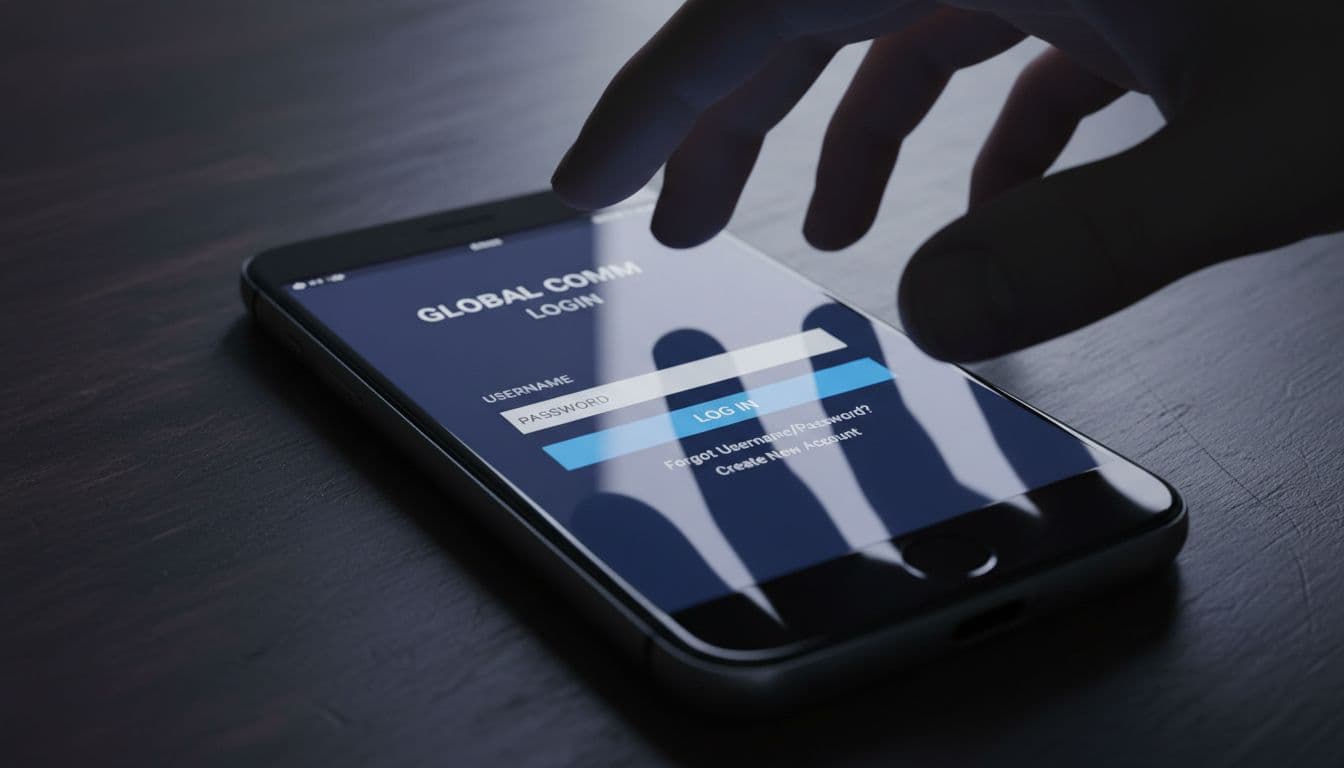
Protecting yourself requires proactive account management. You should always set a unique “Transfer PIN” or “Port-out PIN” with your provider. This adds a mandatory layer of security that prevents anyone, including a convincing AI voice, from moving your number without that specific code. Using test mobile plans for free from various carriers can help you identify which providers offer the best security features and “lock-down” options for your profile.
Debunking Overhyped Myths About eSIM Hijacking
It’s extremely easy to get caught up in the flashy, high-stakes world of cinematic hacking where a villain taps a few keys and suddenly owns every device in a three-block radius. When it comes to eSIM security, these dramatized scenarios often overshadow the far more mundane, yet effective, methods attackers actually use. You might have heard that someone can brush past you in a crowded subway and “rip” your phone number right out of the air.
To me, this is the digital equivalent of an urban legend. While it makes for a great thriller plot, the physics of cellular encryption and the architecture of the eUICC chip tell a much different story. Let’s get real about what is actually possible and why you don’t need to wrap your phone in tinfoil every time you go for a walk.
The Reality of Remote Drive-By Network Hacks
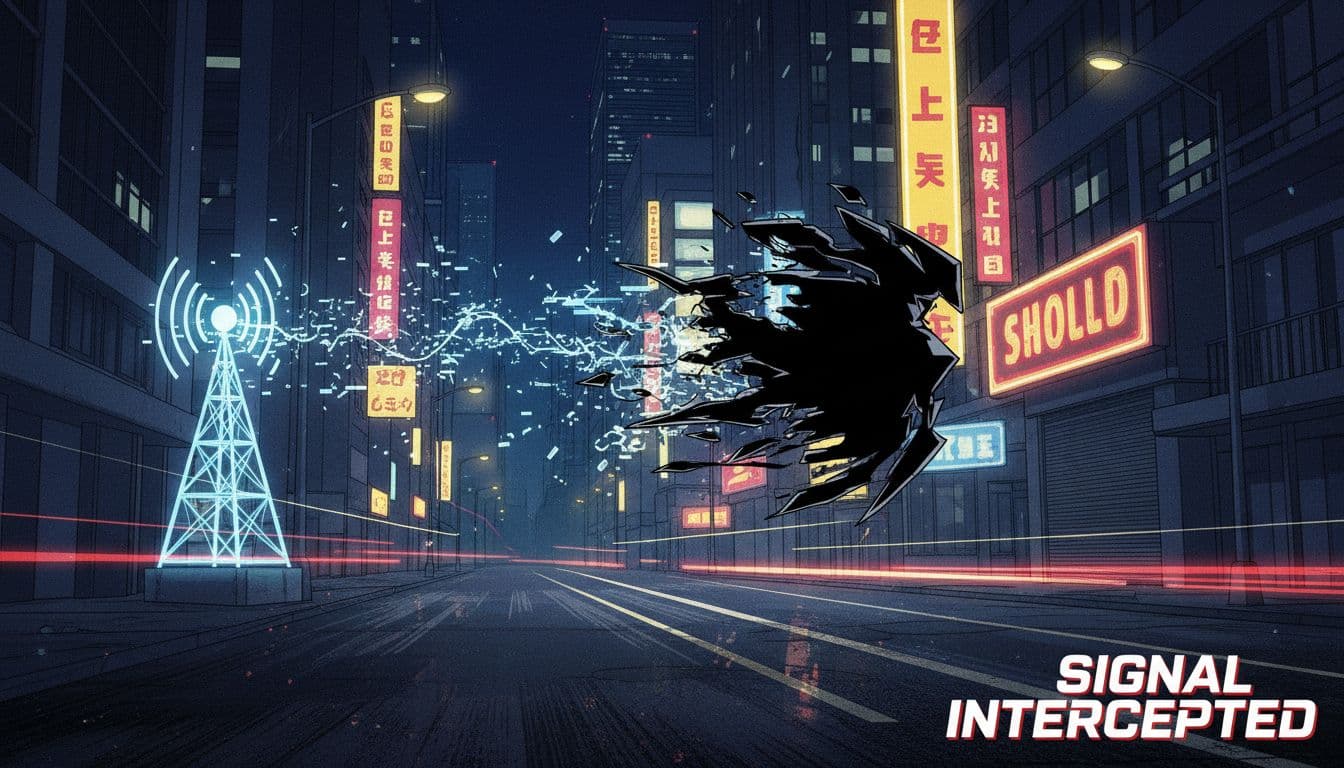
The idea that a hacker can simply ‘grab’ your eSIM signal out of the air as you walk down the street is a total myth. Unlike old-school radio signals that were unencrypted and easy to “sniff,” the connection between your eSIM and the cell tower is a fortress of modern cryptography. For an attacker to intercept your specific data stream, they would need more than just a powerful antenna; they would need the unique encryption keys buried deep inside the secure hardware transition of your device.
Over-the-Air (OTA) attacks are technically possible in a laboratory setting, but they have massive limitations in the real world that make them nearly useless against individual travelers. For a remote network hack to work, an attacker would generally need to set up a “rogue base station” or a fake cell tower. Even if you accidentally connected to one, the eSIM’s mutual authentication protocol ensures that the device and the network must prove their identities to each other before any meaningful data is exchanged.
- Signal Interception: Even if someone captured the raw radio waves, they would see nothing but encrypted “noise” that would take years of supercomputing power to decode.
- Physical Proximity: To even attempt most signal-based attacks, a hacker has to be geographically close to you, making it a high-effort, low-reward venture compared to clicking a link in a phishing email.
- GSMA Standards: The industry follows strict comprehensive eSIM security and privacy guide protocols that mandate end-to-end encryption for every profile download and network handshake.
In fact, the most “dangerous” part of your eSIM occurs during the initial setup phase. If you are worried about security, you should focus on the fast and secure eSIM network activation process provided by reputable vendors. Once that profile is safely installed and the “handshake” is complete, your signal is one of the most secure identifiers in your digital life. You aren’t going to get hacked just by standing in a crowd; the real threats are the ones that try to trick you into handing over the keys yourself.
eSIM vs Physical SIM: Which Version Is More Secure?
Comparing the security of a digital eSIM to a traditional plastic SIM card reveals a significant shift in how we protect our mobile identities. While both technologies aim to connect you to a network, the physical nature of the old-school SIM card is actually its greatest weakness. A physical card is an external object that can be handled, swapped, or lost, whereas an eSIM is an integral part of your phone’s internal architecture. This fundamental difference creates a much tighter security envelope for digital users, especially when it involves protecting your phone number from someone standing right in front of you.
Why eSIMs Reduce the Physical Attack Surface
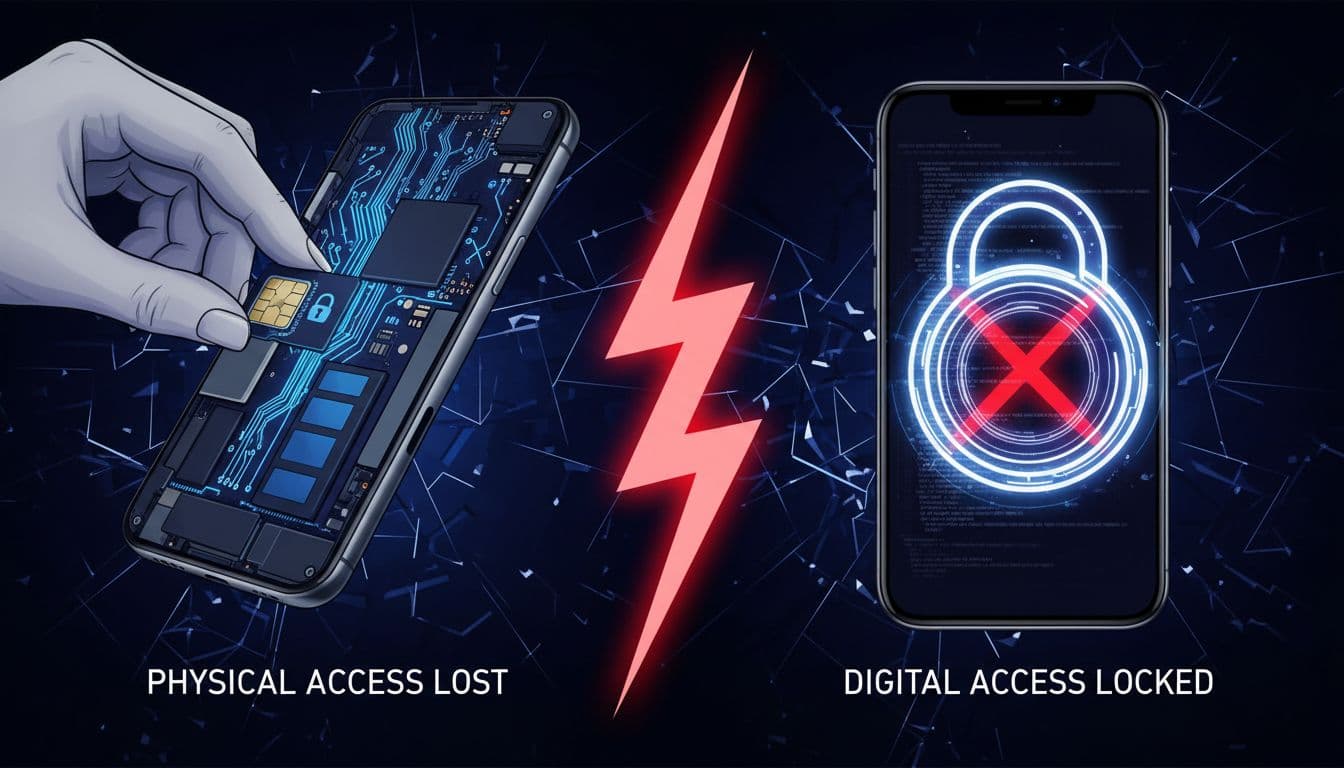
An eSIM significantly reduces the physical attack surface because it cannot be removed from the device without specialized tools and deep technical knowledge of the motherboard. With a traditional SIM, a thief who steals your phone can simply use a paperclip to pop out the tray. Once they have that tiny piece of plastic, they can insert it into any unlocked “burner” phone and instantly hijack your cellular identity. They don’t even need to bypass your lock screen to start receiving your calls or, more importantly, your SMS two-factor authentication (2FA) codes.
This “SIM popping” technique is a favorite for criminals because it gives them immediate access to your digital life while your stolen phone sits uselessly locked on a table. By contrast, an eSIM stays put. Because the chip is soldered directly onto the logic board, there is no physical gateway for a thief to exploit. To them, the phone number and the hardware are one and the same.
The security benefits of an unremovable SIM are especially clear in several common theft scenarios:
- Bypassing the Lock Screen: On many older or poorly configured devices, a thief can use a stolen physical SIM to trigger “Forgot Password” prompts for connected accounts via SMS, all without ever unlocking the original phone.
- Enhanced Tracking Persistence: If your phone is stolen, a thief’s first move is usually to remove the SIM card to kill the data connection and stop “Find My” services from tracking the device. With an eSIM, they cannot easily disconnect the phone from the network, giving you a much better chance of tracking its location.
- Hardware Integration: The eSIM is housed within a Secure Element (eUICC) that meets EAL4+ certification standards. This means the digital “vault” holding your subscriber information is physically isolated from the rest of the phone’s operating system, preventing local software from tampering with your network identity.
Ultimately, the eSIM acts as a permanent digital anchor. While it doesn’t make your phone theft-proof, it ensures that your mobile identity doesn’t just walk away the moment someone gets their hands on your device. You keep control of your number, and the thief is left with a piece of hardware that is much harder to “scrub” and reuse without your authorization.
How to Prevent eSIM Security Problems Before They Start
You can effectively block most eSIM threats by securing the digital accounts that manage your mobile profile. Since an eSIM is embedded into your phone’s hardware, it’s virtually impossible for a thief to physically steal. Instead, modern attackers target the software and account layers that pull the strings. By locking down your primary gatekeeper accounts and changing how you verify your identity, you create a defensive perimeter that makes traditional SIM swapping and unauthorized transfers nearly impossible for hackers to execute.
Securing the Email Linked to Your eSIM Account
Your primary email address serves as the master key to your entire digital existence, including your mobile carrier account. Most people don’t realize that if a hacker gains control of your inbox, they essentially own your phone number. Through your email, an attacker can initiate a password reset on your wireless carrier’s portal, gain access to your account management tools, and request a remote eSIM transfer to their own device.
To prevent this, treat your email account like a high-security vault. If a hacker intercepts a “Transfer eSIM” confirmation sent to your inbox, they can authorize the move without you ever seeing the notification. This is why securing the specific email linked to your mobile plan is the absolute first step in preventing a hijack.
- Set a unique, complex password: Never reuse your carrier password for your email login.
- Monitor login activity: Check your email provider’s security logs for any unrecognized devices or IP addresses accessing your account from foreign locations.
- Enable login alerts: Ensure you receive a push notification or secondary ping anytime a new login attempt is made on your primary mail account.
Using App-Based 2FA Instead of SMS Codes
Relying on SMS-based two-factor authentication (2FA) is a massive security hole that hackers love to exploit. If your phone number is compromised, the attacker instantly receives every single 2FA text message sent to you, allowing them to breeze past the security checks for your bank, social media, and travel accounts. To truly protect yourself, you need to transition away from text message codes and move toward app-based authentication.
Tools like Google Authenticator or Authy generate time-sensitive codes locally on your physical device. Unlike a text message, these codes are not transmitted over the cellular network. This means that even if a hacker successfully relocates your eSIM profile to their device, they won’t have the “secret seeds” stored inside your authentication app. Your accounts remain locked behind your physical hardware, not just your phone number.
- Download a reputable authenticator: Install Google Authenticator, Authy, or Microsoft Authenticator before you travel.
- Update your account settings: Log into your bank, email, and carrier accounts to disable SMS verification and enable “App-based 2FA” or “Security Key” options.
- Save your backup codes: When setting up app-based 2FA, you’ll be given emergency recovery codes. Print these out or store them in a secure, offline location so you don’t get locked out if you lose your phone.
Using these app-based methods ensures that you stay in control of your digital identity, which is especially important when relying on the security features of embedded SIMs during international trips. By decoupling your security from your phone number, you make the potential “prize” for an eSIM hacker significantly less valuable.
Safe eSIM Practices Specifically for International Travelers
Effective cybersecurity while traveling relies on a proactive defense strategy that targets the digital handover between your carrier and your device. While the internal hardware of an eSIM is exceptionally secure, the moments when you are most vulnerable are during the initial profile setup and while managing active lines across multiple borders. By adopting high-security habits, you ensure that your cellular identity remains locked to your physical hardware and inaccessible to remote interceptors.
Why You Should Avoid Activation on Public Wi-Fi
You should never download or activate a new eSIM profile while connected to unencrypted public Wi-Fi networks in airports, hotels, or cafes. When your device reaches out to the carrier server to pull down your digital profile, it creates a brief window where a sophisticated attacker could attempt packet sniffing. This technique involves capturing the small bits of data traveling through the air to look for vulnerabilities or metadata about your device identity.
Public networks are often unmonitored and easily spoofed by malicious actors who set up “Evil Twin” hotspots with familiar names like “Airport_Free_Wifi.” If you must activate your travel plan while on the go, a VPN is a non-negotiable requirement. A VPN creates an encrypted tunnel that wraps your data in a secondary layer of protection, making it unreadable to anyone else on the same Wi-Fi network.
To ensure your activation remains private, follow these specific connectivity steps:
- Use a Trusted Connection: Wait until you have a secure cellular signal from your primary SIM or a known, password-protected private network.
- Enable a VPN: If public Wi-Fi is your only choice, turn on a reputable VPN service before scanning any QR codes or hitting the “install” button.
- Verify the Source: Ensure the activation prompt comes directly from your phone’s system settings and matches the provider you purchased from.
Labeling and Managing Multiple Profiles Safely
Managing multiple eSIM profiles requires careful attention to detail to prevent unintended data leaks or connections to insecure local infrastructure. One of the most effective ways to protect your primary identity is to keep your home SIM “Data Roaming” toggle in the off position the moment you leave your home country. This prevents your primary line from searching for and connecting to unfamiliar towers, some of which could be “Stingrays” or fake cell towers designed to intercept mobile traffic.
Properly labeling your profiles helps you maintain a clear mental map of which line is handling your data. Most modern smartphones allow you to rename your plans to something clear like “Travel-Europe” or “Work-Home.” By isolating your primary number from the travel data stream, you ensure that even if a local roaming partner has a security lapse, your main account remains dormant and protected.
Consider this management structure for your first-time solo traveler tips Japan or any international journey:
- Primary SIM (Home): Set this to “Primary” but disable all data roaming to prevent unauthorized pings or location tracking by foreign networks.
- Travel eSIM (Local): Set this as the “Cellular Data” source. This keeps your web browsing and app usage confined to the temporary, lower-risk travel plan.
- Line Switching: Only enable your home line briefly to check for essential 2FA texts, then immediately switch it back to “Off” or “Standby” to minimize its exposure to local masts.
By treating each eSIM profile as a distinct digital silo, you prevent a compromise on a local travel network from spilling over into your primary mobile account.
Warning Signs and Steps to Take If Compromised
If your phone suddenly drops to “No Service” in an area where you usually have full bars, or if you start receiving strange password reset emails for accounts you didn’t touch, your eSIM might be under attack. These red flags often signal that a hacker has successfully initiated an unauthorized transfer or account takeover. Ignoring these signs for even an hour can give an attacker enough time to drain a bank account or lock you out of your primary email forever.
Acting fast is the only way to minimize the damage. The goal is to cut off the attacker’s access and reclaim your digital identity before they can leverage your phone number to bypass more security layers.
Immediate Actions to Secure Your Phone and Accounts
Call your mobile carrier from a different device immediately to report a fraudulent SIM swap. This is the single most important step. You need to tell them your number has been hijacked so they can freeze the account and stop any further outgoing calls or messages. By 2026, many carriers have a “Zero Trust” policy, but you must be the one to trigger the lockdown by verifying your identity through a voice print or pre-set security questions.
Once the carrier is working on restoring your service, move through these priorities to protect your wider digital life:
- Update your primary email password: Use a completely new, complex password that shares no similarities with your old one. If the hacker has your email access, they can intercept any “undo” links sent by your carrier.
- Review your bank and financial statements: Look for small “test” charges or unauthorized transfers. Hackers often check if they can move small amounts of money before going for the full balance.
- Check for “Port-out” notifications: If you see an email stating your number is being moved to a different provider, hit the “Stop This Request” button immediately. Carriers now often use a 24-hour cooling-off period for these requests, giving you a small window to intervene.
- Log out of all sessions: In your Google, Apple, or Microsoft account settings, select the option to “Log out of all other devices.” This kicks the hacker off their current session, forcing them to try and log back in with your new credentials.
By treating the situation as a race against time, you significantly increase your chances of stopping the breach before it becomes a total identity theft disaster. Constant vigilance is the best tool you have, but these rapid responses are your shield when things go wrong.
When eSIM Might Be a Poor Security Choice
Even though an eSIM is a massive upgrade over those flimsy plastic cards, it isn’t a magical shield that makes you invisible to hackers. In fact, there are specific situations where the digital nature of an eSIM actually creates a new kind of risk that a physical card wouldn’t have. Using an eSIM is a choice between physical security and digital accessibility, and if you aren’t careful about your account hygiene, you might find yourself more vulnerable than before. It’s all about understanding that while a thief can’t pull the chip out of your phone, a clever hacker might be able to trick the system into moving your number halfway across the world.
Weak Carrier Porting Protection
The biggest security flaw with an eSIM doesn’t live on your phone; it lives in your carrier’s customer service database. Since an eSIM is managed through software, the process of moving your number to a new device is entirely digital. If your mobile provider has lazy security protocols, a hacker can call them up, pretend to be you, and convince them to “push” your eSIM profile to a new phone.
In my book, this is the most terrifying part of the digital shift. With a physical SIM, the hacker needs to physically grab your phone to steal your number. With an eSIM, they just need to know your mother’s maiden name or the last four digits of your social security number. If your carrier doesn’t require a hardware-bound security key or a dedicated porting PIN, your number is basically sitting behind a screen door during a storm.
The Dangers of Malicious QR Codes
We’ve all become so used to scanning QR codes for menus and parking that we’ve stopped thinking about what’s actually inside those little black squares. This leads to a rising threat called “Quishing,” or QR phishing. A hacker can easily print a sticker with a malicious QR code and slap it over a legitimate advertisement for a travel eSIM at an airport or train station.
When you scan that fake code, you aren’t just visiting a website; you might be authorizing the installation of a “management profile” that gives a third party control over your data routing. This is a huge deal because it happens at the system level.
- Data Interception: The malicious profile can act as a bridge, sending your banking logins and private messages straight to a hacker’s server.
- Identity Spoofing: Scanning a rogue code can sometimes trigger an “automated” eSIM transfer that you didn’t actually ask for.
- Hidden Malware: Some codes lead to sites that exploit browser vulnerabilities to install background trackers that stay active even after you delete the eSIM.

Recovery Issues During a Total Device Failure
One situation where a physical SIM actually wins is when your phone completely dies or the screen shatters. If you have a physical card, you just pop it out and put it into a backup device. You’re back online in thirty seconds. With an eSIM, if the phone won’t turn on, your “card” is trapped inside a dead piece of glass.
To get your number back, you have to find another internet connection, log into your carrier account, and go through the re-authentication process. If your bank requires an SMS code to log in, but your phone is dead, you’re stuck in a “security loop” where you can’t verify who you are because you don’t have the device that receives the codes. This can be a nightmare if you’re finding affordable data plans for Canada and suddenly lose access to your primary line in a foreign country. To me, this is a clear case where the digital convenience of an eSIM turns into a major liability during an emergency.
Conclusion
The hardware powering your eSIM is exceptionally secure, but the digital systems and human behaviors surrounding it remain the primary targets for hackers. While the embedded chip is virtually impossible to clone or physically steal, you must stay alert to account hijacking, malicious QR codes, and social engineering.
Securing your mobile identity requires a proactive approach rather than just relying on encryption. You can significantly reduce your risk by purchasing plans from reputable providers, locking your accounts with hardware-bound or app-based authentication, and avoiding network setups on unverified public Wi-Fi.
For a worry-free experience, always choose the best eSIM for international travel from verified sources. By staying informed and practicing good digital hygiene, you ensure your connection remains a tool for convenience rather than a gateway for intrusion.
Gohub Address: 4th Floor, 70 Luong Huu Khanh, Pham Ngu Lao Ward, District 1, Ho Chi Minh City, Vietnam Phone: +84 866 440 022